
We all have experienced that moment when you are sitting at 2:00 AM staring at that power button and wondering whether you should simply walk away or just click on that power button to “shut down.” Although modern operating systems, such as Windows and macOS, are meant to be used for a long time, long-term research in technological laboratories reveals that heat and electrical wear could have an insidious effect on the longevity of hardware. The ability to balance convenience and maintenance may help you to avoid an early retirement of your device.
Wear on Mechanical Drives
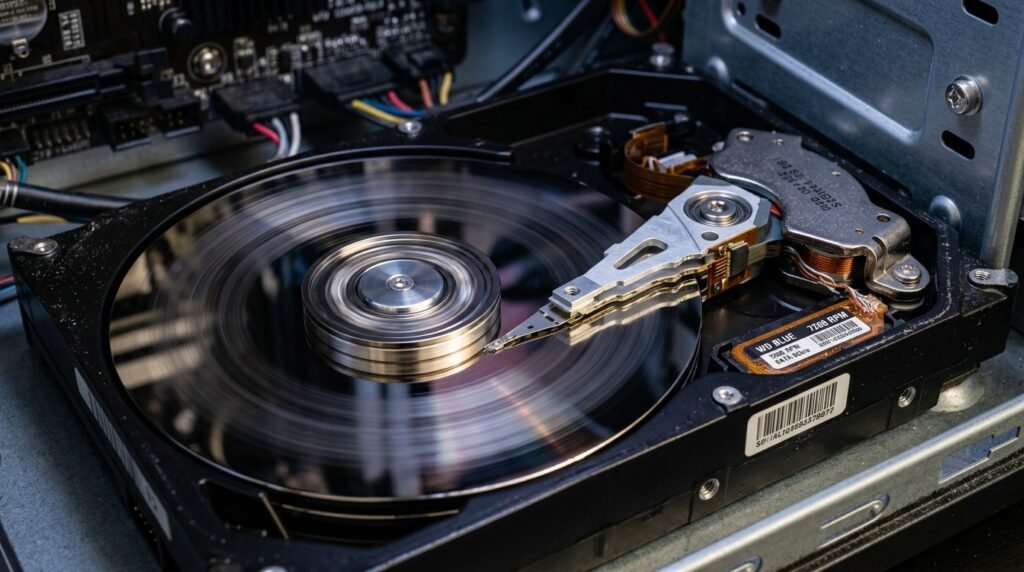
With an older hard disk drive installed in your computer, the continuous spinning could ultimately wear out the physical bearings. It is proposed that by maintaining these moving components in operation, there is a possibility that this factor may actually reduce the overall lifespan of these moving parts.
Dust Accumulation in Fans
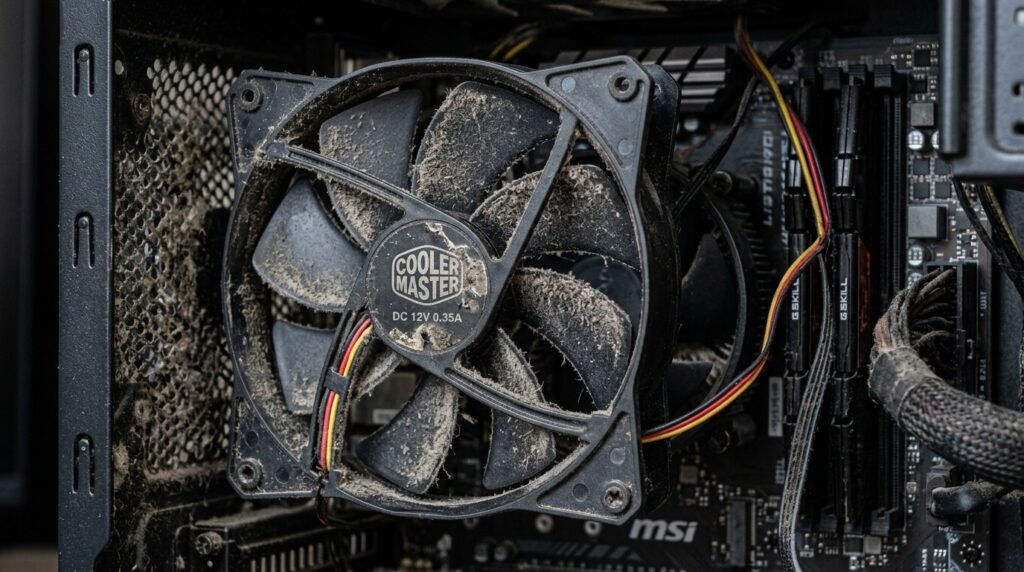
Cooling fans that serve as miniature vacuums draw in the surrounding air and particles. In the long run, leaving the power on could result in a lot of dust accumulating, which in turn may cause your system to run a lot hotter than usual.
Electricity Costs Add Up
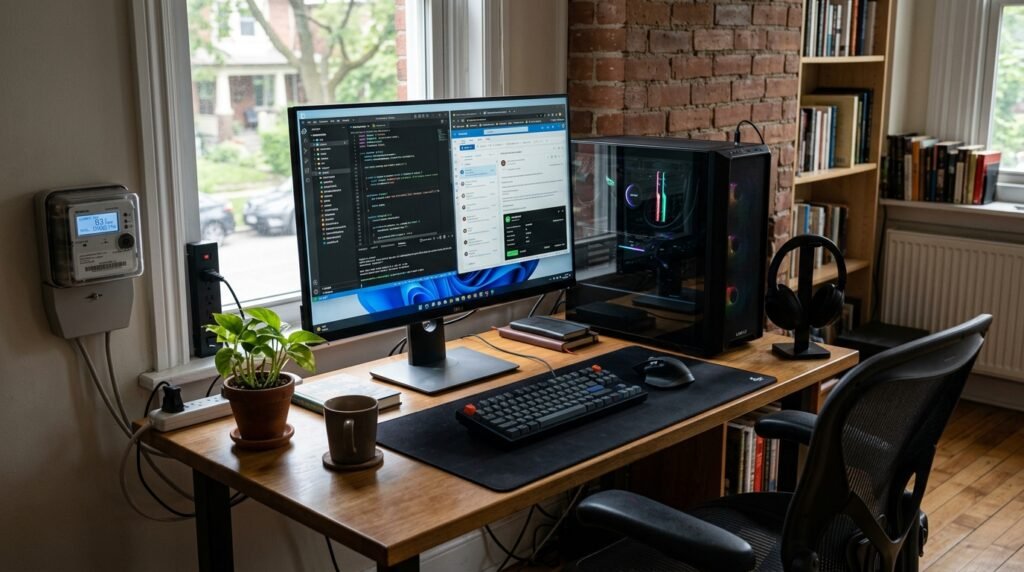
Computers consume a low level of power called “phantom load” even when in sleep mode. With the current utility rates in the USA, having a desktop running 24/7 could significantly raise your utility bill.
Potential for Power Surges
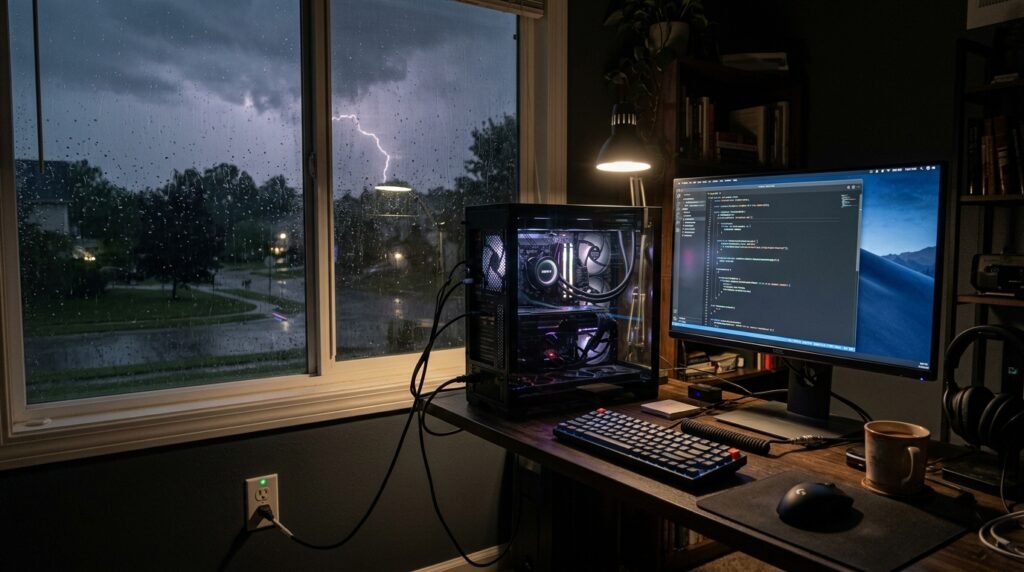
During storms or maintenance, electrical grids may experience unexpected spikes. A computer that is constantly connected and turned on may be more vulnerable to circuit damage in the event of an unexpected surge.
Memory Leaks Slow Performance
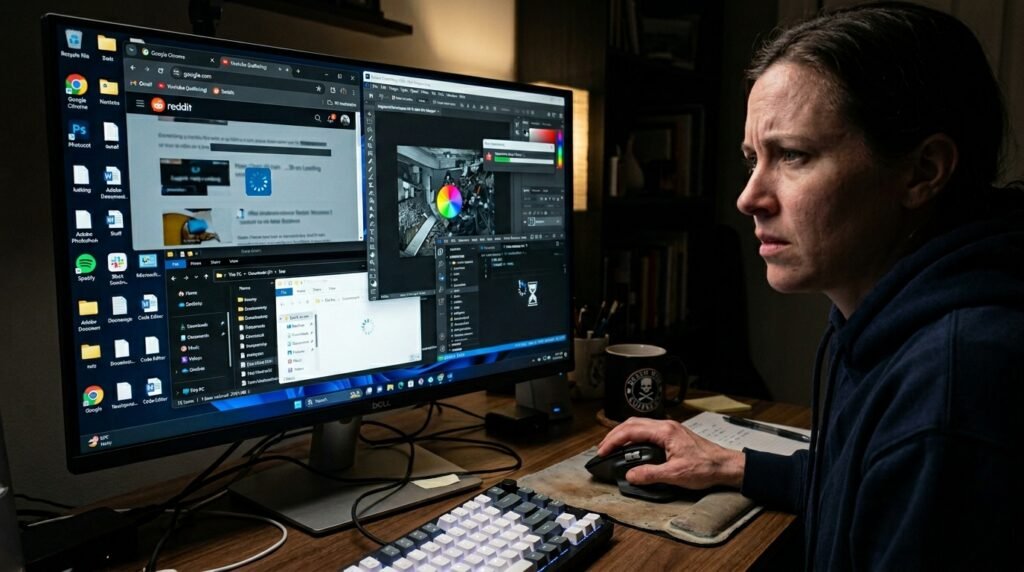
Some applications are not able to free RAM well over time. This ubiquitous software phenomenon could someday lead to the feeling that your system has become slow or unresponsive, which can only be resolved by a simple restart.
Component Heat Fatigue
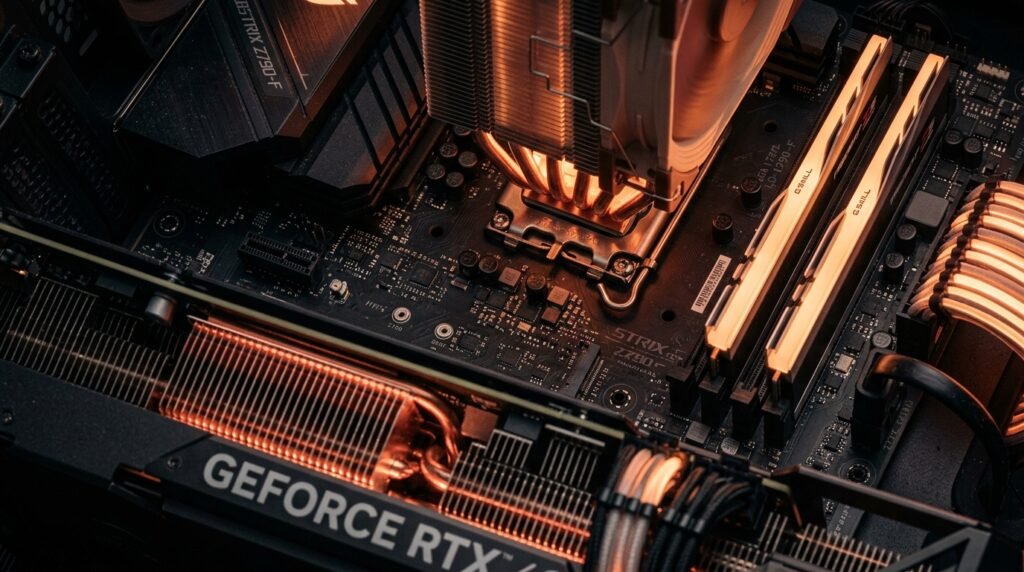
Internal components swell a little when hot and shrink when cold. The continuous heating of being turned on may result in slight thermal stress, but some engineers opine that it is not as damaging as frequent power cycles.
Vulnerability to Remote Hacks
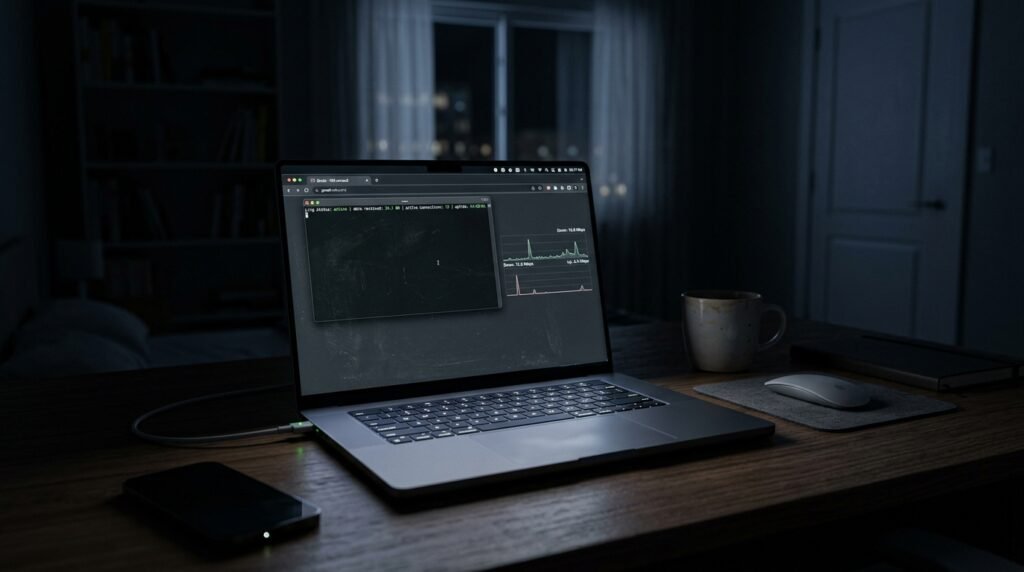
A computer that runs continuously on the Internet and is active may be a more desirable target for background exploits. Leaving your computer off when you are not using it may even help to minimize your exposure to potential attacks by malicious automated scanning scripts.
Capacitor Aging and Failure
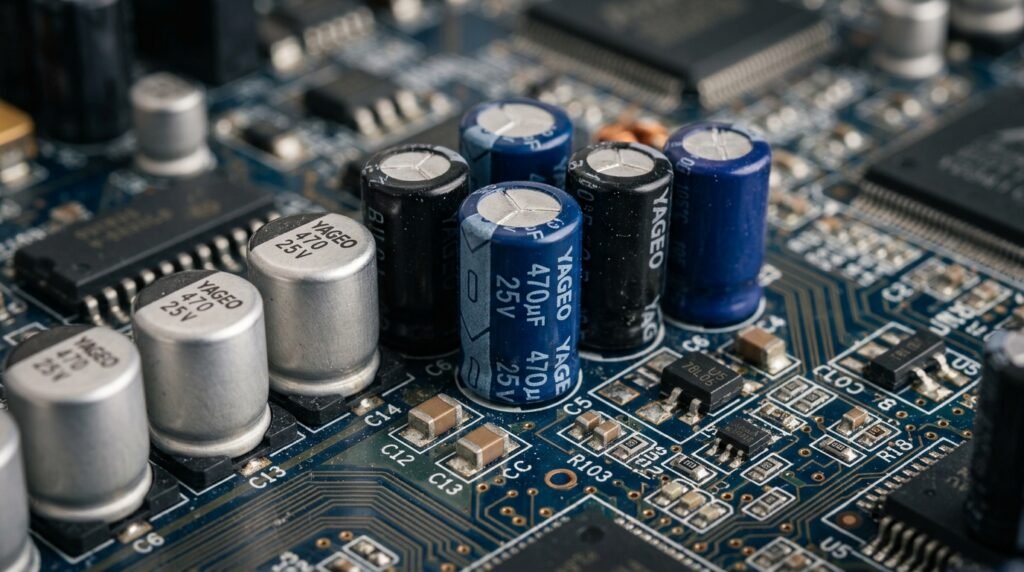
Motherboards include small capacitors to control electrical current, which have a specified lifespan in hours. Keeping the system running all the time may gradually wear these components out, which could cause the hardware to fail several years later.
Operating System Instability
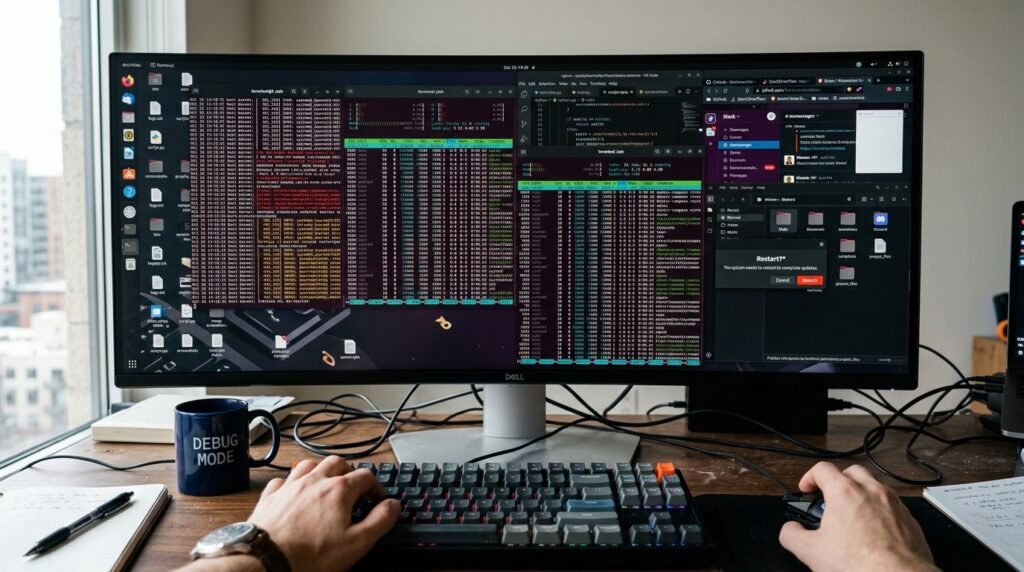
System logs and temporary cache files may become very large in size without necessarily rebooting the computer. Clarifying them by a normal closure may possibly avert minor software failures, which are apt to build up over the weeks of uptime.
Battery Health in Laptops
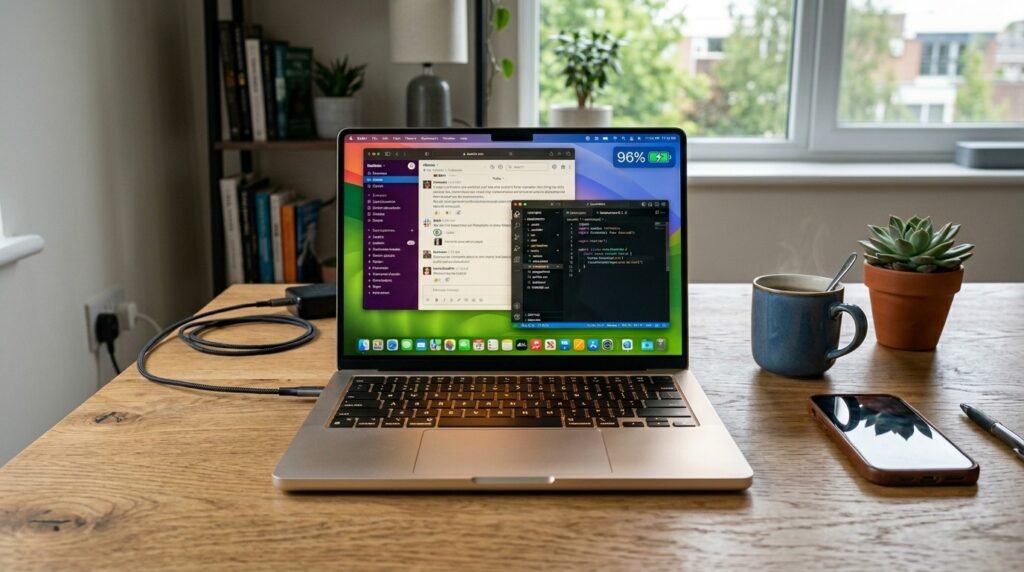
The continuous use of a laptop when it is plugged in and running can create heat in the area around the battery cell. Apparently, lithium-ion research indicates that too much heat during the charging cycles may potentially cause the battery to decrease its overall capacity over time.
