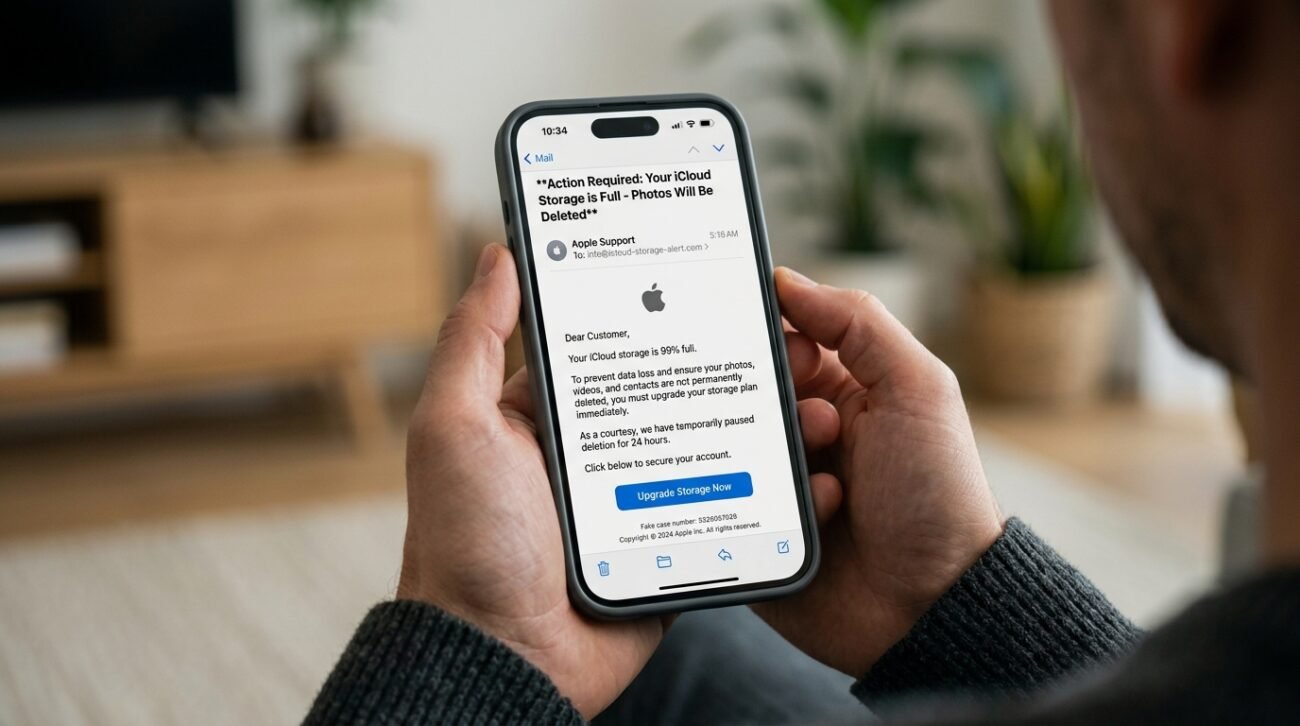
We can all relate to it; when scrolling through all our precious memories on our iPhones, we get that nagging feeling about the memory space. However, recently, there has been a rather intricate new phishing campaign targeting users with frightening emails purporting that their photos will soon be erased. Such scams, which apply high-pressure tactics and realistic branding, are used to mislead even the most tech-savvy persons, according to a 2026 report by The Guardian.
Understanding the Urgency Tactic
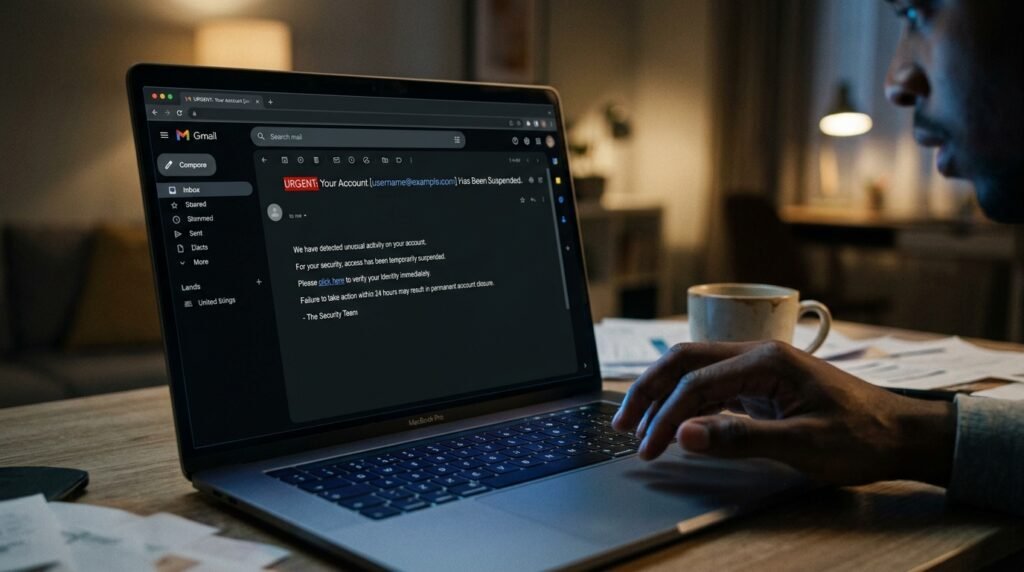
Fraudsters usually send a message to you that your account has been blocked or frozen. Studies at the Federal Trade Commission indicate that developing a sense of urgency is one of the main ways hackers fail to engage in critical thinking.
Avoiding Malicious Storage Links
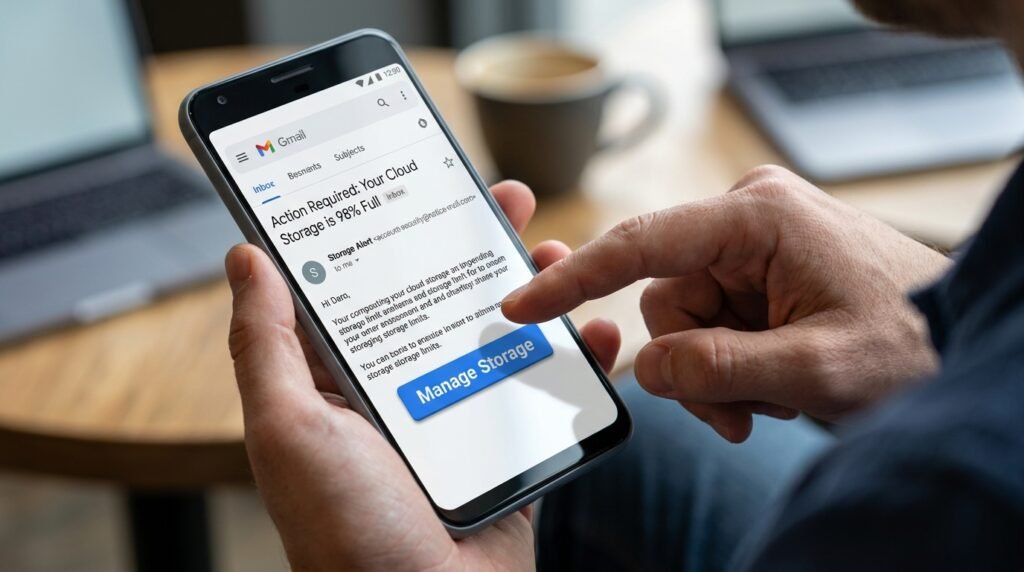
The emails normally incorporate a big Manage Storage button that appears genuine. By clicking this, you may be led to a phishing site, which is developed to collect your Apple ID credentials and personal financial data.
Verifying Through Device Settings
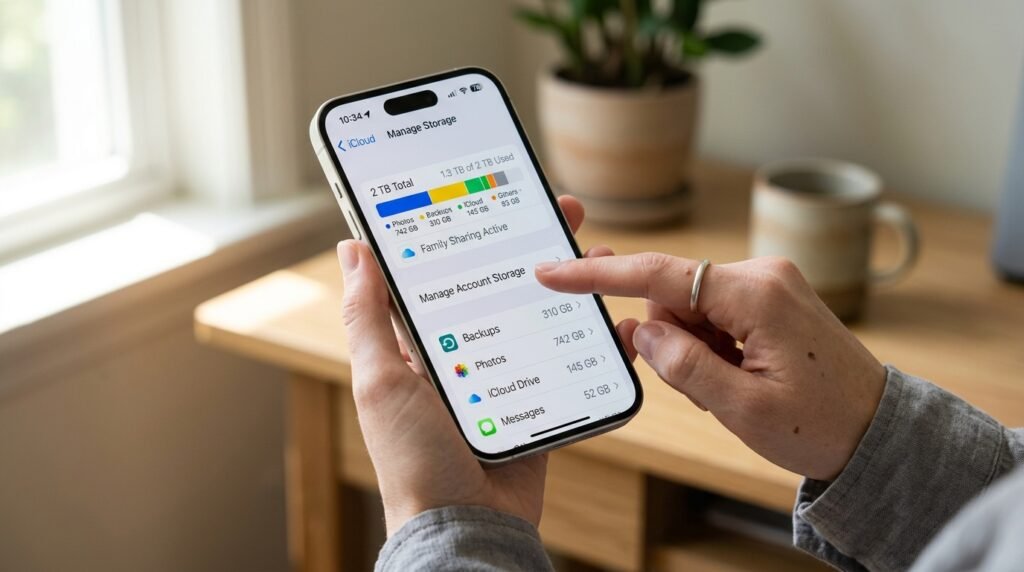
When you are concerned about your storage, you always have to check the Settings app on your iPhone. This would be the sole means of viewing your actual position without the danger of being exposed to the external and malicious links.
Protecting Your Payment Details
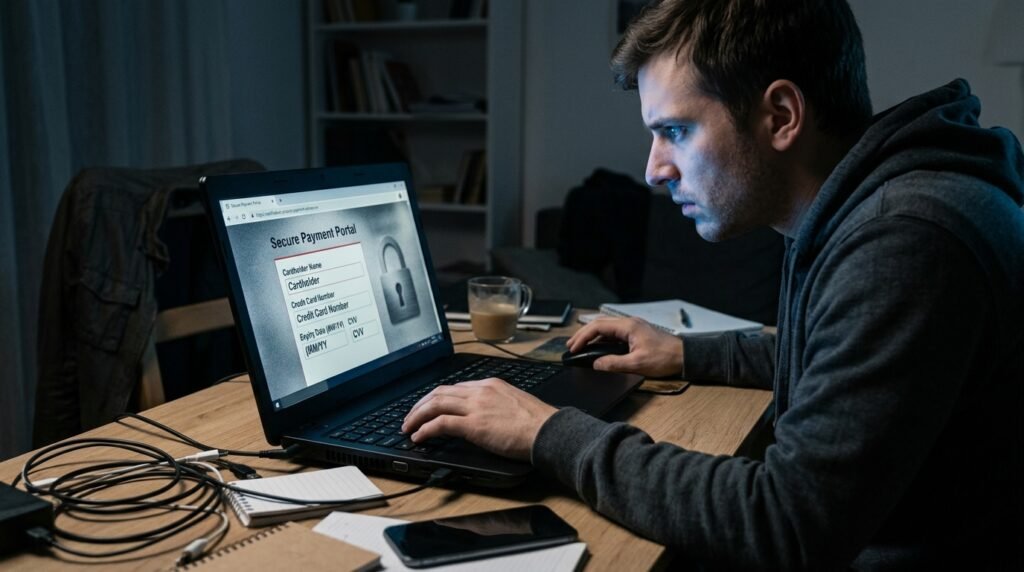
The aim of most of these scams is to steal your credit card details. They may state that your payment has not been received, and you will have to update your card on one of their unreliable websites that collect data.
Using Two-Factor Authentication
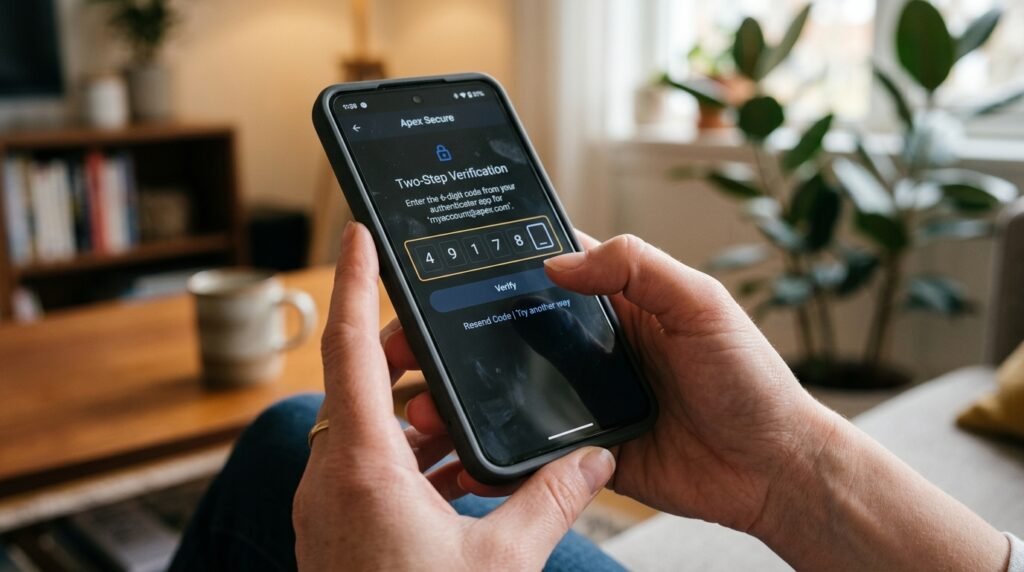
In research released by CISA, it is suggested that multi-factor authentication has the potential to prevent the overwhelming majority of unauthorized login attempts. A hacker may still be locked out even if a hacker obtains your password.
Being Wary of “Final Warnings”
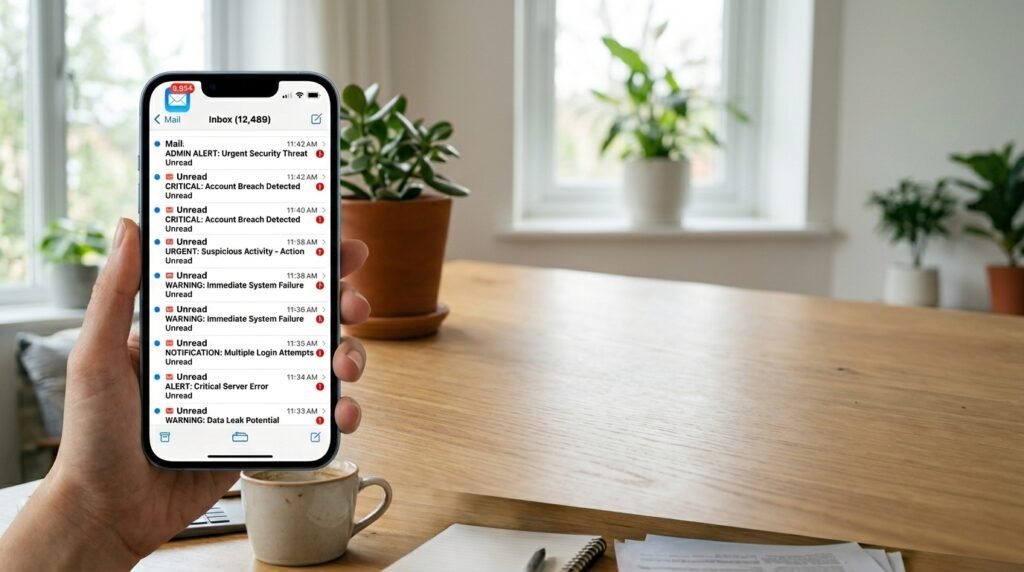
Hackers typically send numerous emails to “turn the screw.” These are constant messages that are meant to make you feel exhausted emotionally till you finally click as a way of ensuring that the messages cease to bother you.
Identifying Generic Greetings

The name of your account is frequently used as the name in official emails. When a message is addressed to you as a customer, valued user, etc., this may be an indicator of a bulk phishing attack.
Keeping Software Updated
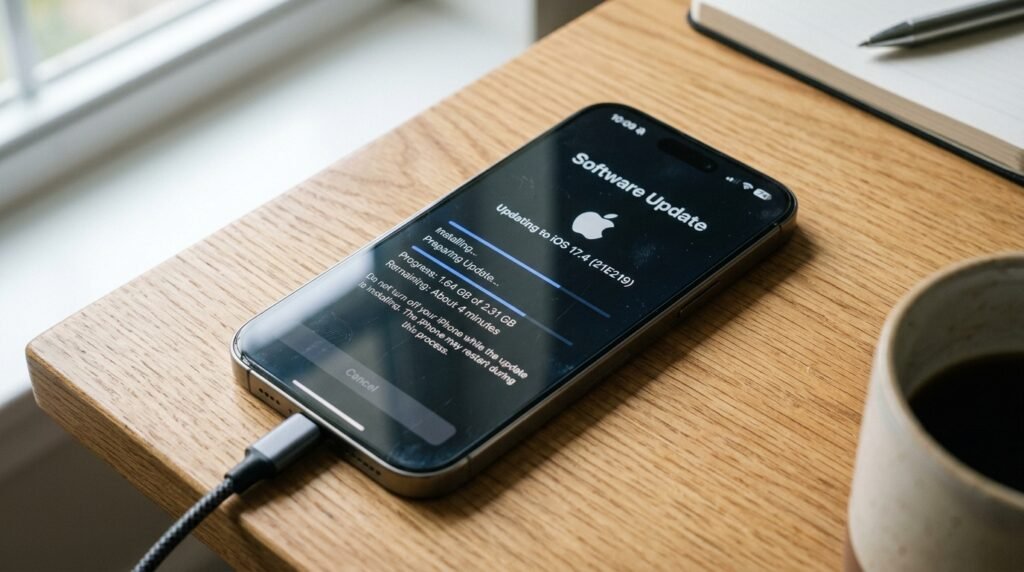
Keeping the updated version of iOS will guarantee that you have the latest security patches. Such updates may also involve the creation of better anti-phishing filters in the Mail app that may automatically identify these nasty scams.
Consulting Official Support
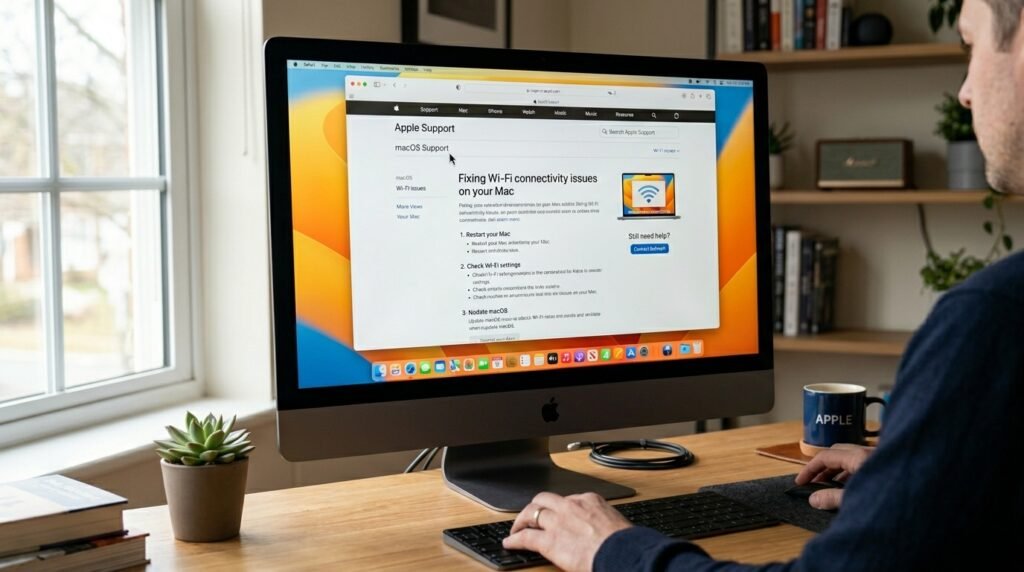
In the unlikely event that you do not know whether you are being alerted, you can contact Apple Support via their site. Do not make calls to numbers that have been given to you in suspicious emails, as these may result in an operation of a fraudulent call center.
