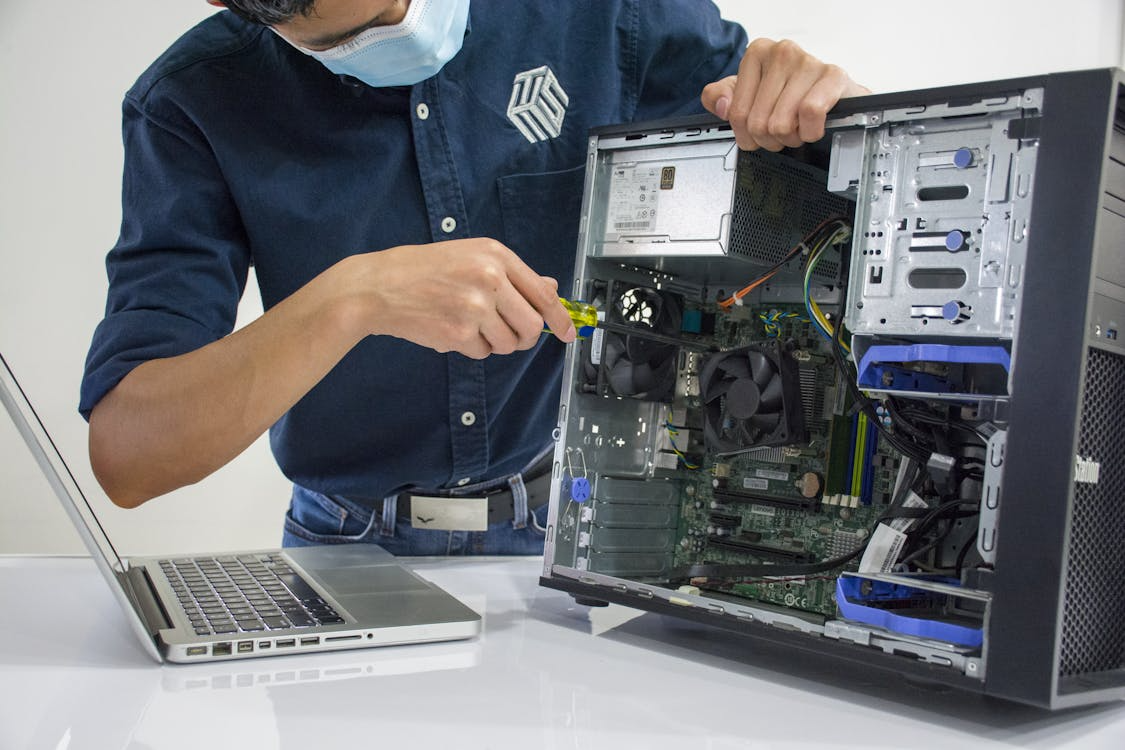
Even the most expensive computer systems are prone to eventual deterioration due to something as basic as everyday routines. Although a crash is frustrating, the internal elements of a computer are often worn out over time by environmental conditions and power variations, as emphasized by hardware engineers in organizations such as the IEEE. Learning the art of thermal dynamics and electrical friction will allow you to extend the life of your machine and have a digital life that is as smooth and reliable as possible over time.
Ignoring Dust Buildup
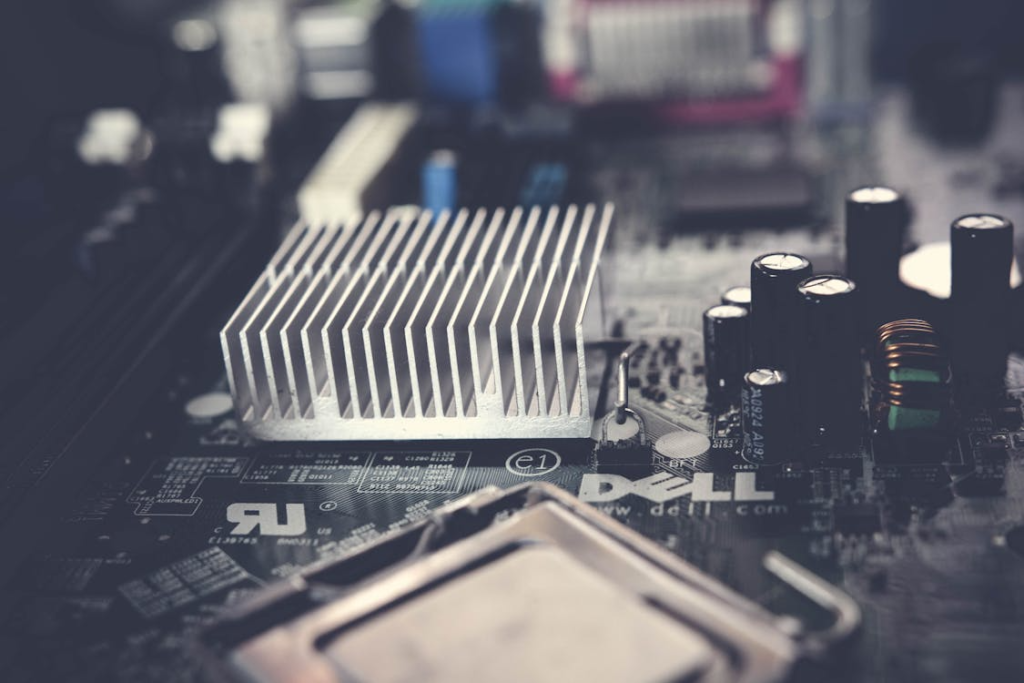
Small particles become an insulating blanket on your motherboard. Studies on thermal management indicate that a limited supply of air could result in an increase in the workload of fans, which can lead to premature bearing failure or overheating.
Blocking Air Intake
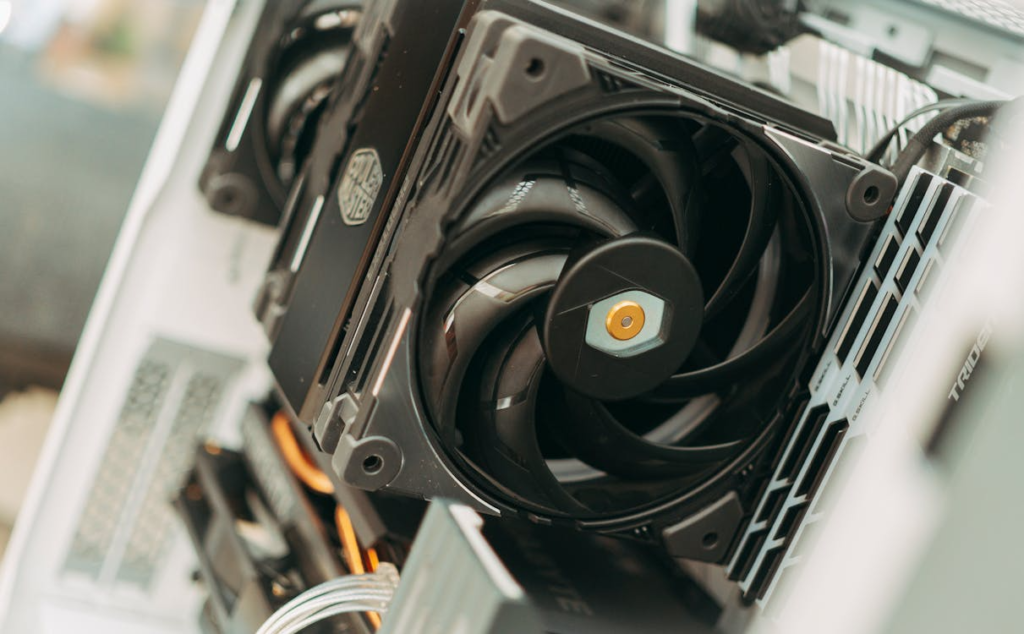
When your tower is laid on a thick carpet, it can be choke-filled. Research in heat dissipation suggests that it is important to maintain vents unblocked because the heat could ultimately cause distortion of delicate internal circuits.
Skipping Power Strips
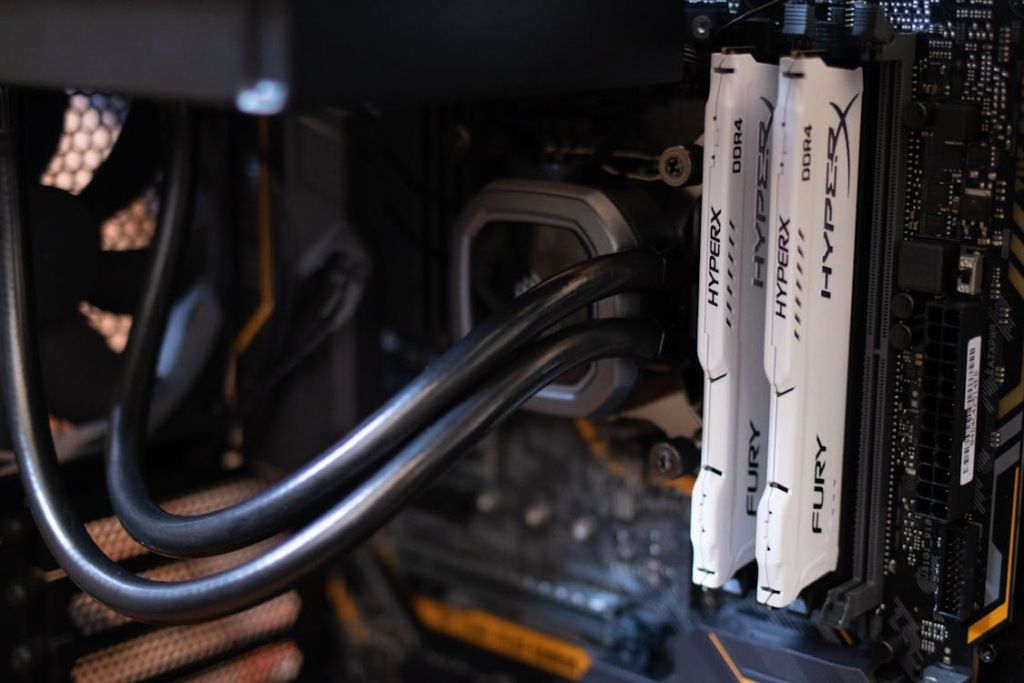
It may be dangerous to have your PC plugged into a wall during storms. The statistics of electrical engineering indicate that even the slightest surges of electric power may cause harm to the fragile transistors in your costly processor.
Moving Active Laptops
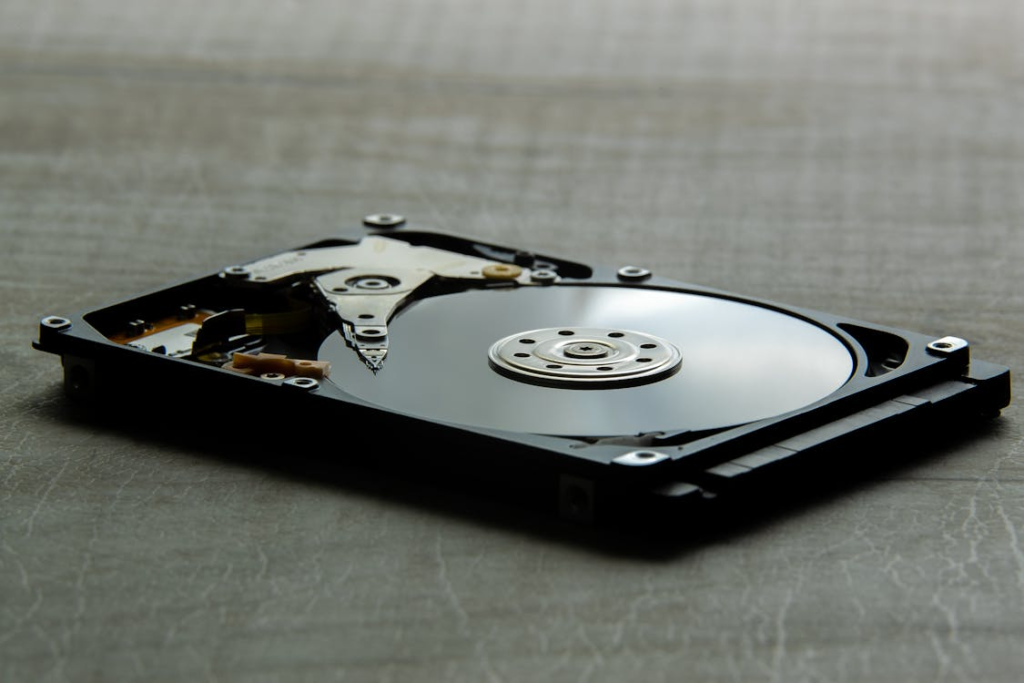
Spinning plates of hard drives are very sensitive to abrupt motions. Reports by engineers working in the storage market point out that a sudden shock when operating may result in a crash of the head and loss of data forever.
Using Harsh Cleaners
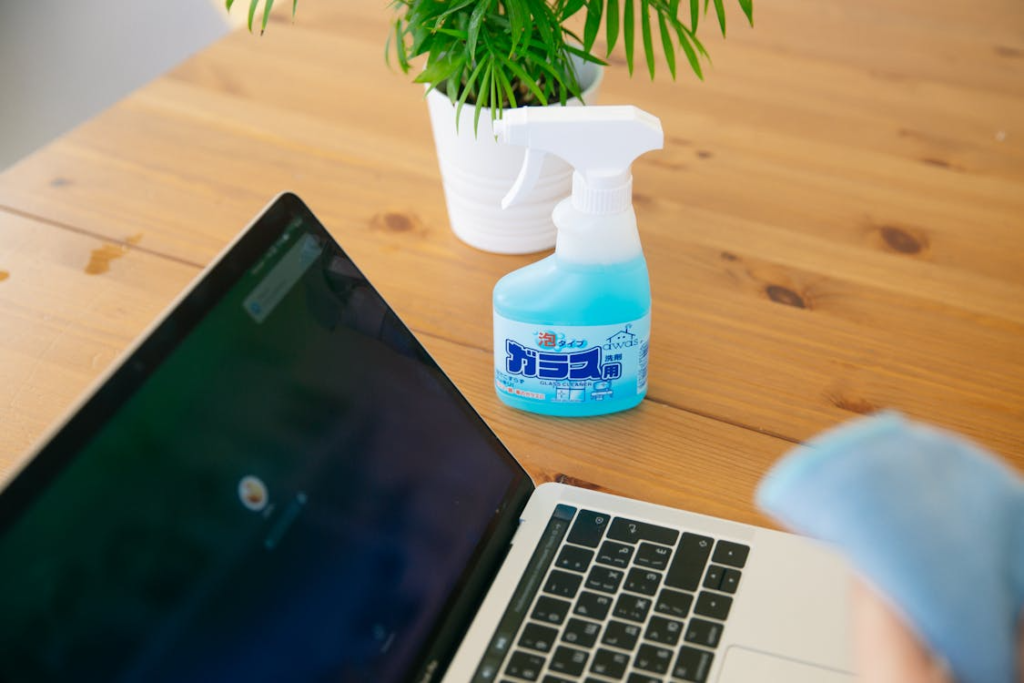
Applying window cleaner on a monitor can strip off protective coatings. The chemical compatibility experiments indicate that the ammonia products may forever obscure your display, and you may not be able to view your work with clarity.
Neglecting Software Updates

It sounds like a burden, but not applying patches exposes your hardware. According to cybersecurity data, inefficient software may make your CPU operate on high cycles when it does not need to, exposing it to heat stress in the long term.
Smoking Near Electronics

The sticky residue of cigarette smoke traps the heat and dust inside your case. According to technical maintenance records, this accumulation could be even more corrosive than normal household dust, and this could cause damage to delicate copper traces.
Closing Laptops Roughly
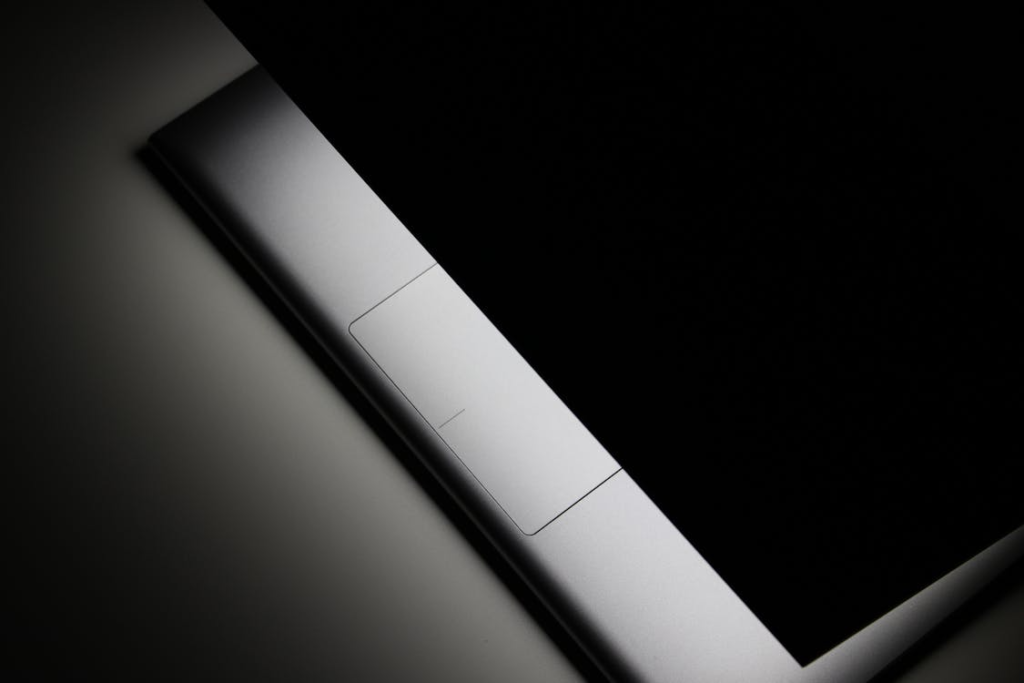
Banging the lid may exert a lot of pressure on the hinges and even the screen itself. Mechanical stress tests show that repeated impact could ultimately cause hairline cracks in the display or weaker internal connectors.
Using Generic Chargers
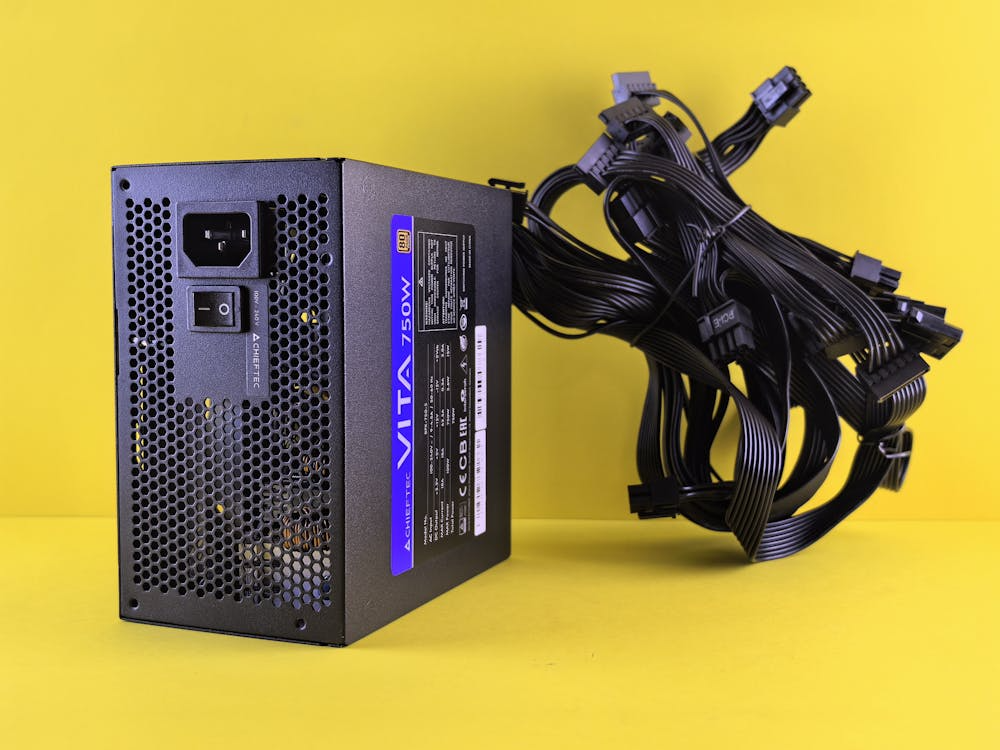
Power cables, which are off-brand, might not be properly regulated. According to electric safety research, an unstable power supply might even fry your motherboard or cause a sudden and potentially dangerous battery fire.
Ignoring Strange Noises
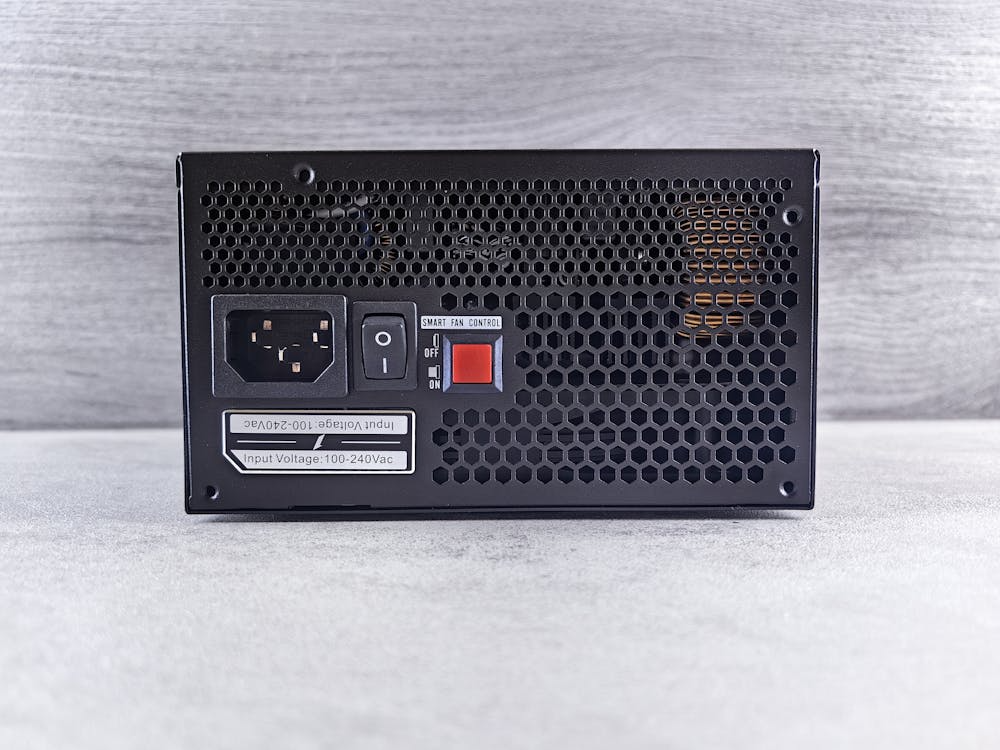
A clicking fan or buzzing power supply is a plea for help. According to maintenance experts, disregarding these auditory warnings can result in a complete breakdown of the entire system in case of eventual failure of the part in question.
Plugging in Random USBs

Malicious hardware targeting firmware can be found on thumb drives. According to studies on USB gadgets, there is rogue hardware that is capable of transmitting a high-voltage charge that can actually blow up your entire motherboard.
Skipping Regular Reboots
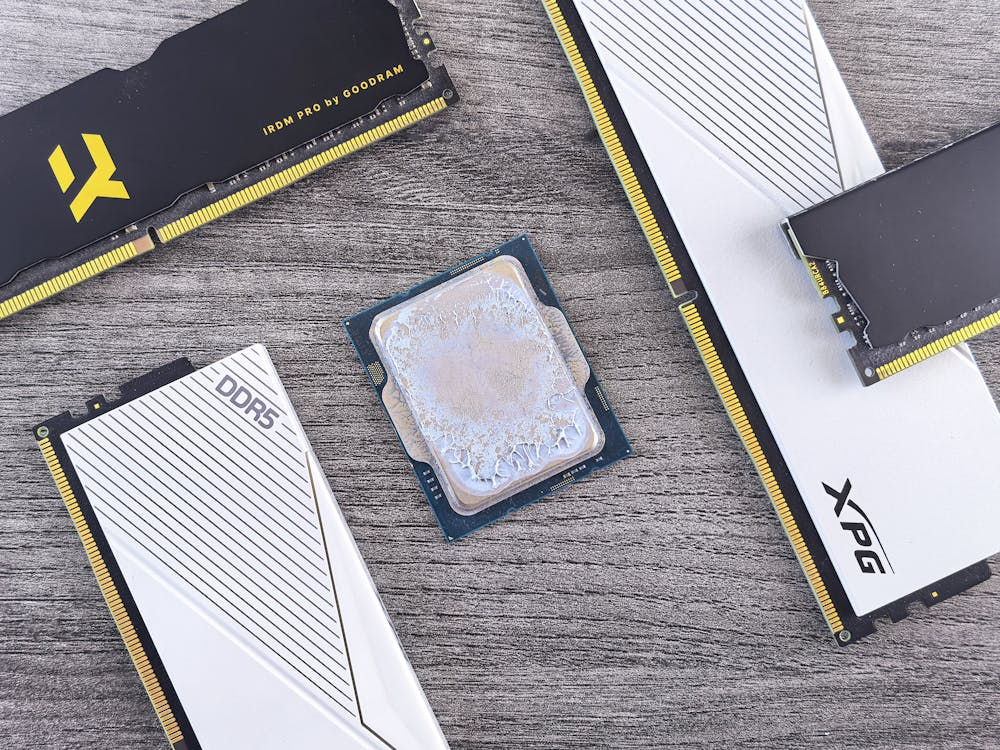
Leaving a PC on for over a few weeks may cause memory leaks and background clutter. Systems research also shows that a fresh start wipes the cache, which may eliminate the hang-ups of the software that can strain the hardware.
