
Screen life sticks most people today, simply because routines revolve around gadgets. Working, studying, or mindlessly tapping through feeds – screen minutes stack without notice. Too much focus often leaves eyes sore, leading to what some name computer vision syndrome. Doctors view it as several overlapping troubles from prolonged staring – nothing straightforward. Signs slip in slowly after endless stretches facing brightness and tiny glowing dots.Heavy screen time pulls harder on your eyes than flipping through printed sheets. Light bouncing off glass messes with what you see, worse when lamps are too dim or placed poorly. High intensity near your face drains energy, sometimes without warning at first. Eyes forget to moisten themselves regularly, building discomfort over hours. Over time, fatigue changes focus, clarity, reaction speed – the quiet way effort builds during routine jobs.
Common Symptoms to Watch For

Heavy eyes could bring a sandy sensation, tiredness, or difficulty focusing properly. Sometimes fuzzy vision comes with a heavy head. Long screen hours often lead to tense shoulders, a rigid neck. When eyeballs grow weary, keeping things sharp turns tricky. Sore lids? People report that just as much.
Why It Happens
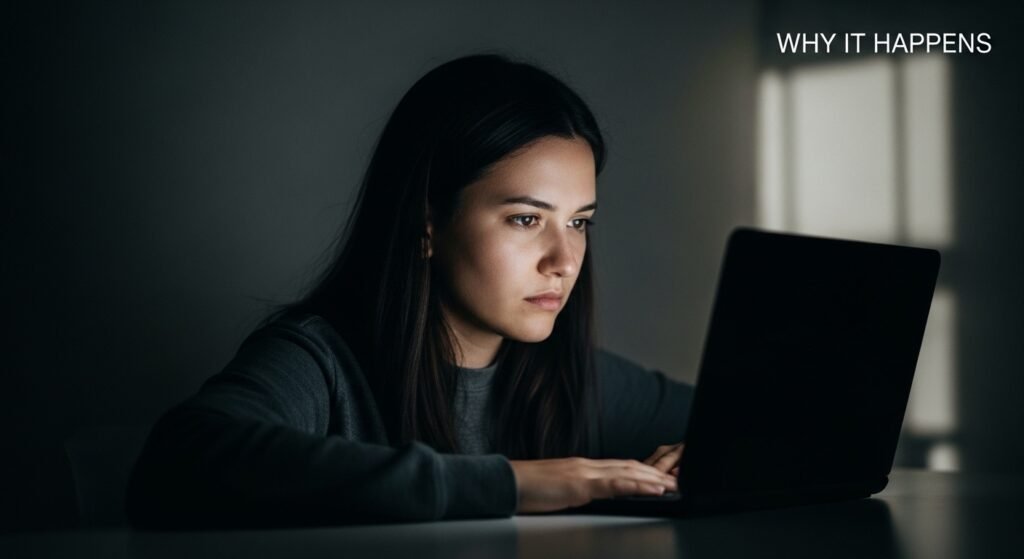
Staring at screens means fewer blinks for most folks. Dryness creeps in because of that. Device light pushes stress on the eyes, more so if glare smudges what you see. When the visual setup gets rough, keeping focus wears you down unless there is a break.
Less blinking affects eye health
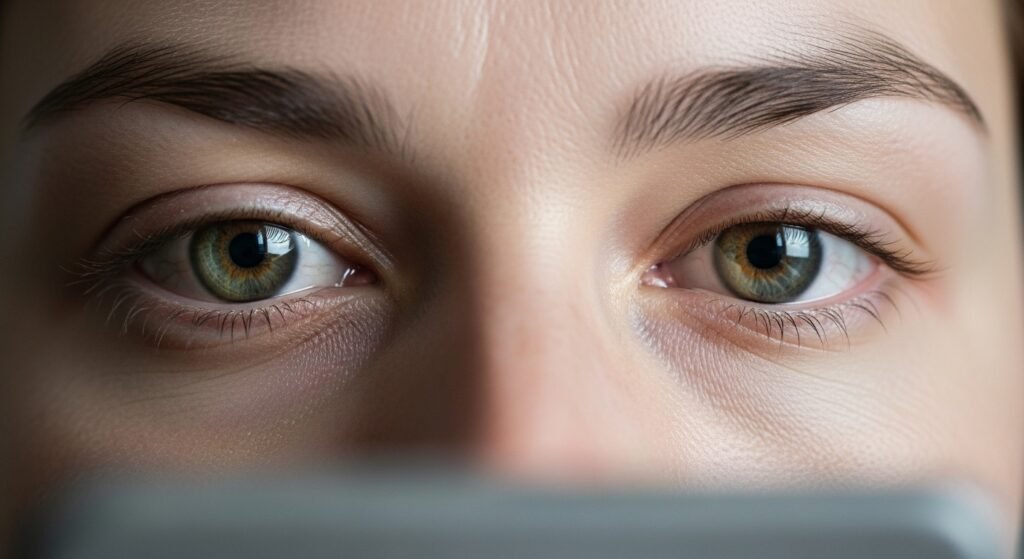
Moisture sticks around mostly thanks to blinking. When screens grab attention, those little eye taps happen less often. Without regular flicks across the surface, dampness slips away bit by bit. Dry spots start to itch only after a while.
Look at something twenty feet away every twenty minutes for twenty seconds

Every few minutes, choose a point twenty feet away. This brief break allows weary eyes to recover. Focus on far things for twenty seconds rather than nearby screens. Shifting your gaze just slightly eases tension with little trouble.
Move Your Screen to a Better Spot
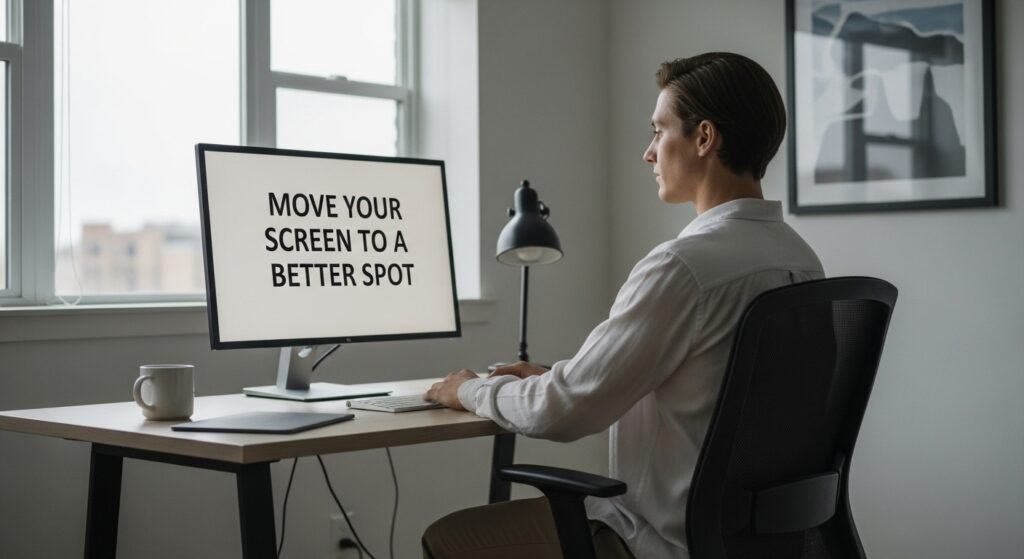
Eye level meets screen top when you lean back slightly. Distance stretches about as far as your arm extends fully. This spot lets muscles relax instead of strain through work hours. Gaze stays loose because nothing pulls upward or tightens across the brow.
Adjust brightness and darkness of objects
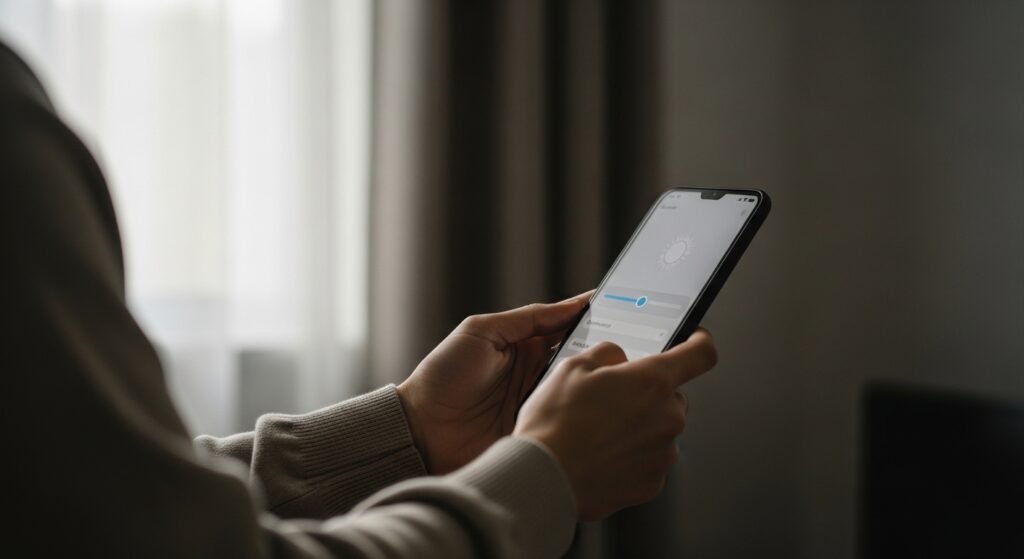
Dark rooms make bright screens harsh on the eyes. Yet too little glow under strong light forces strain just the same. Matching brightness to surroundings helps comfort. Light that bends to context, rather than fights it, softens the effort.
Glare fades when brightness improves
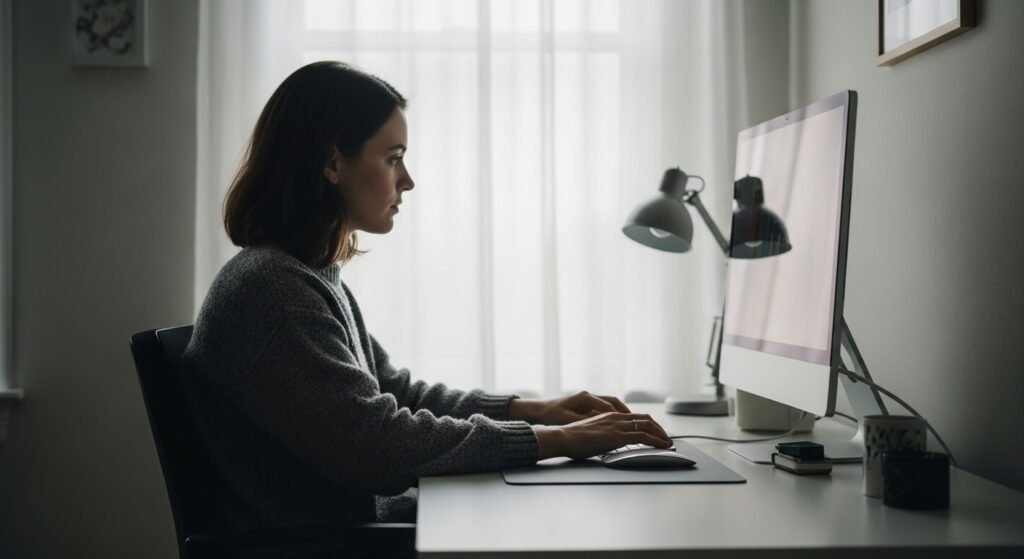
Light reflecting from screens can strain your eyes. Instead of pushing through, try adjusting the lighting around you – maybe it’s enough. Swap in a different display if needed. Turning down brightness in the space could soften what you see.
Use artificial tears when necessary

Little bottles help when eyes feel parched from staring at screens too long. Moisture fades under bright displays, yet splashes of fluid fix that sting for a bit.
Take Regular Screen Breaks

Now glancing away from the display gives your vision a moment to ease. Rather than holding on for long stretches, short breaks spread through the day do more.
Maintain Proper Posture
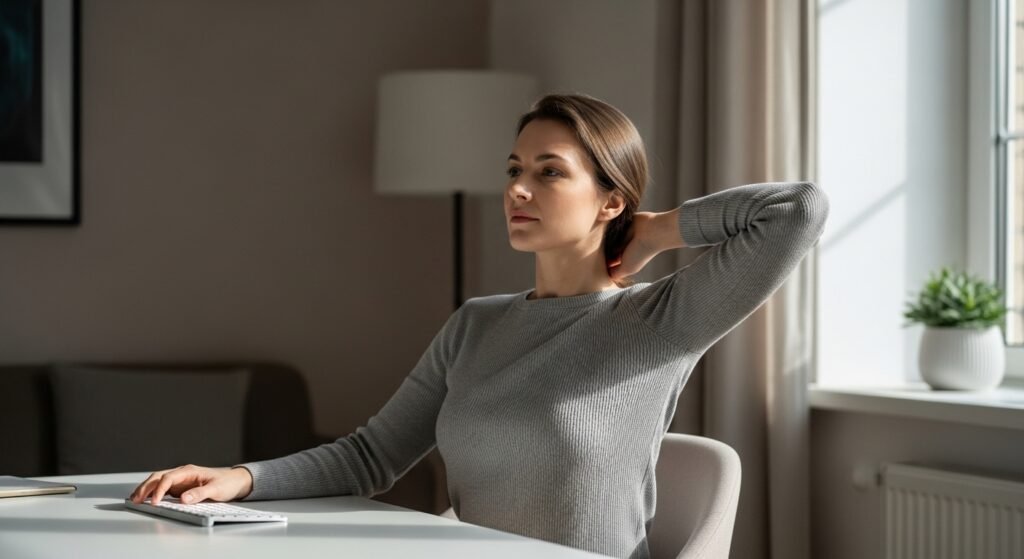
Poor posture drags tension into shoulders and neck, stacking discomfort each day. With the backbone straight – supported at main spots by the seat – the load slips away naturally.
