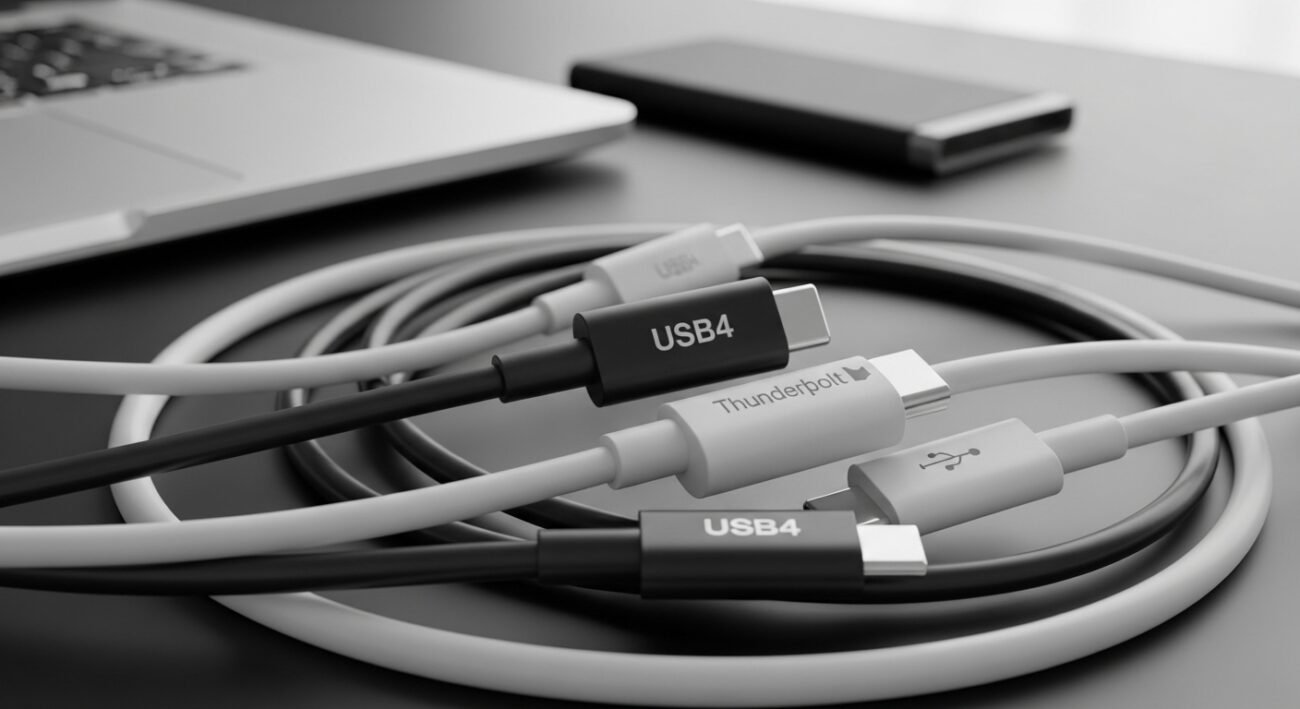
I have been purchasing any USB-C cable that was the cheapest and nearest to the checkout counter over the years. After all, USB-C is USB-C… right? Not exactly. After the revelation of what USB4 actually entails, and the extent to which USB-C cables can be entirely bizarre, I never again purchased random ones. The connector can be the same, however, performance, charging speed, and transferring data can differ radically. And this is the reason why one cable will hardly charge or even fail to connect with your monitor.
USB-C Is Just the Shape
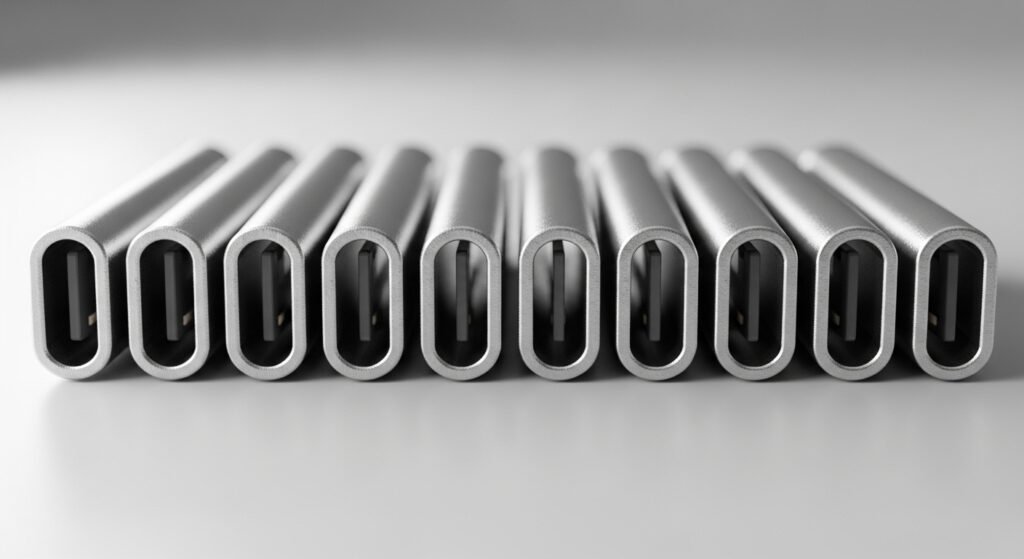
USB-C is a term that is limited to the physical connector. It has no assurance of speed, power delivery and display support. Two cables can be of the same appearance and work quite differently.
What USB4 Actually Means

USB4 is a particular technical standard, which enables significantly higher data rates – up to 40Gbps – and more powerful operation. More sophisticated features such as external display screens and high-speed storage drives can also be supported depending on setting.
The Speeds of Charging may be dramatically different
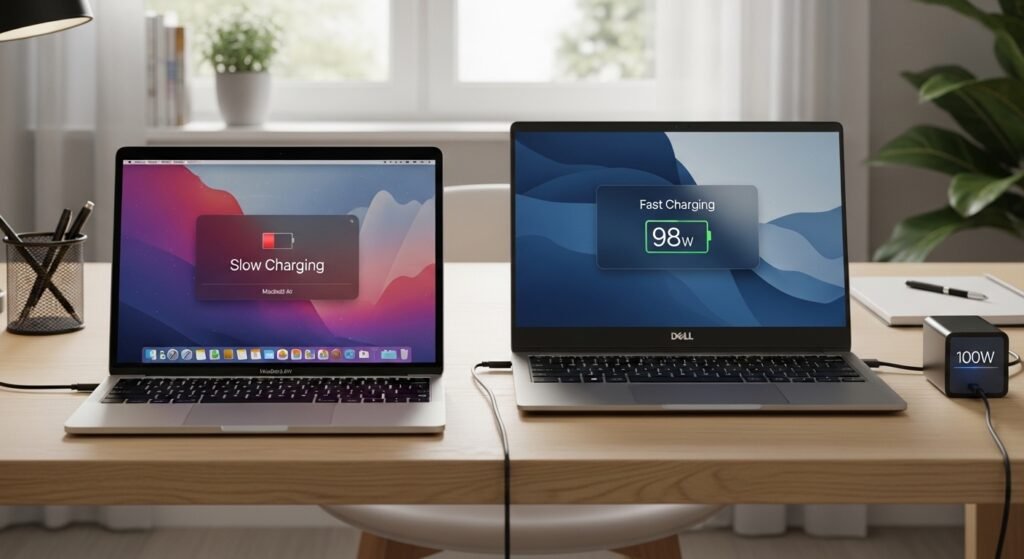
There are USB-C cables that can only charge slowly. There are also others that cope with high wattage power delivery (PD) which is necessary in powering up laptops and other bigger devices in a fast and safe manner.
Data Transfer is not Equal as well

An inexpensive cable may just be capable of 2.0 USB (480Mbps), whereas USB4 is capable of 40Gbps. Such difference is evident when moving mass files or external SSDs.
All Cables do not support Video Output

The cable you require to be able to connect to a monitor must have a DisplayPort Alt Mode connection or Thunderbolt connection. Video is not supported at all by many of the basic USB-C cables.
Quality of Cables affects Safety

Poor quality cables may overheat, wear out easily or they may even destroy devices when they fail to control power. Certified cables decrease this danger.
Thunderbolt and USB4 Are closely related
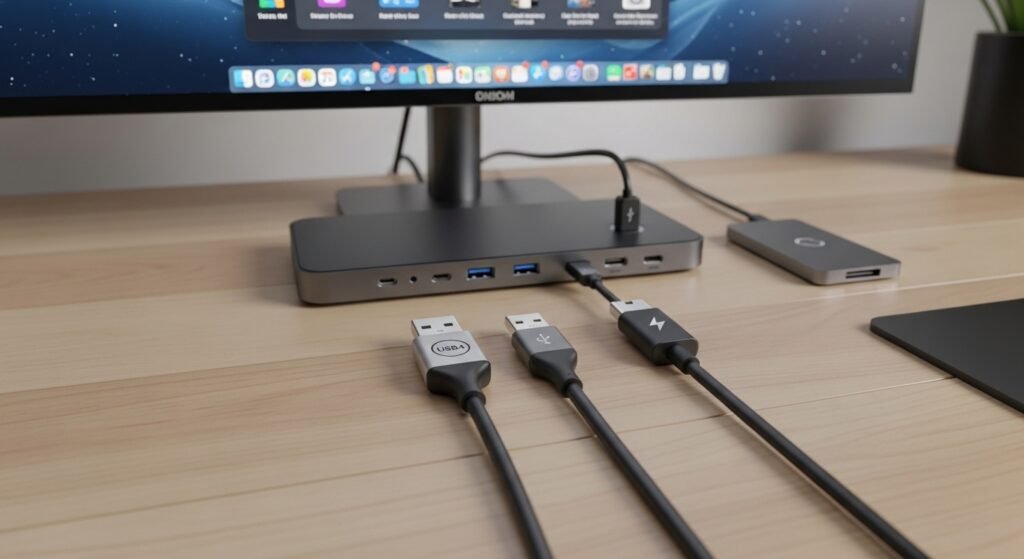
USB4 has a lot of Thunderbolt 3 protocol. This is why there is a group of USB4 cables that can potentially deliver high-speed data, video output, and power, and yet, not fail to do it, only when rated properly.
Why Labels are More Important than Price
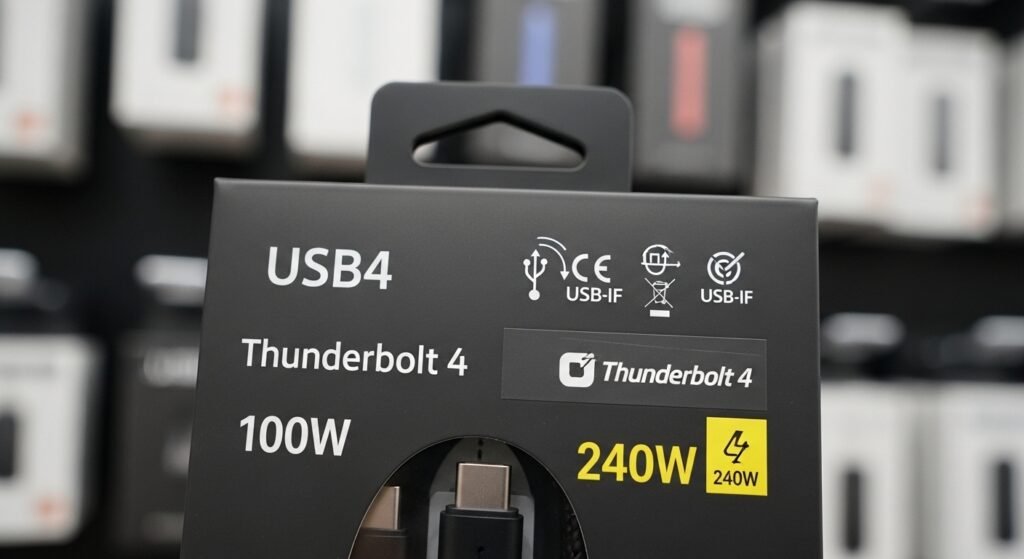
Rather than snatching the least expensive cable, make sure it is clearly labeled: USB4, Thunderbolt 3/4, power output (e.g. 100W or 240 W), certified logos. Brand hype is not so important as those details.
When You Actually Need USB4

USB4 is not likely to be necessary when you are simply charging a phone. However, when you are adding external drives, docking stations or high-resolution monitors then it does matter to spend money on the correct cable.
The Bottom Line
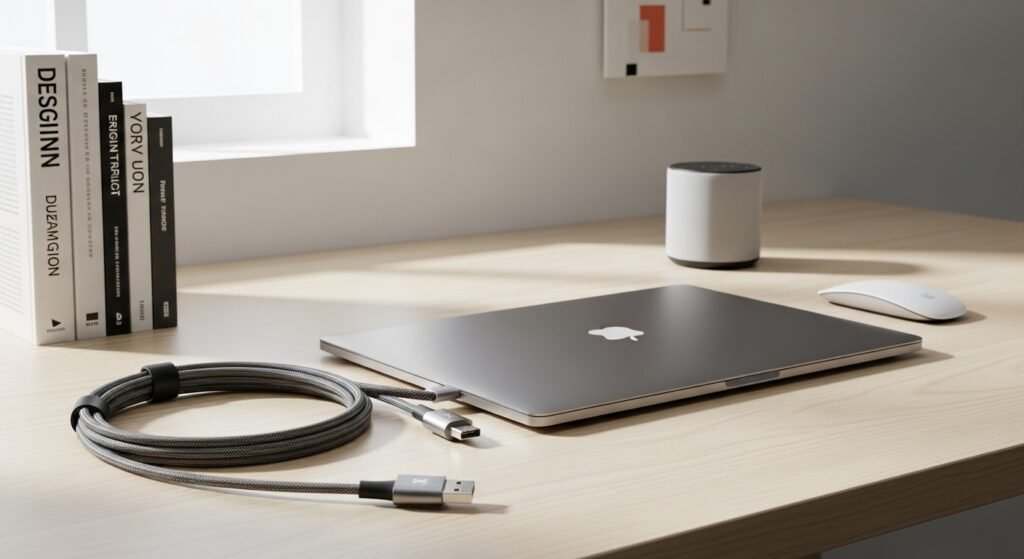
Having known the difference, I ceased to use USB-C cables interchangeably. USB4 is not merely selling a product, but one that characterizes actual functions. You would only need to pay a little more on the right cable and you are guaranteed to avoid experiencing slow speed, difficulties in connection and even damage to devices. Minimal technological improvement can result in the most significant difference in everyday life.
