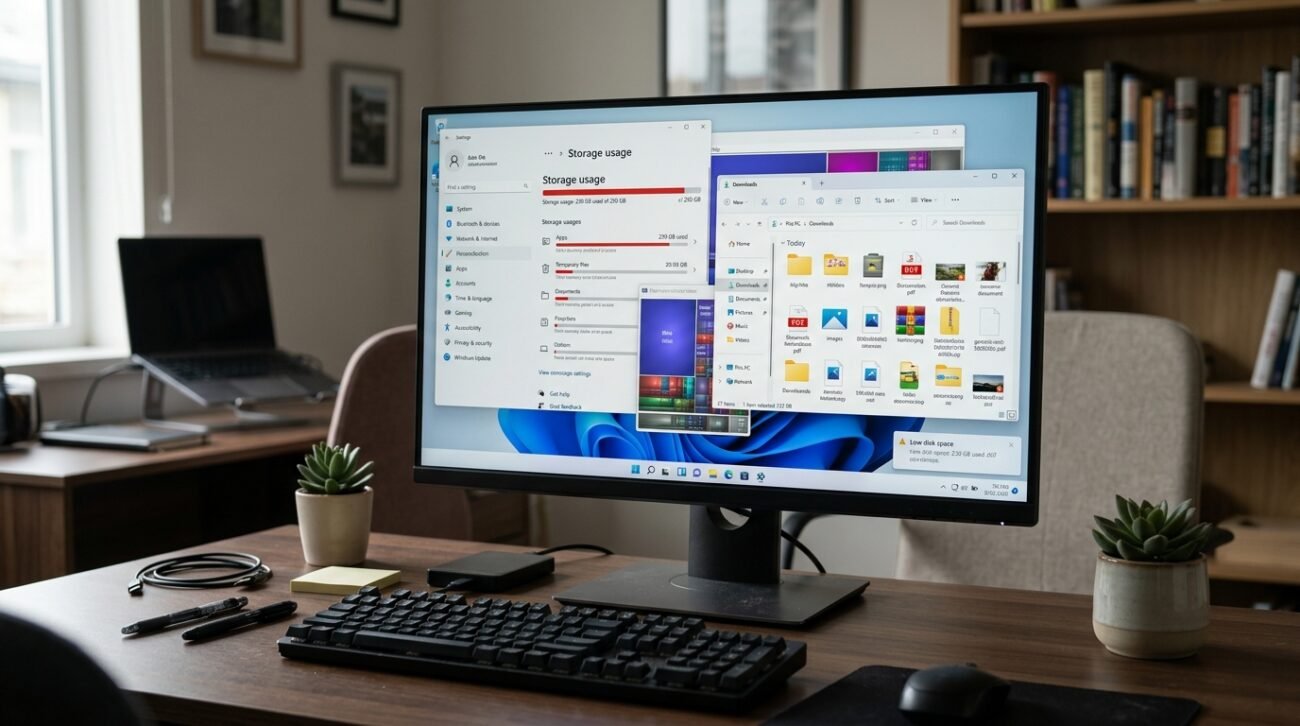
It’s great to have that new computer scent, but newer operating systems can become cluttered quickly. Microsoft offers Storage Sense, which helps manage how much space you have on the drive, but perhaps the default settings are too conservative for power users, according to PCMag. Optimization studies also reveal that passive file management is not always effective at clearing away the massive amount of cache that can accumulate. So, even if you’re doing everything you can to keep your system clean, you might still be stuck with digital dust.
The Illusion of Automatic Storage Sense

Most of the users believe that the built-in system takes care of everything on its own. But the default settings may only occur when your drive is already very full, and then much of the temporary data is left behind, which will not be needed for months.
Temporary Files That Constantly Stay Behind
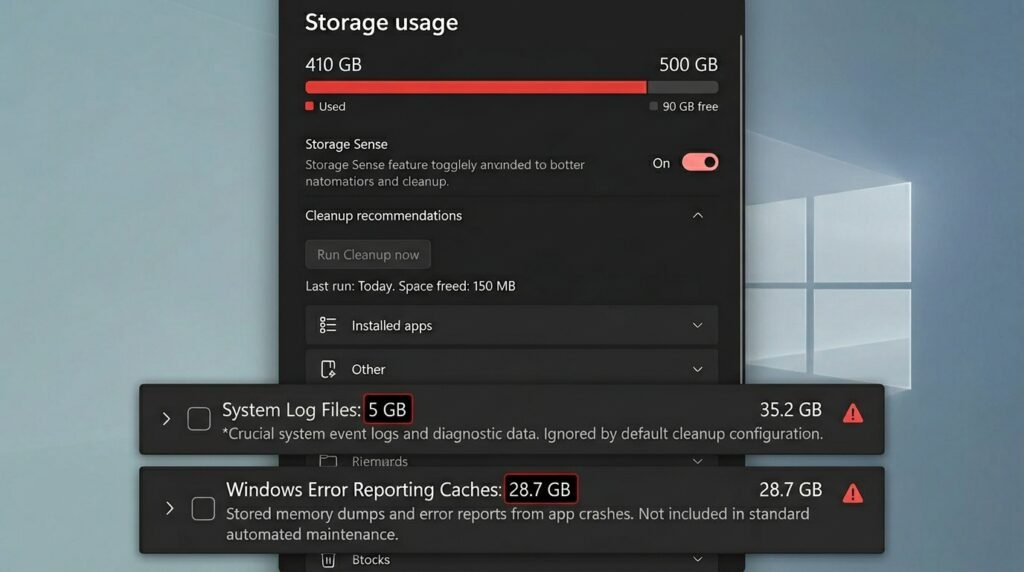
It is common that system log files and error reporting caches are not taken into account in the basic configuration. They can consume gigabytes of space over time and are not part of the normal scheduled cleaning cycle.
The Problem With the Downloads Folder
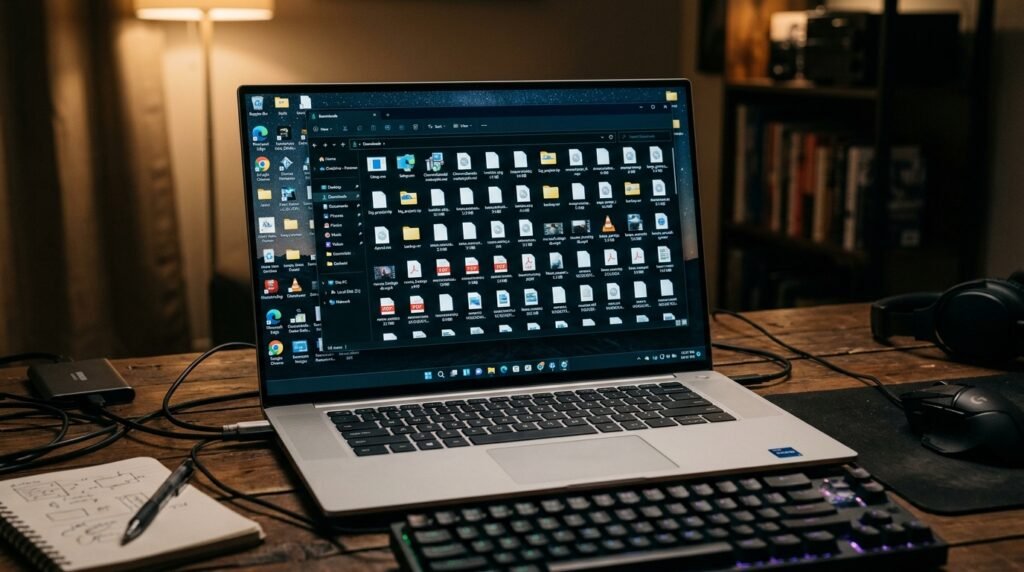
The default setting of the cleanup tool may be that it doesn’t ever clean your Downloads folder. This helps to prevent accidental loss but can result in a lot of space being used by installers downloaded from the network and by large attachments waiting to be used.
Cloud Files Stay Cached Too Long
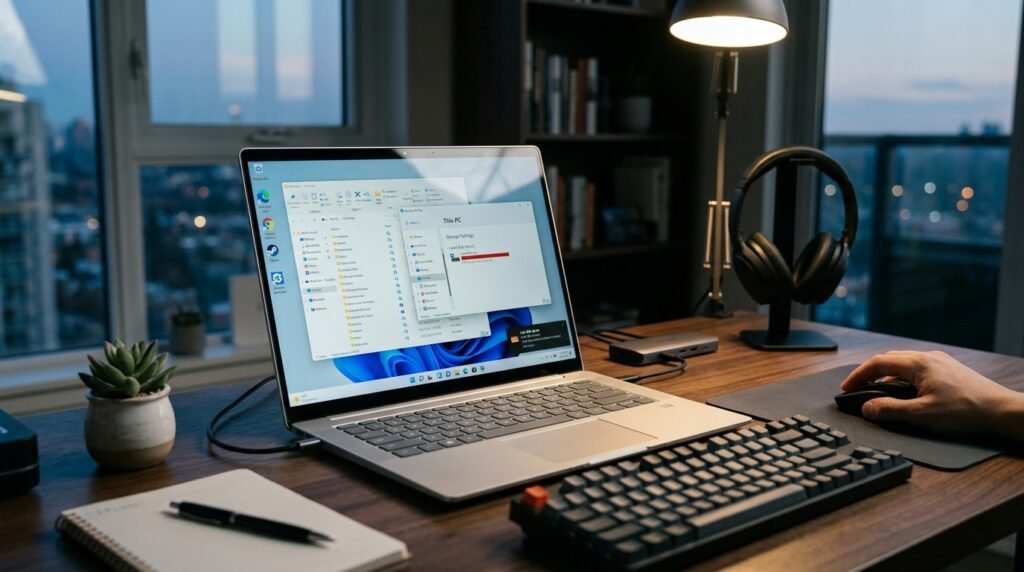
If you use OneDrive, files that you download for local viewing could stay on your hard drive forever. The default rules don’t necessarily aggressively revert such files to cloud-only status.
Windows Update Backups Keep Piling Up
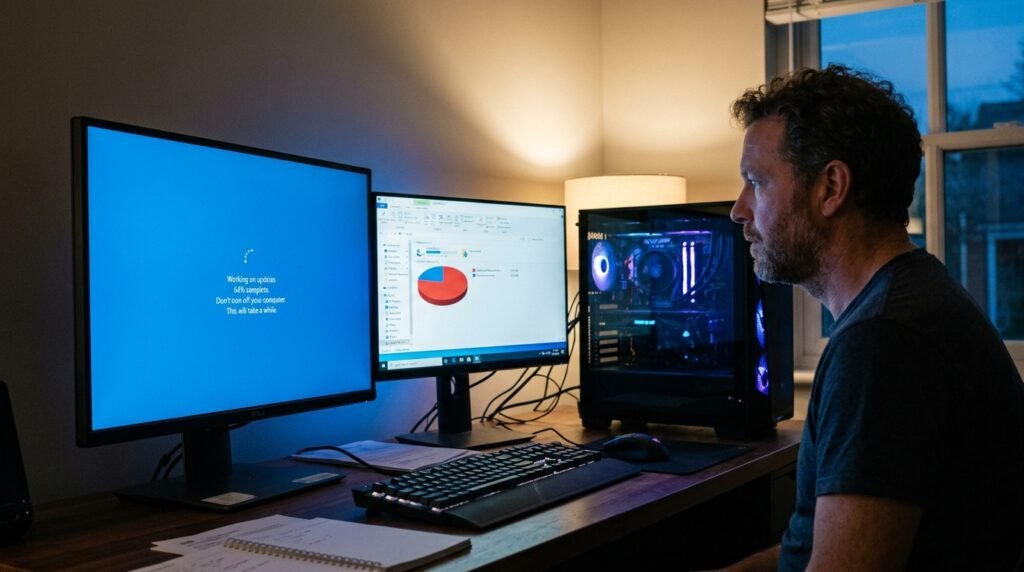
Old version archives are left behind for troubleshooting major system updates. The default maintenance tools will leave these huge folders where they are and only remove them on a regular basis after weeks.
Browser Caches Escape the Main Clean

Windows cleans system files but leaves behind the deepest browser caches. These temporary web files can affect drive performance, but normal tools may need to be used with manual effort to remove these files.
Delivery Optimization Files Drink Up Space
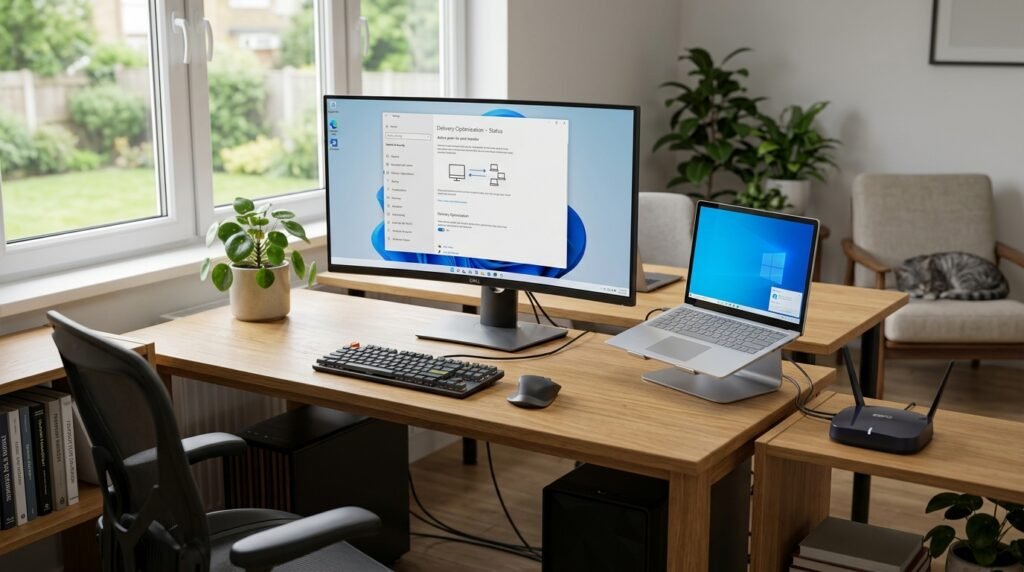
Peer-to-peer network sharing is used in Windows to propagate updates to local devices. The files that are cached for this feature may stay on your hard disk for a much longer period of time than needed.
Solid State Drives Need Better Care
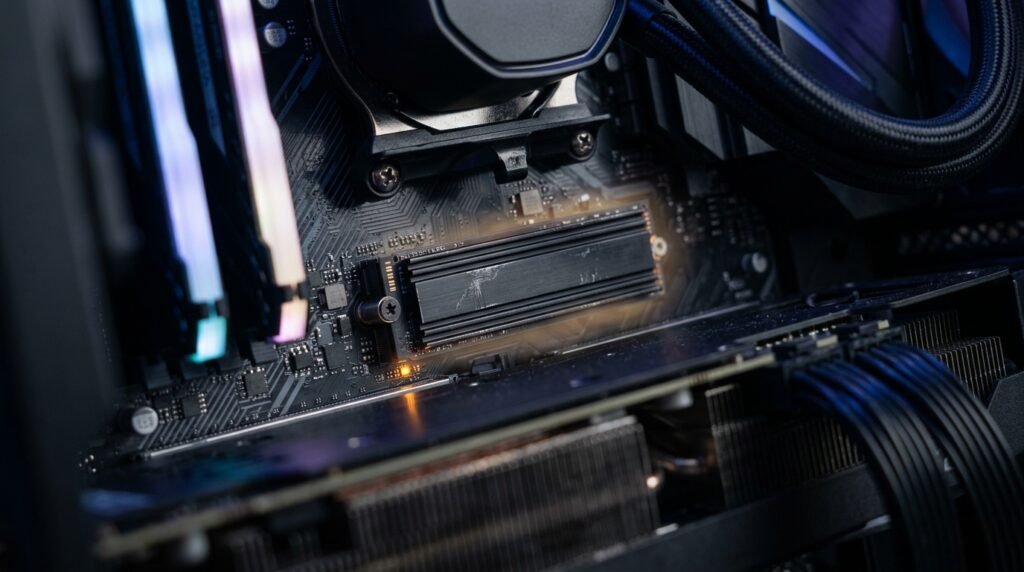
Studies have shown that having the NAND flash memory drives at full capacity can make them perform worse. Using default cleanings that are conservative could inadvertently slow your fast drive.
Game Launchers Create Hidden Clutter

The Steam and Xbox app stores have a large number of shaders in their caches, as well as temporary installation data. These specific folders might not be recognized by the Windows cleaning tool, and the game will not be cleaned.
Thumbnail Caches Do Not Self-Destruct
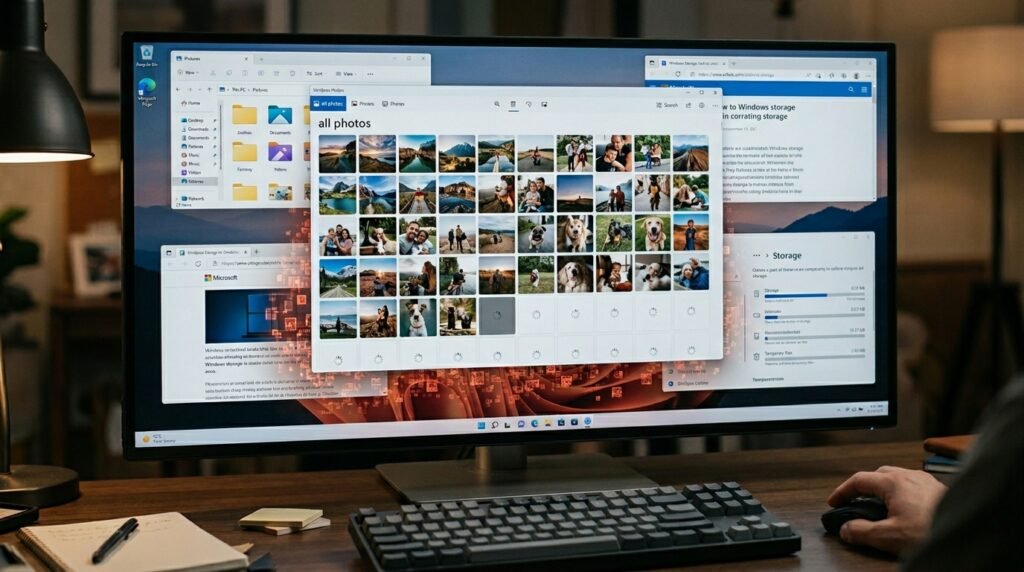
Previews of images and videos are stored in the system to load folders rapidly. These databases are useful, but they can get corrupted and too large and generally aren’t automatically updated.
