
An invisible digital footprint, be it in a library kiosk or on the laptop of a friend, is merely a contemporary requirement. Electronic Frontier Foundation reports indicate that, in most instances, public machines contain cached information. By observing privacy rules that cybersecurity experts consider to be relevant, you can perhaps protect your personal history against the next user and ensure that your personal browsing history remains truly personal and secure.
Utilize Incognito Mode
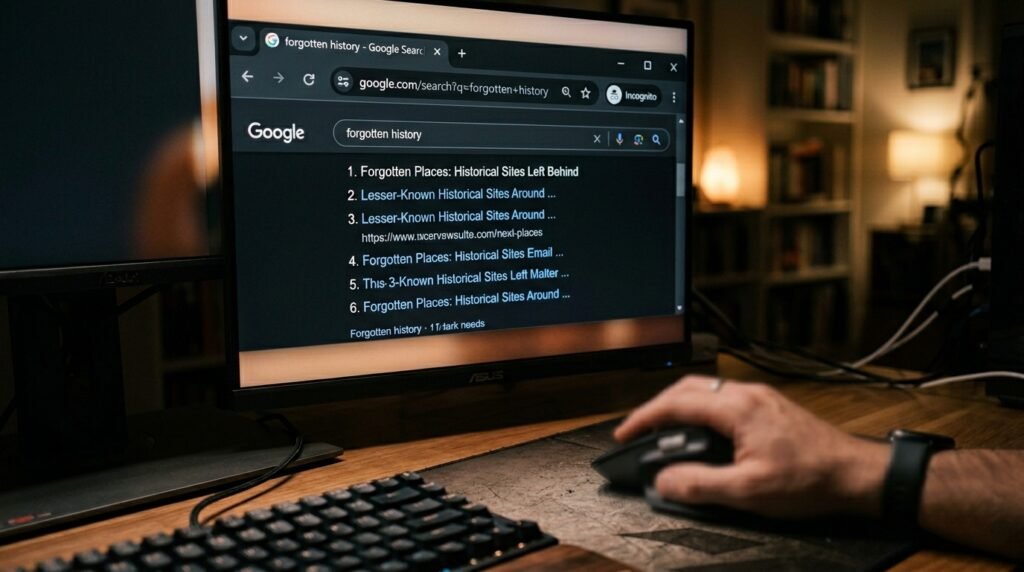
A majority of the current browsers have a private window. This option has the potential to block the storage of your history, cookies, and any other site data.
Avoid Personal Logins

It is dangerous to log in to sensitive accounts using shared devices. According to experts, keyloggers might even steal your credentials without you even being aware of it.
Use Guest Profiles

When the option is available, a guest profile typically deletes all data when it is logged out. This could be a better method of browsing without the presence of files hanging around.
Bring Portable Apps

Installing applications on a USB disk will store data, not on the internal hard disk. It may even be possible to leave the host system unchanged by this approach.
Clear Browser Cache
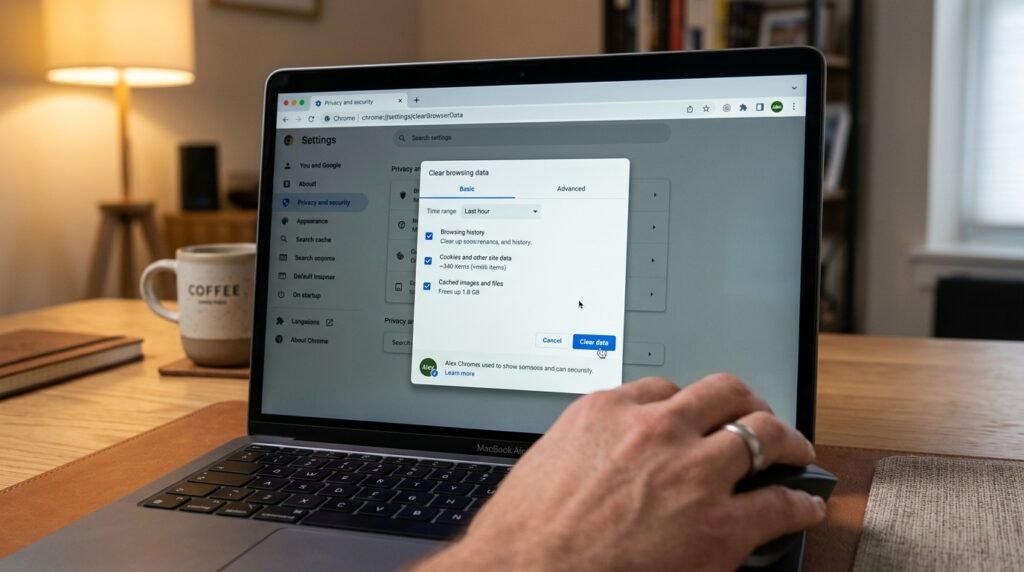
In case you do not remember the private mode, it is critical to clear the cache manually. This action could help eliminate temporary images and scripts on your visit.
Disable Password Saving
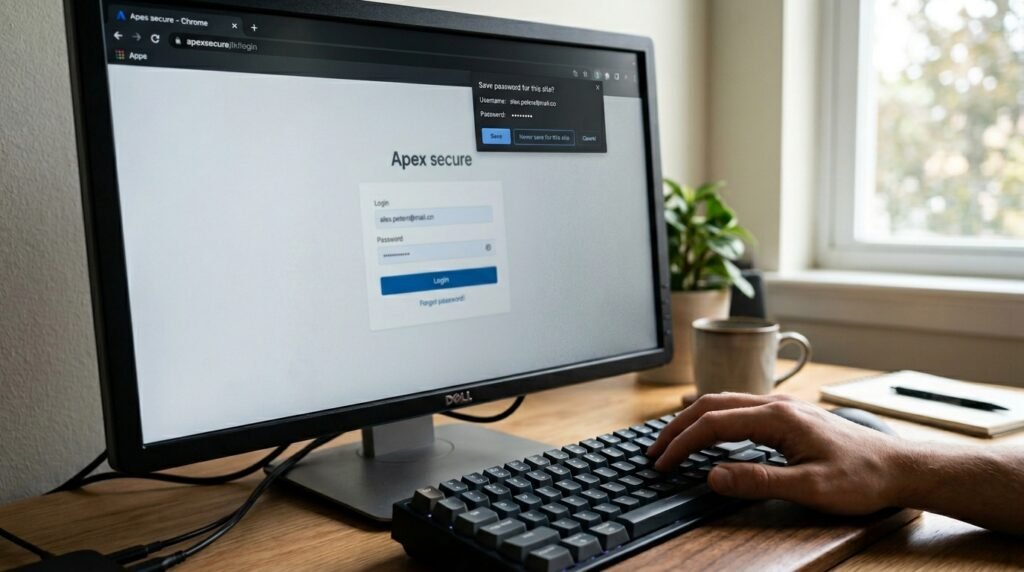
Most browsers will offer to save passwords automatically. Leaving this prompt could possibly prevent your login details from being saved to be used by others in the future.
Avoid Local Downloads
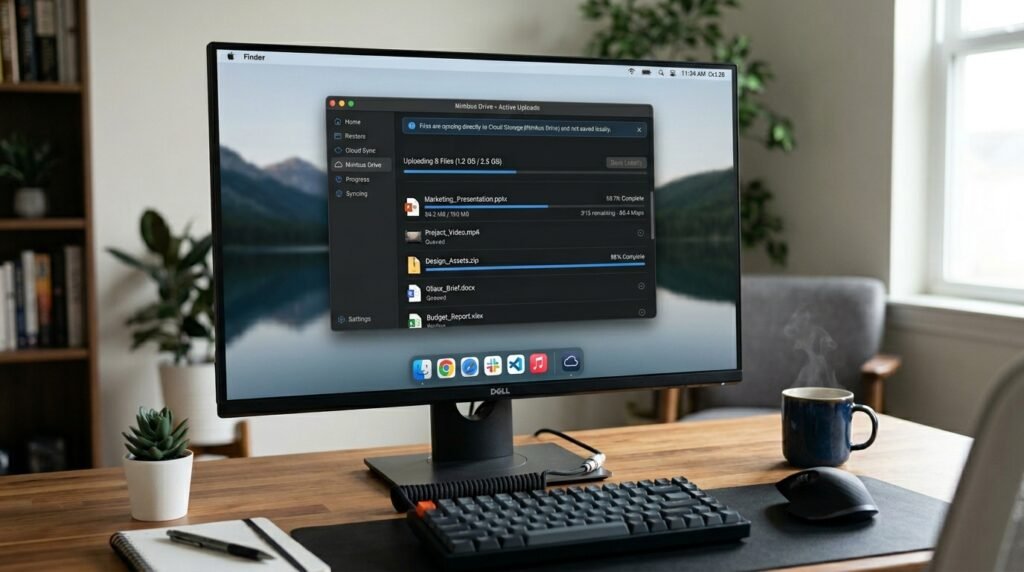
With the option of saving files to the desktop, a lasting footprint is left. The local disk may remain completely clean by using cloud storage or external drives.
Log Out of Everything
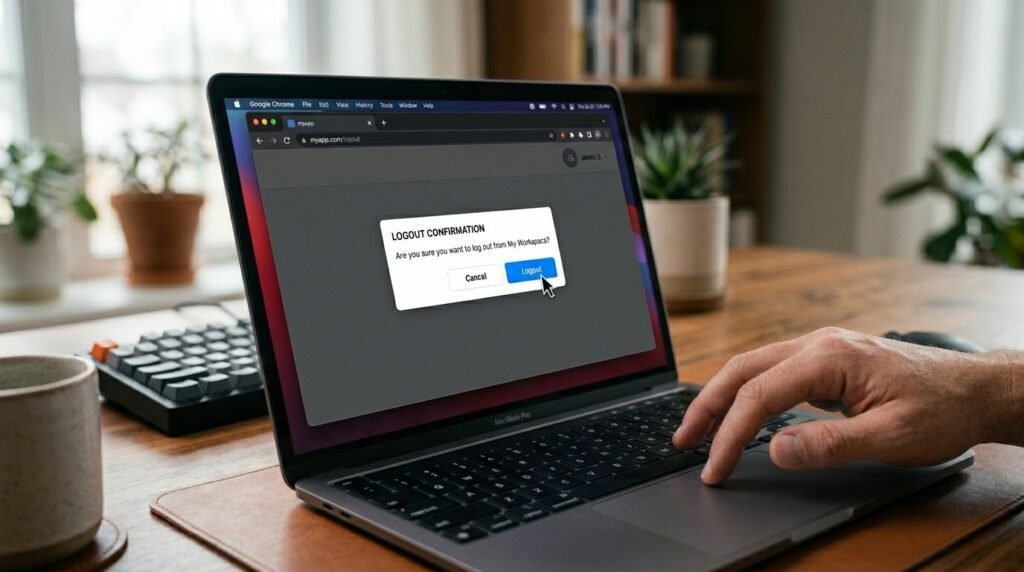
Just by simply closing a tab, it does not necessarily terminate a session. Logging out manually may have a great chance of preventing the next user from accessing your accounts.
Use Secure VPNs

A VPN could conceal your traffic from the local network administrator. Security research indicates that this may possibly conceal your particular web activity.
Check for Hardware

Data can be stolen by physical “shims” that can be placed between a PC and a keyboard. A mere look may even expose some illegal gadgets that may be attached to the machine.
Close Background Apps

Unintended programs may remain open when you exit. By making sure that all your windows are closed, there could be a possibility of clearing the system RAM of your personal data.
Reboot When Finished

Complete reboots frequently empty temporary system files and clipboards. This last measure could possibly guarantee a new beginning for the subsequent user.
