
Your Google account stores emails, files, photos and personal information. When access is disrupted, the damage can silently ripple through many services you rely on each day. The problem is that warning signs can be subtle. Few people give them much thought until they’ve already caused real harm. By noticing little changes in account activity, you prevent large problems. This guide provides you with a practical sign that shows your Google password is not safe. Each case concentrates on concrete behaviour, not assumption-based fears. The knowledge lets you move quickly, take steps to secure your data and regain control before things get out of hand.
Unexpected Sign-In Alerts
You get Google security alerts for sign-ins you don’t recognise. These notifications could display devices or locations that are unknown to you. Even one unexplained alert tells you that somebody else may know your password.
Password Change Notifications You Did Not Request

Confirmation emails are sent by Google after password changes. If they are received unintentionally, it means your account has been accessed without authority. Password changes should be assumed by attackers as a way to maintain access to the account.
Emails Marked as Read or Missing
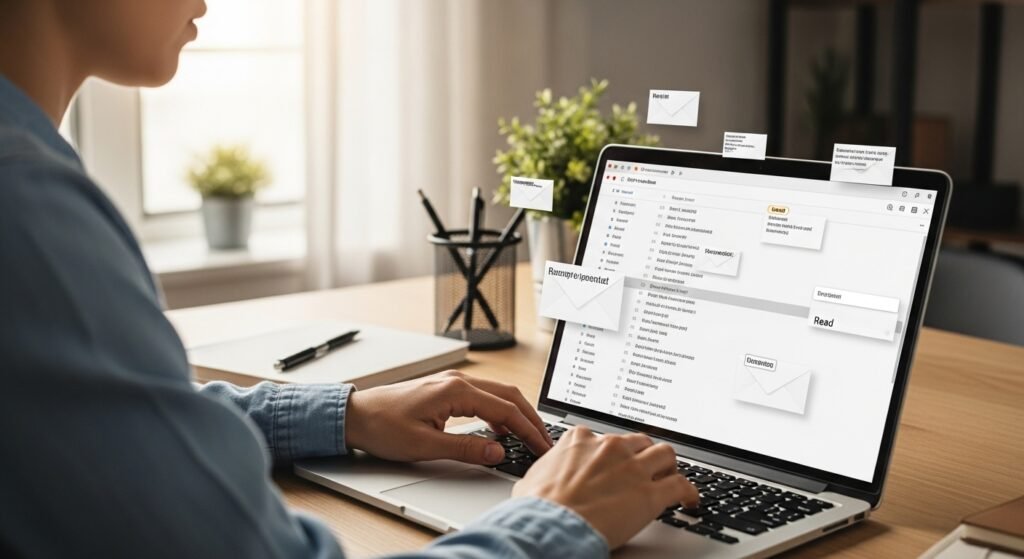
Emails seem open as you read them. Some of the messages may be archived or removed. This kind of activity usually means that someone is scanning your inbox for something sensitive or for account reset links.
Sent Emails You Did Not Write

Your Sent folder shows messages you never composed. During these emails, you may be linked to or provided with concise writing. This implies that your account is used to send messages to other users without your consent.
Changes to Account Recovery Details

Your recovery phone number or email address has been altered. These changes reduce your ability to regain access. Attackers often modify recovery details to block the original owner.
New Devices Linked to Your Account

Google displays devices that are logged in to your account and that you should not recognise. These could be phones, tablets or browsers. Unknown devices indicate your credentials were used elsewhere.
Security Settings Disabled Without Consent
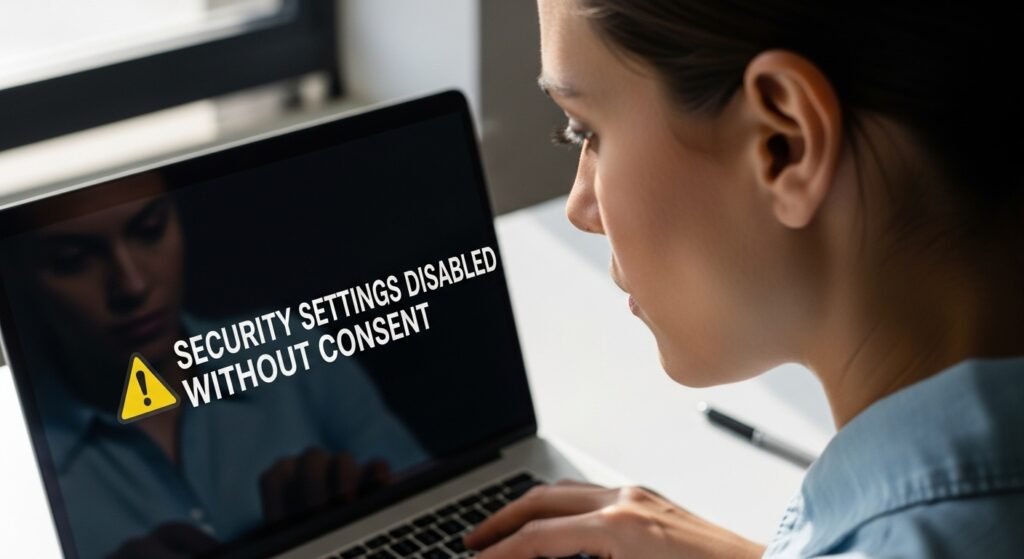
Two-step verification or security alerts are turned off unexpectedly. This lowers protection levels. Such changes often happen after unauthorised access to prevent future warnings.
Unusual Activity in Google Services

You notice changes in Google Drive, Photos, or Calendar. Files may be added, removed, or shared. These actions suggest someone is exploring stored data beyond email access.
Trouble Signing In With Your Usual Password

Your password suddenly stops working. This may happen if it was changed by someone else. Repeated failed attempts can signal that control over the account is shifting.
Alerts About Data Breaches

Google notifies you that your password appeared in a known data breach. While indirect, this warning means your credentials may already be circulating and being tested.
Friends Report Suspicious Messages From You
Contacts mention receiving strange emails or requests from your address. These messages may feel out of character. This is a strong sign that your account is being misused externally
