
Modern computing with Microsoft Windows offers convenience, speed, and seamless integration across devices. However, many built-in features quietly collect data to improve performance, personalize experiences, or enhance security. While not all data collection is harmful, some features raise privacy concerns for users who prefer greater control over their information. Understanding these tools can help you make informed decisions about your settings. By adjusting a few options, you can strike a better balance between usability and privacy, ensuring your system works for you without sharing more than necessary in the background.
Diagnostic Data Collection

Windows automatically gathers diagnostic data about system performance, errors, and usage patterns. While helpful for improvements, it may include app usage details and system behavior that some users prefer to keep private.
Location Tracking
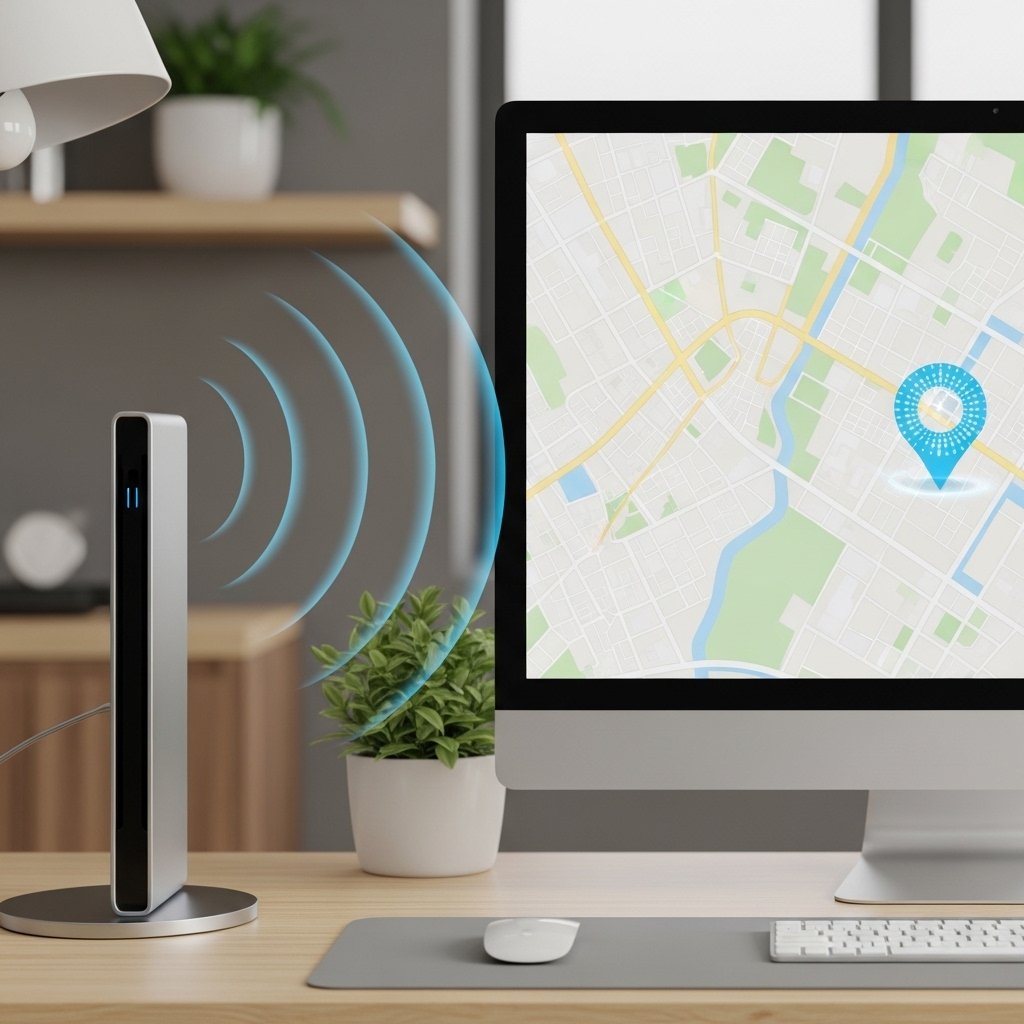
Location services allow apps and Windows itself to track your physical position. This can improve maps and weather updates, but it also means your device regularly shares location data unless manually disabled.
Advertising ID

Each user gets a unique advertising ID used by apps to deliver personalized ads. This feature tracks app usage and preferences, creating a profile that may feel intrusive if left enabled.
Activity History

Windows records your activities such as apps opened, files accessed, and websites visited. This helps with timeline features but also builds a detailed record of your digital habits over time.
Cortana Data Collection

The virtual assistant stores voice commands, search queries, and interactions to improve responses. While convenient, it collects personal usage patterns that some users may find unnecessary for everyday tasks.
Microsoft Edge Tracking

The default browser tracks browsing behavior to enhance recommendations and services. This includes visited pages and search activity, which can contribute to targeted suggestions and advertising experiences.
SmartScreen Filter

SmartScreen checks websites and downloads against a database to protect users. However, it sends browsing data to Microsoft servers, raising concerns for those who prefer minimal external data sharing.
OneDrive Sync

Cloud syncing automatically uploads files to OneDrive for backup and accessibility. While useful, it means personal documents and photos are stored online, which may not suit users seeking full local control.
Typing and Inking Personalization

This feature collects typing patterns and handwriting data to improve suggestions. It learns from your input style, but in doing so, it stores information about how you interact with your device.
Wi-Fi Sense

Wi-Fi Sense can connect your device to shared networks and suggest nearby connections. Although designed for convenience, it may share network access details more broadly than some users expect.
Personalized Suggestions Feature
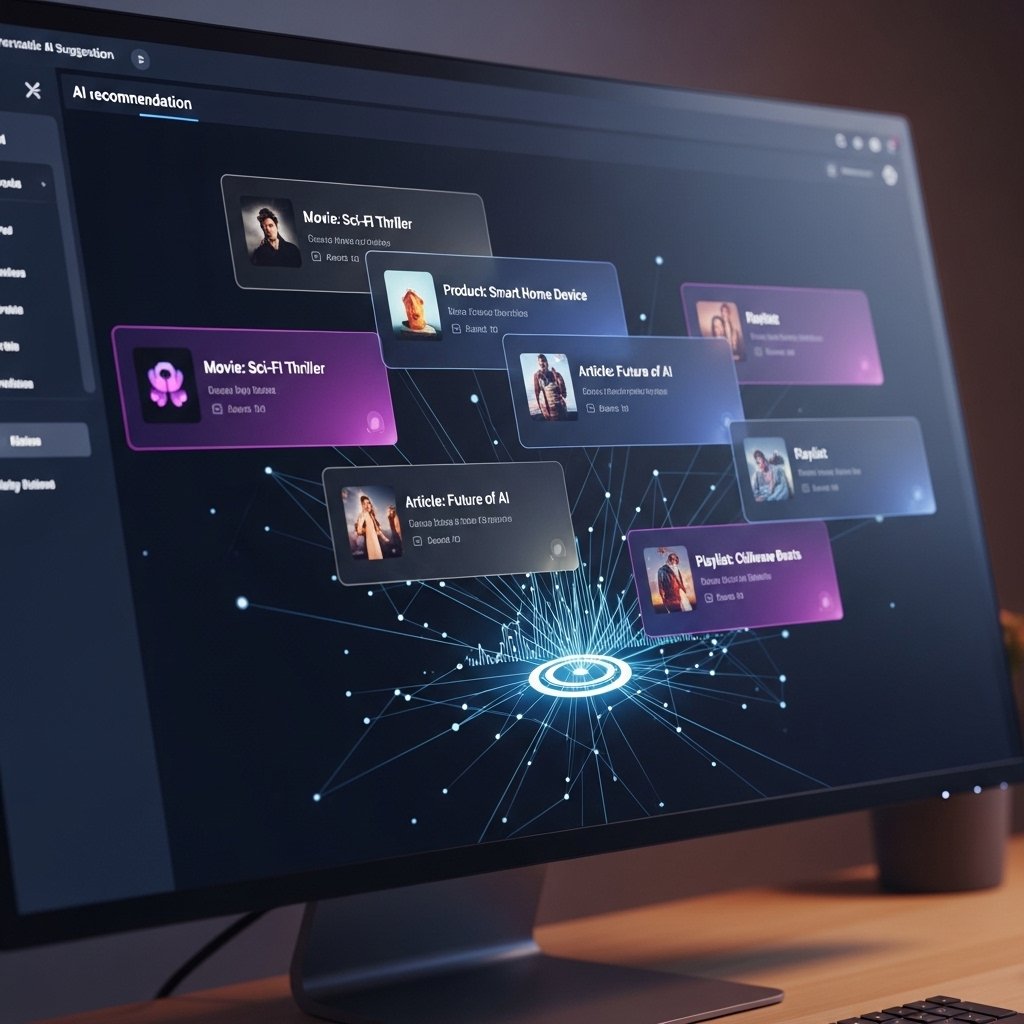
This feature analyzes your behavior to recommend apps, settings, and tips. It monitors how you use your system, which can feel overly observant for users who prefer a more private computing experience.
Feedback Hub Data Sharing

When submitting feedback, Windows may include diagnostic data, screenshots, and usage details. While valuable for improving the system, it can unintentionally share more information than users realize.
