
You may have heard your laptop fan spinning faster or noticed your disk space getting used up without explanation. Security researcher Alexander Hanff recently pointed out that Google Chrome might be secretly downloading a giant 4GB AI model on some devices without a proper notification. The work, which was marked in May 2026, has led quite a few people to search their computer folders for unexpected files.
Discovering the Hidden Large File

According to some accounts, a file called weights.bin has been found in a certain Chrome folder. This file is approximately 4GB in size, which is quite a lot of storage space for a browser to occupy without a user being asked.
Identifying the Gemini Nano Model
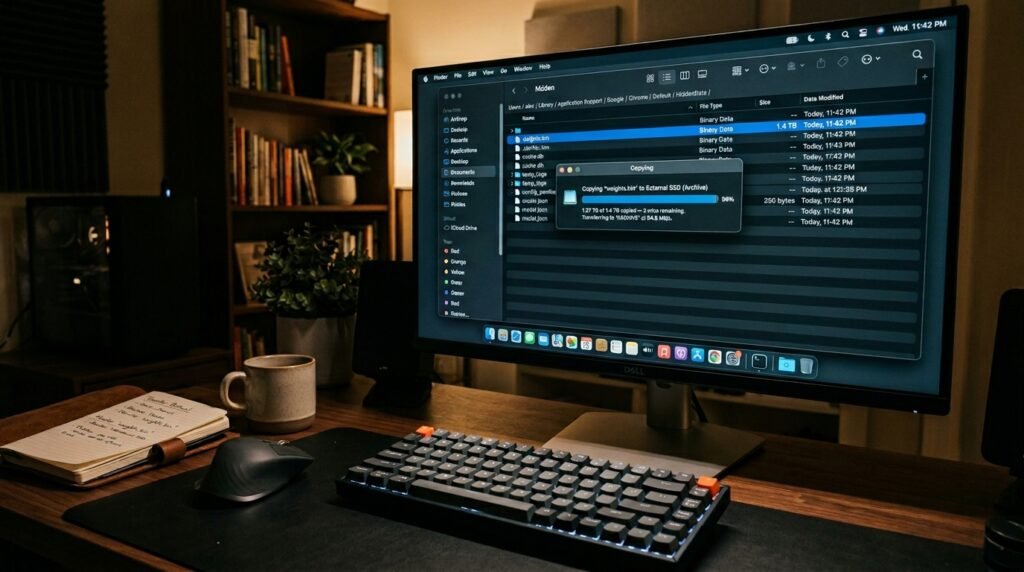
This file seems to contain the weights of Gemini Nano, Google’s model for on-device processing. It is meant to carry out operations on your own device instead of communicating your information to the cloud.
Assessing Hardware Eligibility Requirements

It is a rumor that Chrome inspects your device’s GPU and memory configuration before it downloads the app. According to the researcher’s point of view, it looks like only those computers that are powerful enough to carry out local AI operations are getting this background update.
Understanding On-Device AI Benefits

You could keep your data private if AI-related operations were carried out on your machine, because then your text and prompts would not need to leave your device. This kind of arrangement is meant to serve as writing assistants, scam detection, and other such tools.
Evaluating the Consent Controversy
The main point of the advocates for privacy is the absence of an opt-in option clearly stated. The majority are of the opinion that a multi-gigabyte download should be preceded by an explicit “Yes” from the user before it starts using bandwidth and space.
Addressing the Reinstallation Loop

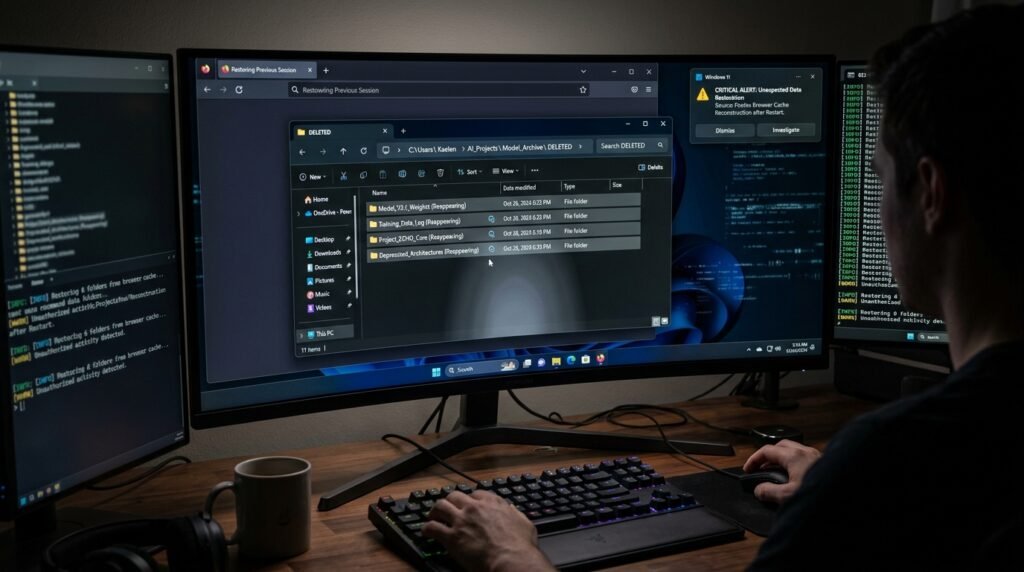
Some users have reported that removing the folder did not always work as a permanent solution. Unless one meddles with certain internal settings, Chrome will probably re-download the model when one starts it up next.
Using Internal Diagnostic Pages

Typing chrome://on-device-internals into your address bar can tell if the model is running on your computer. This address brings up a page that shows if Gemini Nano is installed and how much memory it uses.
Disabling Features via Flags

If you want to stop the download, some “flags” are experimental settings that may be what you need. Disabling the Optimization Guide Using the “on-device” flag is a popular method in tech forums.
Navigating the Privacy Tradeoff

Even though the local AI means your data isn’t sent to Google’s servers, some come to think of the quiet installation as a loss of transparency. It results in a complicated trade-off between protecting user privacy and giving users control.
Reviewing Google’s Official Stance

According to Google, the models mentioned have been made responsible for running security features and maintaining safe browsing. Besides, they mention that the model might remove itself from installation if the device’s resources are critically low.
