
What looks like just a place to jot things down turns out to do much more. Hidden inside Apple Notes are tools that go beyond typing words. As updates rolled in, it quietly became useful for staying on track, keeping ideas clear, or sparking new ones. Features often stay unnoticed until you dig through menus and tabs. They help cut clutter, skip switching between programs, and handle notes smarter. Using even one changes how you rely on your phone each day.
Document scanning built in
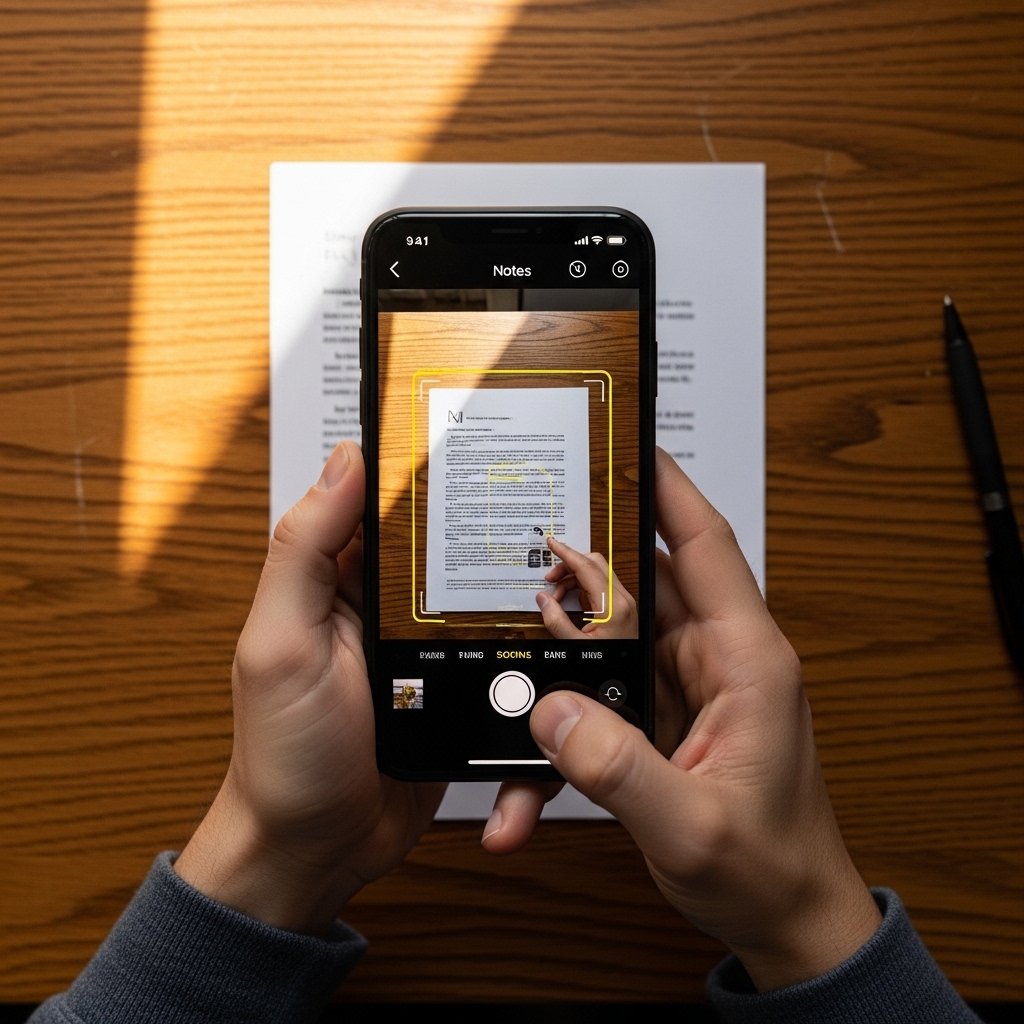
Snap files right inside the app by pointing your phone’s camera. With just one tap, the frame adjusts itself – sharpness boosted, shadows softened. Pages come out clear, ready to keep forever without clutter on desks or shelves.
Keep Notes Private with Lock Feature
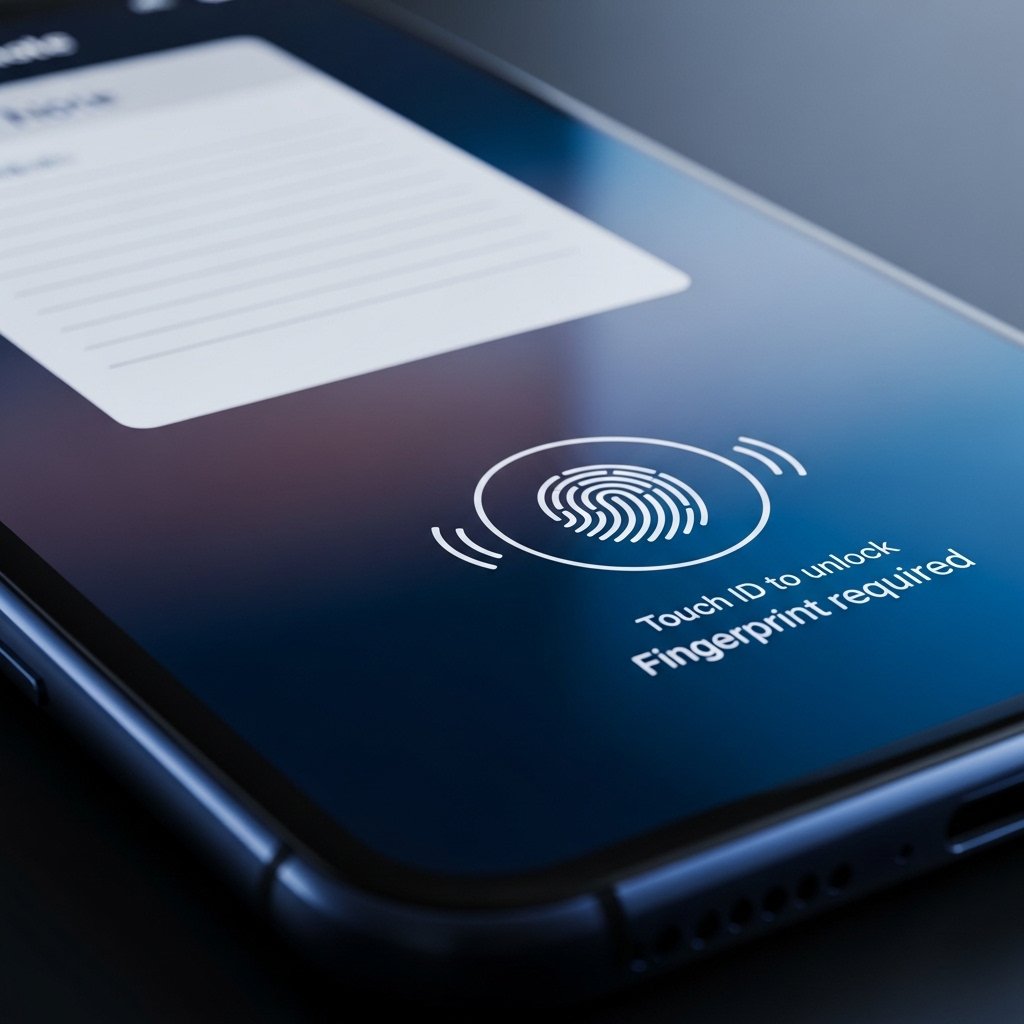
Locked notes stay private through fingerprint checks or secret codes. Because of this, only you reach what matters most. Protection grows stronger when layers stack up quietly behind the scenes.
Create Interactive Checklists
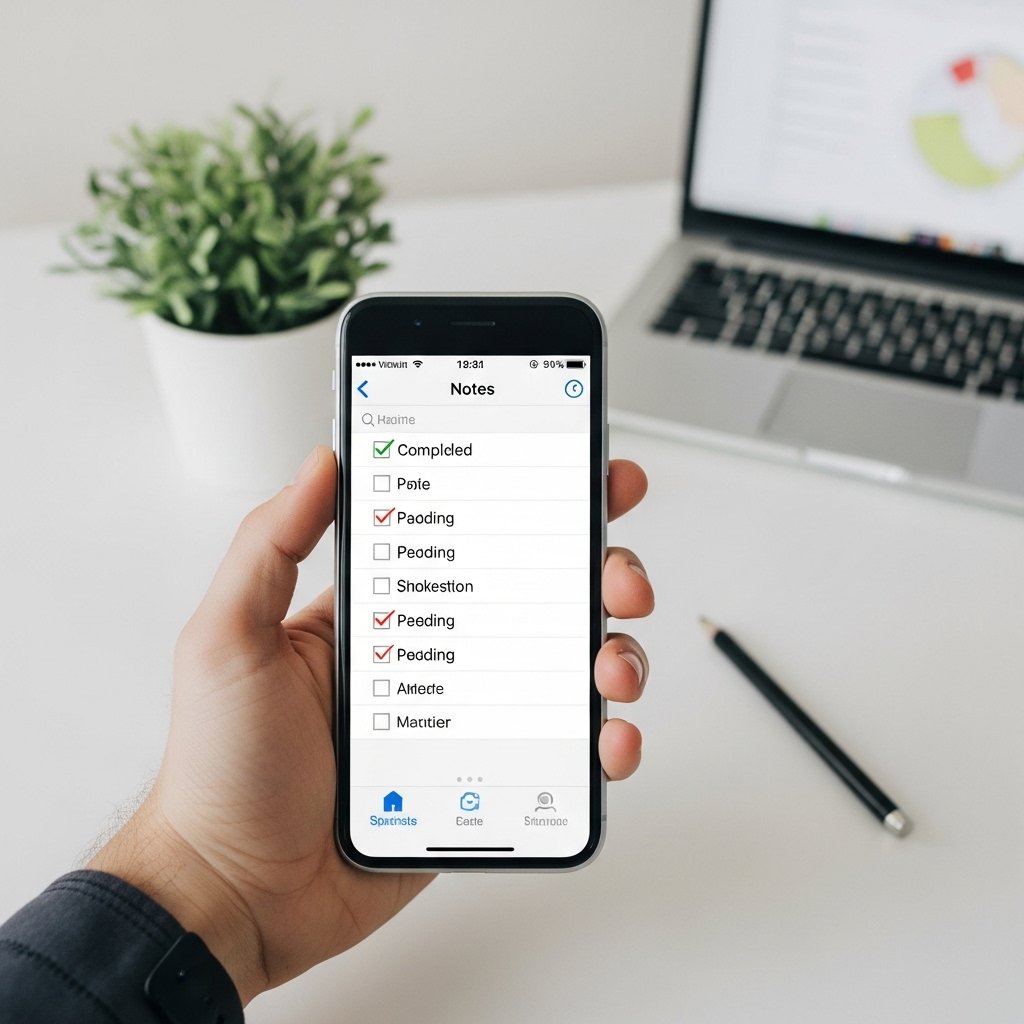
Notes can become checklists inside the app. Because of that, handling chores feels simpler. Tasks stay lined up neatly when you plan each day. Organization happens without extra steps being needed.
Draw and sketch directly
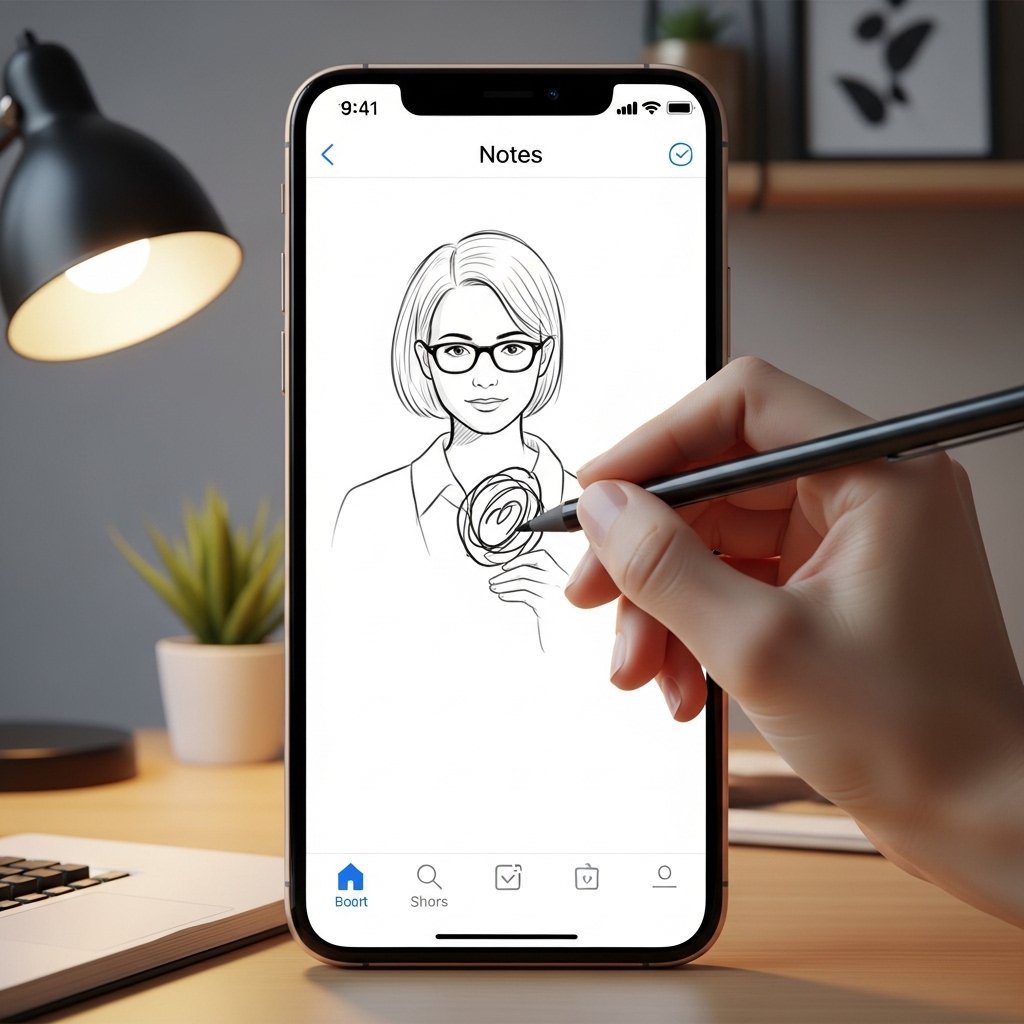
A doodle here, a rough shape there – notes gain clarity when images join words. Sketching inside them works well for sharing thoughts you cannot easily describe. Lines on paper might say more than paragraphs ever could.
Extract Text from Images
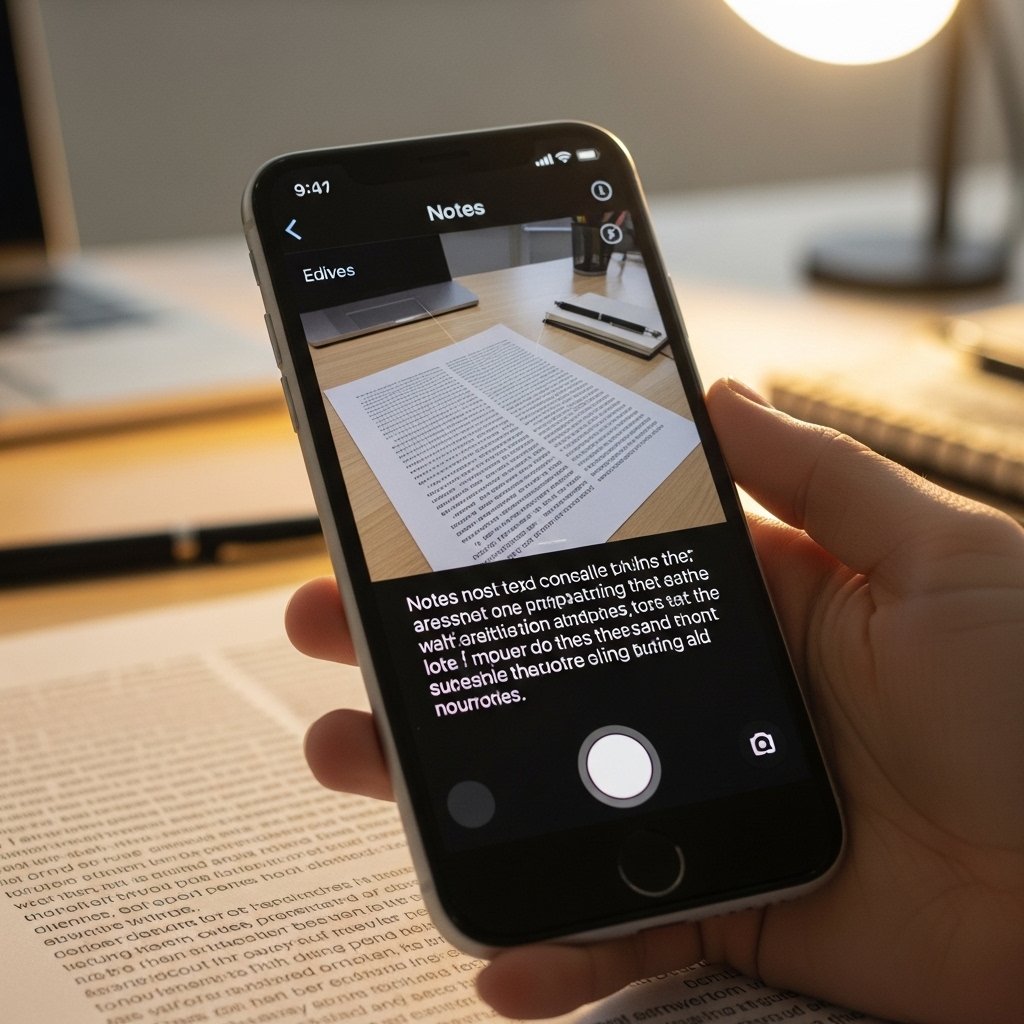
Photos or scans feed into the tool, letting it grab text automatically. When handling printed words, effort drops sharply. Notes and paperwork become easier to work with suddenly.
Pin Important Notes
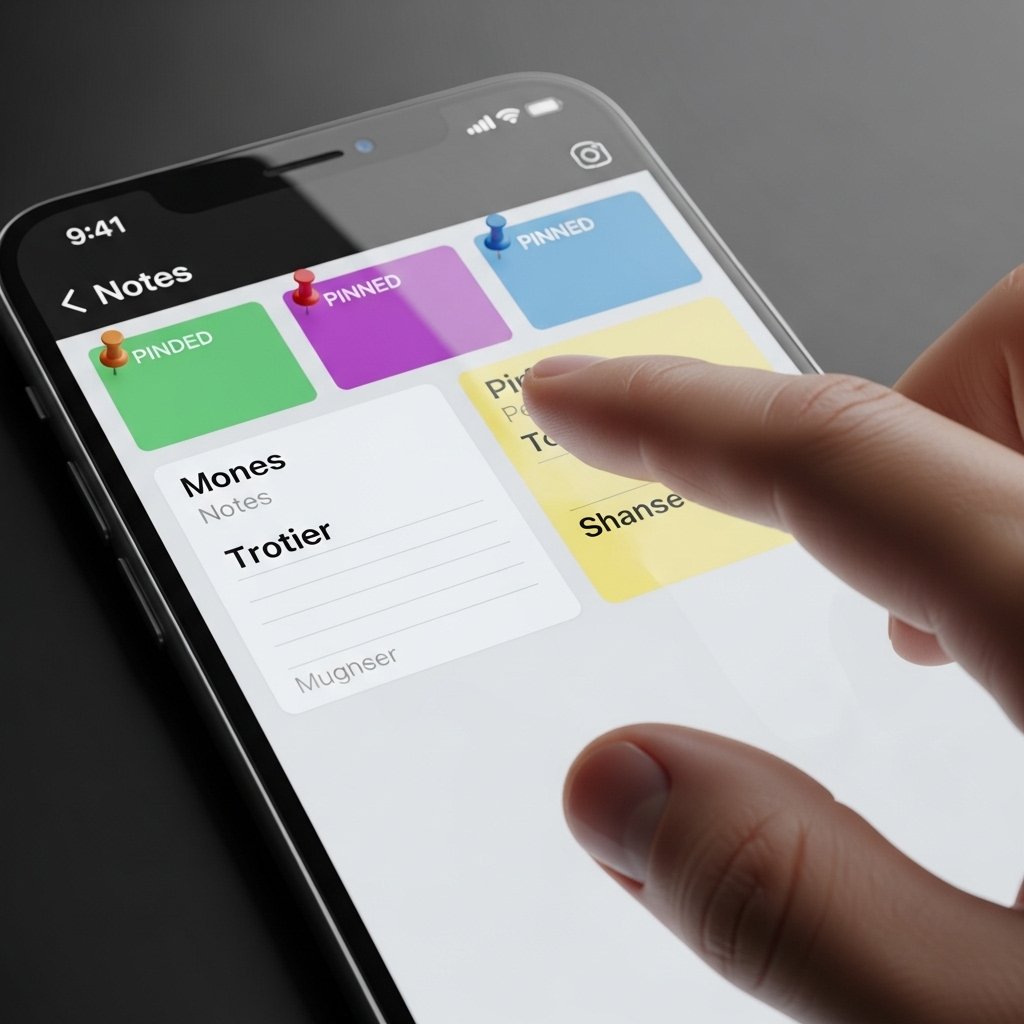
Pinned right at the front, crucial reminders stay visible above everything else. When you need them, they’re already there without searching. Nothing slips through when key details are always within reach.
Work Together Live

Folks see edits right away once you make them. When someone adds a thought, others follow without delay. Team projects stay on track because updates show up live. Working together feels smoother when notes move as one.
Use folders and tags to organize
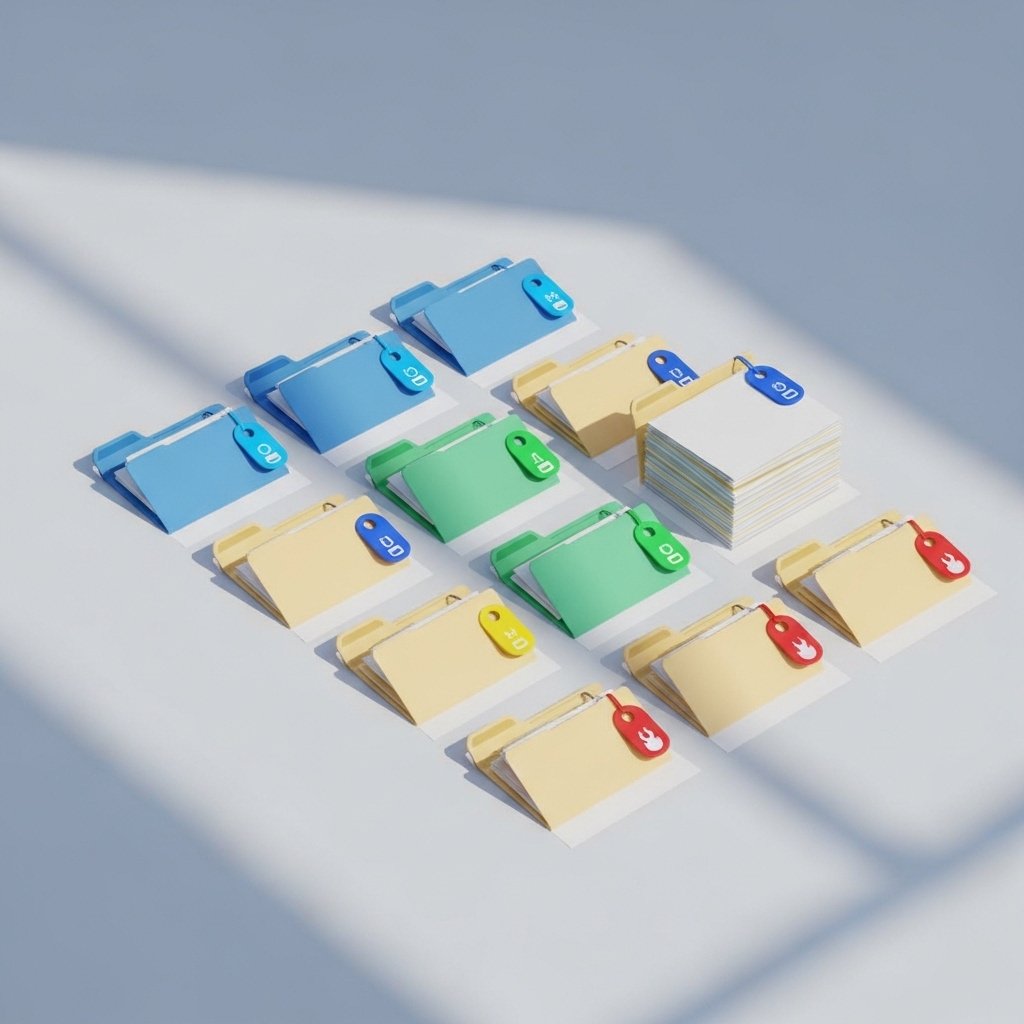
Folders hold notes, while tags mark them apart. Because of this setup, finding things feels simpler. When info piles up, the system shows its worth.
Attach Files and Media
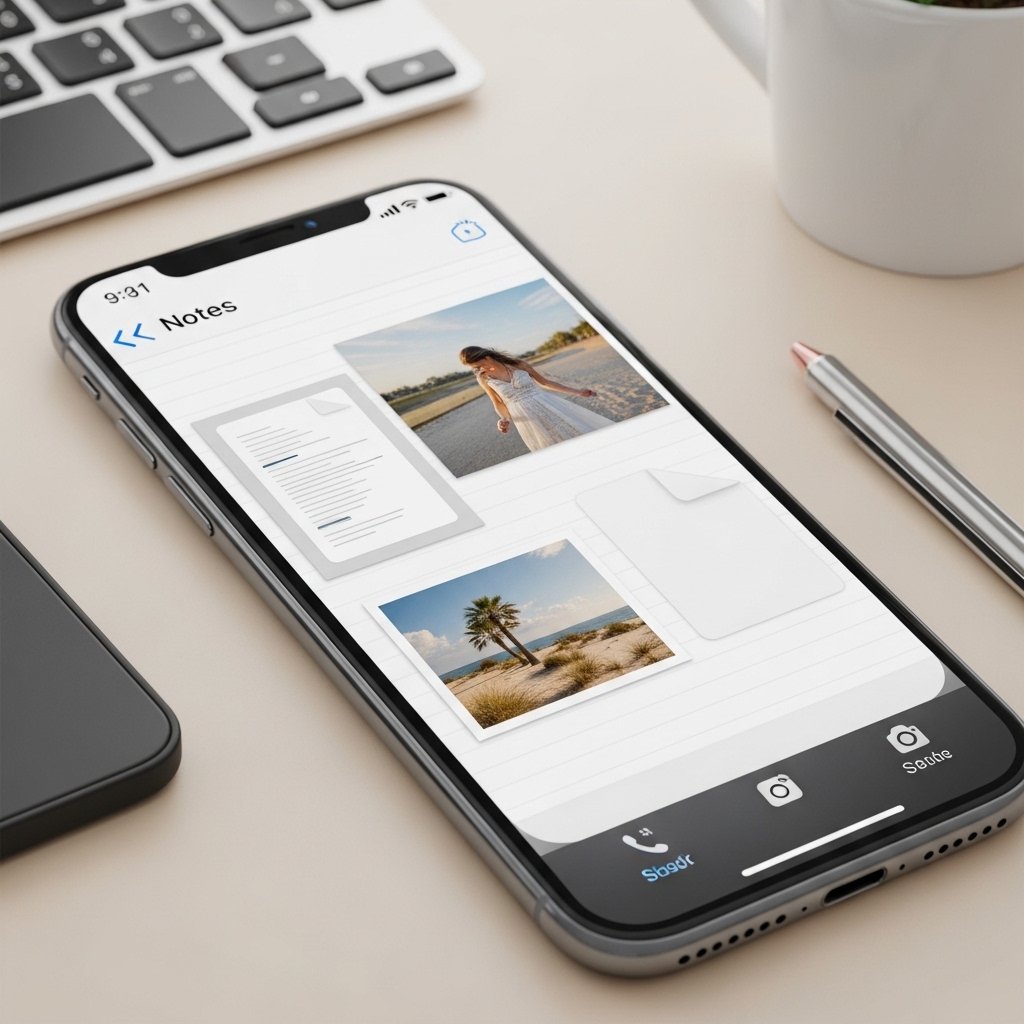
Pictures show up right inside your notes when you put them there. Everything sticks together, so nothing gets lost. Tossing in papers makes each note feel fuller somehow. Files just live where they belong now.
Powerful Search Feature
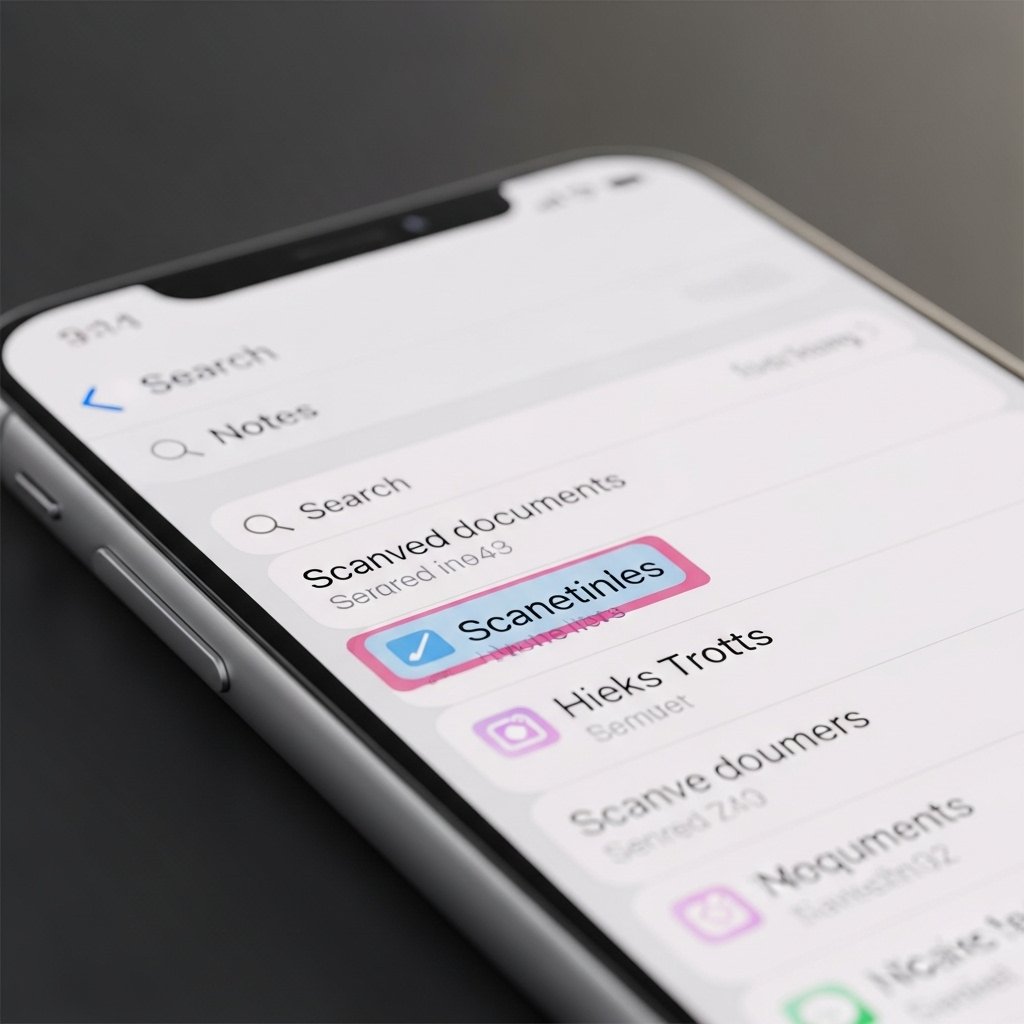
Starting from a single word, it digs through pictures and scans alike. Because of that, pulling up what you need feels almost instant. Without slowing down, moving between many notes takes far less effort.
