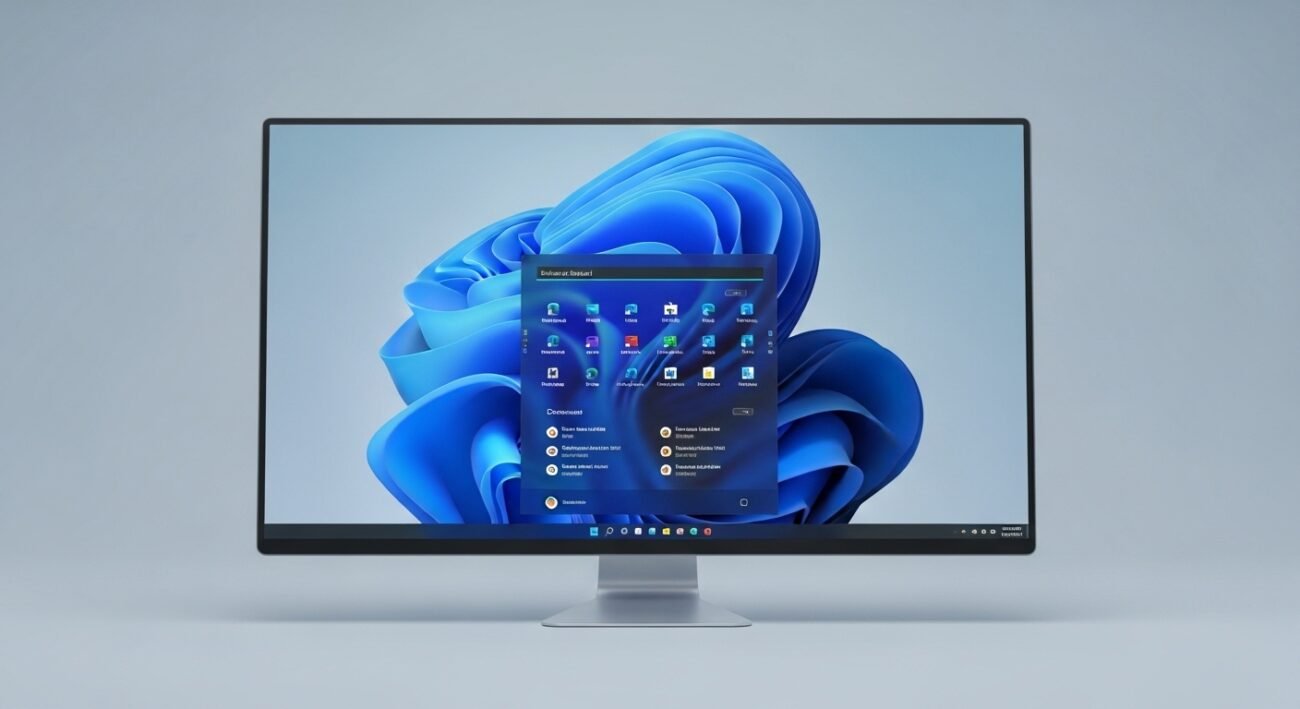
Big changes are quietly arriving on your Windows 11 PC, and they’re designed to make everyday tasks smoother, faster, and more intuitive. Windows 11 continues to evolve with thoughtful updates that improve productivity, security, and personalization without overwhelming users. These enhancements focus on real-world needs simpler navigation, better multitasking, and smarter system performance. Whether you use your PC for work, communication, or leisure, the upcoming updates promise a more refined and reliable experience. Here’s a closer look at the most meaningful improvements that are set to reshape how you interact with your computer.
Smarter Start Menu Layout
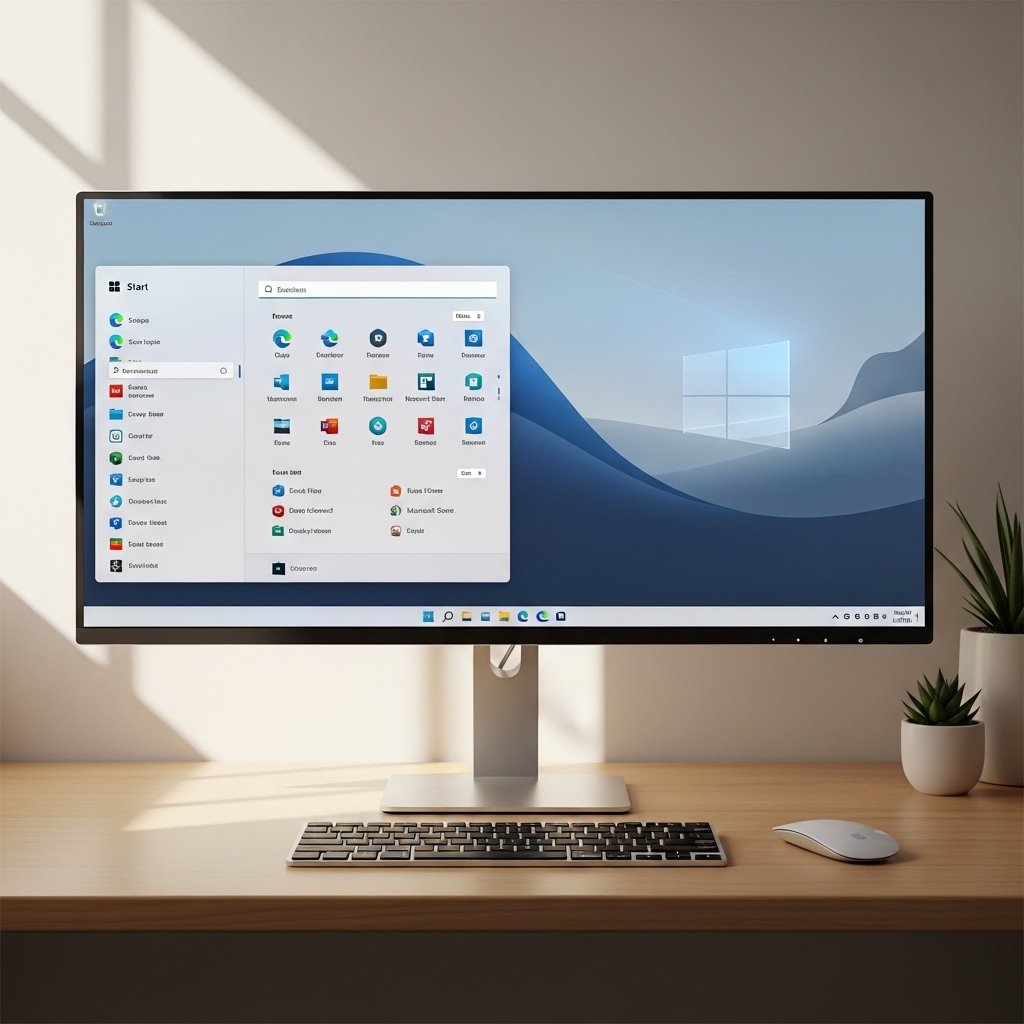
The refreshed Start Menu brings cleaner organization and faster access to frequently used apps. It reduces clutter and improves visibility, making it easier to locate files, settings, and programs without unnecessary scrolling or searching.
Enhanced File Explorer Tabs

File Explorer now supports smoother tab management, helping users open multiple folders in one window. This update simplifies file navigation and reduces screen clutter, especially useful when managing documents across different directories.
Improved Snap Layouts
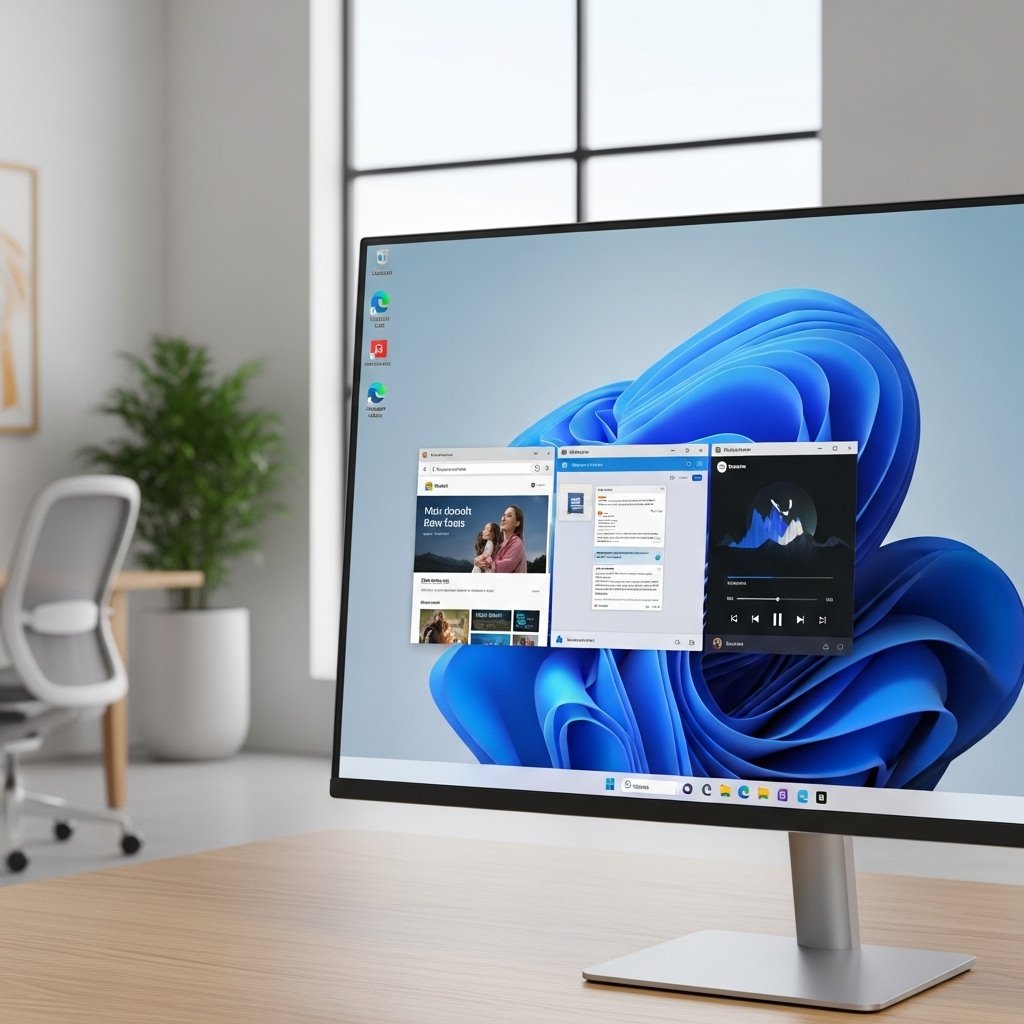
Snap Layouts become more intuitive, offering better window arrangement suggestions. Users can organize multiple apps quickly, improving multitasking efficiency and making it easier to switch between tasks without losing focus.
Faster System Performance
Behind-the-scenes optimizations ensure quicker boot times and smoother performance. Everyday actions like opening apps or switching between programs feel more responsive, even on older hardware configurations.
Refined Notifications System
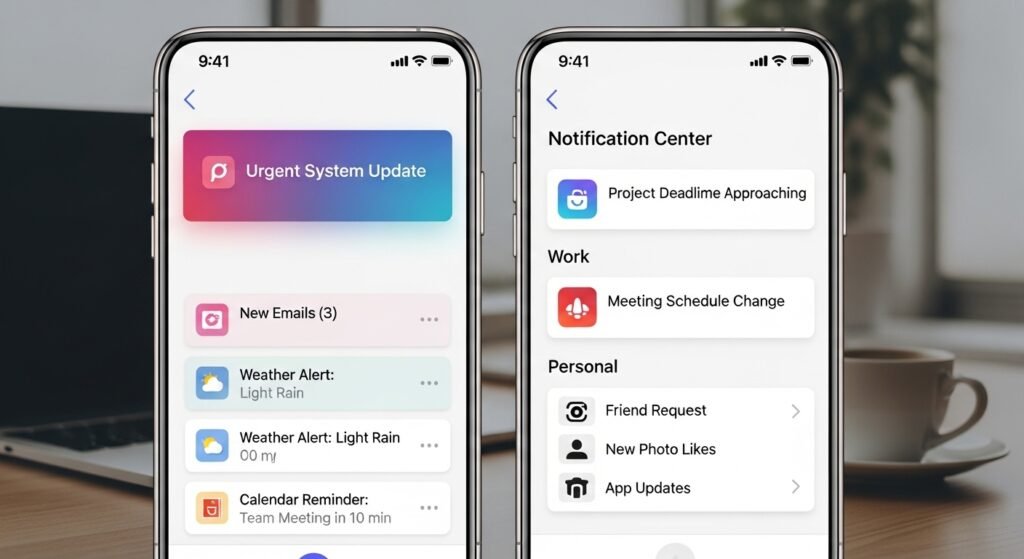
Notifications are now less intrusive and better organized. Important alerts stand out clearly while less urgent ones stay subtle, helping users stay informed without constant distractions during work or personal use.
Advanced Security Features

Security updates strengthen protection against evolving threats. Enhanced safeguards work quietly in the background, helping keep personal data and files secure without requiring constant user intervention.
Better Touch and Gesture Controls

Touchscreen users benefit from smoother gestures and improved responsiveness. Navigating between apps, scrolling, and switching windows feels more natural, making tablets and hybrid devices more enjoyable to use.
Energy Efficiency Improvements
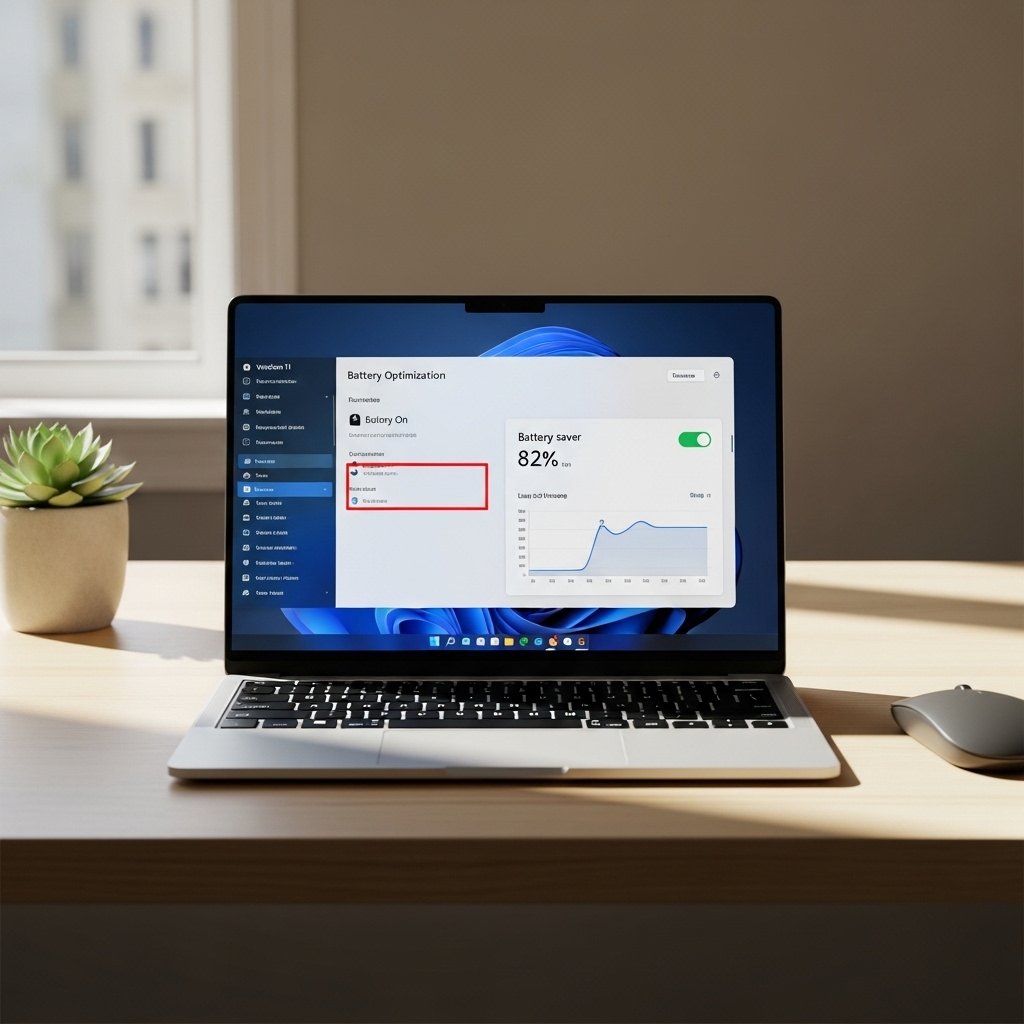
Power management updates help extend battery life on laptops. The system intelligently balances performance and energy use, allowing longer usage without frequent charging interruptions.
Integrated AI Assistance Features

New intelligent features assist with everyday tasks like searching, organizing files, and suggesting actions. These tools help reduce manual effort and make routine computer usage more efficient and streamlined.
Customization Options Expanded
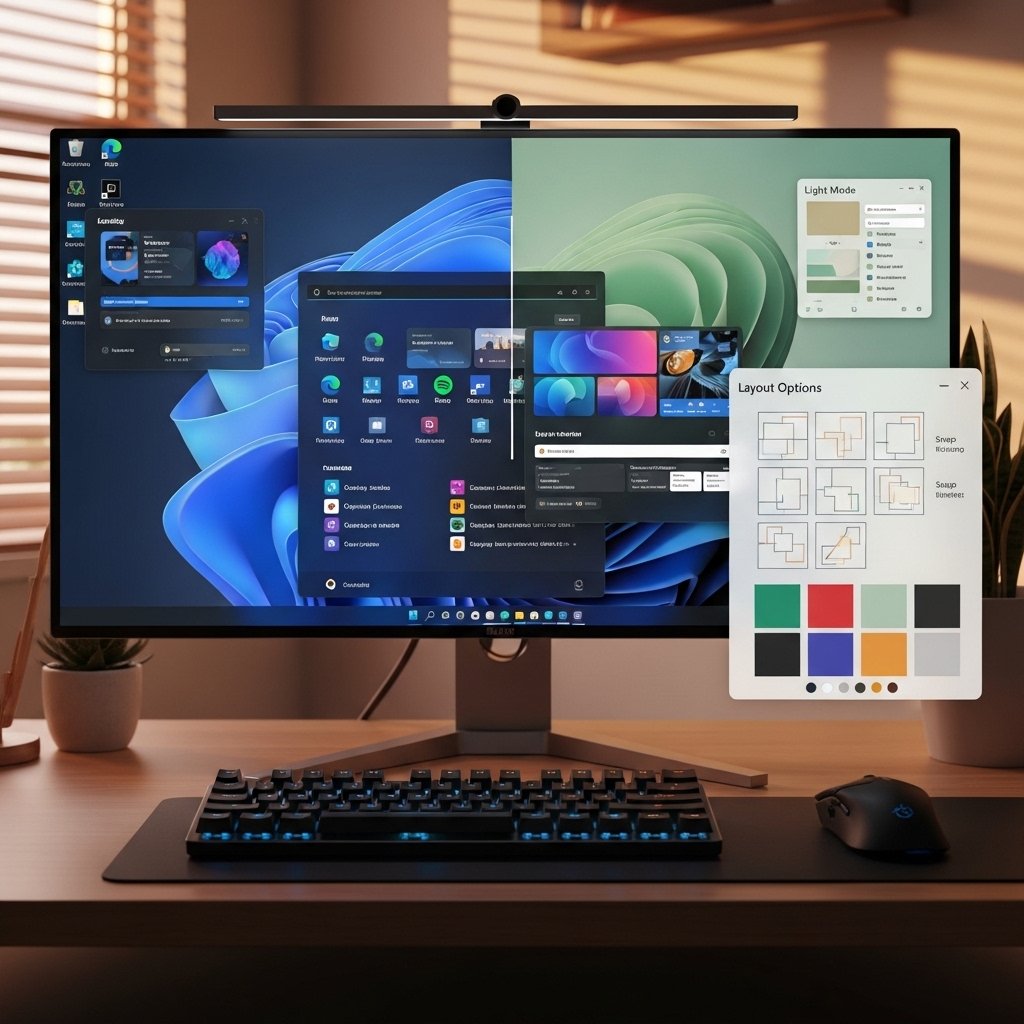
Users gain more control over themes, colors, and layouts. Personalizing the desktop becomes easier, allowing each system to reflect individual preferences while maintaining a clean and modern design.
