
A sluggish phone may silently break the routine. Easy chores begin to take time. Applications are reluctant to open. Messages lag. This is tiring in the long run. The majority of slowdowns are not instant failures. They are by-products of little, habitual practices. Storage fills up. Software ages. Background processes accrue. The positive side is that the performance problems can be dealt with. After making some thoughtful changes, your device can respond like it used to. You will not require any high-level technical skills. All you will have to do is be clear on what leads to delays and how to rectify them. Common slowdowns are explained by using the following reasons and provide feasible methods of restoring a better performance.
Limited Storage Space
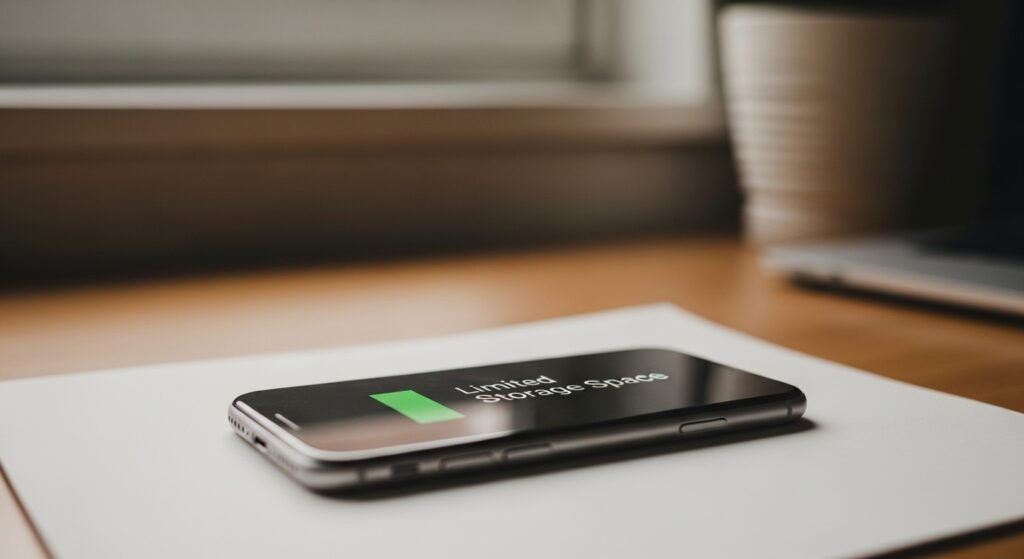
The phone becomes unable to handle tasks when it is close to the storage capacity. Files compete for space. Apps load more slowly. Removing unused applications, old pictures, and saved data clears memory and enables the system to run more efficiently.
Too Many Background Apps

Background apps consume memory and processing power. This reduces speed. Switching off apps that are not used and setting background refreshing to off enables the phone to prioritise the activities and be responsive.
Outdated Operating System
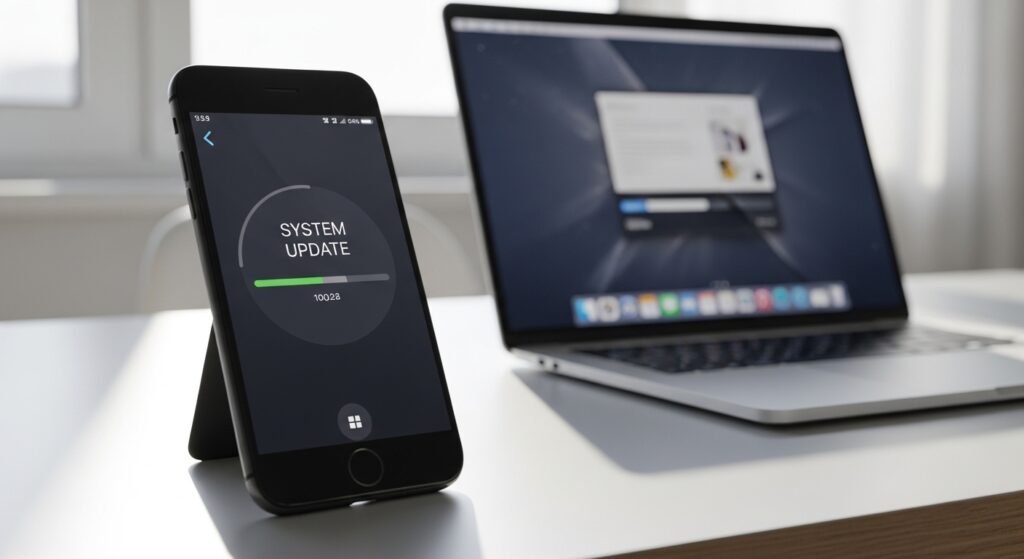
Outdated software might not have performance enhancements. Bugs remain unresolved. The updating of the operating system will guarantee optimisation, enhanced security and the facilitation of compatibility with new applications and features.
Ageing Hardware Components

Batteries become inefficient, and processors lose their efficiency over time. The phone labours more to accomplish the task. Tweaking of settings, decreasing animations, and heavy multitasking should be avoided to keep older hardware on a steady performance.
Excessive App Notifications
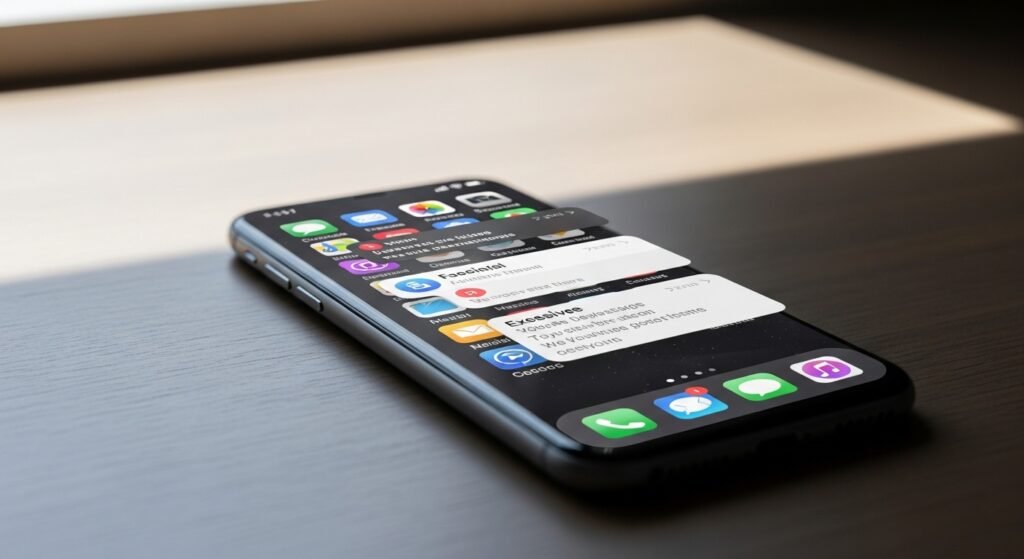
Background activity is caused by constant notifications. This consumes resources and diminishes the response time. Using the nonessential alerts also causes less interruption and enables the system to distribute power more productively.
Cached Data Overload
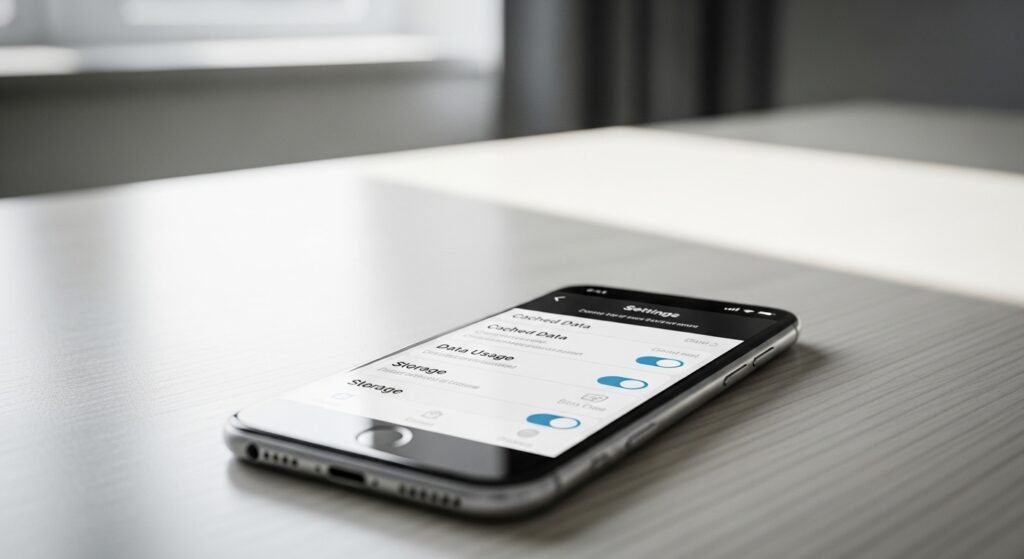
Data is stored in cache when apps store files. Too much cache may slow down performance. Periodically clearing the cache will remove unnecessary data and will aid in the apps running cleaner and faster.
Too Many Widgets and Live Wallpapers

Animated backgrounds and widgets are updated often. They consume memory and processing power. Having a simple home screen will lessen stress and shorten the speed of response by the phone to respond.
Rarely Restarting the Device

The processes will be sustained by constant use. Minor glitches accumulate. Rebooting the phone cleans the temporary memory and reinstates system functions, which in many cases, improves the speed instantly.
Apps No Longer Supported
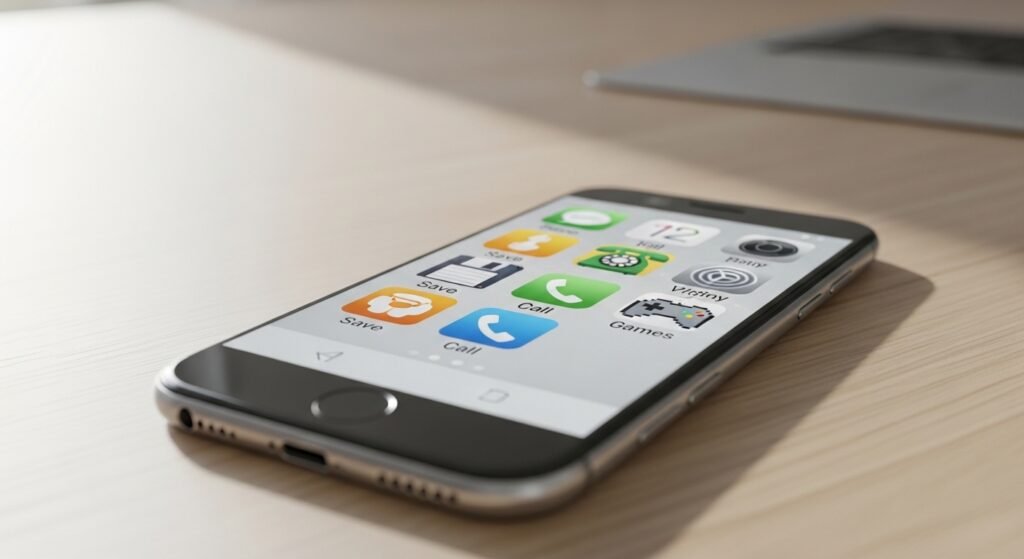
Some apps are not updated anymore by developers. They may run inefficiently. Unsupported apps can be removed to eliminate conflicts in their systems and enhance the stability of the system as well.
Weak Battery Health
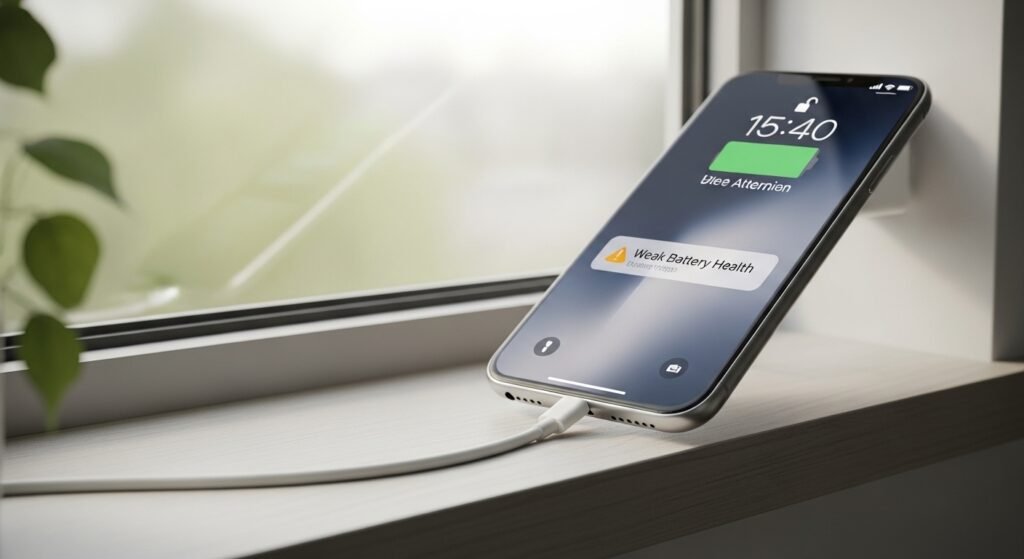
A deteriorating battery can reduce performance to save on power. This will lead to visible delays. Replacement of an old battery or the ability to have a balanced power setting reinstates the smooth functioning.
Overloaded Internal Settings

Multifaceted environments, such as the ability to access location at all times or auto-sync, add workload. Permission and feature review minimise background processes and make the device more responsive.
