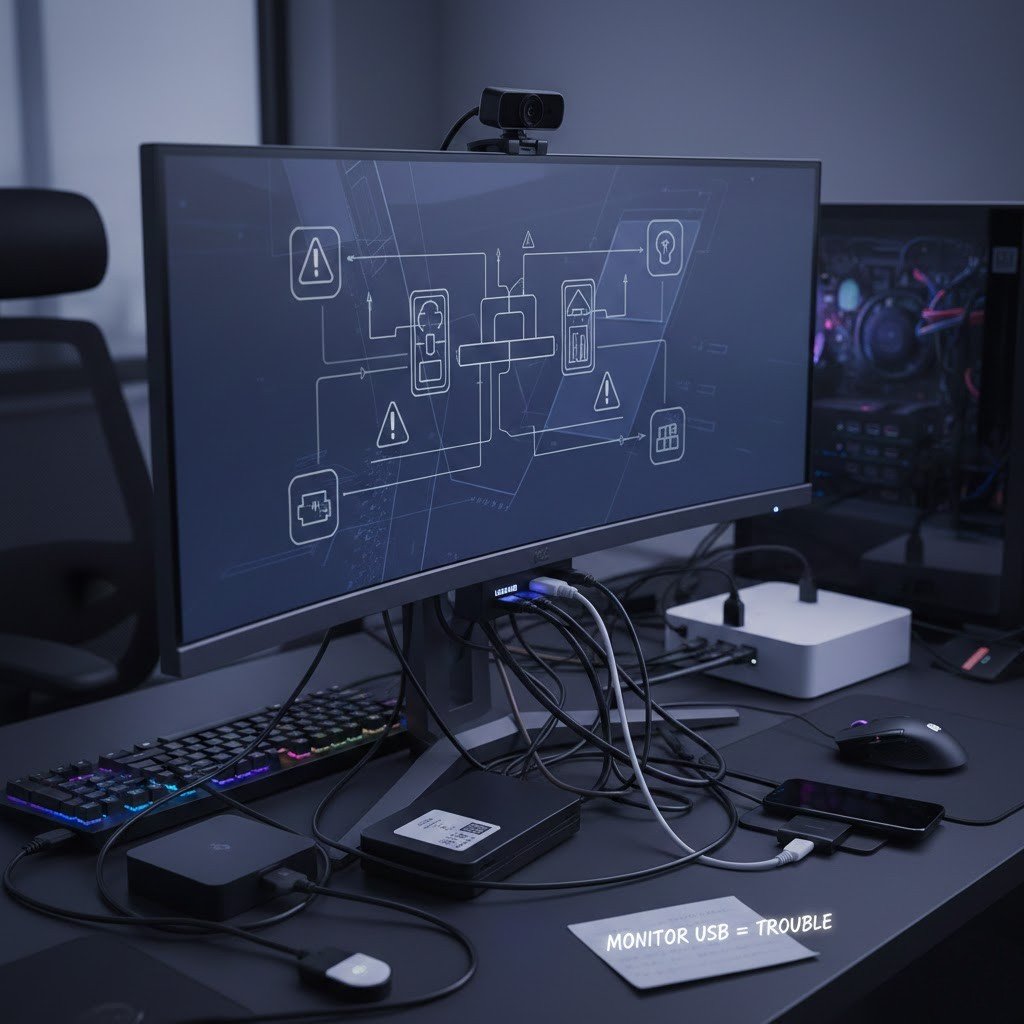
Most of the modern monitors come with USB ports, and users are tempted to connect keyboards, mice, hard drives, phones, and webcams. It is clean and comfortable, yet the ease of doing things may silently cost you time, dependability and even the life of the device. USB hubs. Monitors USB hubs are not commonly intended to substitute dedicated hubs or motherboard ports. They are bandwidth sharing, increase redundancy, and may complicate the delivery of power and troubleshooting. In the long term, these minor concessions compromise productivity, performance and hardware condition. You use your computer every day, whether it is to work, to be creative, or to play games, so it is reasonable to know why the idea of using your monitor as a USB hub might not be the most intelligent long-term decision.
Limited Power Delivery
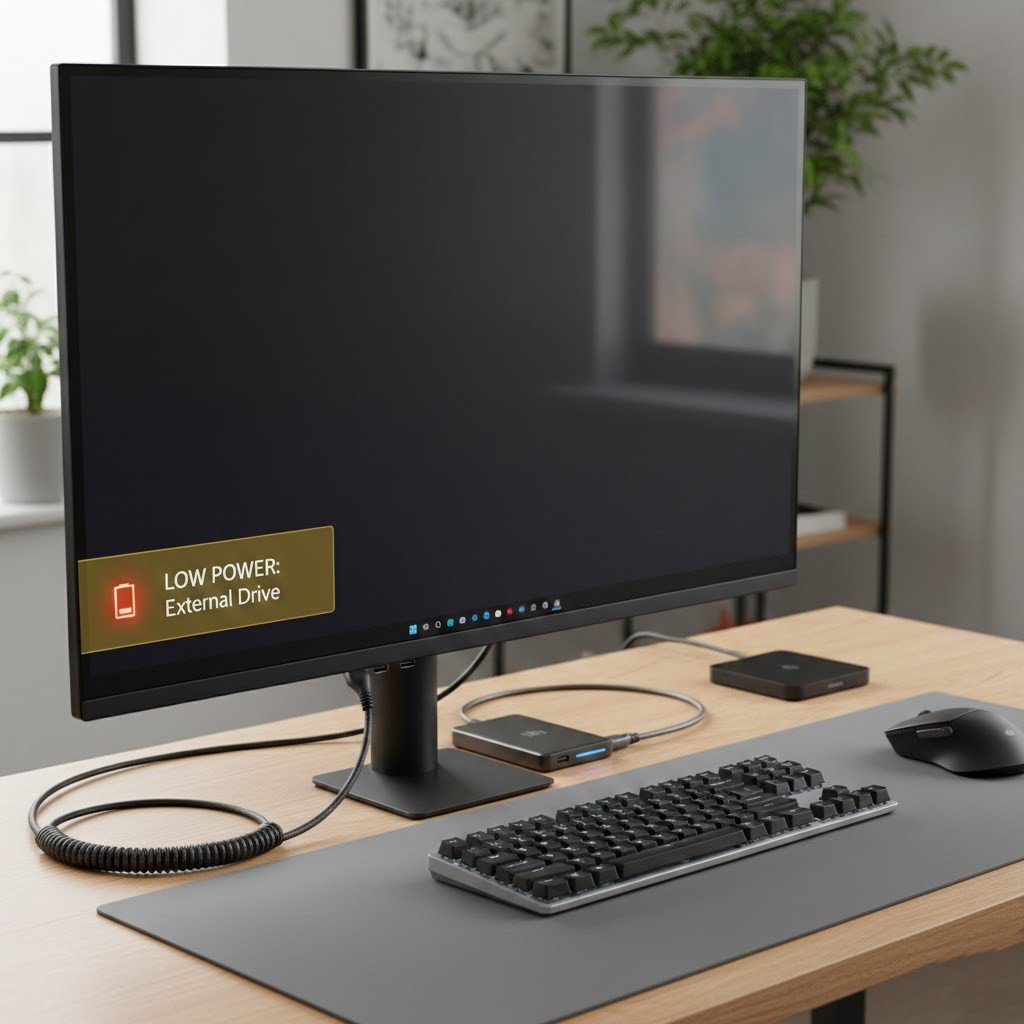
USB ports tend to be fed with lower power than motherboard ports or powered hubs. This may lead to slow charge, unreliable connection or loss of connection to the gadgets, particularly external drives, cameras, or gadgets that require lots of power.
Slower Data Speeds
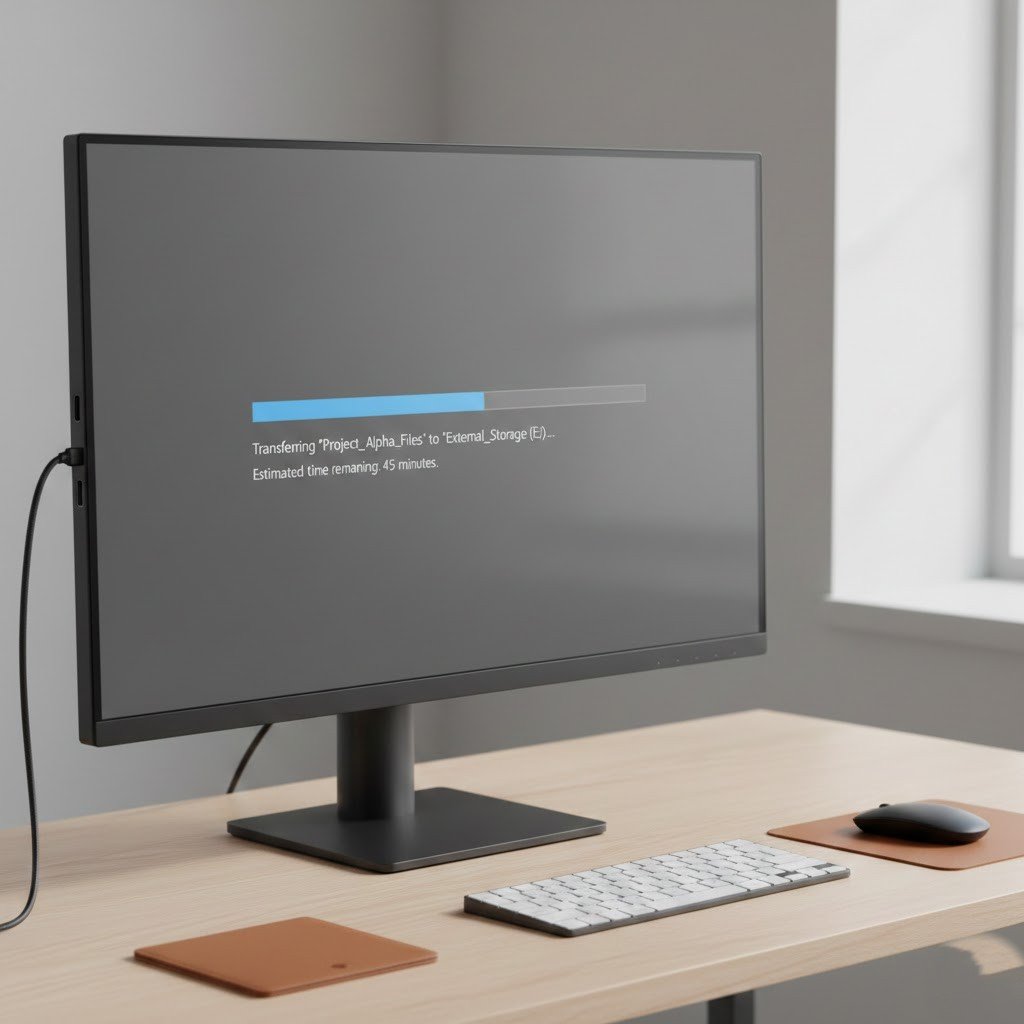
There are numerous USB hubs that have older standards used inside. Although your computer may have high USB speeds, the monitor may slow down transfers, and file copies, backups and imports of media can become significantly slower.
Shared Bandwidth Problems
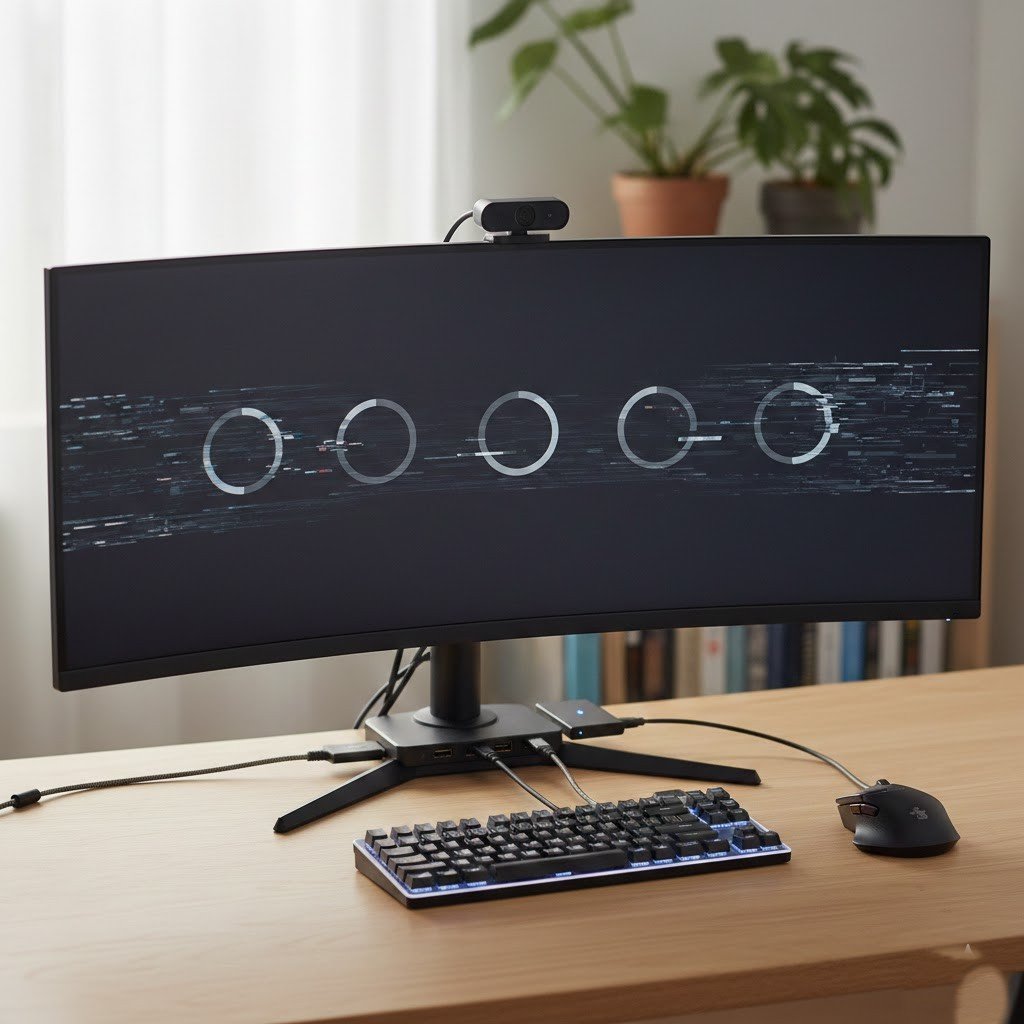
The upstream connection is shared by all the devices connected to a monitor hub. With several peripherals running simultaneously, the performance will decrease, resulting in slow input devices and unstable access to the storage.
Extra Point of Failure
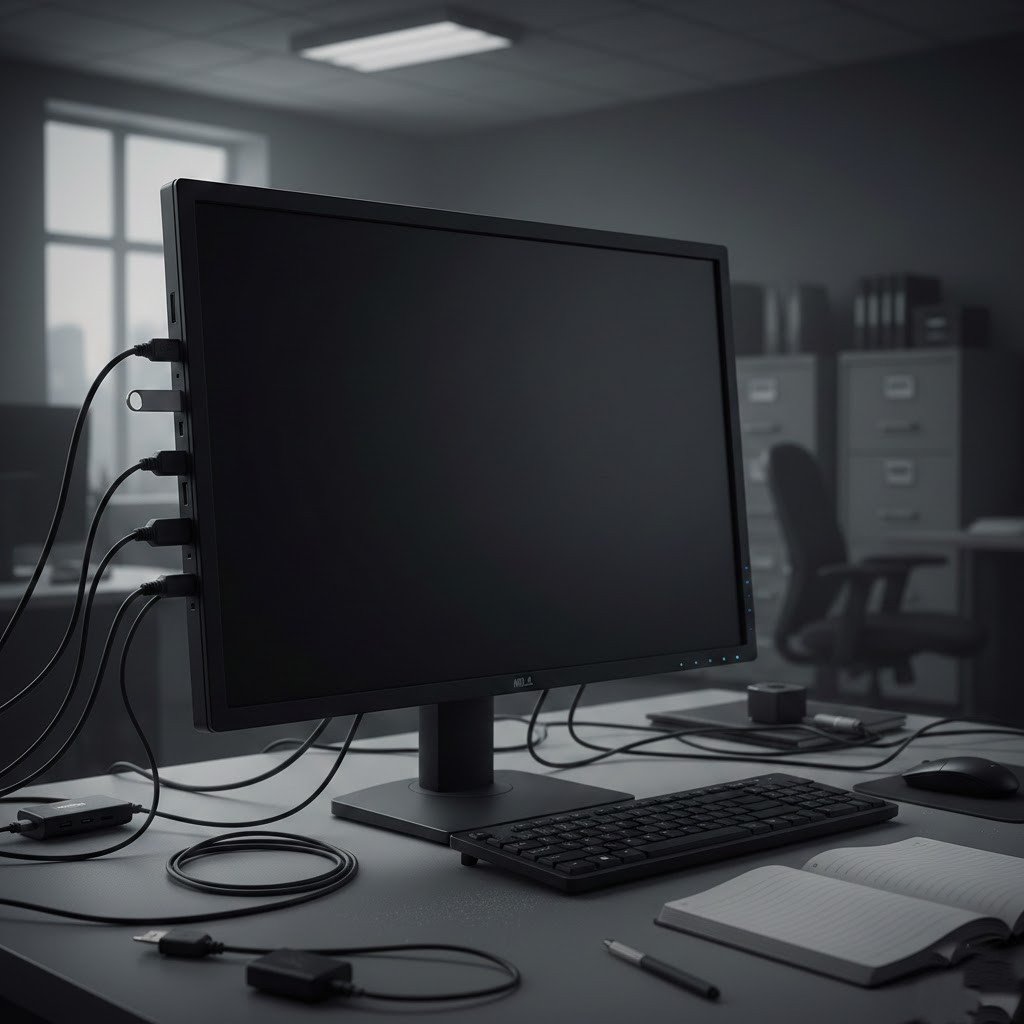
If your monitor dies or goes to sleep, or has some sort of problem with its overall reliability, so do any devices you attach to it. All it takes is one forgotten cable or a bug in the software and you can find your keyboard, mouse and disk storage go dead in an instant.
Cable Management Isn’t Truly Better
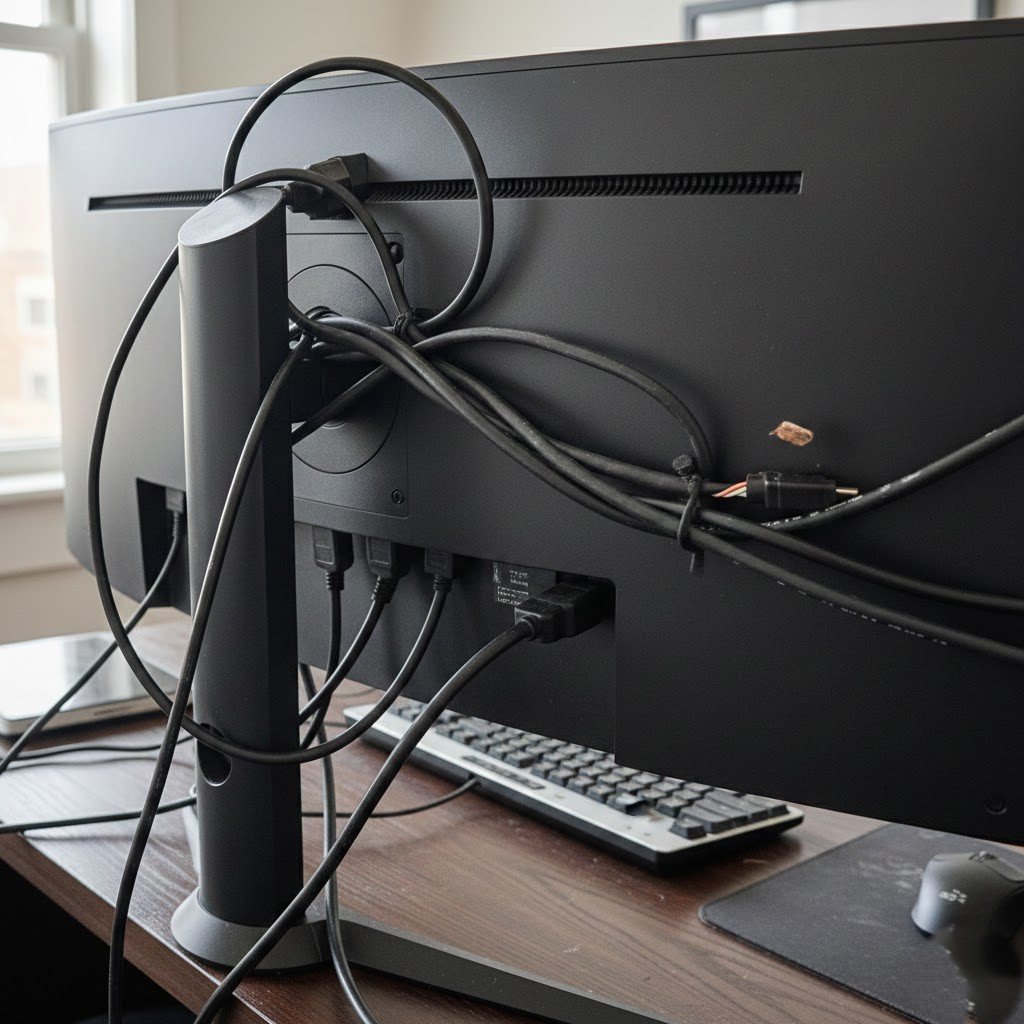
Although it appears more clean, laying all through the monitor will typically create more cable runs and greater angles. This causes more wear on ports and cables, and this is particularly evident when the monitor is moved frequently or tilted frequently.
Unstable Recognition of the Devices
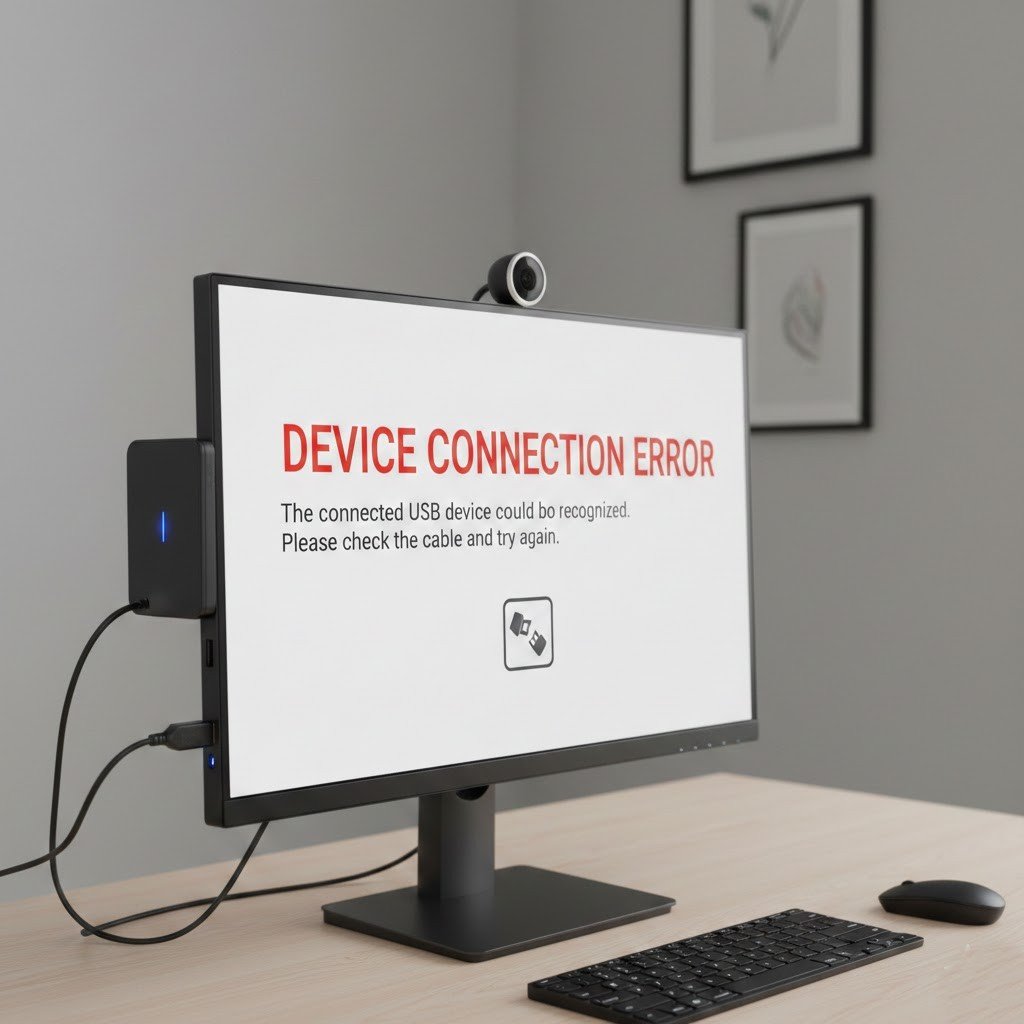
Certain devices do not boot up well using monitor hubs. Webcams, audio interfaces and external drives do not always reconnect (after a sleep) and have to be restarted or unplugged again and again during work.
Poor Choice for Storage Drives
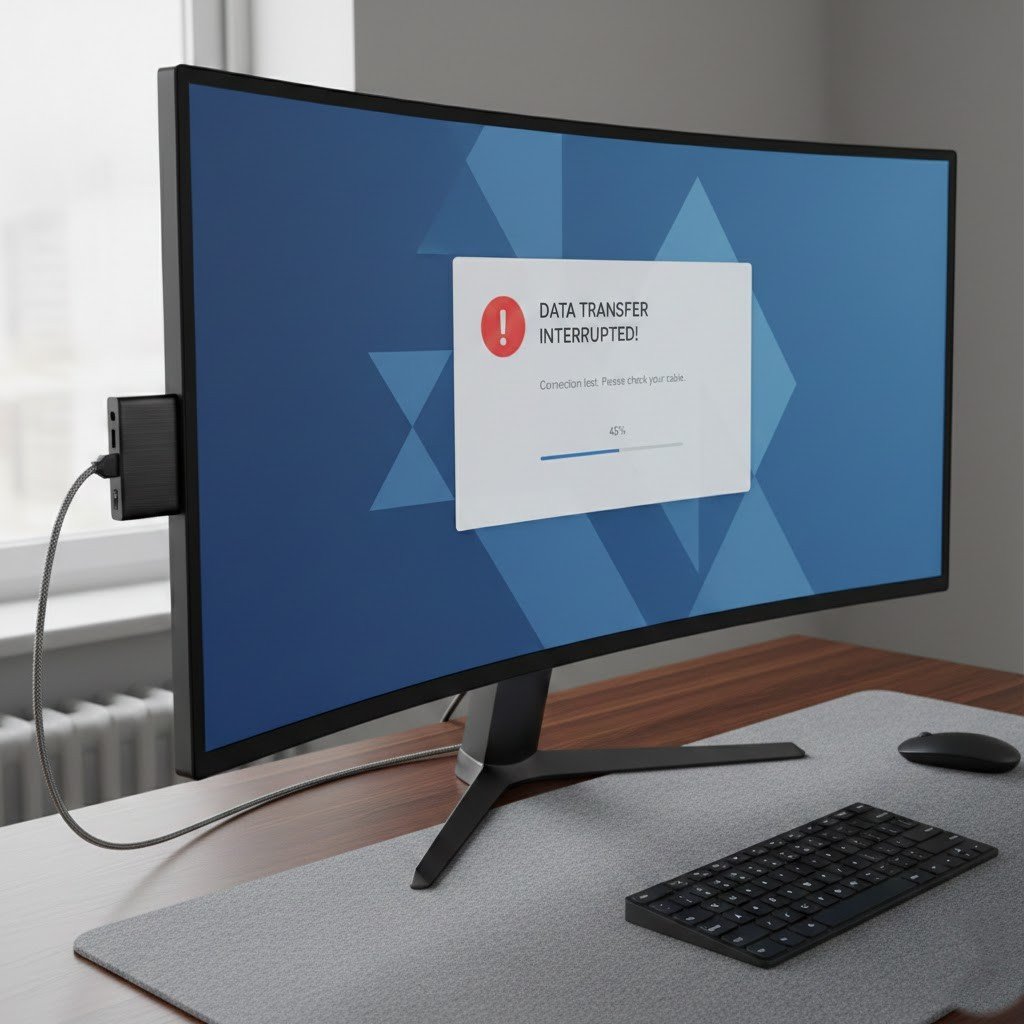
SSDs and hard drives must have stable power and bandwidth. Monitor Hubs may lead to random loss of connection, threat of corrupt files, unfinished transfer and long-term data reliability problems.
Reduced Gaming Performance
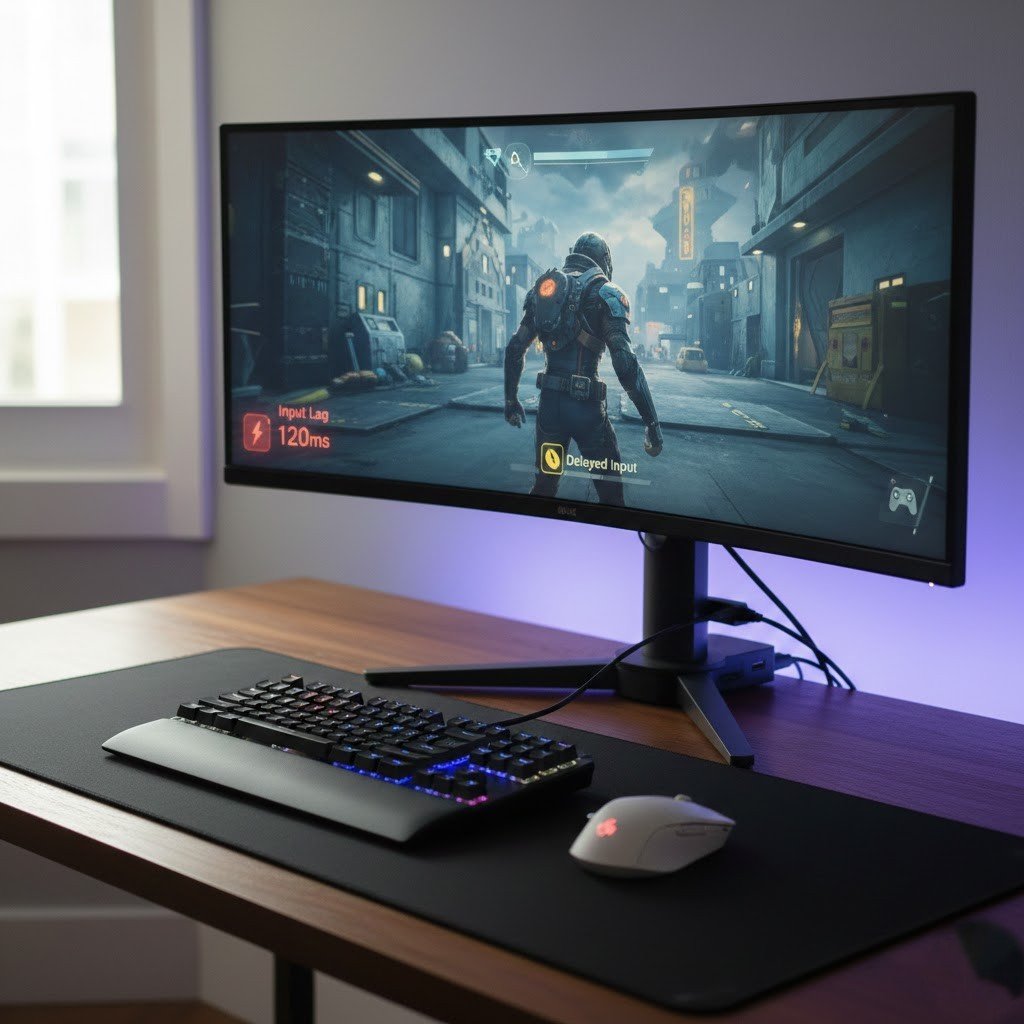
Low latency is advantageous to gaming mice, keyboards and controllers. Sending them to a monitor hub may add little to no delay, which contributes to latency in a fast and competitive game.
Firmware and Compatibility Issues
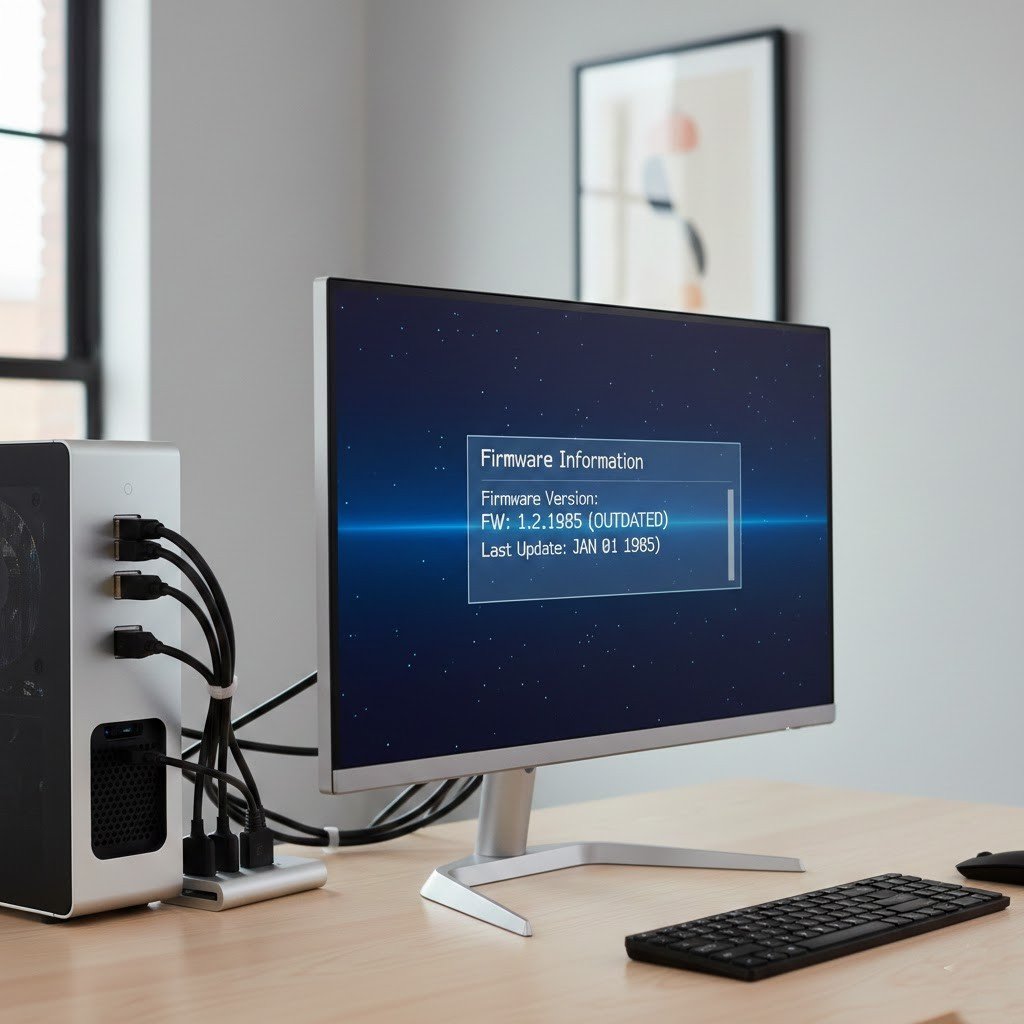
USB hubs are monitored on the display firmware. Rare updates are made, and bugs are not fixed. New hardware also tends to be unpredictable, whereas motherboard ports are better supported in the long run.
Harder Troubleshooting
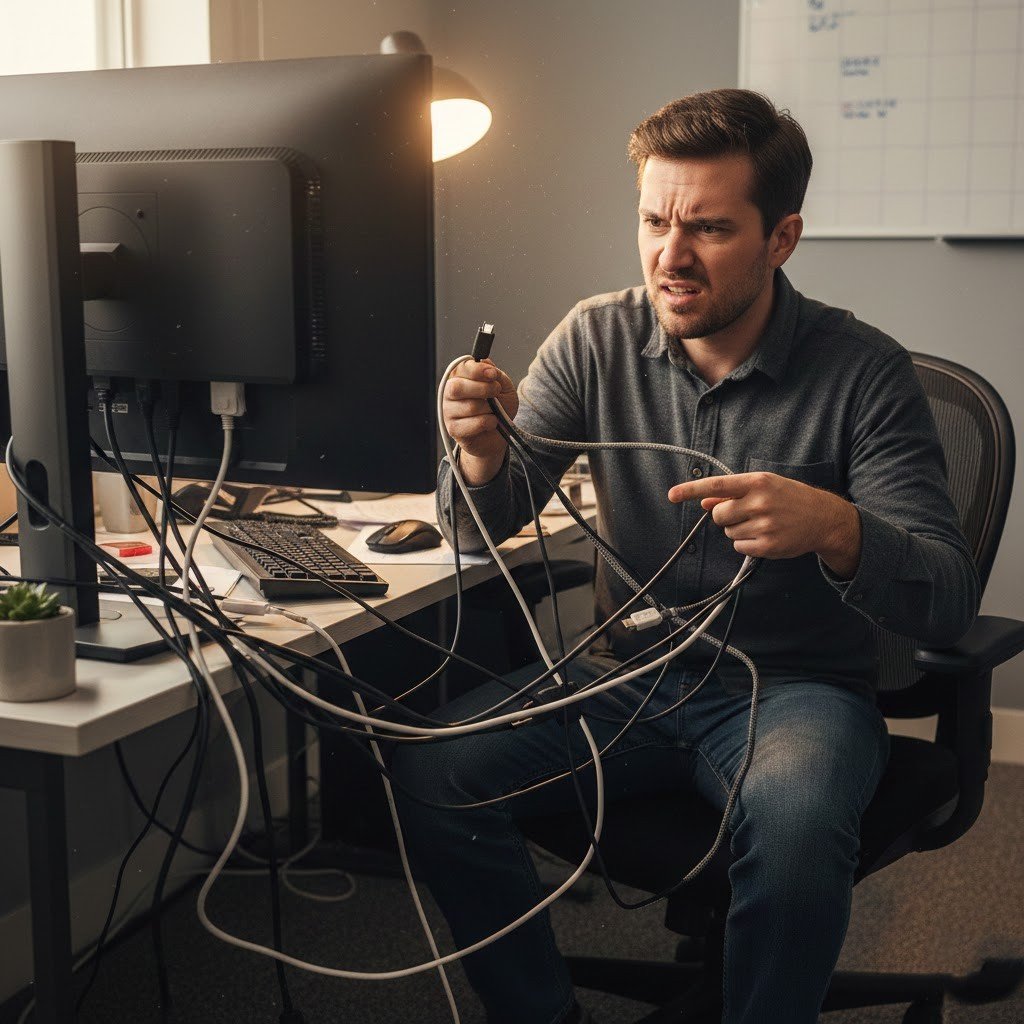
Once something fails, one cannot tell whether it is the device that is the problem, or the cable, the monitor, or the PC. Direct connections help in diagnosis and save time spent on troubleshooting.
