
Windows 11 is such a secure operating system and also stunning visuals and user interface at a glance but some useful settings are surprisingly hard to find. Many of these options are hidden deep inside menus or spread across different sections. Microsoft does this for design, safety, and simplicity. Understanding why these settings are buried helps users navigate the system with more confidence.
Advanced Power Options
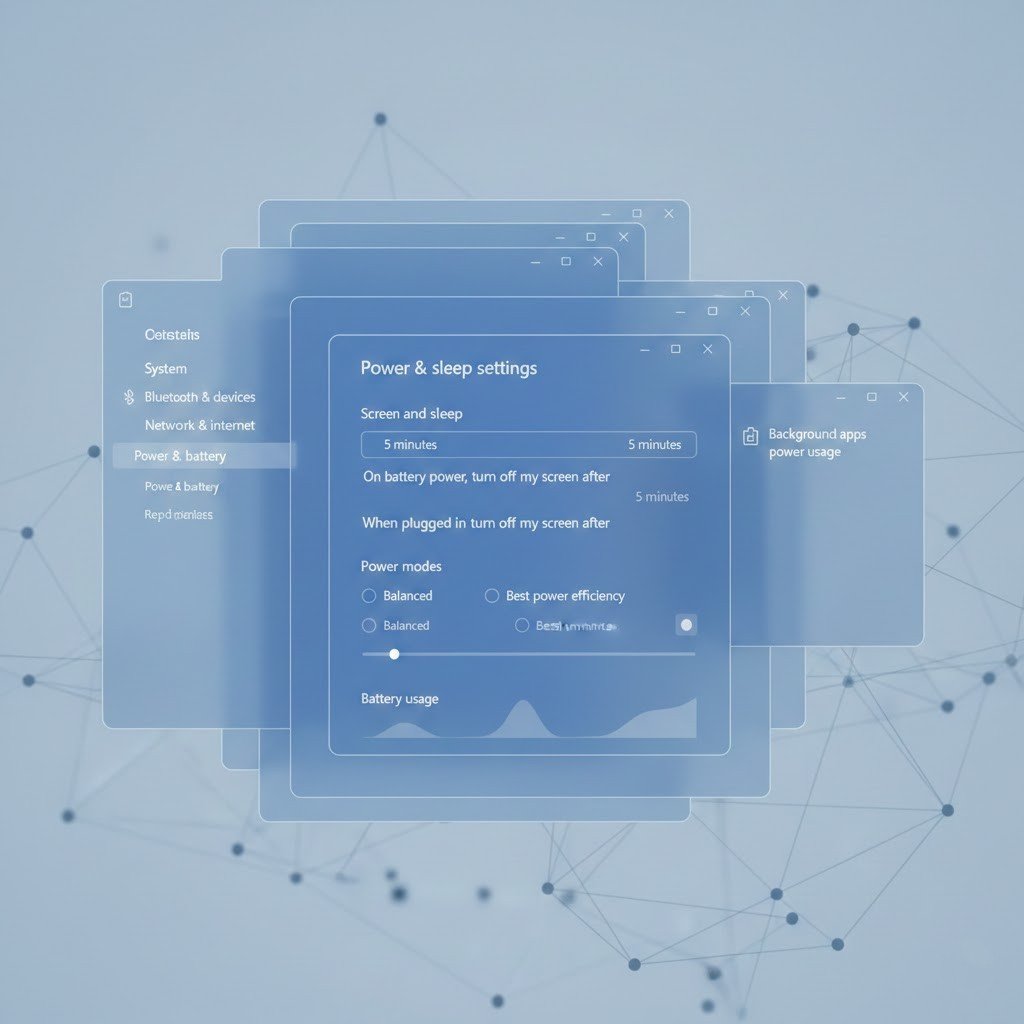
Power settings that control detailed performance are hidden to prevent accidental changes. Microsoft wants most users to rely on automatic power management instead of manual adjustments.
Network Adapter Settings
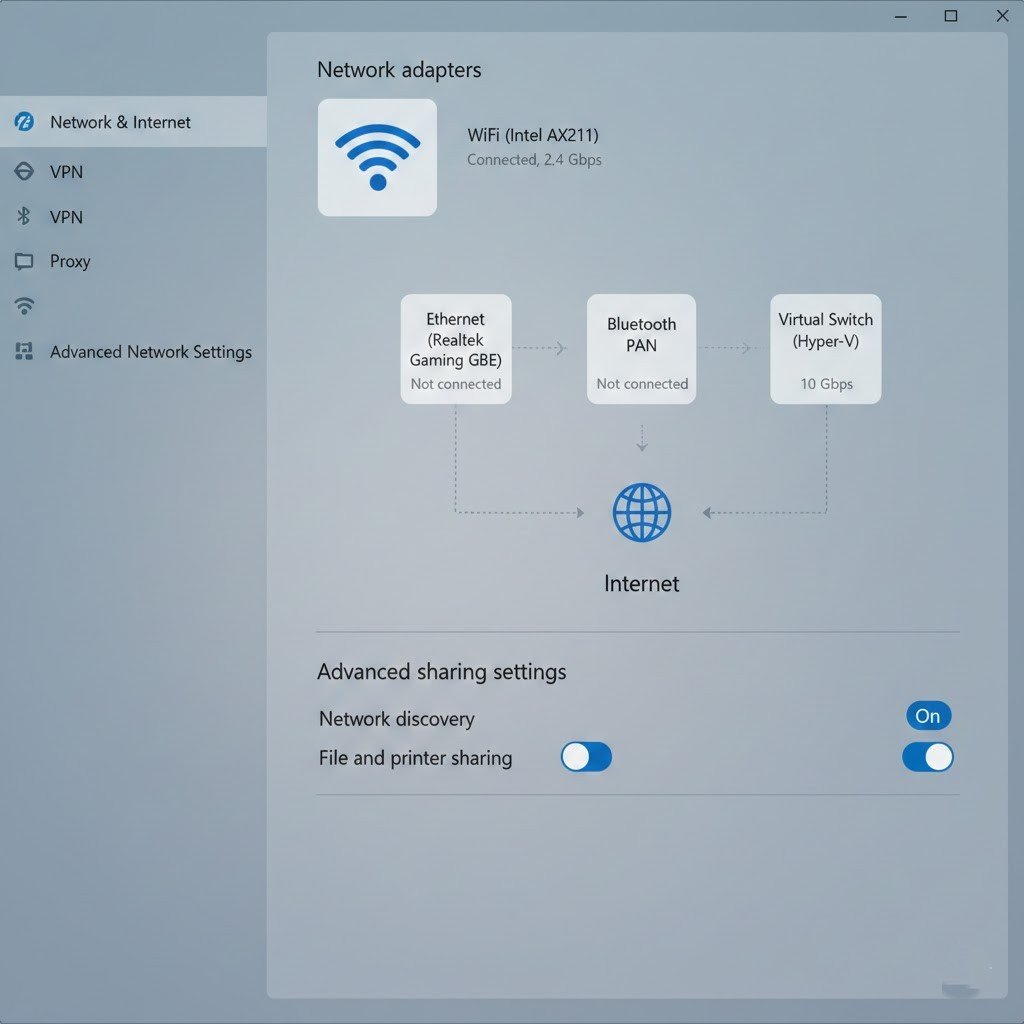
These settings affect how your computer connects to the internet. They are kept deeper in menus because incorrect changes can break connectivity for less experienced users.
Startup Program Controls
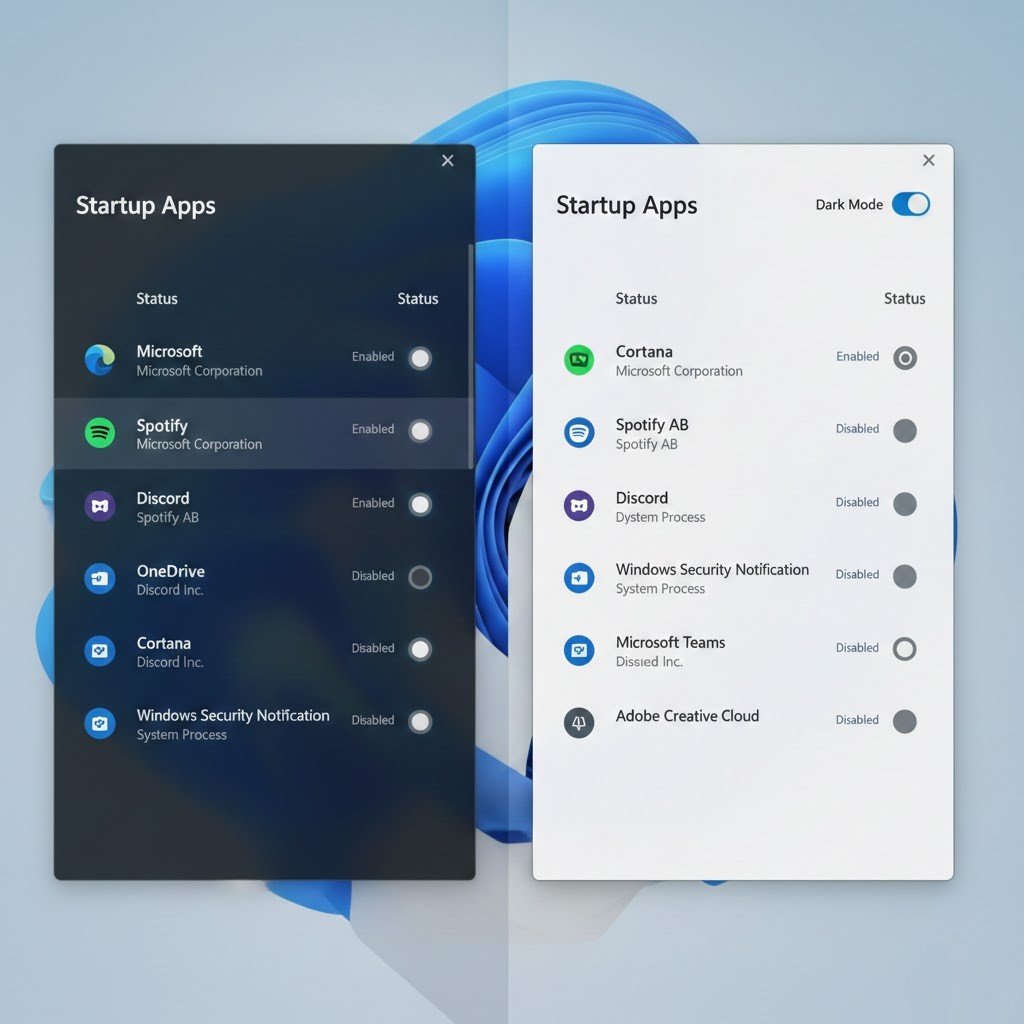
Startup settings moved locations over time. Microsoft places them away from basic menus to reduce confusion and avoid users disabling important system services.
File Explorer Options
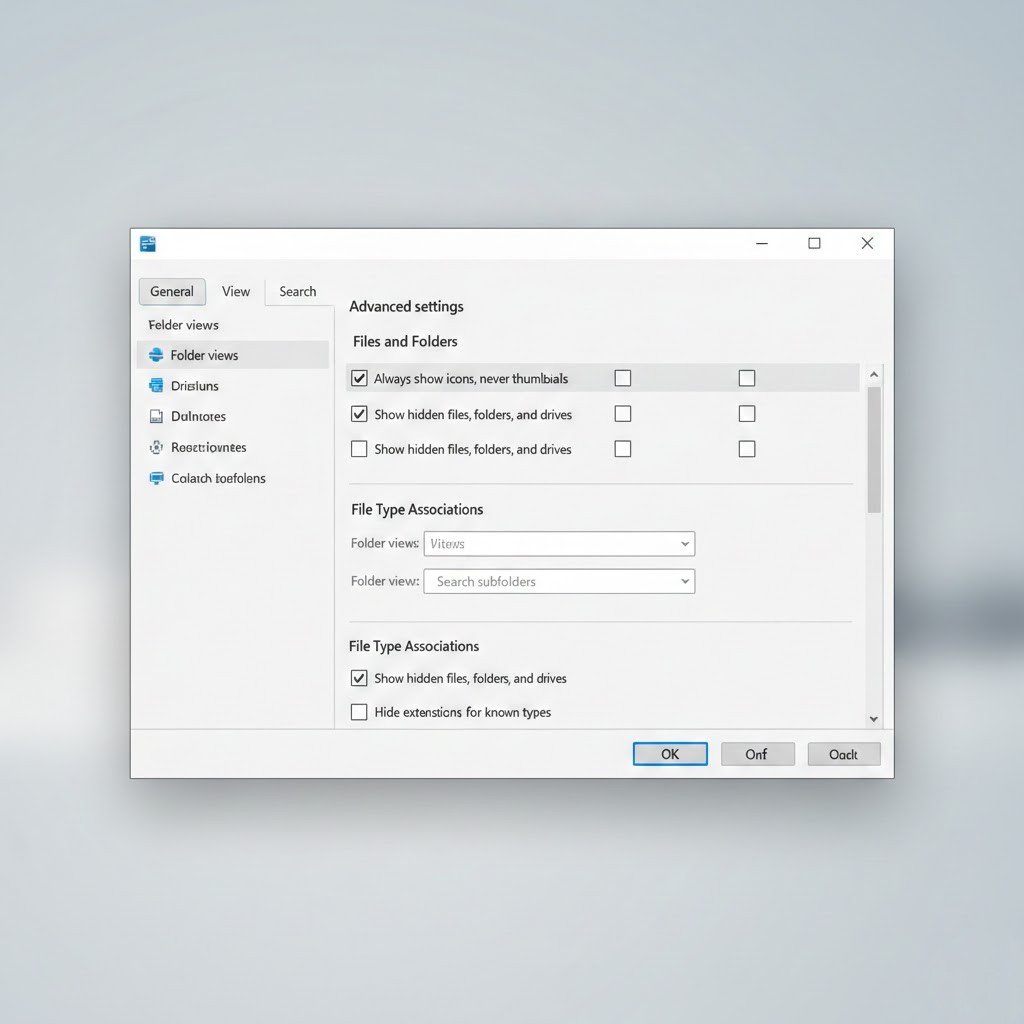
Many Explorer features are hidden to keep the interface clean. Advanced options are separated so new users are not overwhelmed by technical choices.
Privacy Permissions
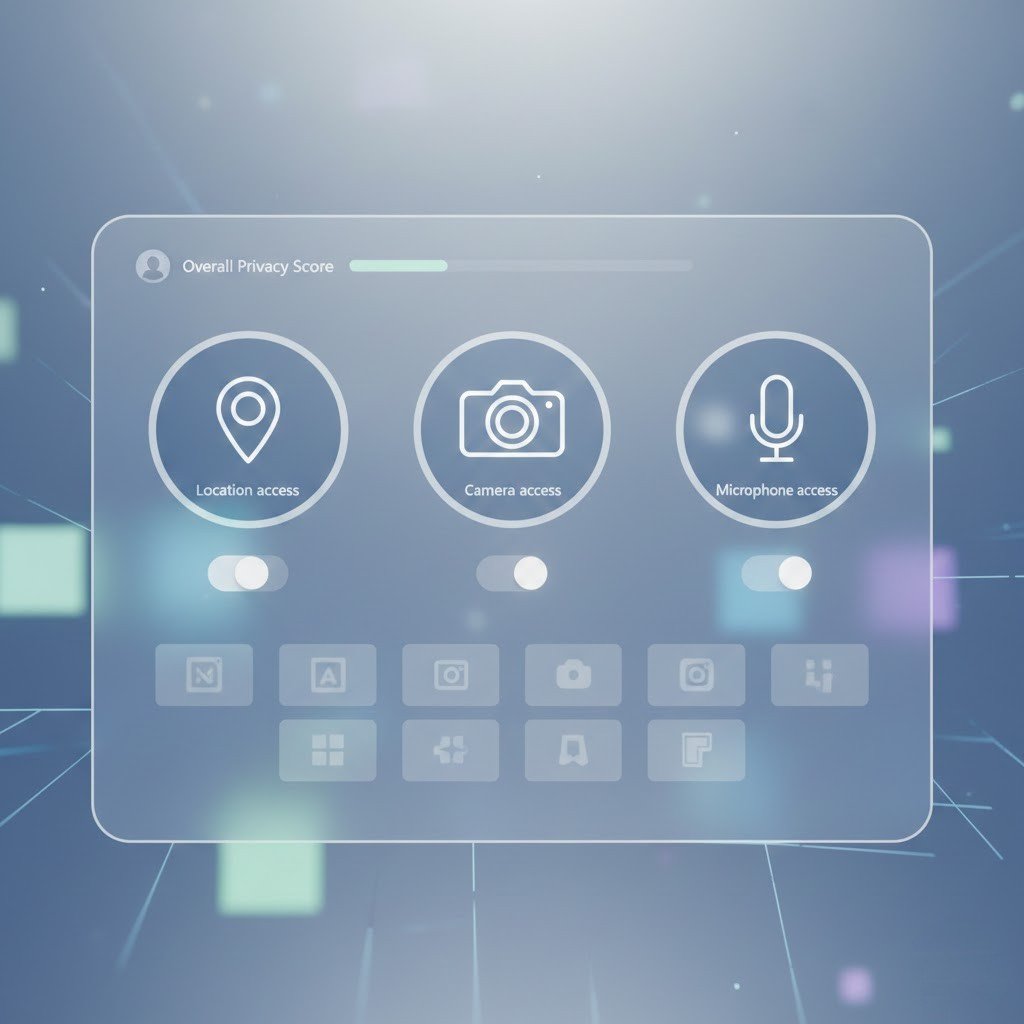
Privacy settings are spread across sections. This allows clear explanations for each permission and helps users understand what each option controls.
Legacy Control Panel Features
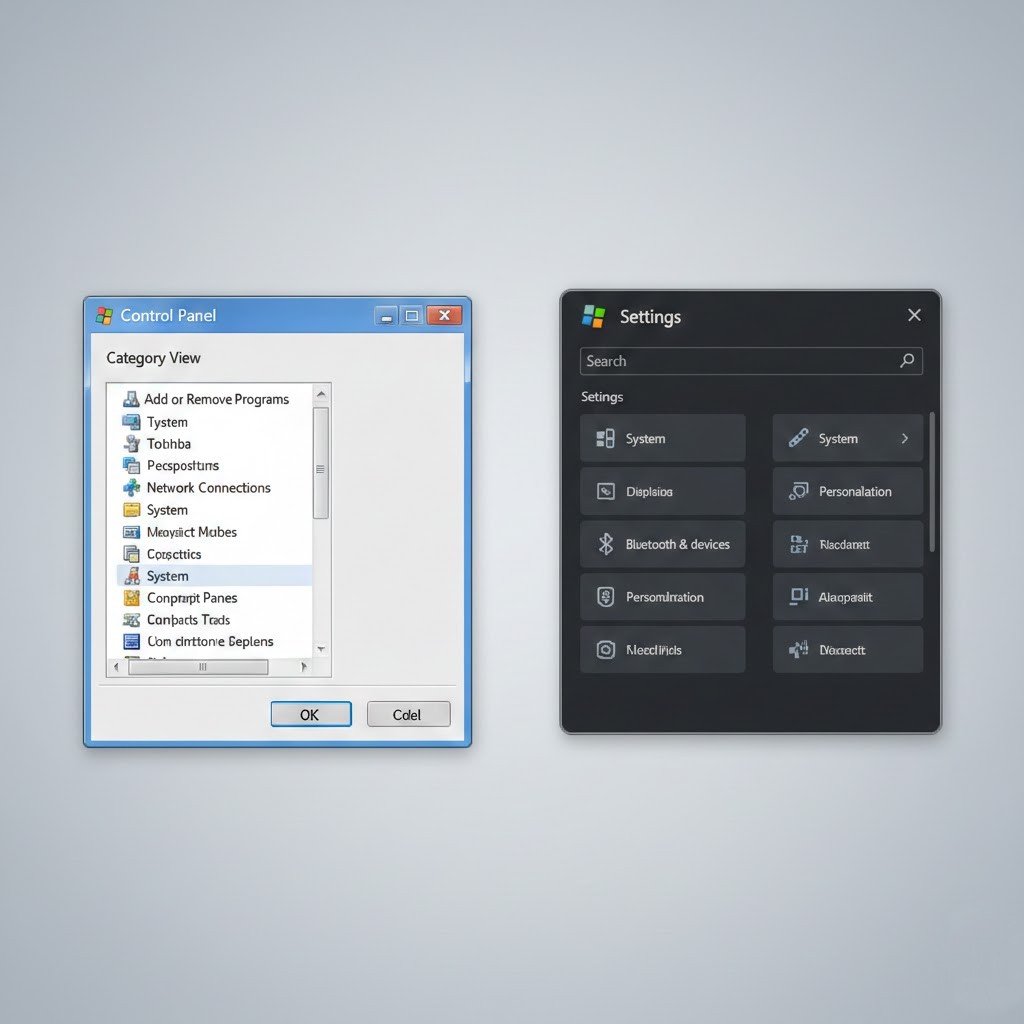
Some older settings still exist but are slowly being moved. This creates confusion, but it allows compatibility while Microsoft transitions to modern menus.
Device Manager Tools
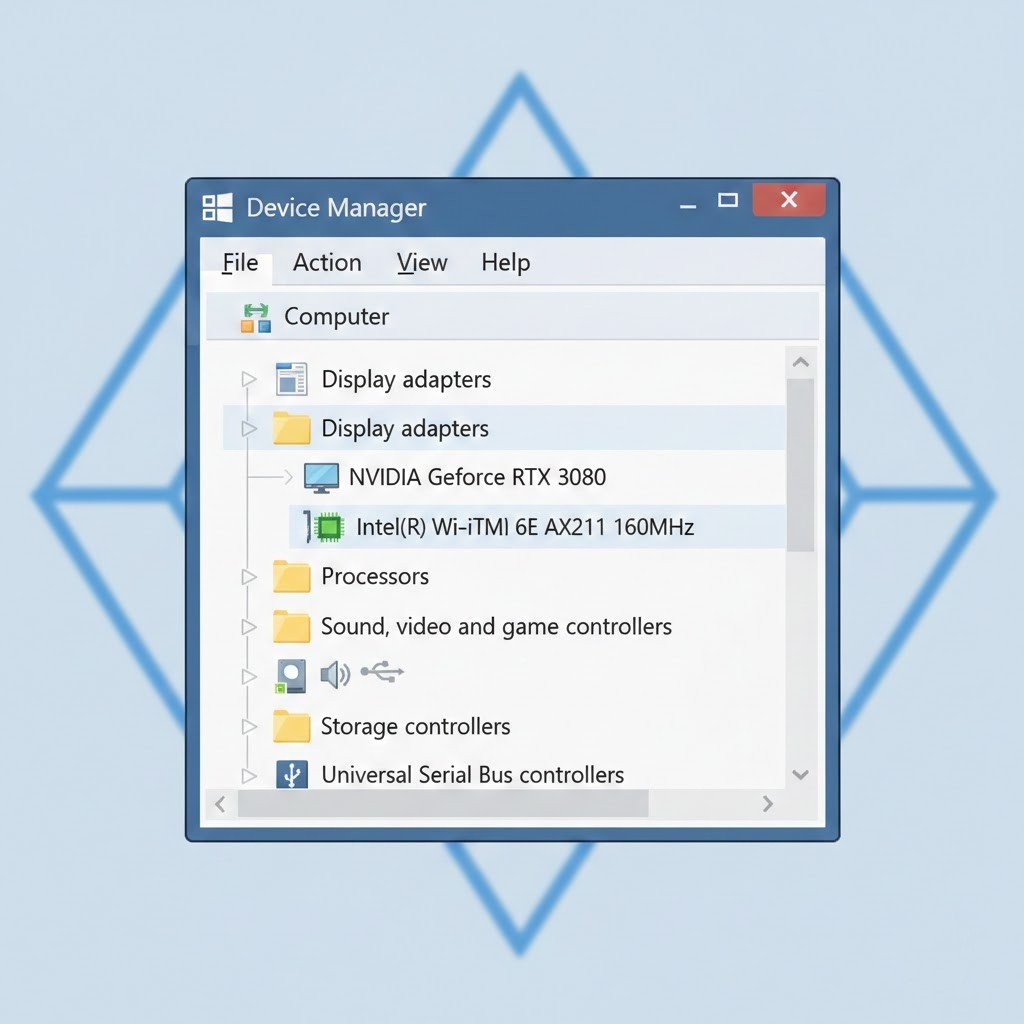
Device settings can affect hardware stability. Keeping them harder to access reduces the risk of accidental changes that could cause system issues.
Registry Related Options

Registry tools are hidden because they control deep system behavior. Microsoft limits access to protect system stability and security.
Background App Controls
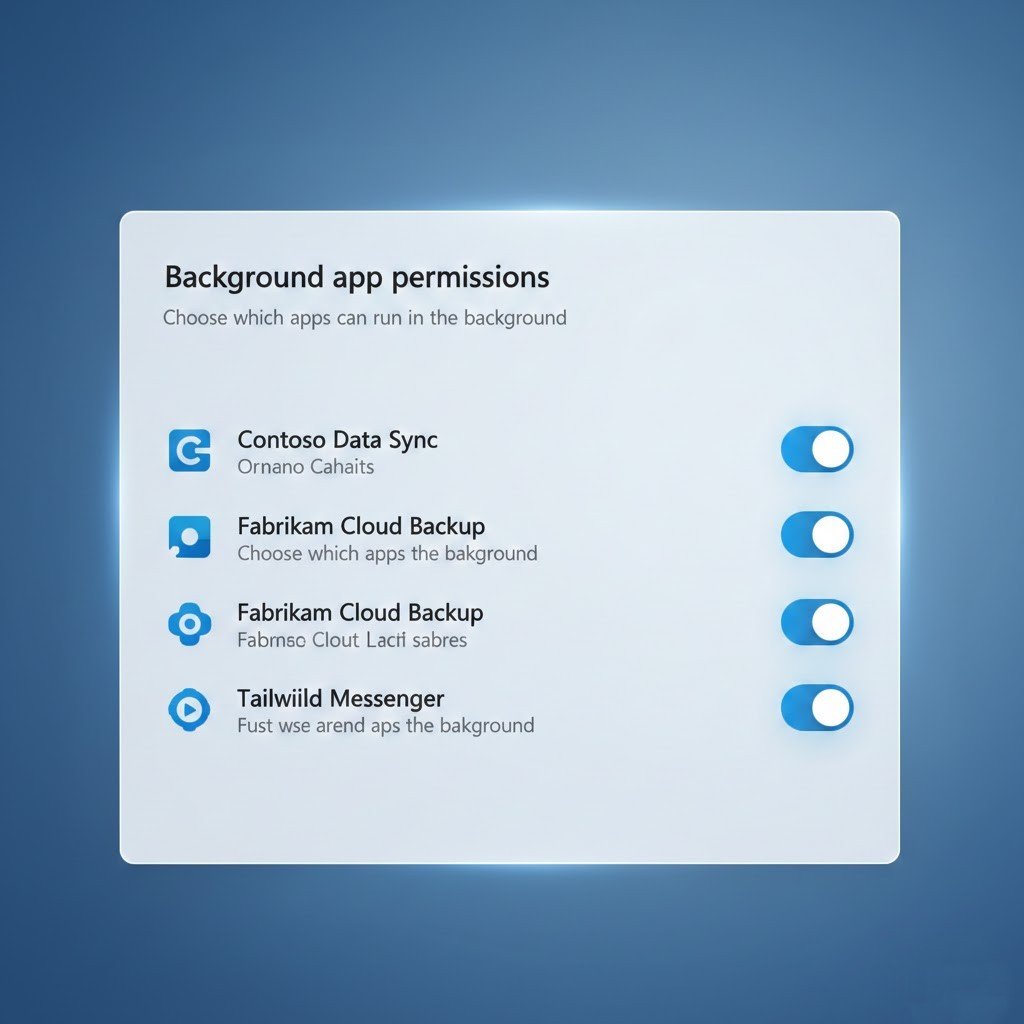
Background app settings are tucked away to reduce clutter. Microsoft expects most apps to manage themselves without user intervention.
System Recovery Settings
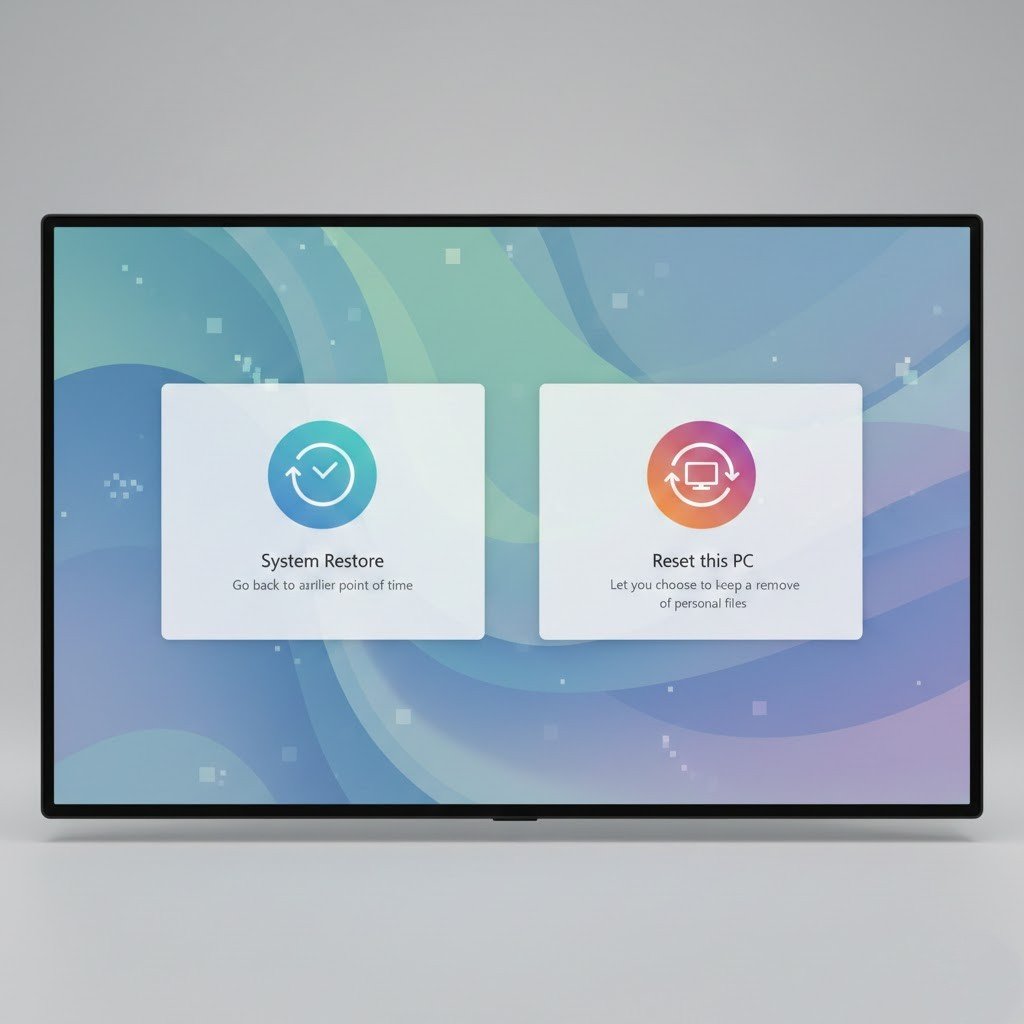
Recovery options are hidden for safety reasons. These tools can change system state quickly, so Microsoft keeps them protected and less visible.
