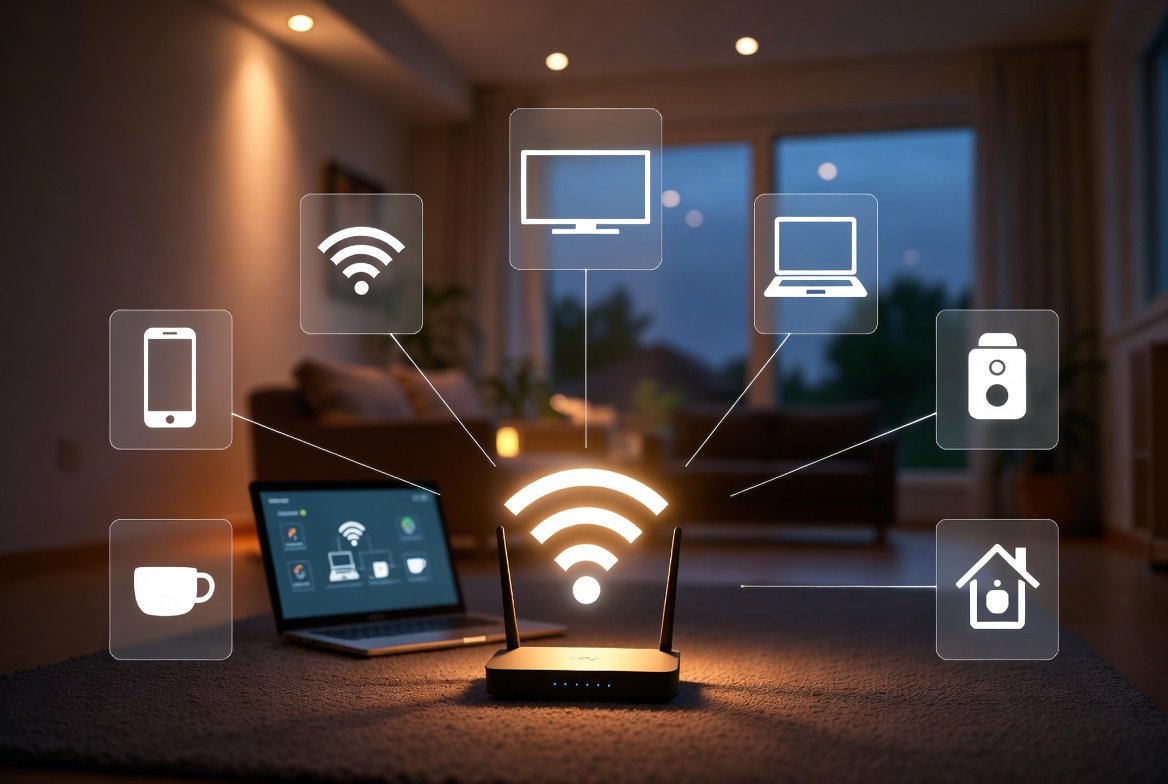
Home internet networks quietly support daily work, entertainment, and personal communication. But few homes frequently audit what devices are plugged into their Wi-Fi router. And before long, unknown phones, TVs, speakers, or smart-home gadgets could join the network with little fanfare. These extra linkages can reduce the speed of an internet connection, pose privacy issues and increase the likelihood of being spammed or having personal data accessed without permission. It’s also not very hard to figure out what sort of strange device you have never set eyes on before, and no expertise is required. Through some basic checks and minor habit adjustments, any household will experience better understanding of network activity, smoother performance and more confident protection of digital privacy.
Router Login Check
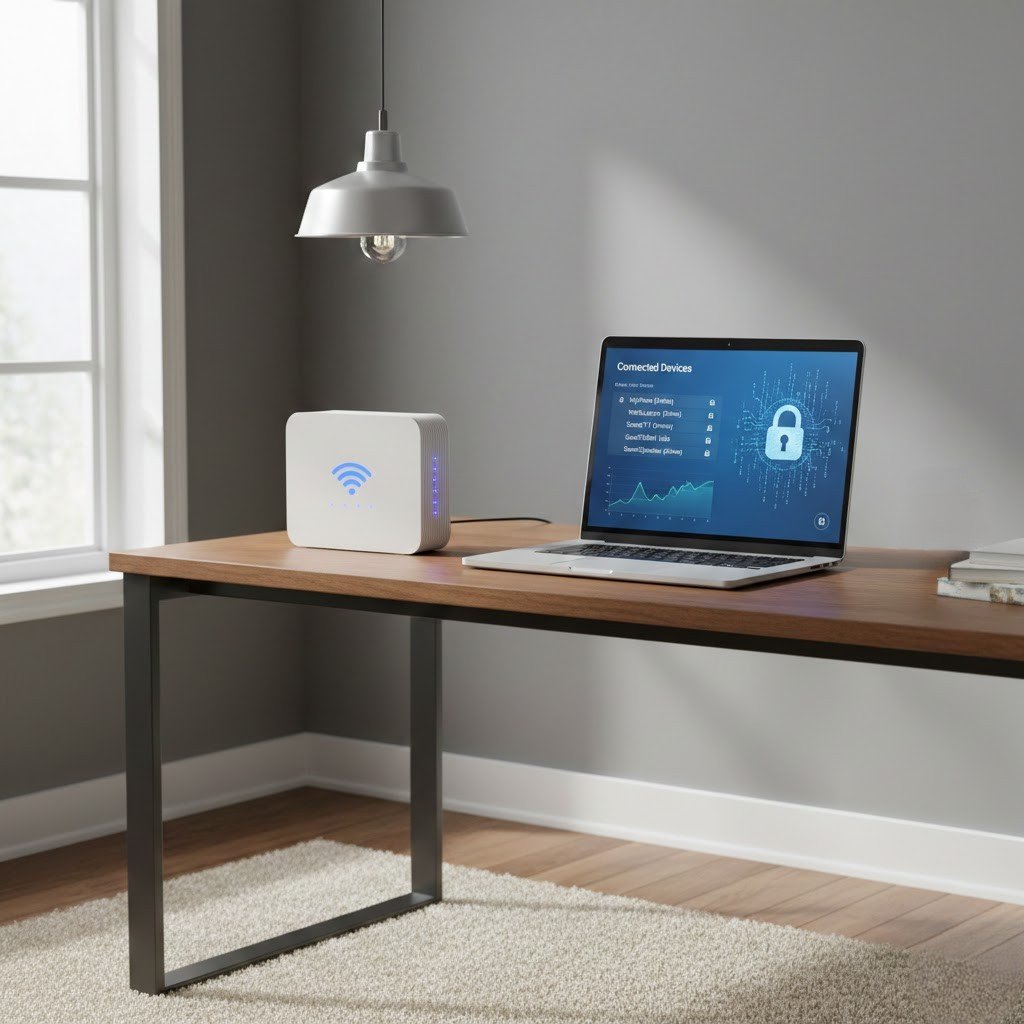
Log in to the admin section of your router and check the list of devices connected to it. Unknown people, brands you don’t recognise, or multiple entries can be a sign of extra devices that are not part of your home.
Device Name Review
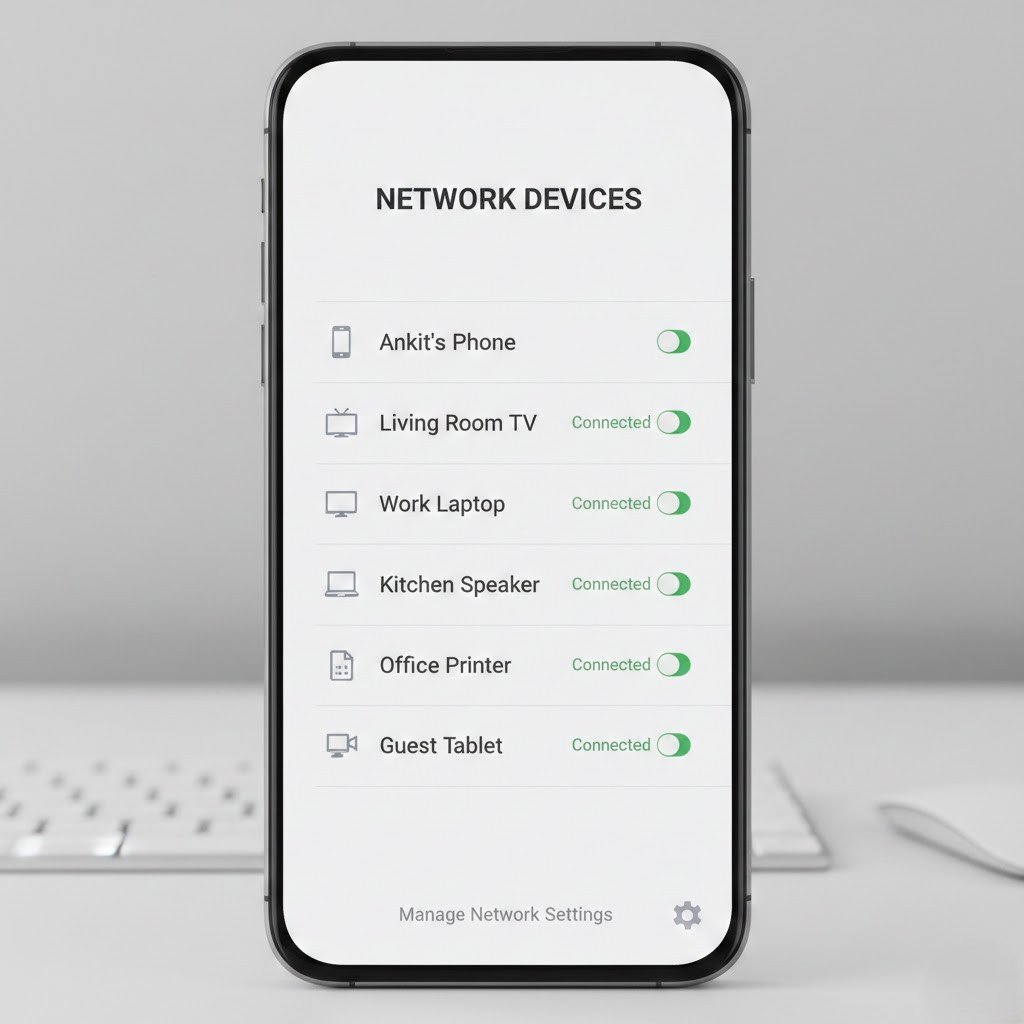
Name your own phones, laptops and televisions clearly. With labelled devices, you can tell more readily which connections are known and what looks suspicious.
Signal Strength Observation
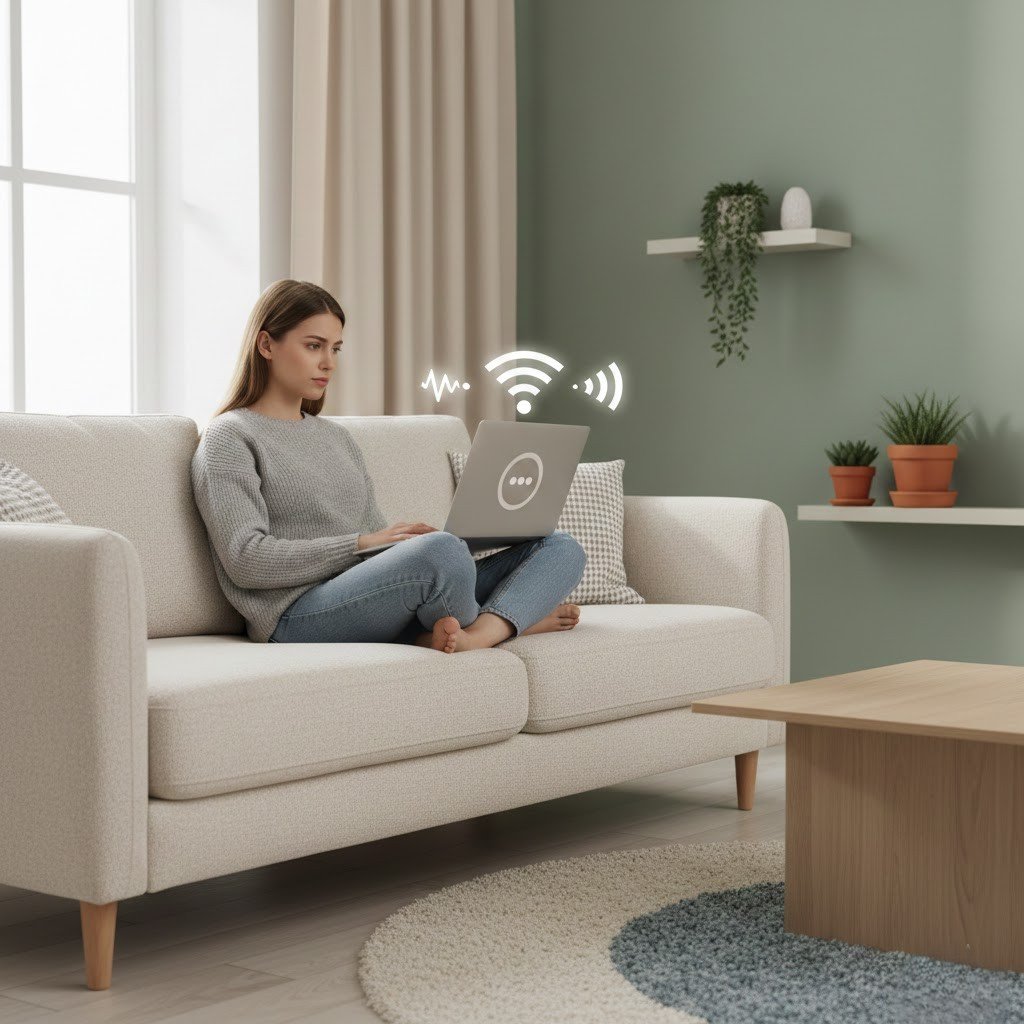
Notice things like slow browsing, lag in video streams or download times. And these changes can indicate that something else is drawing on more network capacity.
Guest Network Use
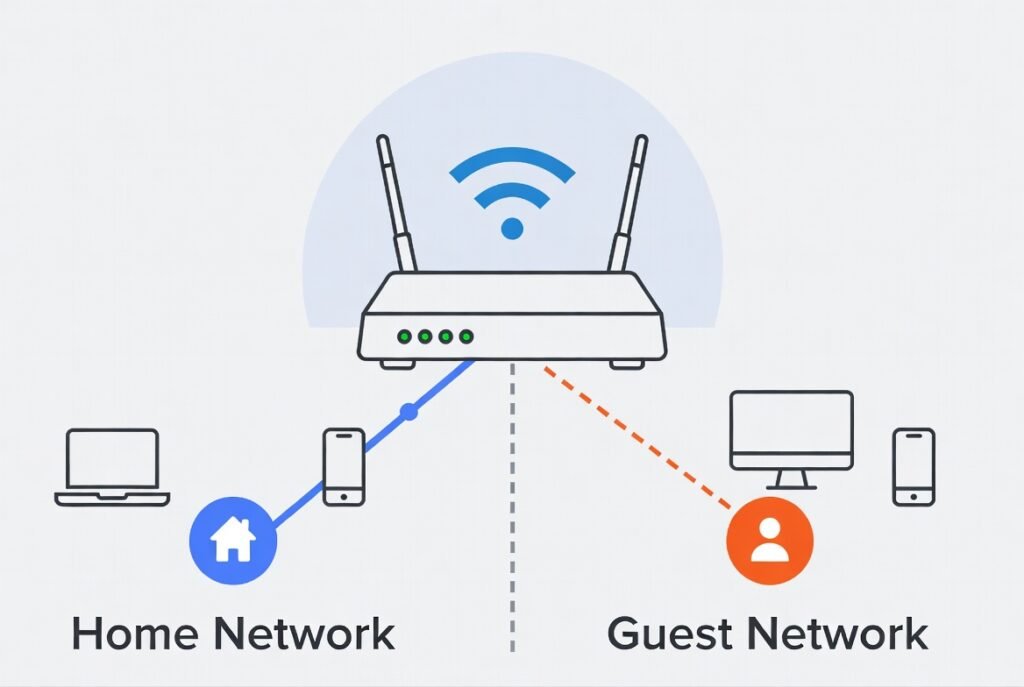
Activate the guest network feature for visitors. This keeps temporary connections separate and makes it simpler to monitor your primary network.
Router Mobile App
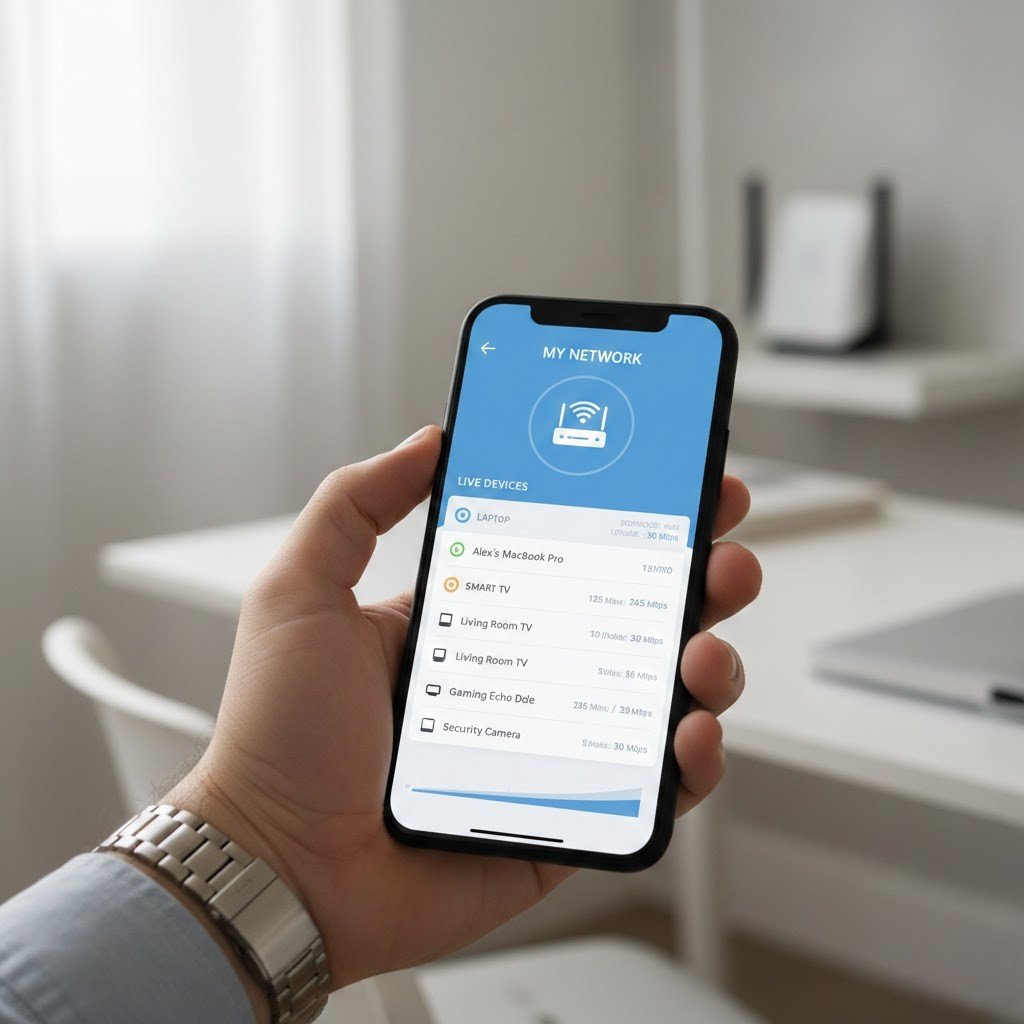
Many routers provide mobile applications that show live connection lists. These tools allow quick reviews without opening complex settings menus.
Connection Time Monitoring
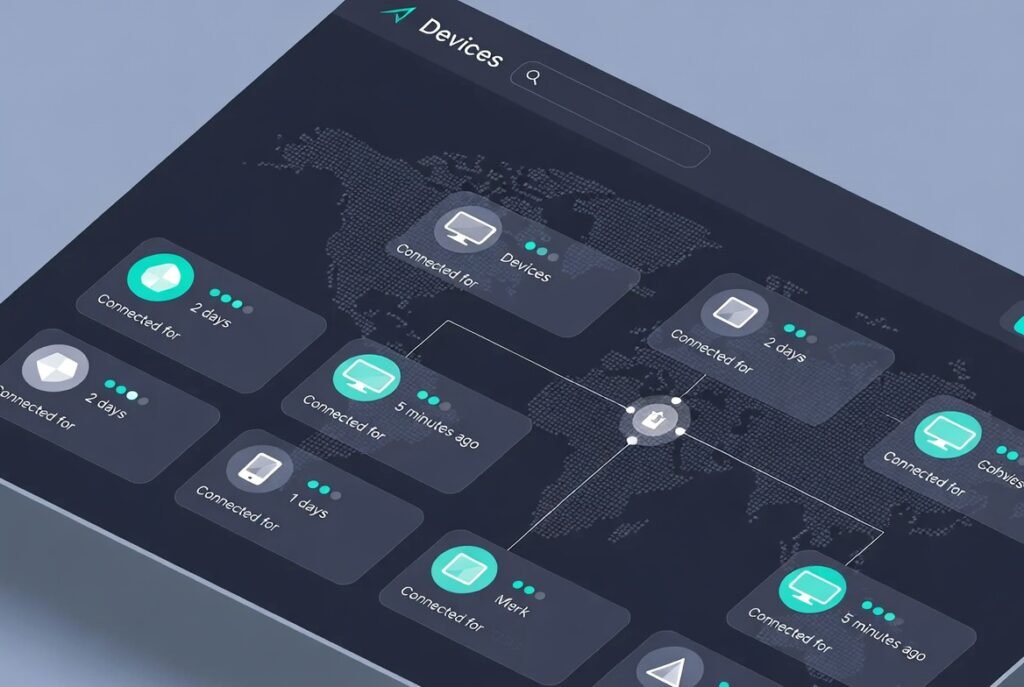
Check the connection time of each device. Long-connected devices are often household equipment, while newly connected items deserve closer attention.
MAC Address Matching
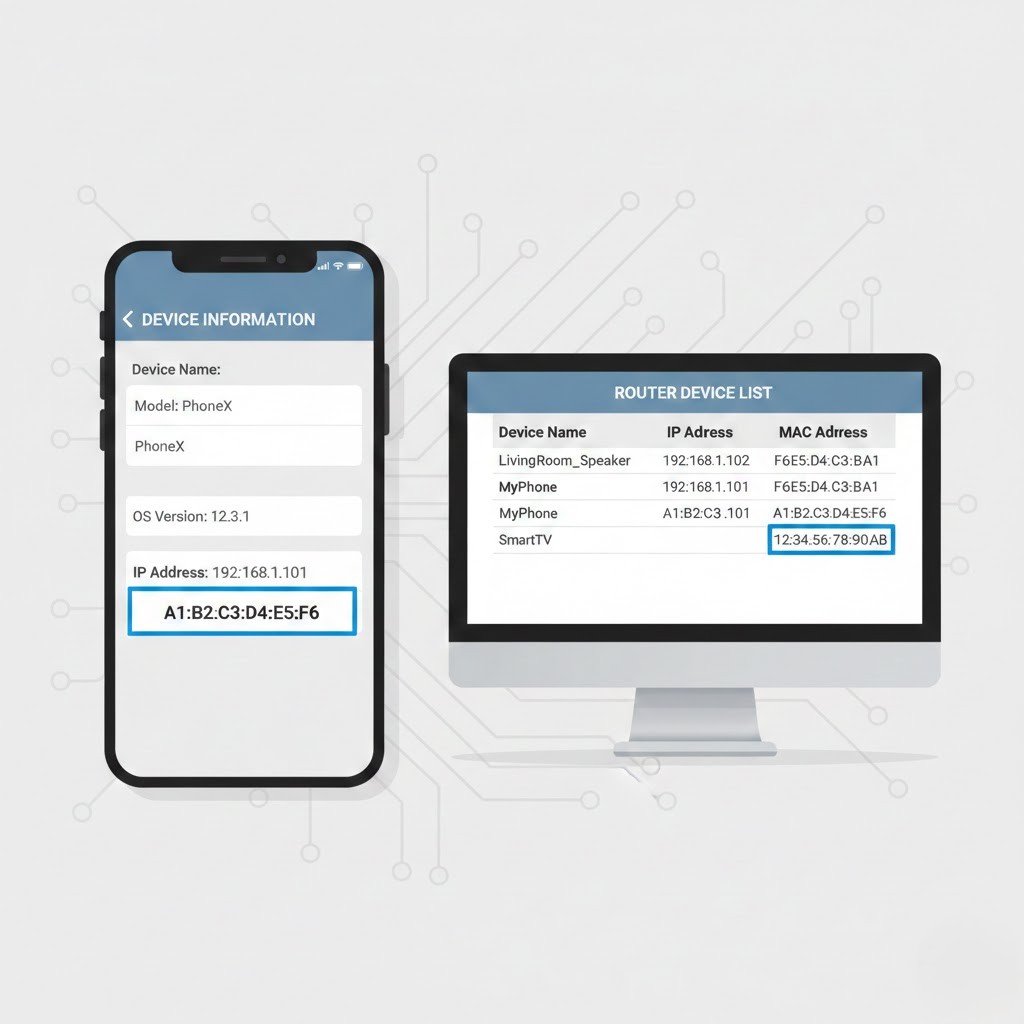
Match the unique device identification number on your gadgets with the router’s list. Unmatched entries may represent unfamiliar connections.
Notification Alerts
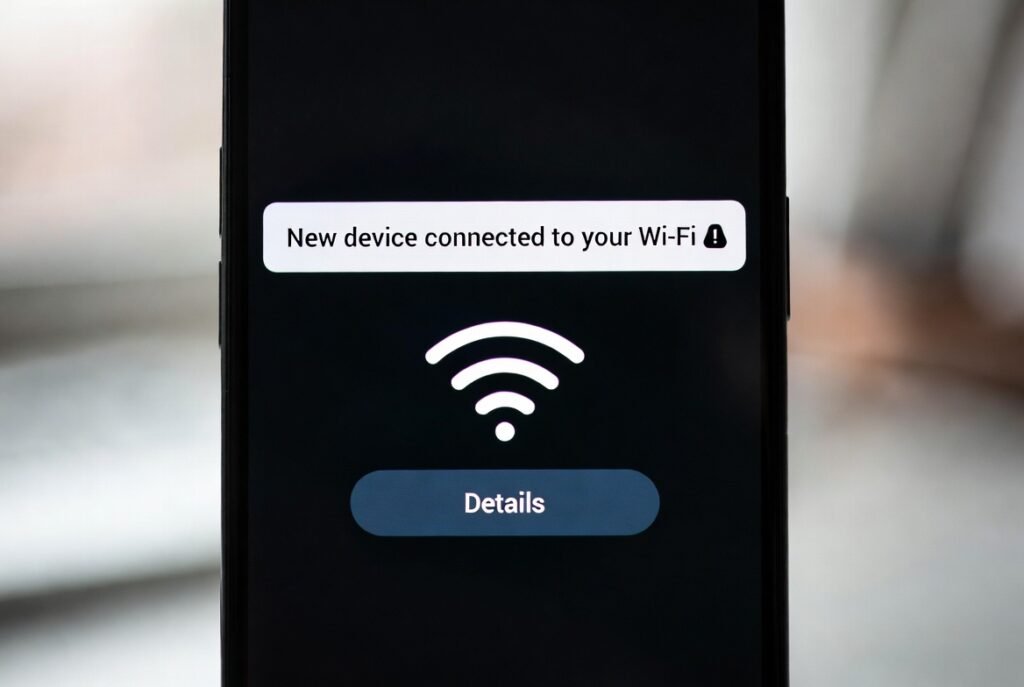
Enable router alerts for new connections. Notifications provide early awareness whenever a new device joins the network.
Network Password Update
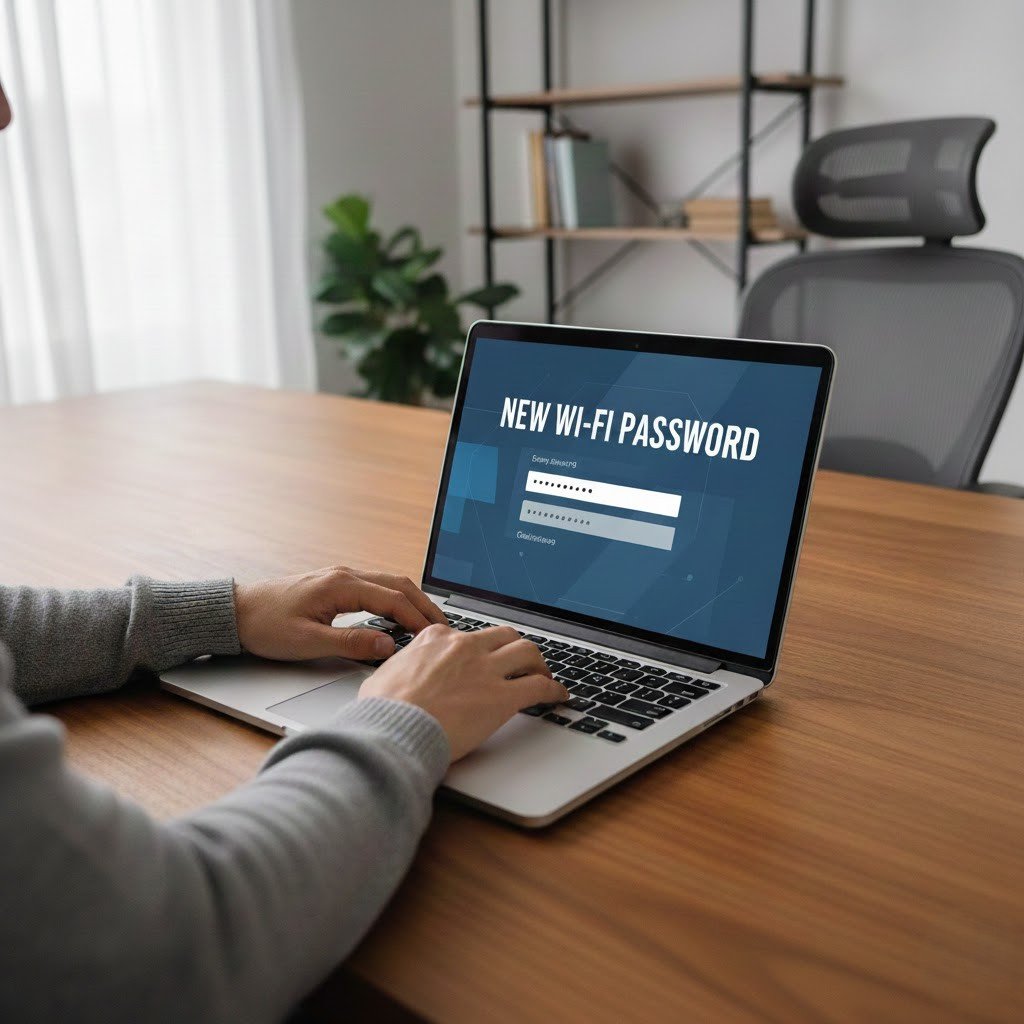
Change your Wi-Fi password occasionally. A new password removes access from devices that no longer belong to your household.
Firmware Updates
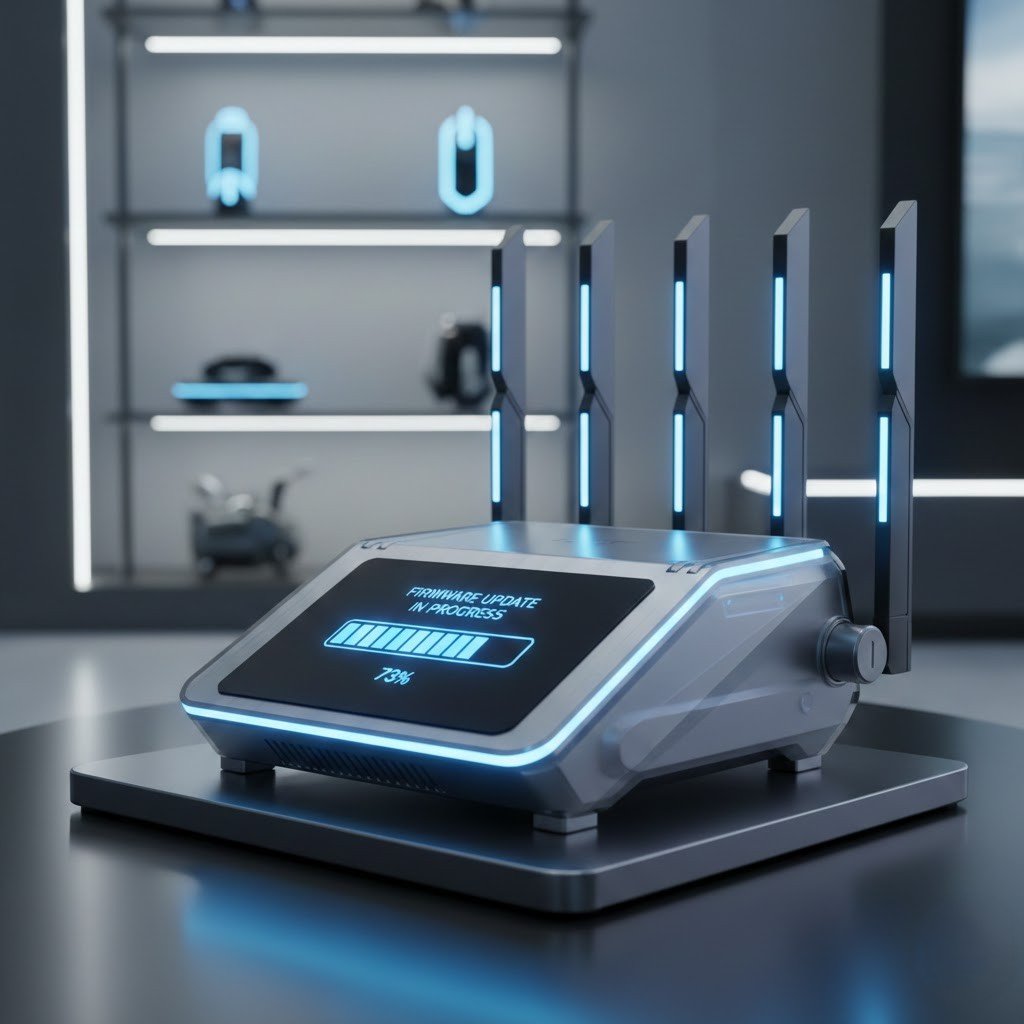
Keep your router software updated. Updates improve stability and ensure device lists remain accurate and responsive.
Periodic Network Audits
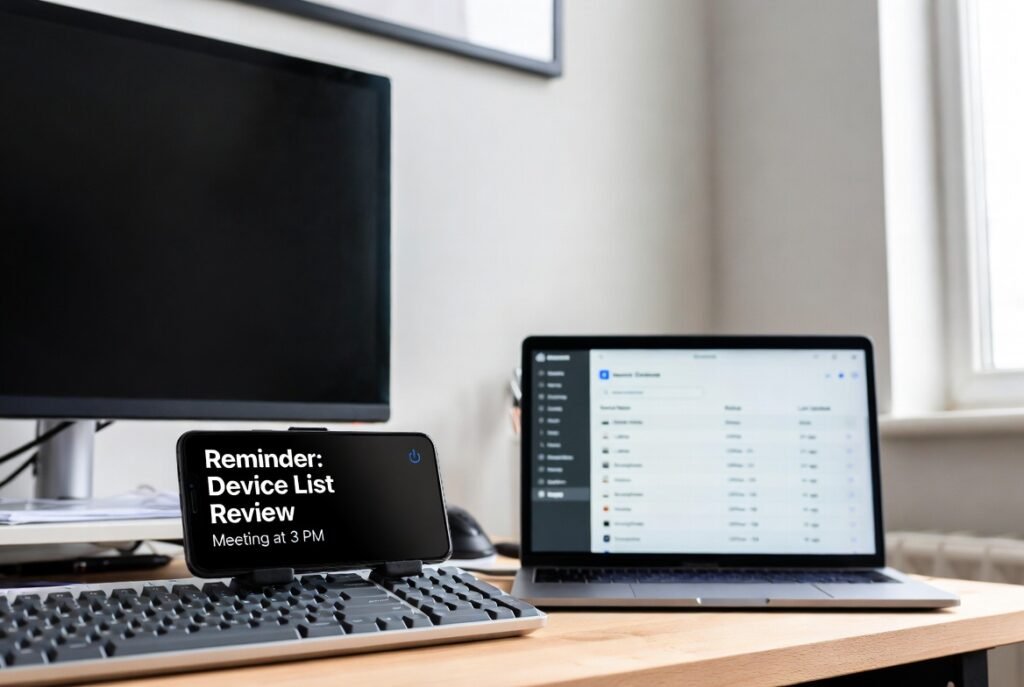
Set a routine reminder to review connected devices. Regular checks help maintain awareness and prevent unnoticed connections from staying long-term.
