Travel introduces new places, new routines and an entirely different setting. Phones become more active during travel. They store tickets, maps, payments, and personal contacts. This makes them important tools that also need careful protection. A single misstep can reveal private information, lose money or make you miss your flight. The good news is, most problems can be prevented with some simple safety habits. Small settings on the iPhone offer strong protection when used correctly. These steps do not require technical knowledge. They only need attention and planning. With a little self-awareness, travellers can safeguard their own devices and data as they move between airports, hotels and crowded public venues.
Turn On Find My iPhone
Enable Find My iPhone before leaving home. It includes location tracking, remote locking and erasure capabilities. They are used to locate missing phones and keep them from being abused. Sign in using your Apple ID, and always ensure that sharing is still active.
Use Strong Screen Lock
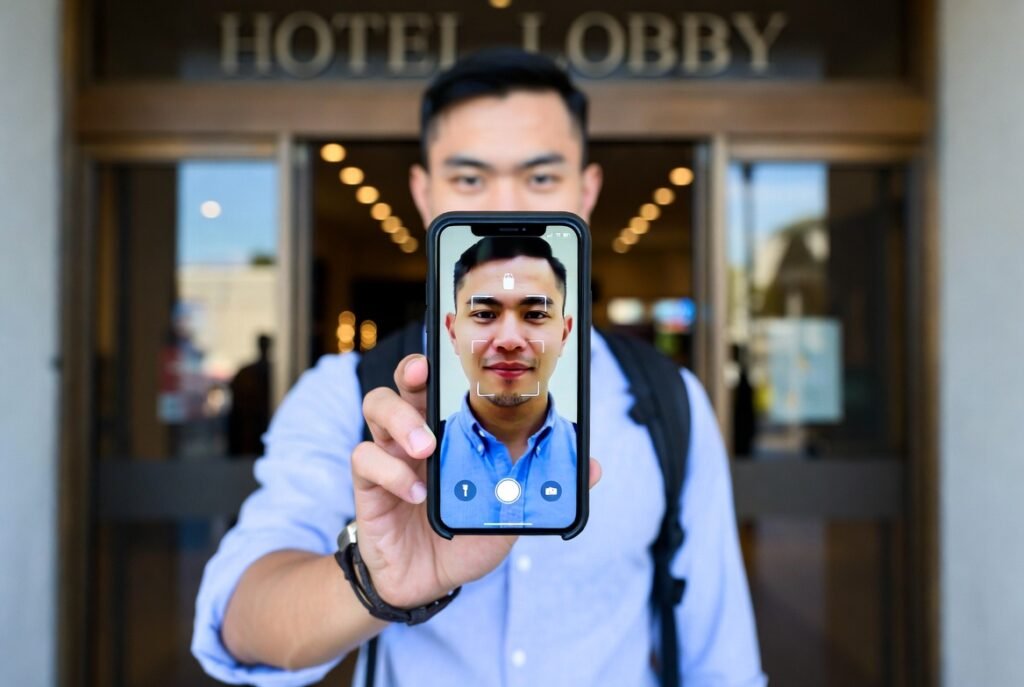
Set a long passcode instead of short numbers. Face ID or Touch ID adds extra security. Avoid simple patterns that others can guess. This protects personal files, payment apps, and saved passwords.
Disable Auto Wi-Fi Join
Open networks are not always secure. Stonewall: Do not yield to the siren song of automatic connection to open Wi-Fi networks. Only join trusted hotel or airport networks. This decreases the probability of data leakage.
Enable Two-Factor Authentication
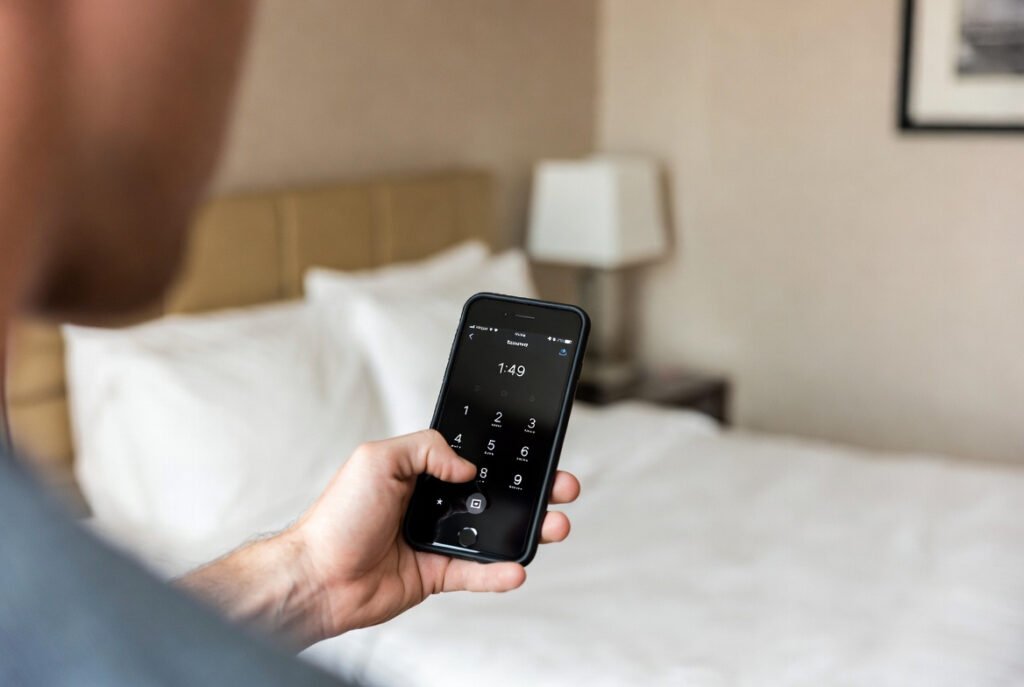
Two-factor authentication adds an extra level of verification. It texts you a code to your trusted device. This prevents unauthorised access to your Apple ID and any connected service.
Keep Software Updated

Install system updates before travel. Updates fix known security gaps. They also improve performance and stability. Delayed updates may leave the phone open to risks.
Limit Lock Screen Notifications
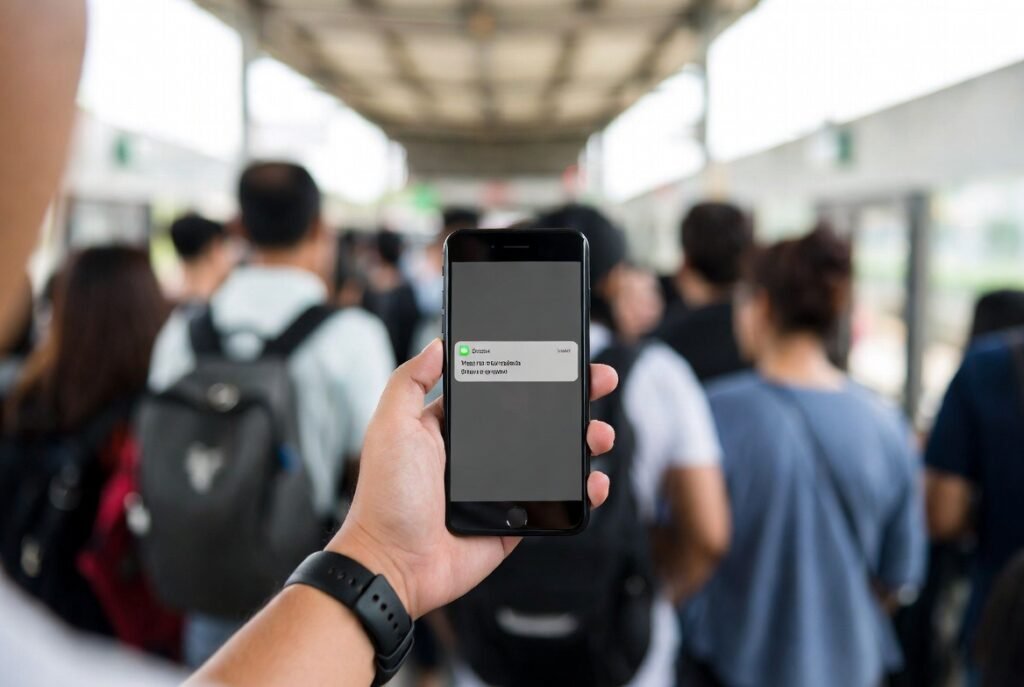
Hide the previews of messages from appearing on the locked screen. This way, members of the public won’t be able to witness personal conversations. Open Settings and choose notification privacy controls.
Turn On Lost Mode Quickly
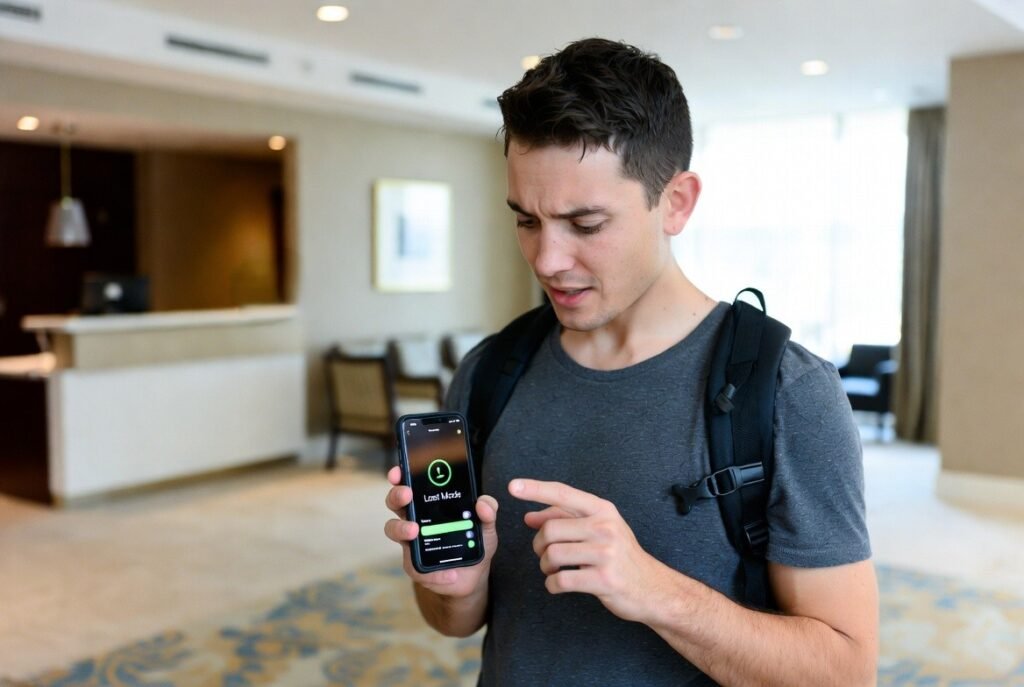
If the phone gets lost, turn on Lost Mode from another device. The screen locks, and you are provided with a contact number. It also tracks the phone location.
Back Up Data Before Travel
Create a full iCloud backup. If the phone is lost, photos, documents and contact information are kept out of harm’s way. Backup also assists in the restoration of data to a new device.
Avoid Unknown Charging Points
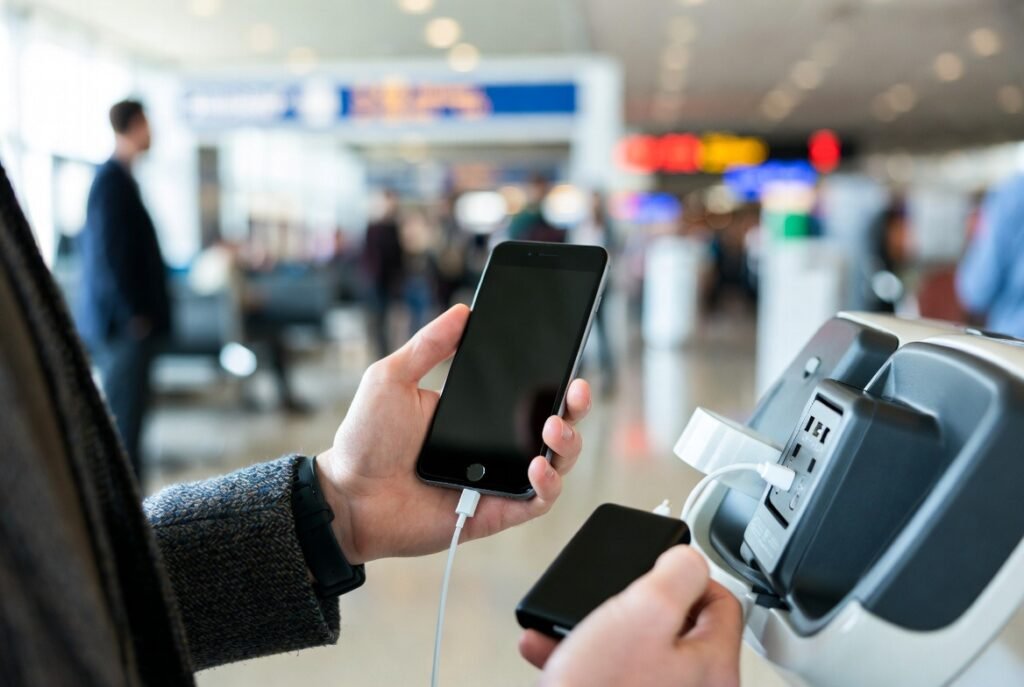
Bring along your own charger or power bank. Public USB ports may expose data. Bring a reliable charging cable with you for long distances.
Remove Unused Apps
Delete apps you do not need for travel. Fewer apps reduce background data access. This improves security and saves battery life.
Review Location Access
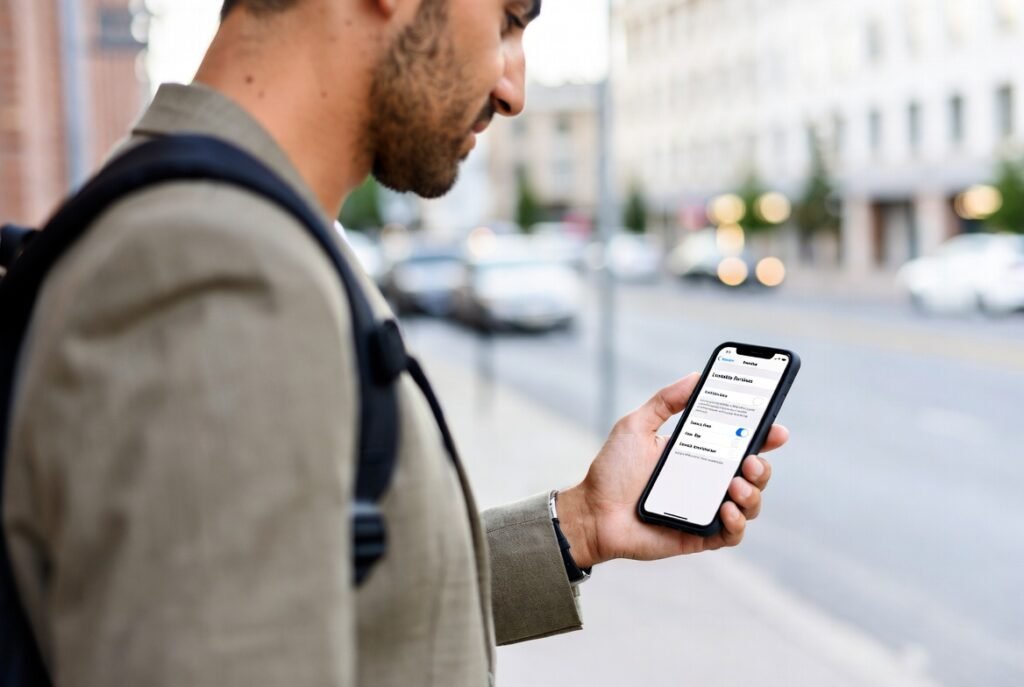
Check which apps use location services. Allow access only to essential travel apps. This limits unnecessary tracking and protects privacy.
