Many Android users are surprised when their phone storage fills up faster than expected, even without downloading large files or apps. The reason often lies in hidden data that quietly builds up over time. From cached files to duplicate media, several overlooked elements consume valuable space and slow down device performance. Understanding these storage culprits can help you regain control and keep your phone running smoothly. This guide highlights common but lesser-known storage hogs that most people ignore. By identifying them, you can free up space efficiently and improve your overall smartphone experience without deleting important files or memories.
Cached App Data
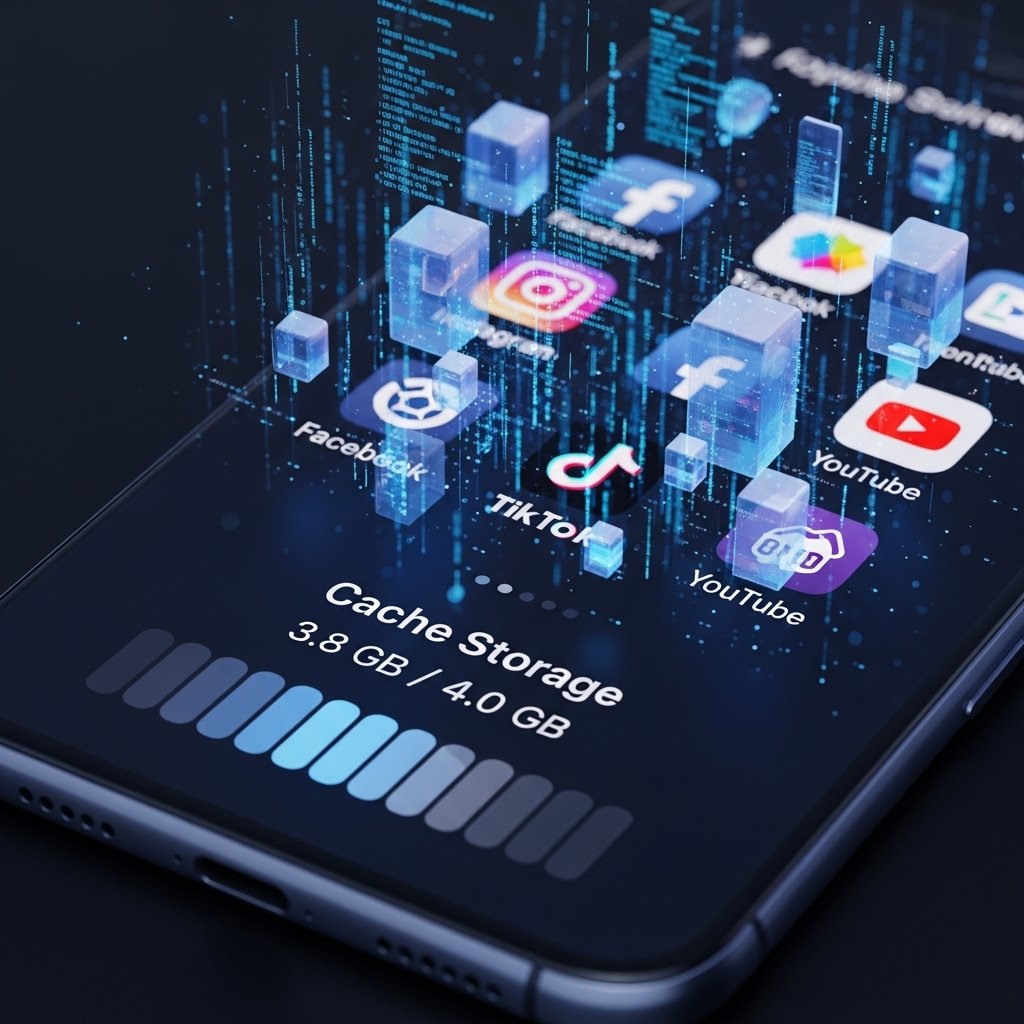
Apps store temporary files to load faster, but over time this cache grows significantly. Social media, browsers, and streaming apps are major contributors, silently occupying hundreds of megabytes without users realizing their impact on storage.
Duplicate Photos and Videos
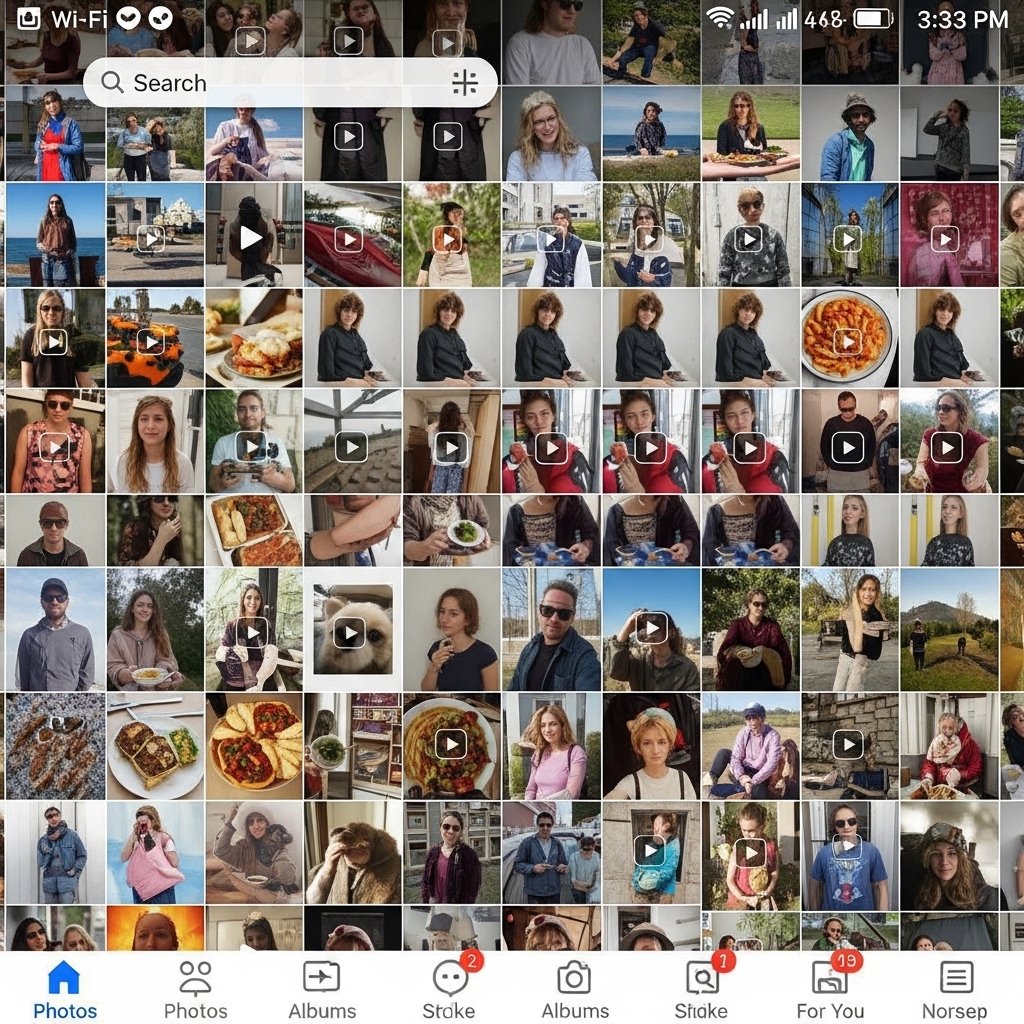
Multiple copies of similar photos, screenshots, and forwarded videos often pile up unnoticed. Messaging apps and camera bursts create duplicates that quickly consume space, making your gallery heavier than it appears at first glance.
Offline Downloads from Apps

Music, movies, and documents downloaded for offline use remain stored even after they are no longer needed. Streaming apps especially keep these files unless manually removed, gradually filling up internal storage.
Old WhatsApp Media Files

Images, videos, voice notes, and documents shared over time stay saved in your device. Even after chats are deleted, leftover media files continue occupying space unless cleaned separately from storage settings.
System Update Files

When your phone downloads software updates, leftover installation files sometimes remain stored. These files can take up significant space, especially if multiple updates have been downloaded but not properly cleared afterward.
Hidden Trash or Recycle Bins
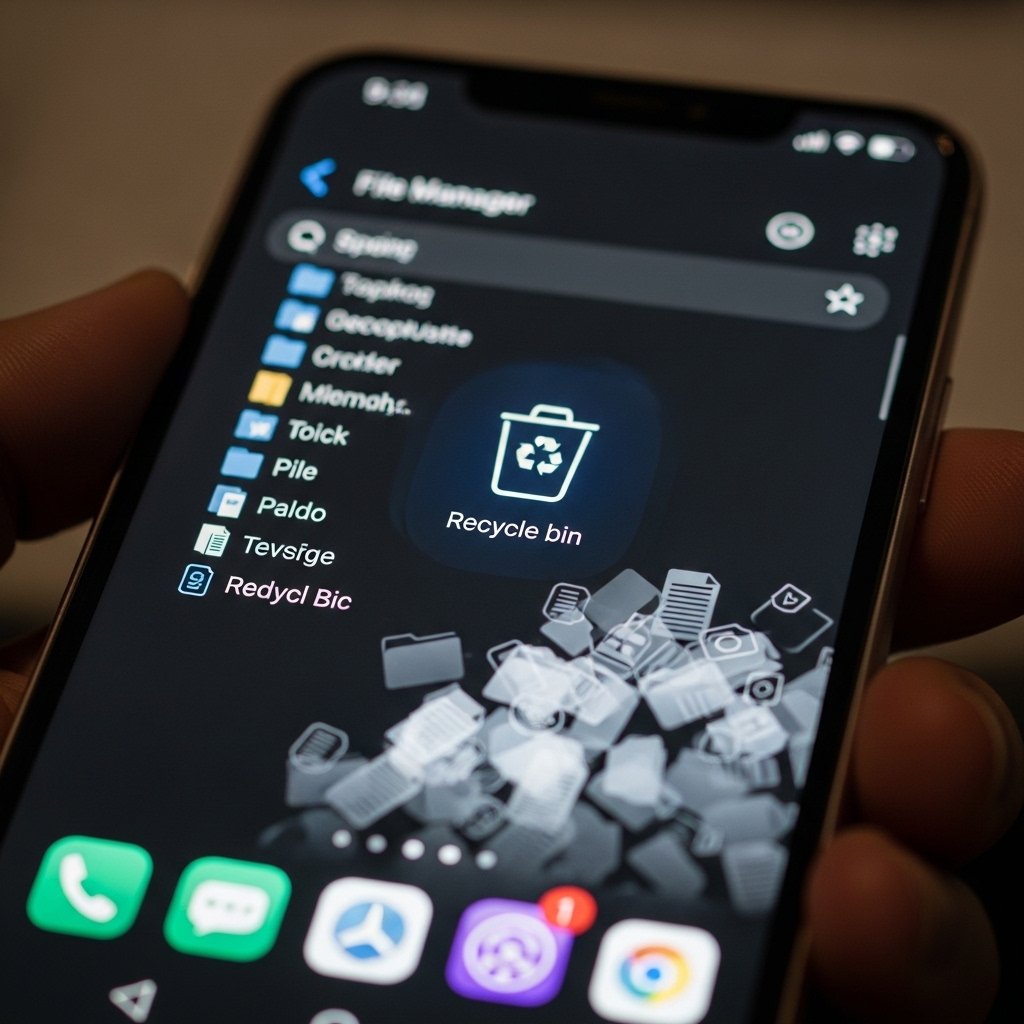
Many gallery and file manager apps have a recycle bin feature where deleted items stay temporarily. These files still consume storage until permanently removed, often leading users to think space has already been freed.
App Residual Files After Uninstalling

Even after uninstalling apps, leftover folders and data may remain in the system. These residual files slowly accumulate over time, especially if you frequently install and remove applications.
Large Email Attachments
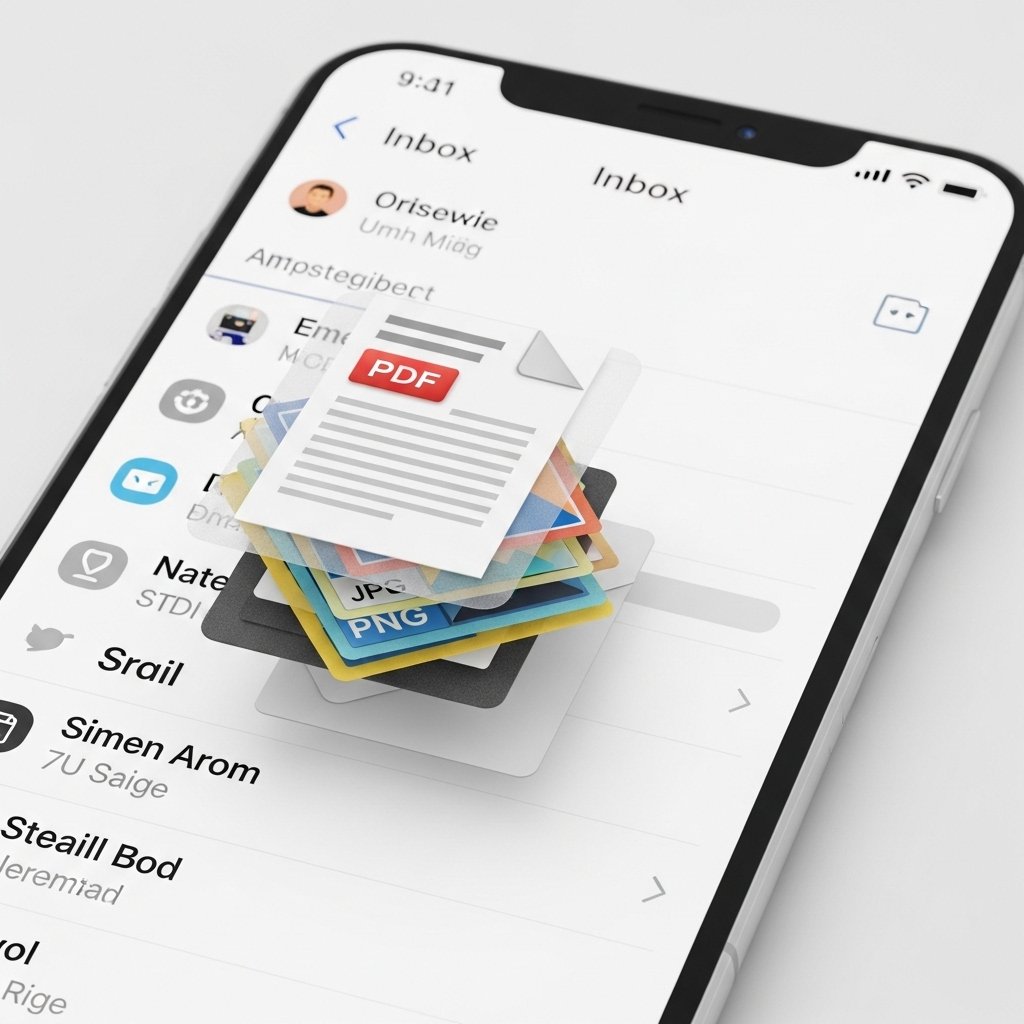
Email apps download attachments such as PDFs, images, and presentations automatically. These files remain stored locally, even if emails are archived or ignored, contributing to hidden storage consumption.
Auto-Saved Media from Social Apps
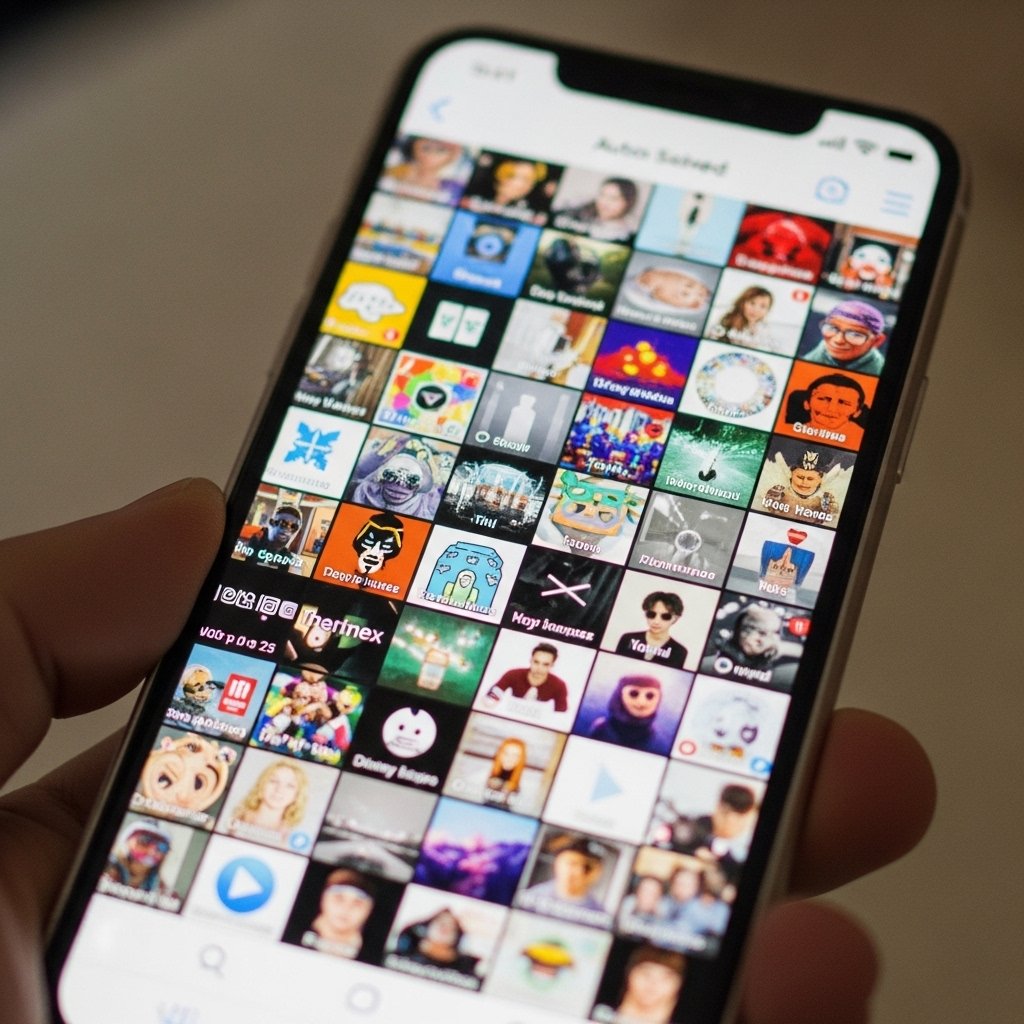
Some apps automatically save received media to your device. Over time, this leads to a large collection of unnecessary images and videos, particularly from group chats or forwarded content.
