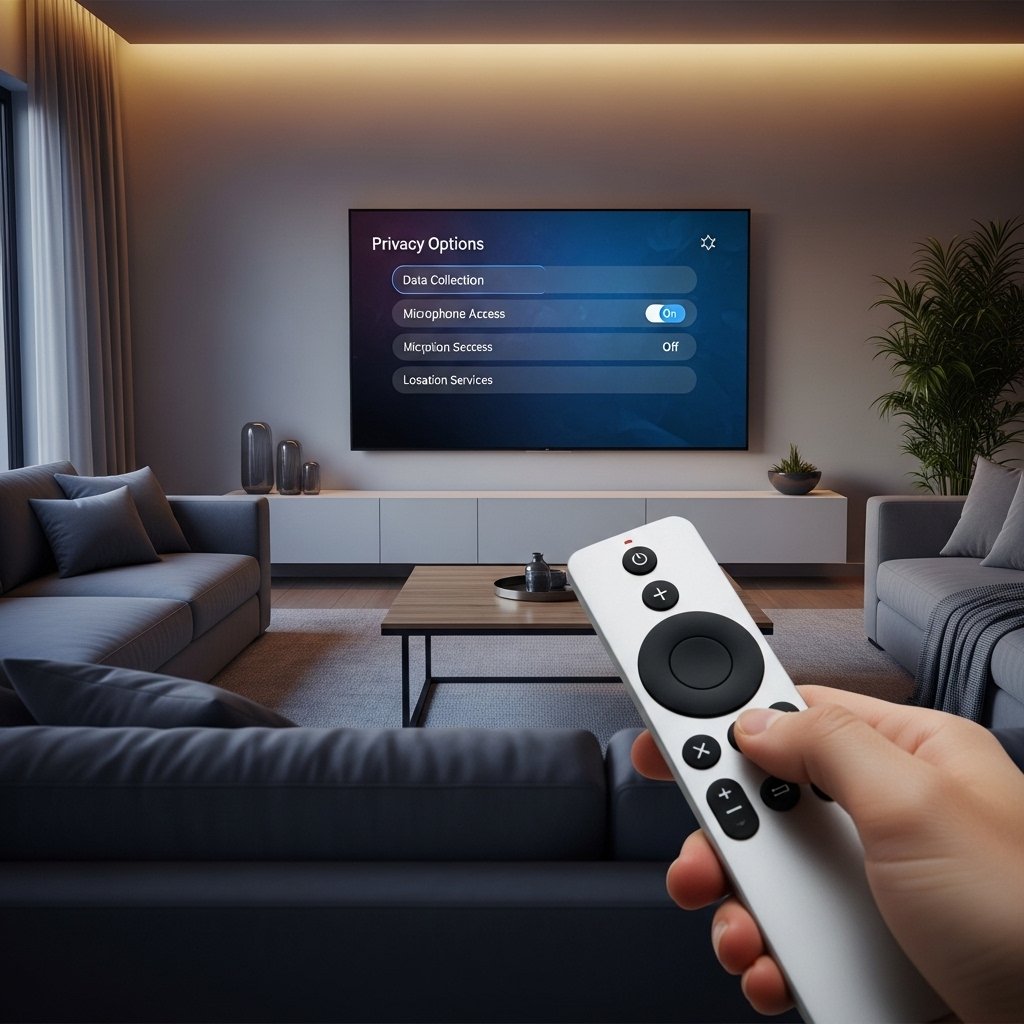
Some smart TVs make streaming simple, yet they quietly log what shows you watch along with how long you use them. Tracking tools inside handle this task by default just so suggestions feel more tailored later on. Personalized menus might seem helpful although others find constant monitoring unsettling when sharing personal choices. Settings exist within nearly every model which let viewers reduce data collection if preferred. Spend time exploring those menus because small changes there protect information while keeping picture quality unchanged.
Disable Automatic Content Recognition
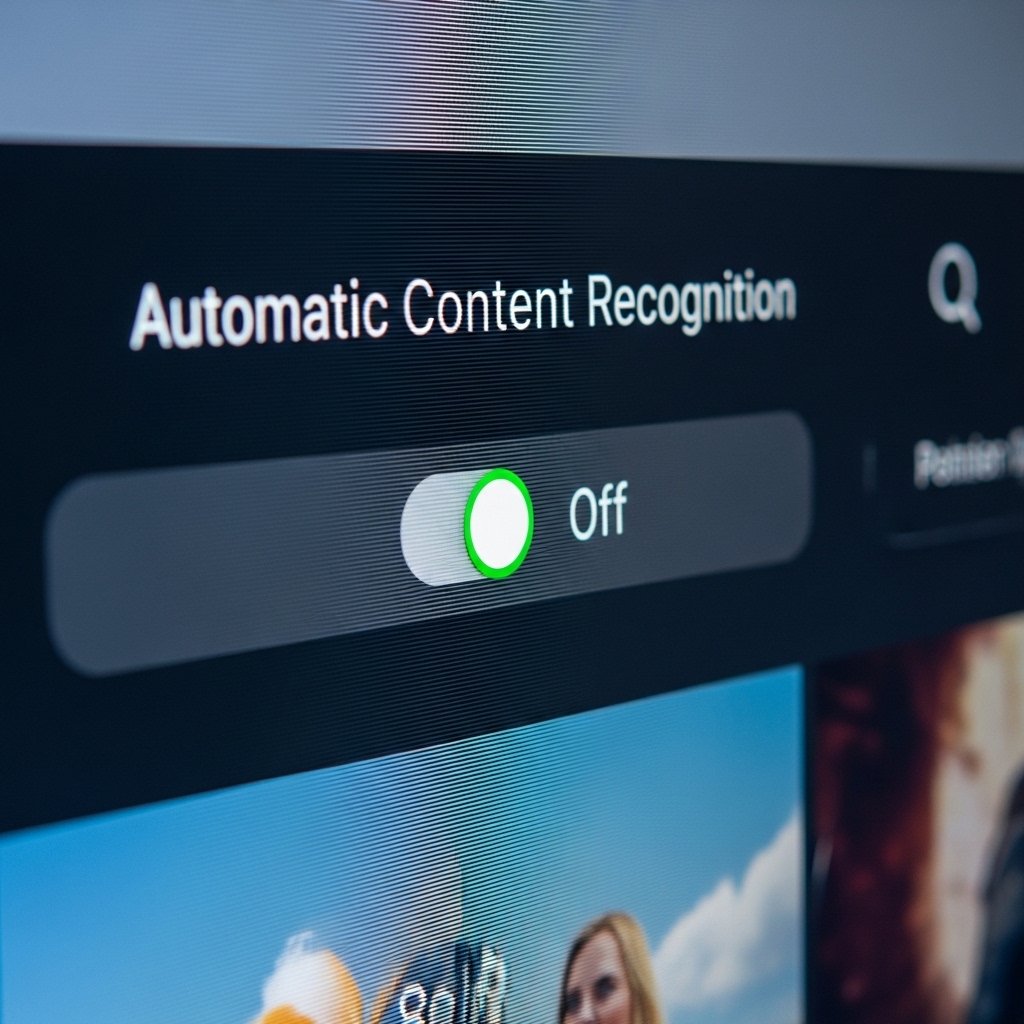
What shows up on your screen gets noticed by ACR, quietly logging activity through various apps and sources. Because it follows viewing habits, companies use the details to shape ads and suggestions just for you. Turning off this option matters a lot when keeping personal behavior private.
Turn Off Ad Personalization
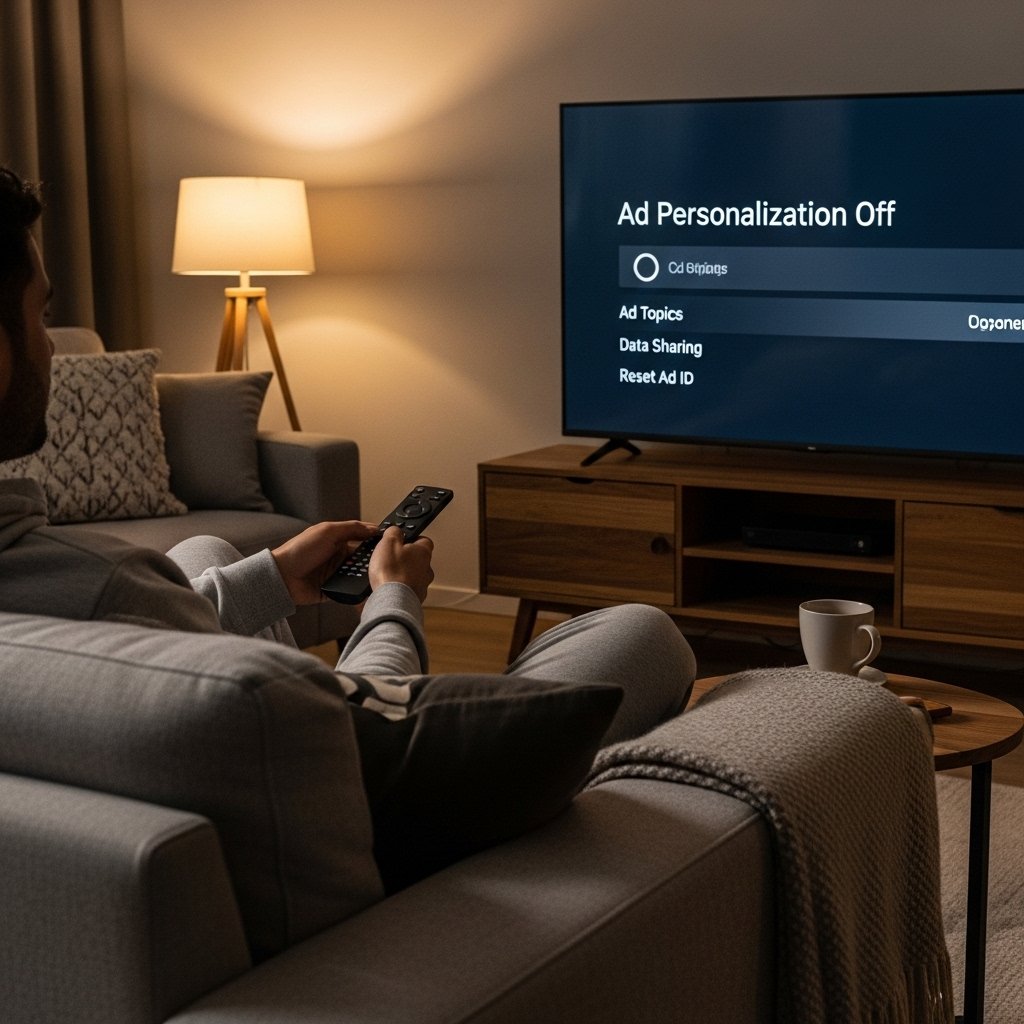
Your info often feeds ads on smart TVs. When you switch off tailored promotions, less of it gets pulled. That means fewer custom pitches come your way.
Check Your Privacy and Data Controls
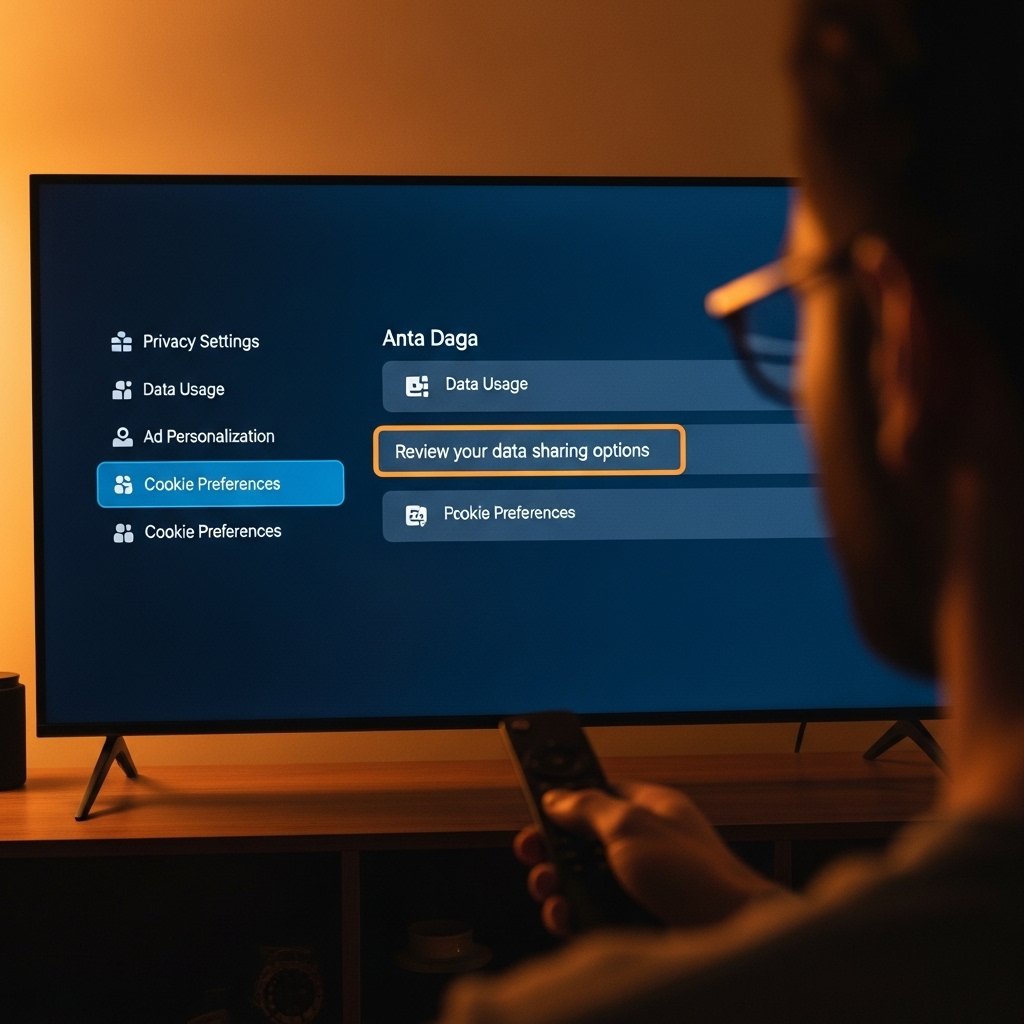
One thing worth checking on every television? The spot where they handle your personal details. Look through those menus, that way you know exactly what gets sent out. Tweak each option one by one – suddenly it’s you calling the shots with your info.
Stop Sharing Your Viewing Information
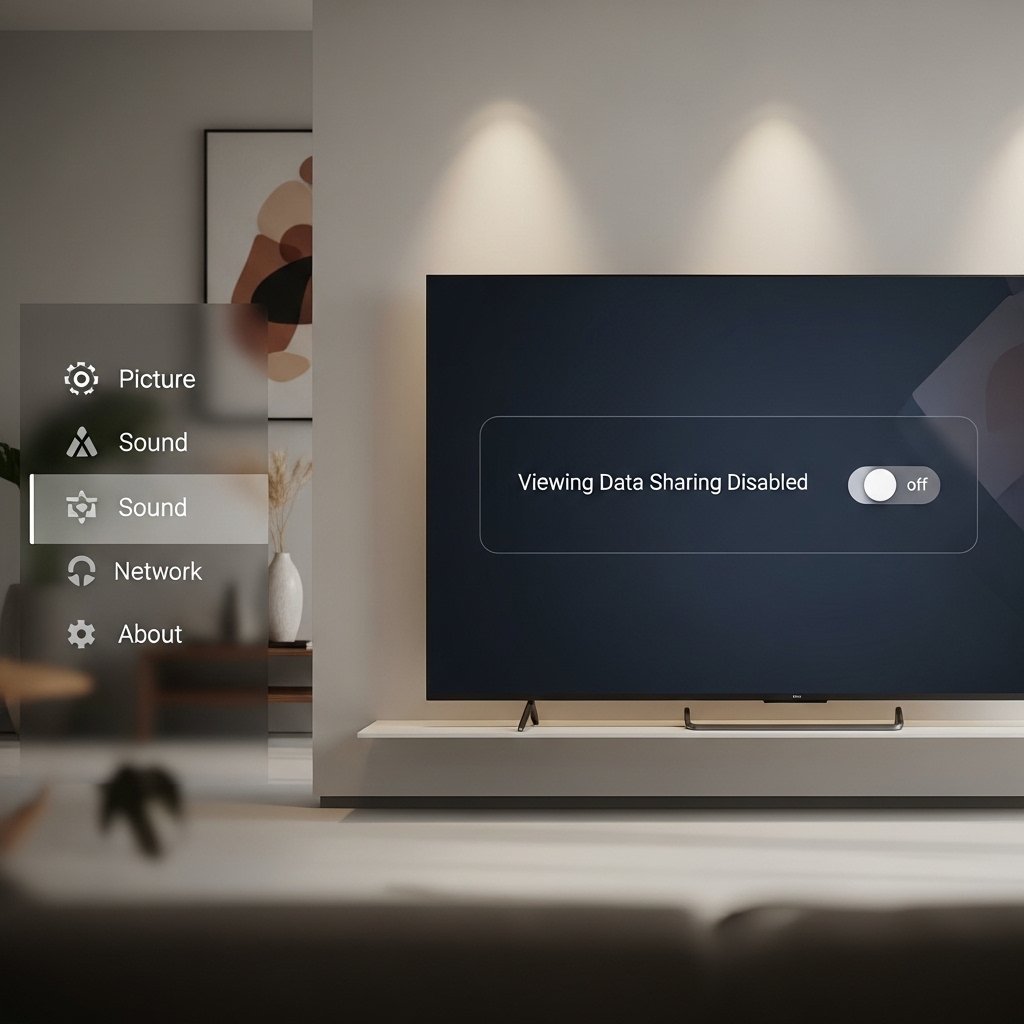
A few television sets let users disable data tracking features. When turned off, these prevent records of what you watch from being gathered. Look for the setting under system or account menus.
Limit App Permissions
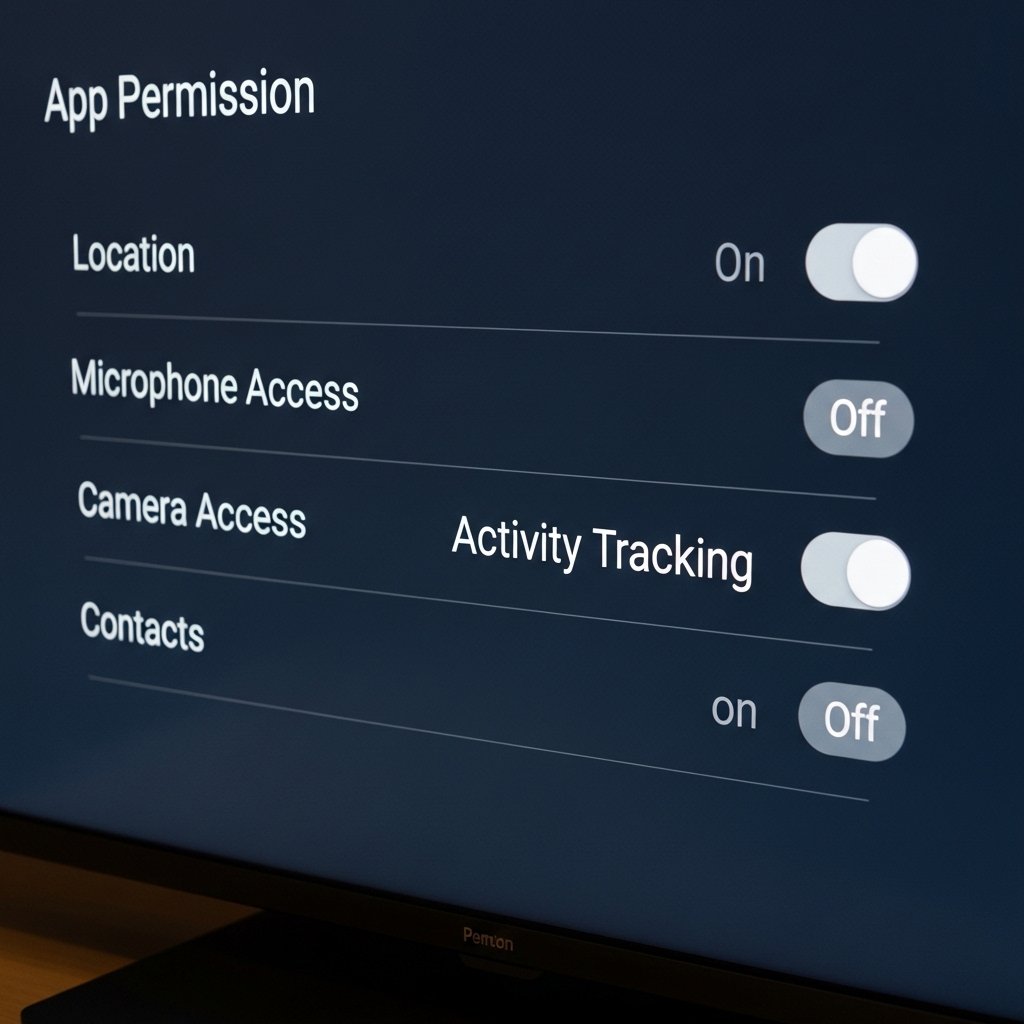
Something sneaky happens when apps ask for your location or what you’ve been doing. Cutting back on those requests means less info slips out. Much like how phone settings control who sees what.
Stop Sharing Your Voice Recordings
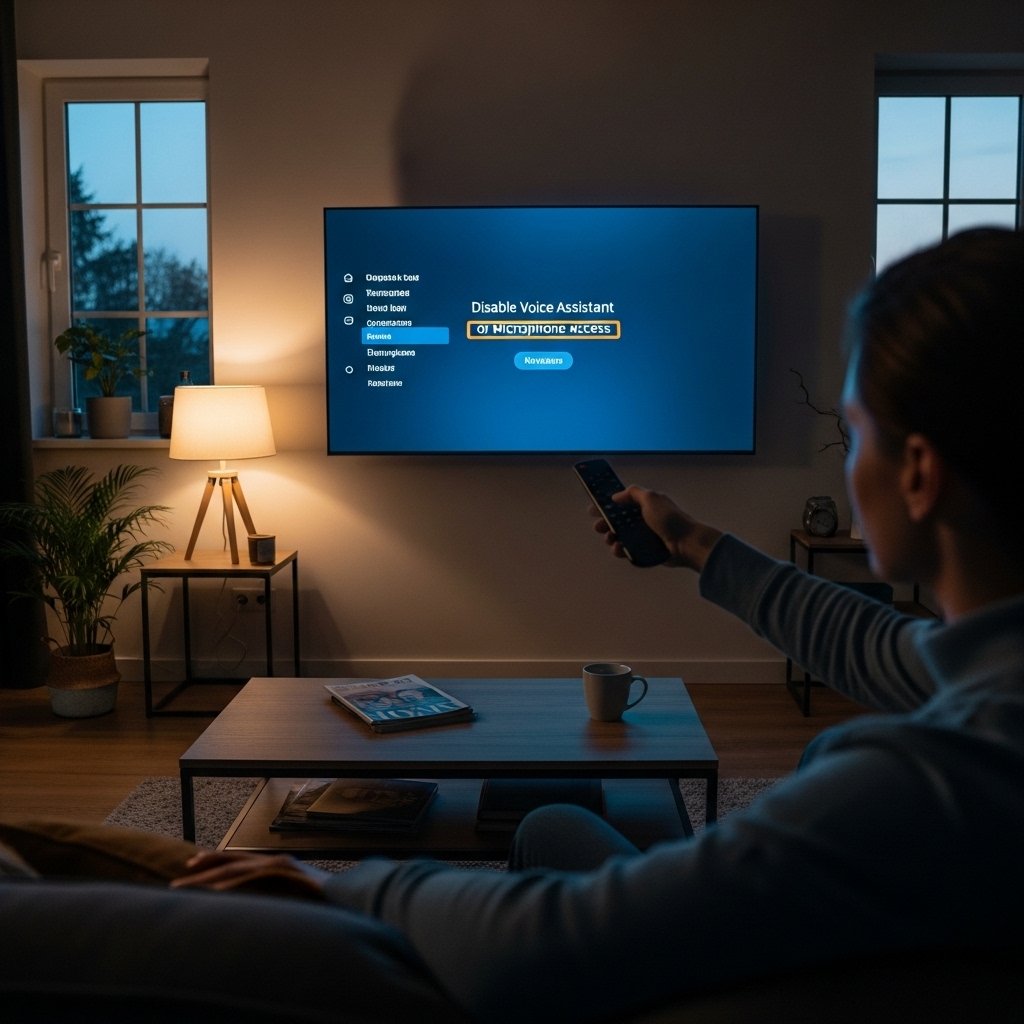
Sometimes a TV that listens might save what you say. Turning off its ability to gather those sounds helps keep things private. For anyone worried about being heard without knowing, this step matters more than others. Though convenient, having it always listening could lead to unwanted attention on daily conversations.
Update TV software regularly
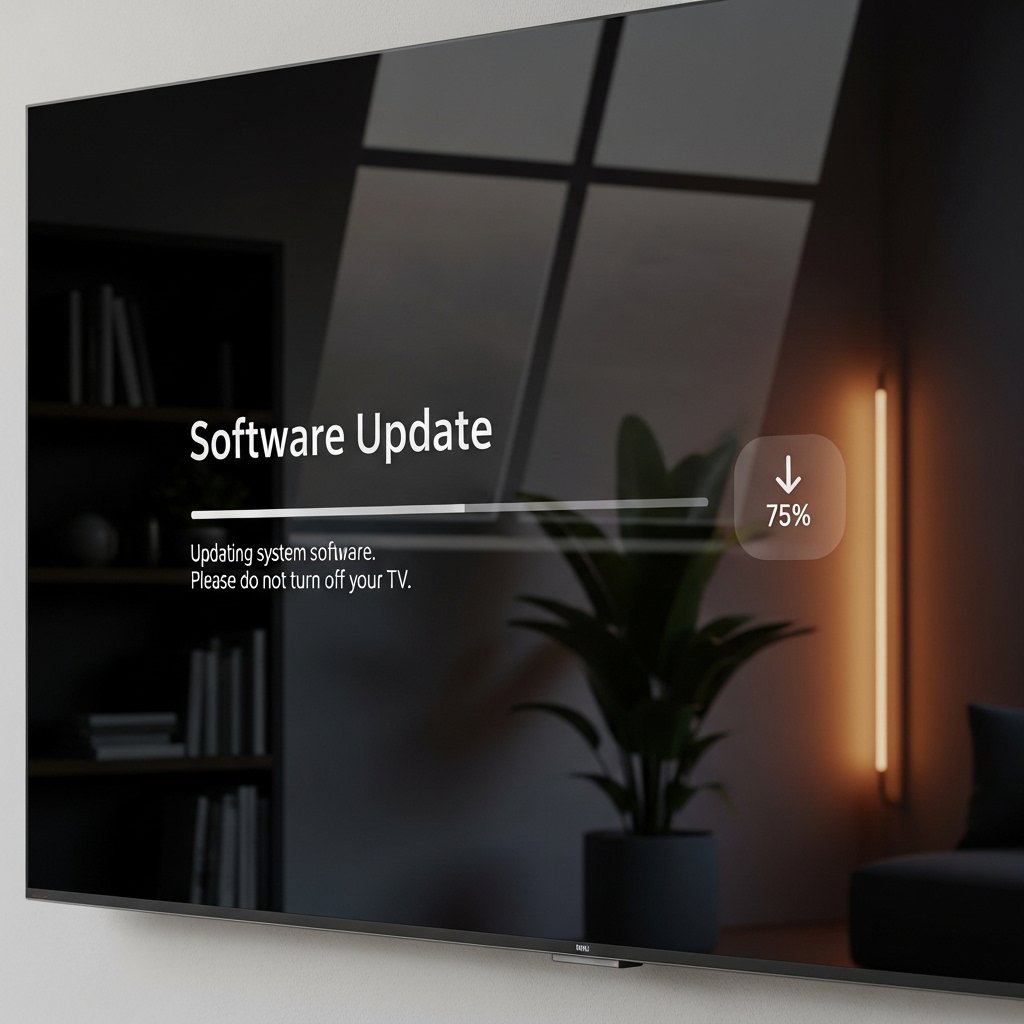
Most software upgrades bring tweaks to how you manage privacy. When your television runs the newest version, it unlocks recent options plus defenses. Protection stays stronger that way.
Unplug After Using
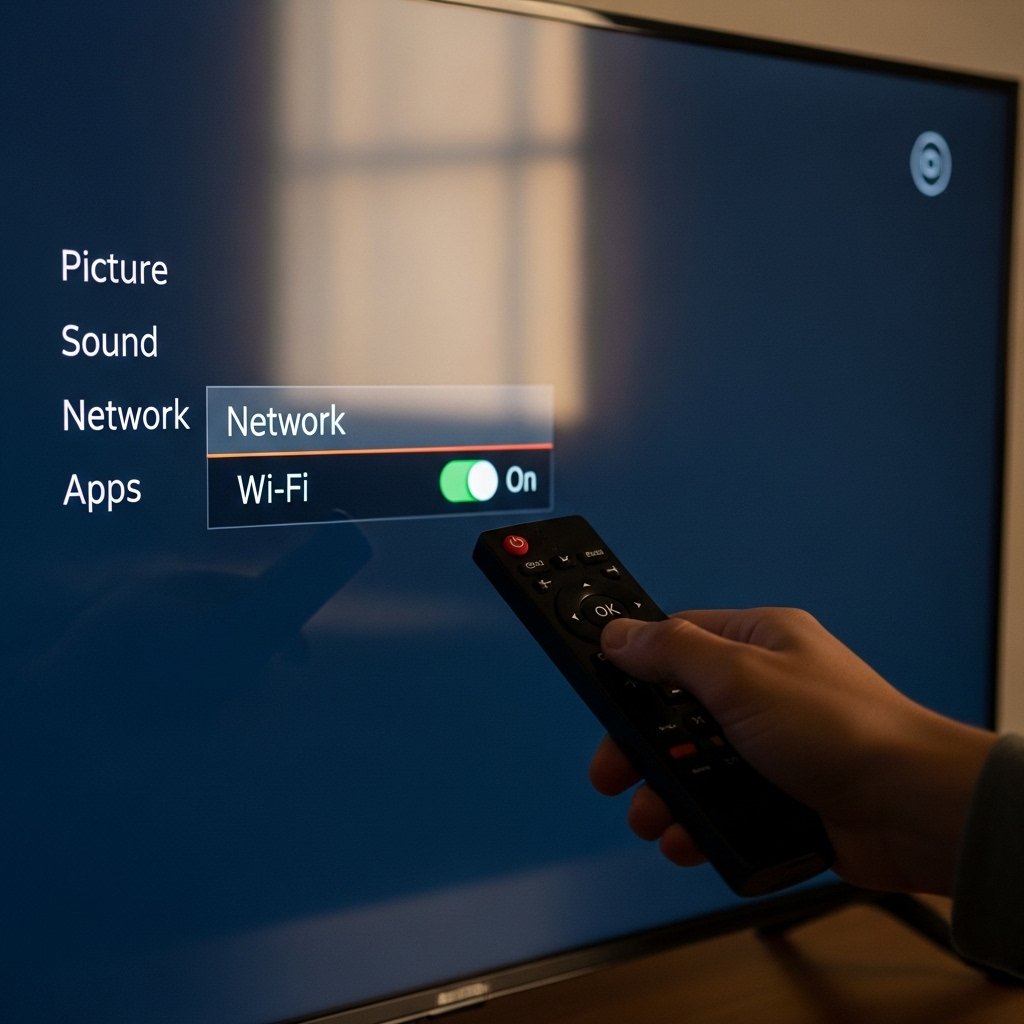
Few moments of silence online cut unseen flows. Shutting down Wi-Fi stops signals just as well as pulling cables. A small act, yet it holds power.
Periodic Reset of Privacy Settings
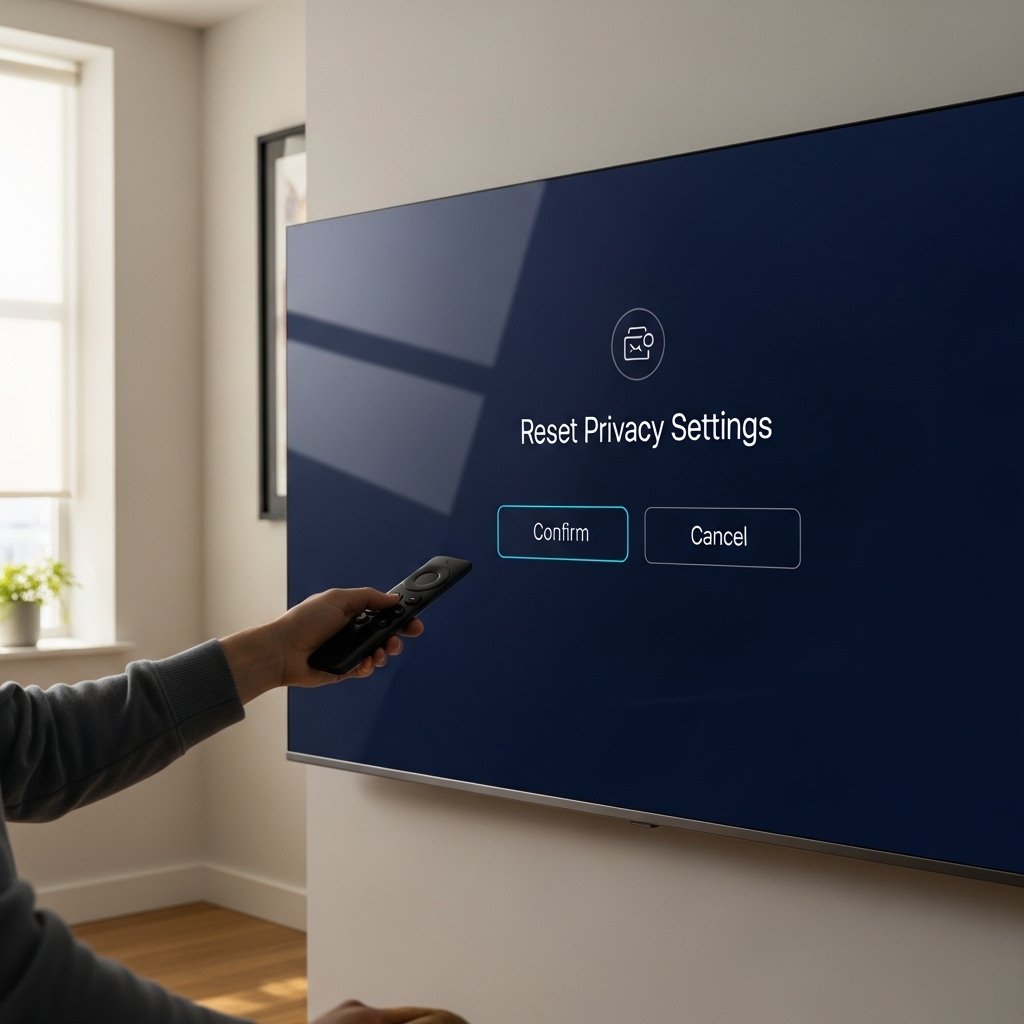
Every now and then, a system reset or update shifts things without asking. Because of that, it helps to check what’s set and tweak if needed. That way, your choices stay in place. Privacy stays steady.
Know The Terms You Accept
Start by glancing at those long terms before tapping agree on your new smart TV. Pausing to review what you’re signing up for leads to clearer decisions later. Knowing exactly where your data goes protects more than just settings.
