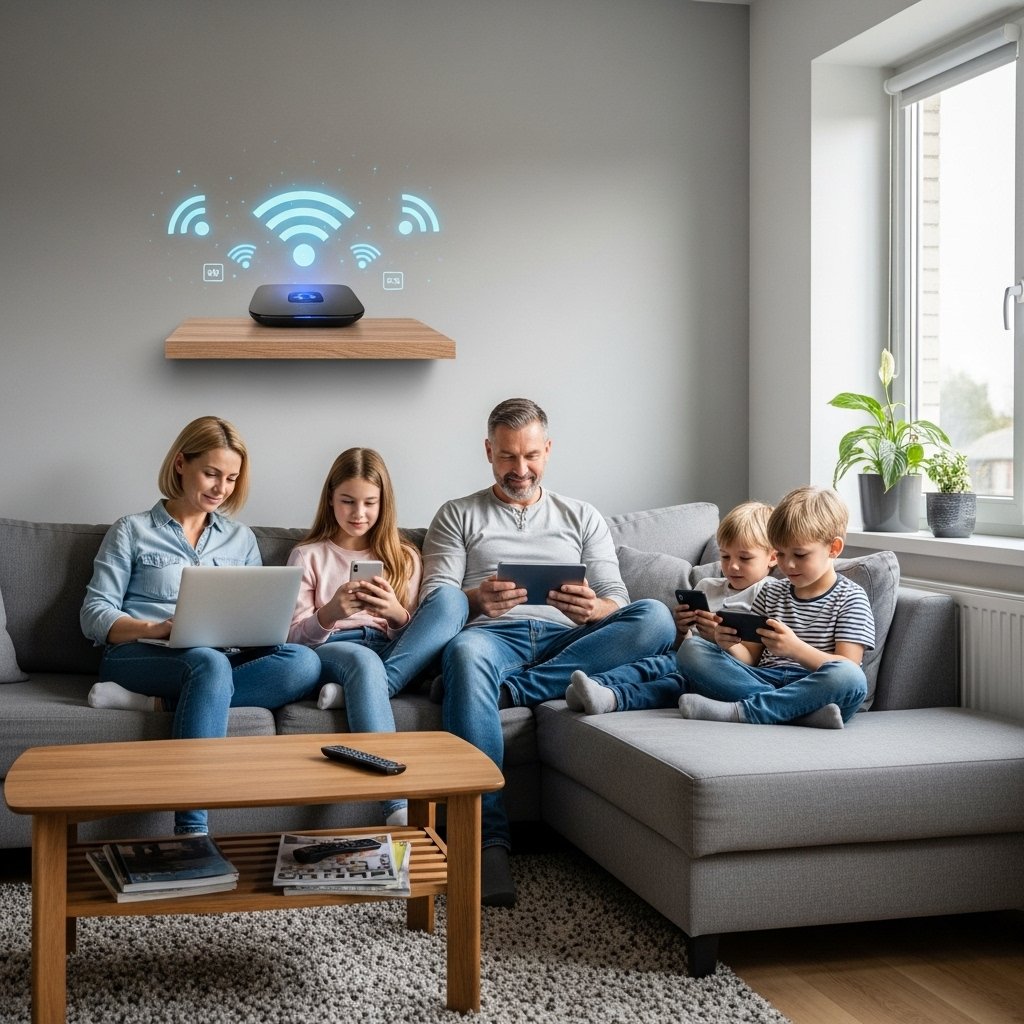
Home internet has become a daily requirement for work, learning, banking, entertainment and personal communication. All of those network-connected gadgets pass through the same digital doorway and, well, that makes Wi-Fi security more important than you think. An inadequately defended network allows people from outside to gain access to personal files, see online activity, and use bandwidth without detection. Such scenarios can disrupt privacy, impede performance and if unchecked, propagate longstanding digital perils. A secure network is a safe place for all people and machines attached to it. With practical protection habits to help keep unwanted access under control, households can achieve a smoother and more reliable online experience without adding complex technical steps.
Password Protection
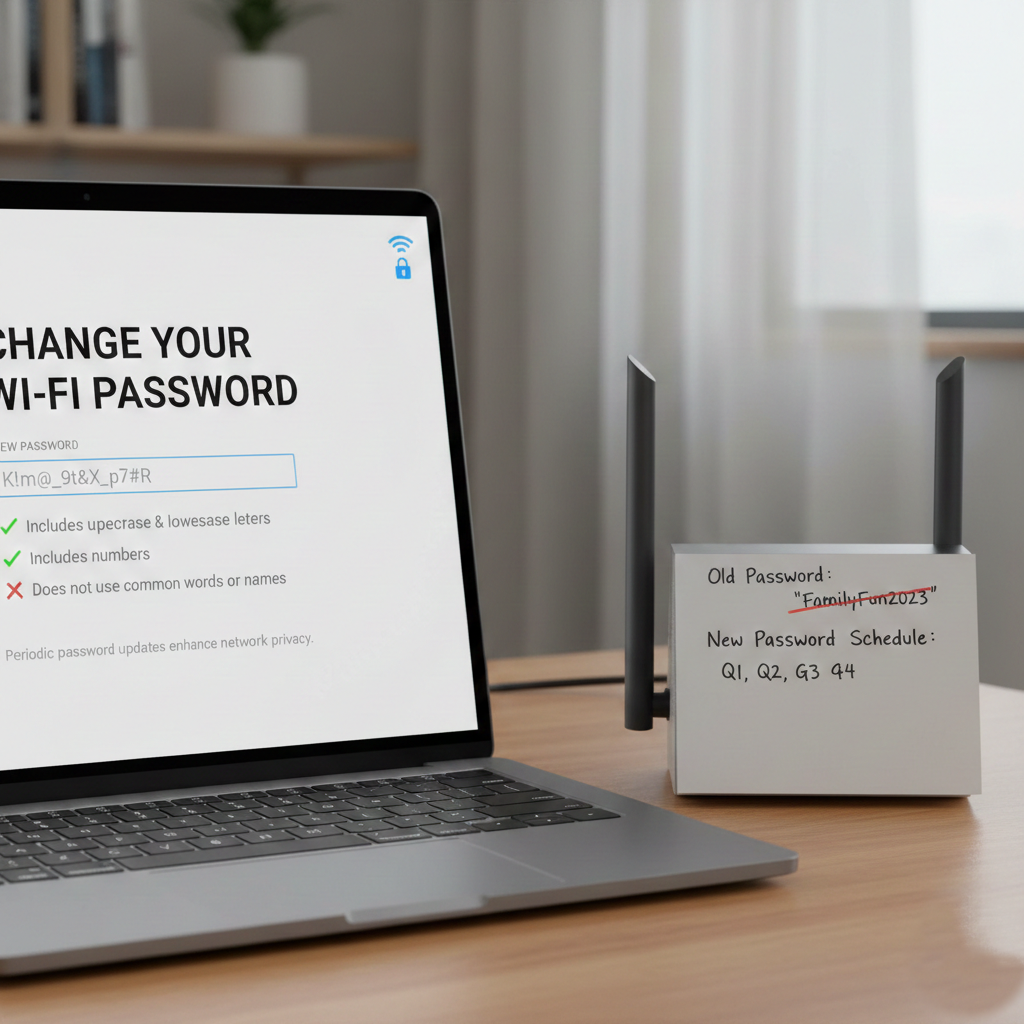
Have a strong password that includes letters, numbers and symbols for that Wi-Fi. You don’t want to use proper names or anything predictable. Changing the password periodically prevents unknown devices from staying connected and helps maintain better privacy within the home network.
Router Name Privacy
Don’t use personal information in your Wi-Fi network name. A neutral name prevents potential attackers from guessing ownership, address, or device type. This small change reduces unwanted attention and limits unnecessary interest from nearby unknown connections.
Firmware Updates

Regularly check for updates to your router firmware. These updates enhance the security of your device, as well as performance improvements, including fixes for vulnerabilities. Updating the router also contributes to a secure foundation for long-term stability and keeps the small holes from bursting through doors.
Encryption Settings
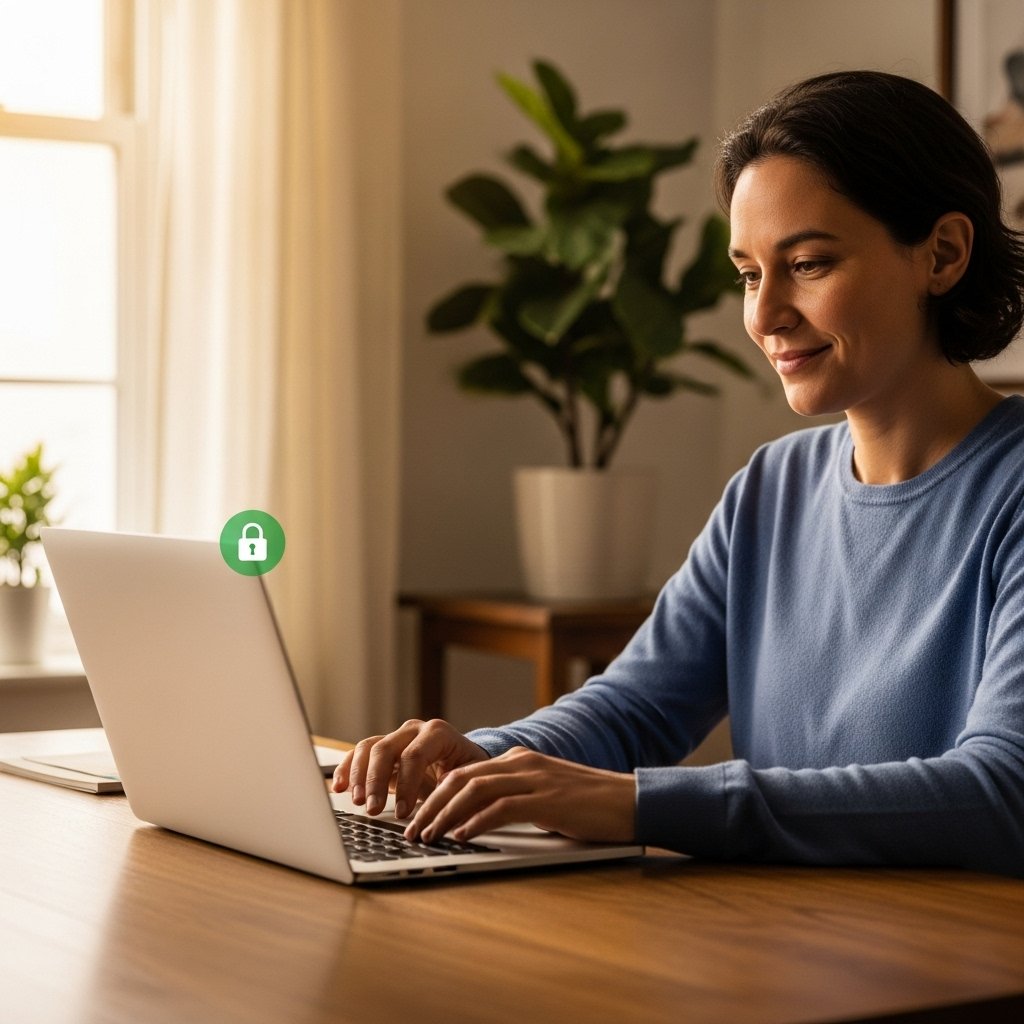
Always choose contemporary encryption levels like WPA2 or WPA3. By encoding transmitted information, encryption makes it more difficult for others to read activity or intercept shared information among connected devices on your home network.
Disable Remote Access
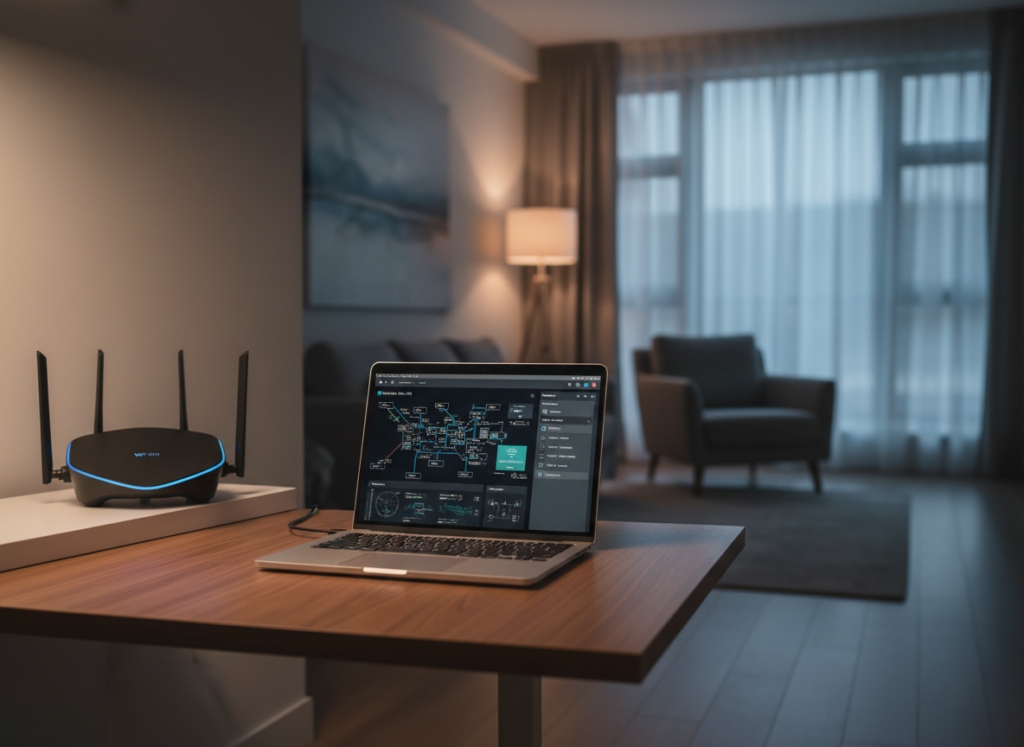
Turn off remote management features unless specifically required. These options allow control from outside the network, which may increase exposure. Limiting access to local connections helps reduce unnecessary risks and keeps network control within the household.
Guest Network Setup

Create a separate guest network for visitors. This keeps personal devices, files, and shared printers isolated. It also prevents unknown devices from accessing sensitive household connections while still allowing guests to use internet services safely.
Device Monitoring
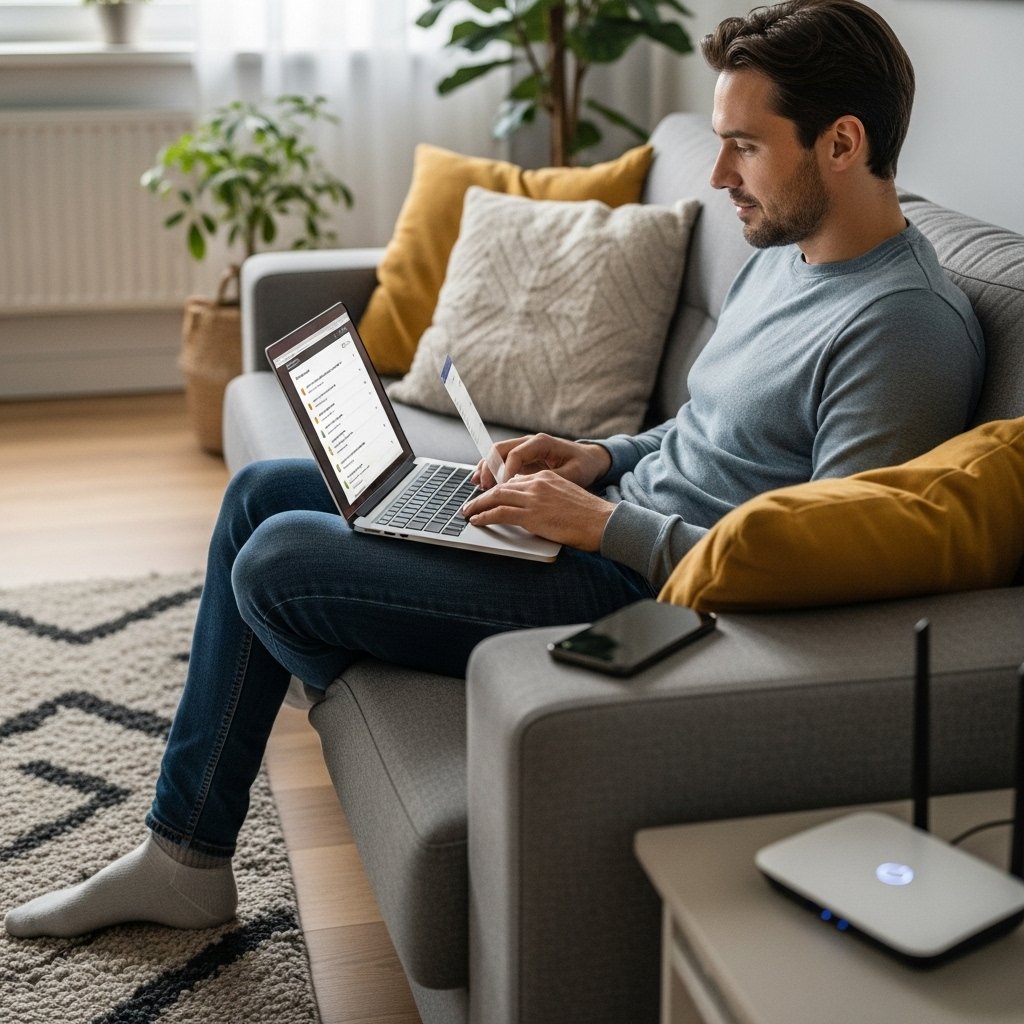
Make sure you regularly check your list of connected devices. Remove unfamiliar devices immediately. Monitoring can help detect abnormal activity early and ensure only trusted phones, computers and smart devices can connect.
Firewall Activation

Turn on the built-in firewall in the router. Firewalls protect you from unwanted traffic to and from the Internet. This added layer of protection leaves an almost imperceptible footprint, preventing any suspicious connections while facilitating, when necessary, the communication between accepted devices.
Limit Signal Reach
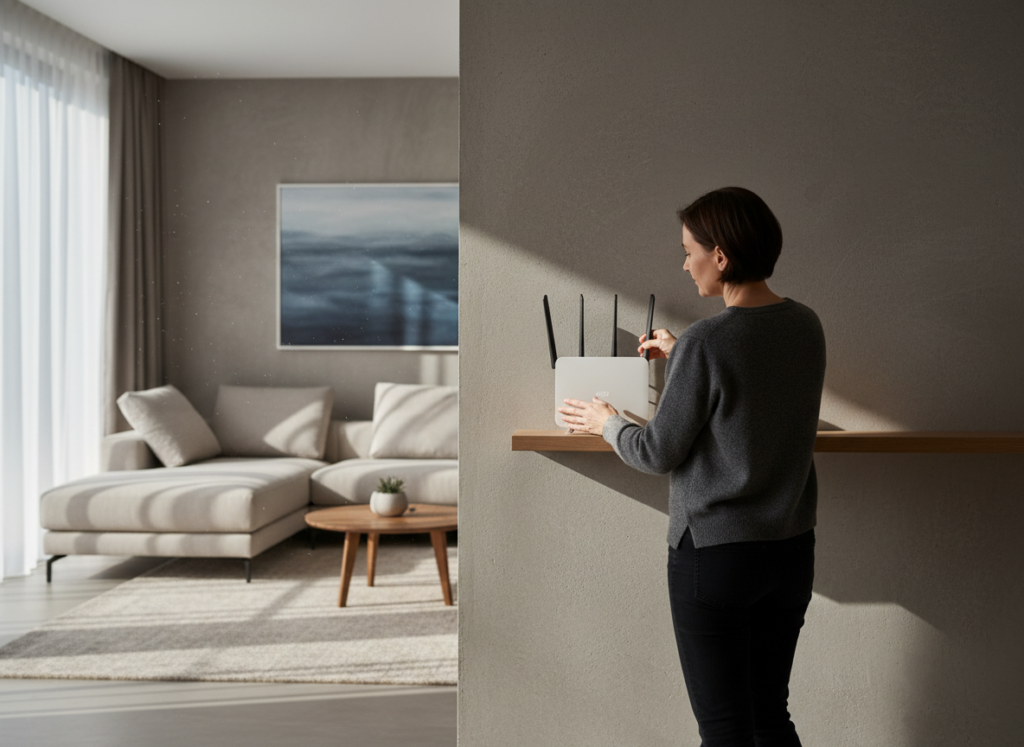
Position the router centrally within the home and adjust transmission strength if possible. Reducing signal spread beyond property boundaries lowers the chance of unwanted connections from nearby locations and improves indoor network performance.
Secure Smart Devices
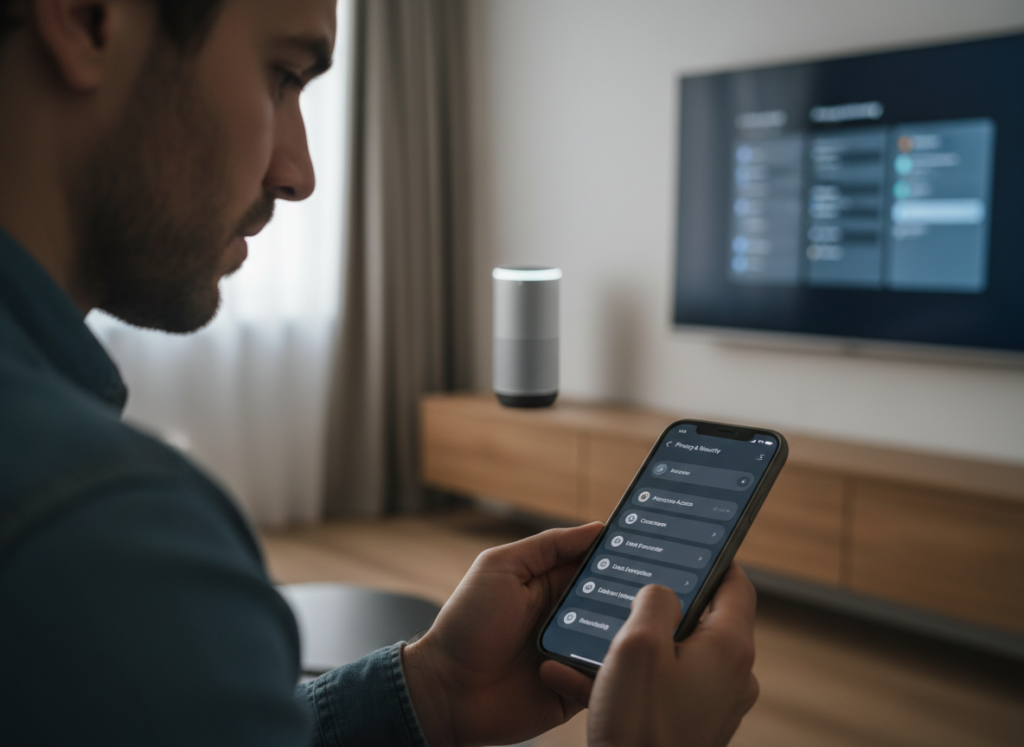
Change the default passwords on smart televisions, cameras and speakers. These devices often connect automatically and may use factory settings. Securing each device individually ensures that one weak point does not affect the entire network.
Regular Security Reviews
Review security settings every few months. Simple checks help maintain updated passwords, firmware, and device lists. Routine reviews support consistent protection and help households remain prepared for changes in digital environments.
