
Digital life is intimate, but it rarely feels private. Phones, emails and online accounts, not to mention voicemail, can contain habits, preferences and conversations. When this silent observer is someone who discreetly watches, the signs may be less apparent. It likely does not feature dramatic warnings or clear signals. Rather, small disturbances and reproducible patterns are found. Most people brush these signs off as technical errors or mere coincidences. That delay allows intrusive behaviour to take hold. Recognising these red flags helps safeguard your own boundaries and emotional health. Awareness is not about fear. It’s a matter of remaining aware, vigilant and of agency in one’s digital space without suspicion infiltrating everyday life.
Unexplained Login Alerts

You receive security notifications for logins you did not make. Locations or devices look unfamiliar. Passwords remain unchanged, yet alerts continue. This pattern suggests repeated access attempts rather than simple system errors or delayed messages.
Devices Acting Out of Character

Your phone gets warm, starts to discharge its battery quickly or mysteriously runs background tasks. These changes occur with light use. Such behaviour can indicate hidden processes quietly running without your awareness or permission.
Passwords Stop Working
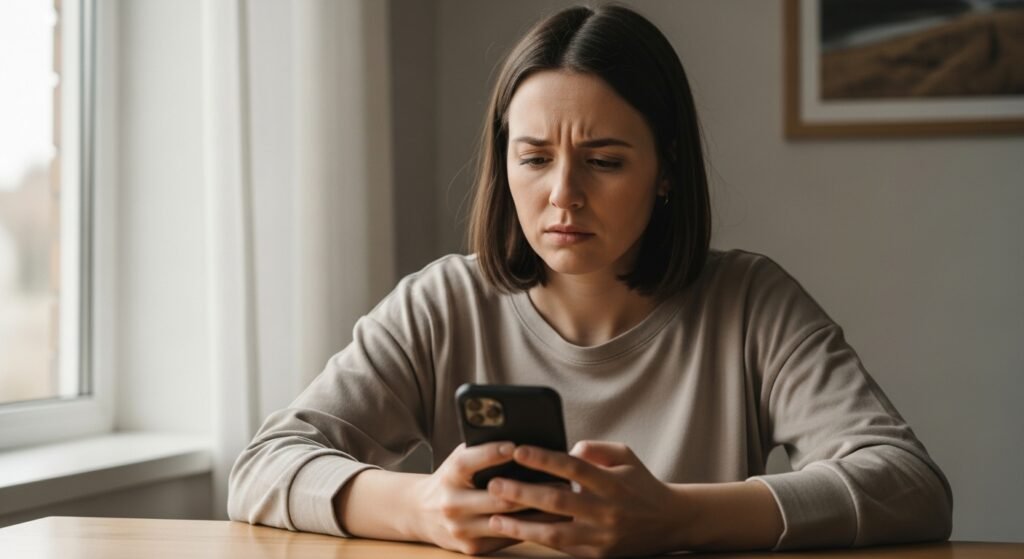
Passwords suddenly fail despite careful entry. Recovery emails appear without your request. Someone may be attempting resets or testing access. Frequent issues point to external interference rather than simple forgetfulness.
Personalised Knowledge Without Sharing

Someone references private searches, messages, or plans you never discussed. The details feel too accurate. When this happens repeatedly, it suggests information access rather than intuition or coincidence.
Account Settings Quietly Changed

Privacy settings, recovery emails, or linked devices change without your action. You did not authorise updates. Subtle adjustments often aim to maintain access while avoiding detection.
Unfamiliar Apps or Extensions

New applications, browser extensions, or permissions appear. You do not recall installing them. Some tools disguise themselves as utilities while quietly tracking activity across apps and websites.
Emails Marked as Read

Messages show as opened before you check them. Replies seem drafted or deleted. This indicates mailbox access, especially when it happens across multiple platforms over time.
Frequent Verification Requests
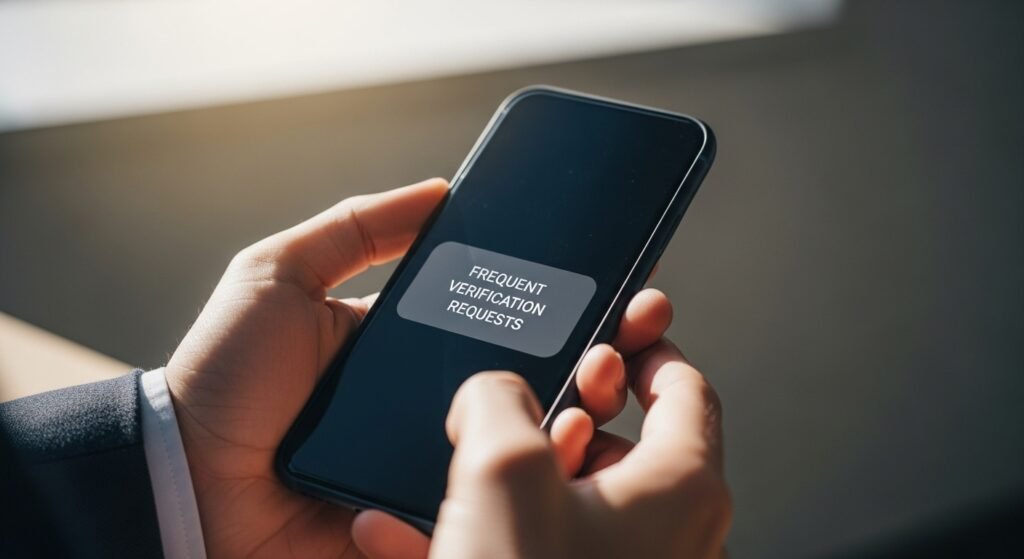
You receive repeated verification codes or security checks. You did not initiate logins. These prompts suggest someone else is trying to enter accounts using partial credentials.
Data Usage Spikes

Internet or mobile data usage increases without changes in habits. Streaming and downloads remain normal. Background data transfers may signal monitoring software sending information elsewhere.
Social Media Activity You Didn’t Do

Likes, follows, or messages appear without your involvement. Content engagement feels unfamiliar. This often means account access rather than accidental taps or platform errors.
Contacts Receive Strange Messages

Friends mention unusual messages sent from your accounts. The tone feels off. This can happen when someone tests control or gathers information through trusted connections.
