
Most users have learnt to automatically assume that when windows go out of control, they are expected to conduct complicated troubleshooting or third party applications to perform repairs. PowerShell commands have a number of pre-defined commands, which can be used to remedy simple problems of a system within a short period. Such commands will have capability of repairing faulty files, repair health, re-setting network and even re-install inbuilt applications. Trust me, it will not be possible to learn a few straightforward PowerShell commands within a short time to make the computer work well. What follows are the ten handy PowerShell commands that could fix most windows problems within a fairly limited amount of time.
Scan and Repair Corrupted Windows System Files

This will do a search on your system and identify any corrupted or lost windows files and therefore will automatically fix them where possible. It is among the best preventive measures towards inadvertent accidents or system failure.
Restore a Damaged Windows System image
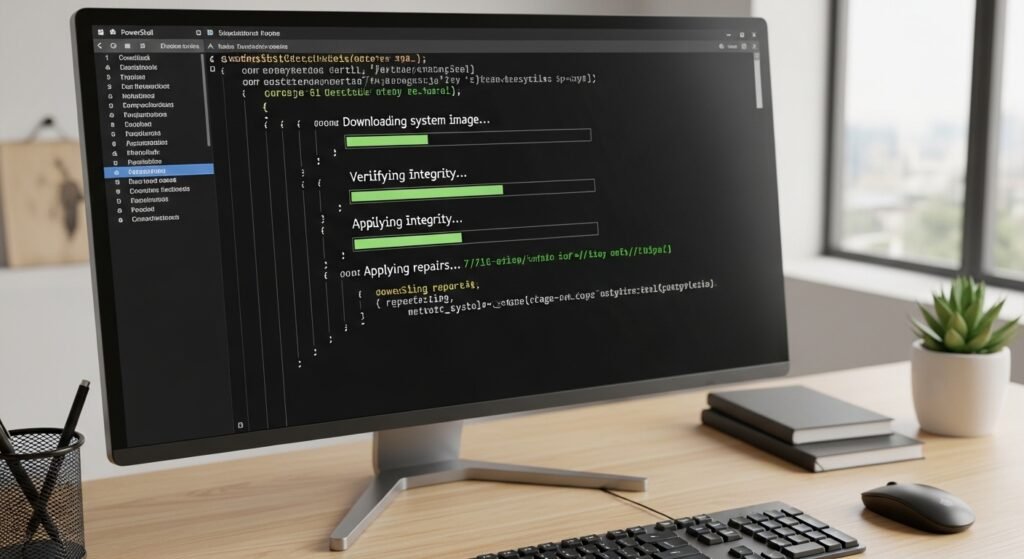
With windows systems, when the files of the working system are severely compromised, the command downloads newer files of the Microsoft servers and reinstalls the image of the operating system
Reset the Windows Network Stack to Fix Connectivity Issues
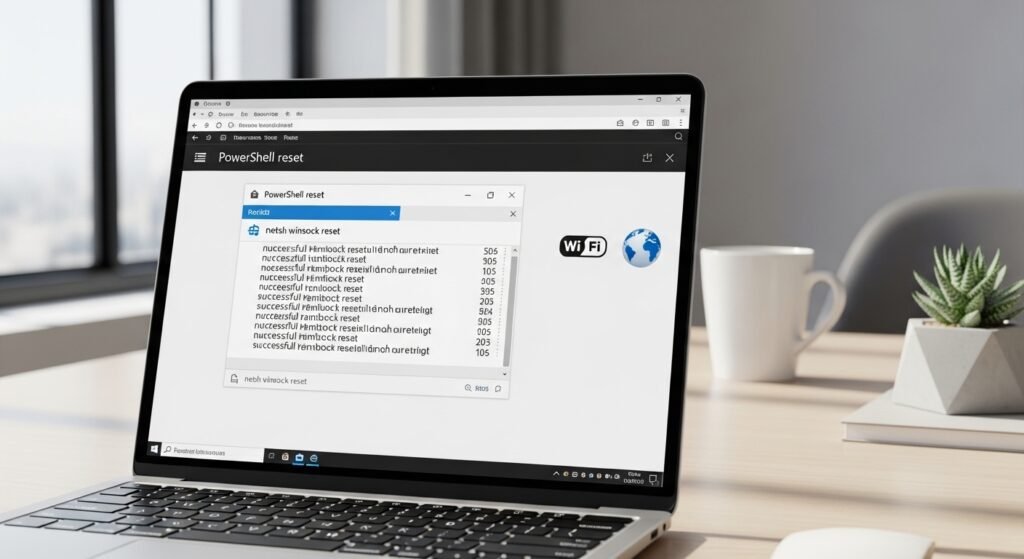
This will restart Windows network stack and will be used in troubleshooting numerous problems that are common in the internet like internet connection failure or network card failure.
Check and Repair Hard Disk File System Errors

It will automatically search your hard disk with an aim of detecting any faults in your file system. It can also be useful in the event that the computer is slowing down or has files that are unresponsive.
Force Restart Windows Explorer to Fix a Frozen Desktop
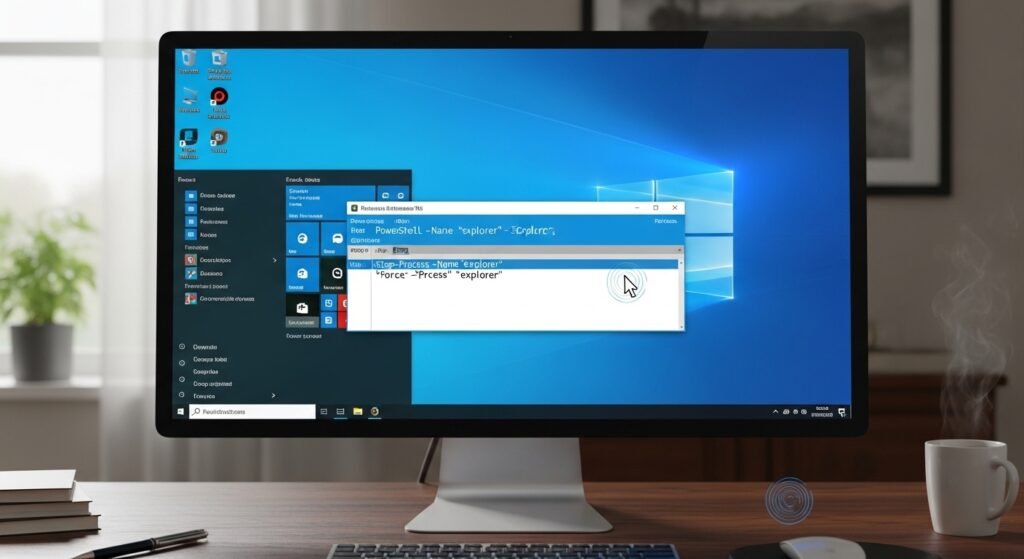
Windows Explorer can also be terminated on the fly which can be used to resolve the issue in situations where the taskbar and the Start menu or the desktop have frozen.
View All Installed Programs Using PowerShell

This command will provide the list of the applications installed that are convenient when a person faces issues with software conflicts.
Find Programs Consuming the Most CPU Resources

This command displays the programs that take the greatest amount of CPU therefore you can simply get to know what is taking up time in your computer.
Repair Built-in Windows Apps Like Microsoft Store

It is this command that is used to repair built-in applications such as Microsoft store or Photos, in case they fail.
Clear DNS Cache to Fix Website Loading Problems

The issue of not being able to open websites or the wrong association of the domain can be solved by clearing the DNS cache.
Get Complete System Information for Troubleshooting

The command provides sufficient information about the system such as the version of the OS, memory and updates installed which are useful during the troubleshooting.
