
Windows software is loaded with numerous embedded systems that enhance productivity, security and performance of the system. Nevertheless, a significant number of these strong features are either hidden within the settings or disabled by default, which means that most users do not use them. Enabling the right features can be a great way to use your computer better on an everyday basis, great clipboard tools, enhanced security protection, and more. These are ten strong window features that most people do not bother about turning on.
Clipboard History
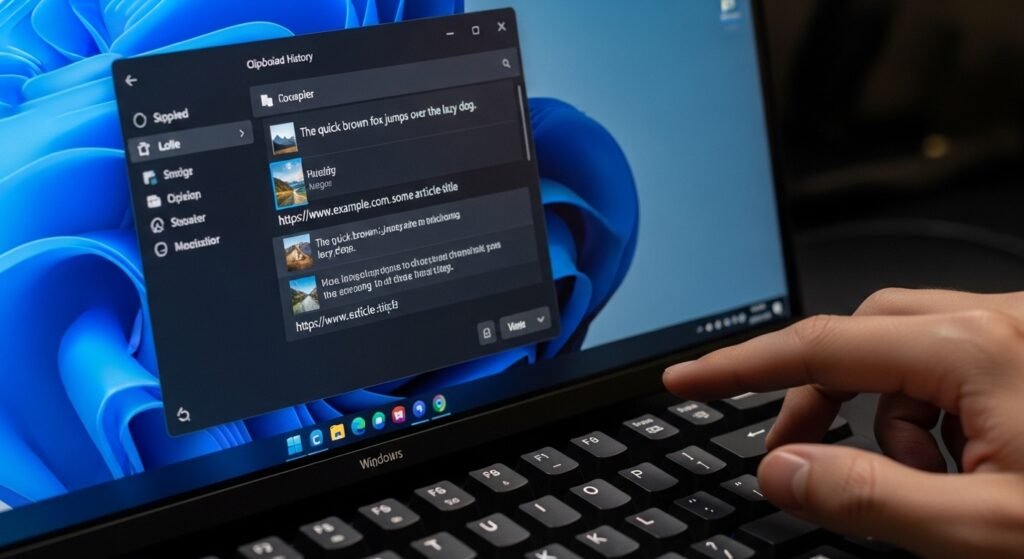
Windows provides you with the possibility to save several items that have been copied, rather than one. With clipboard history enabled, you can use Windows + V to open the history of past copied contents, images, and links to enable you to do more tasks at the same time.
Focus Assist
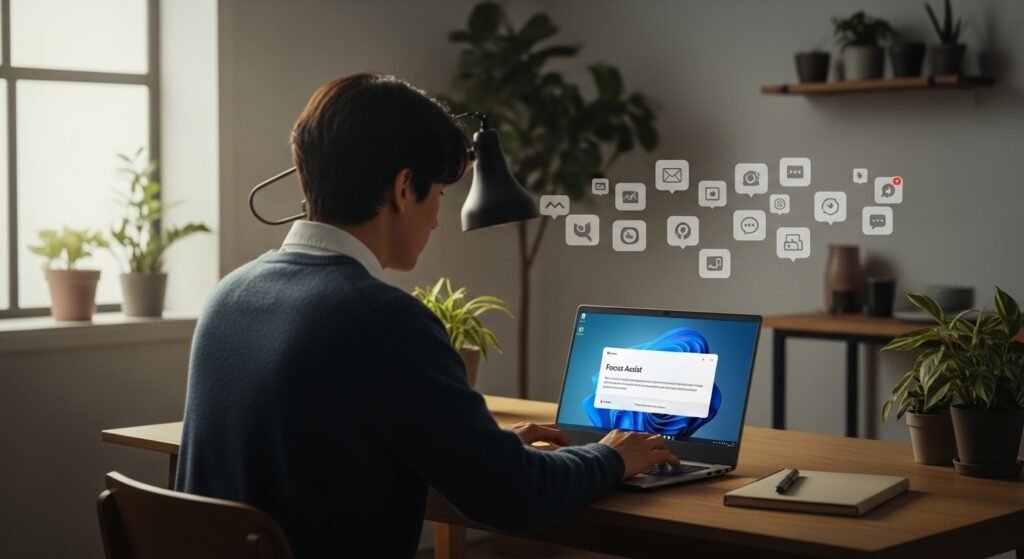
Focus Assist assists to minimize distractions by blocking notifications during work, games, or presentation. It can automatically be turned on at some time of day, or when you are using some particular applications.
Storage Sense
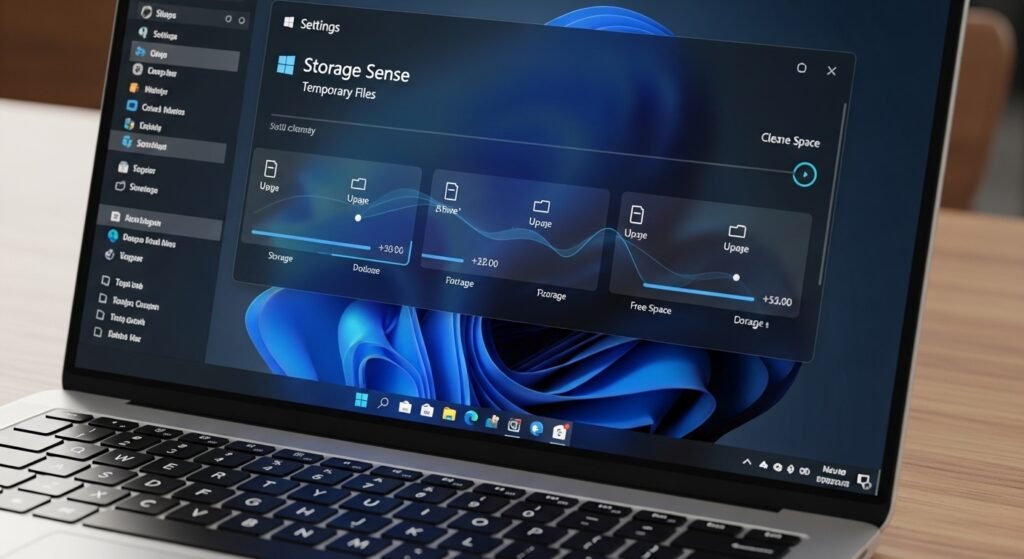
This feature will automatically clear space as it deletes temporary files, empties the recycle bin, and cleans up the system data that is unnecessary.
Night Light

Night Light will decrease the amount of blue light emitted by your screen, and it can help relieve eye fatigue and sleep better at night when you use your computer.
Virtual Desktops
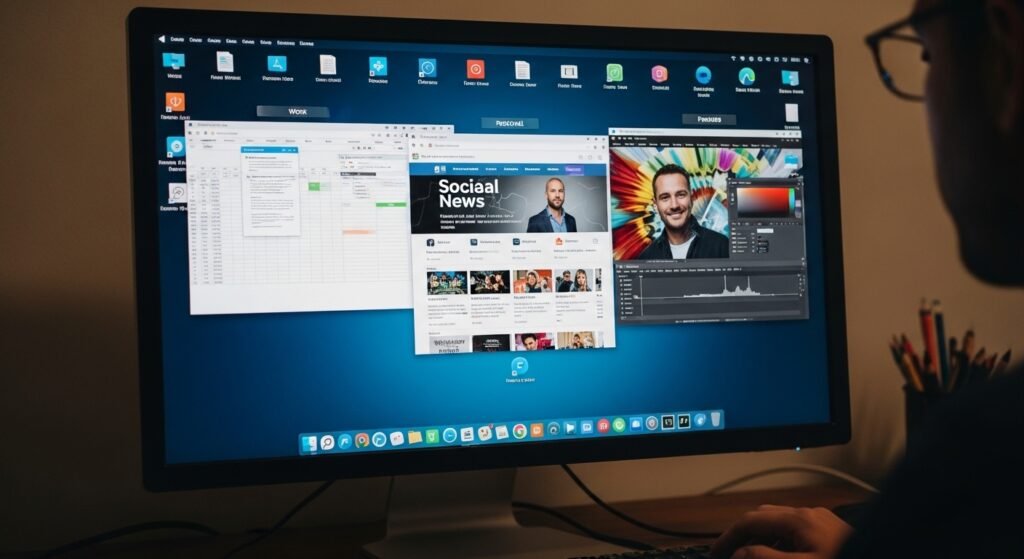
Virtual desktops enable you to have different workstations dealing with various tasks. As an example, one desktop can be work and another, personal.
Windows Sandbox
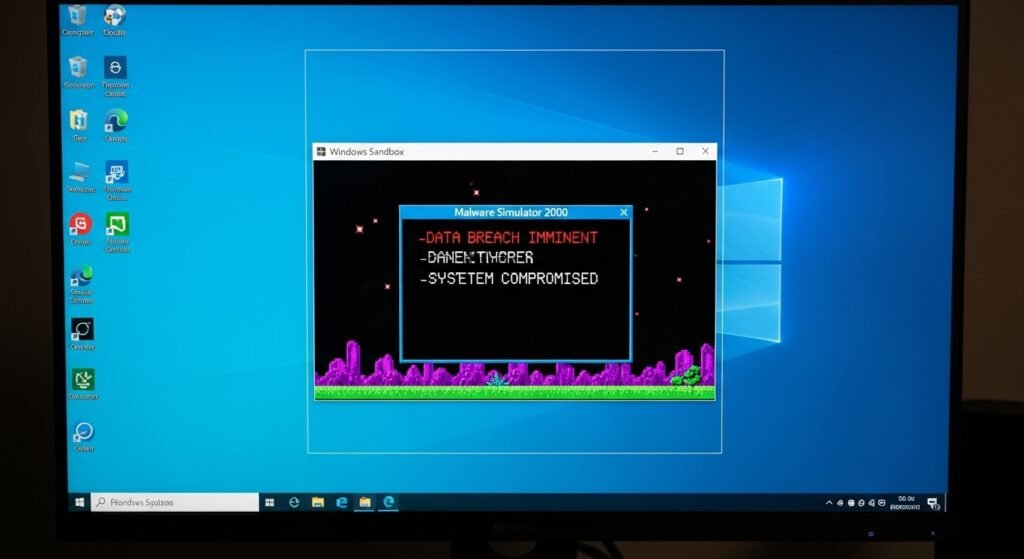
Windows Sandbox enables one to run suspect programs within a secure and isolated environment without impacting on the primary system.
Dynamic Lock
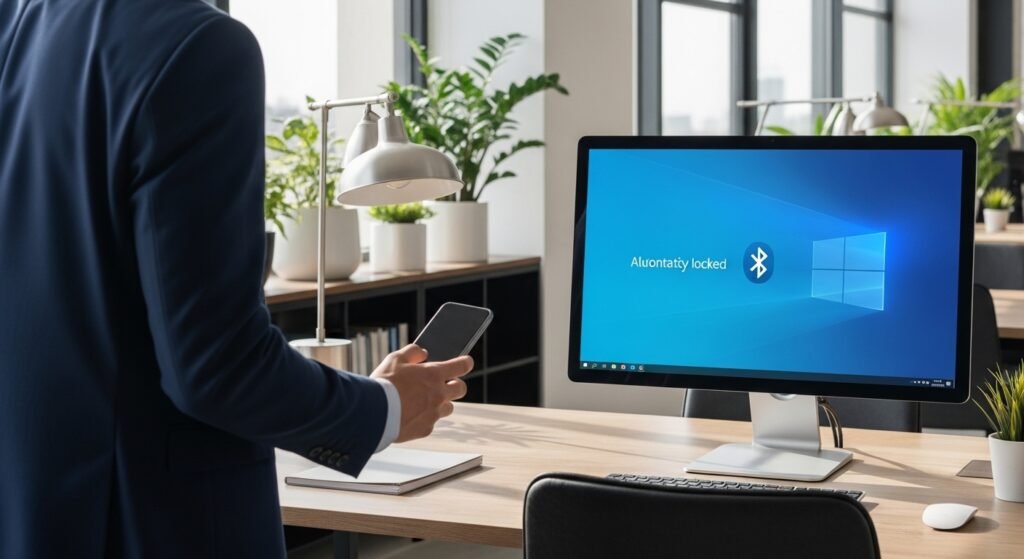
Dynamic Lock locks your computer automatically when you leave it unattended should your paired Bluetooth device, which in this case is your phone, leave range.
Nearby Sharing

Nearby Sharing is a feature that enables you to transfer files and links among nearby windows devices in a quick manner without the use of email or external storage.
Game Mode
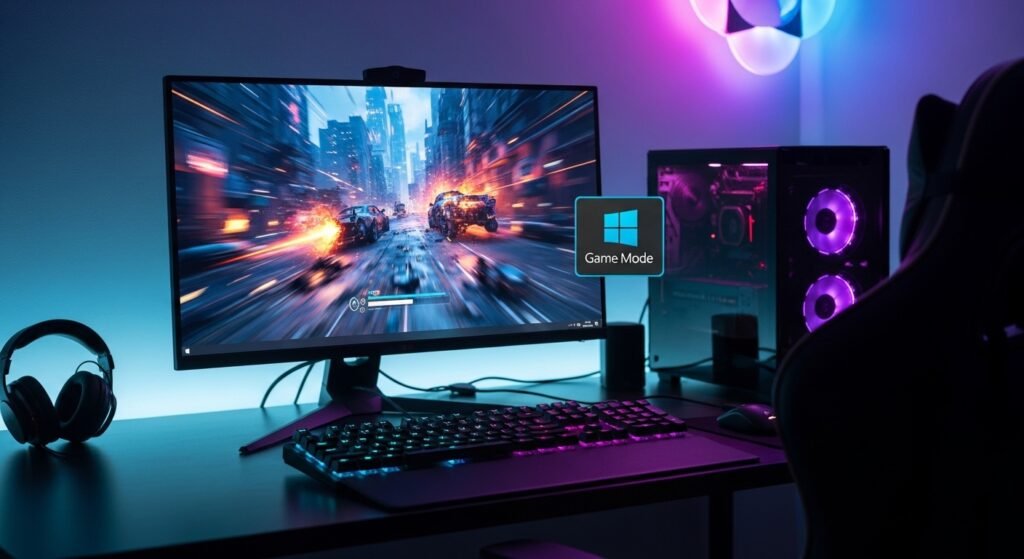
Game Mode applies optimization to the system resources such that games can run more efficiently by prioritizing the use of resources to the game over to the background processes.
Voice Typing

Windows has inbuilt voice typing that translates voice into the text in real time and this can be very helpful in typing an email, note or document very fast.
