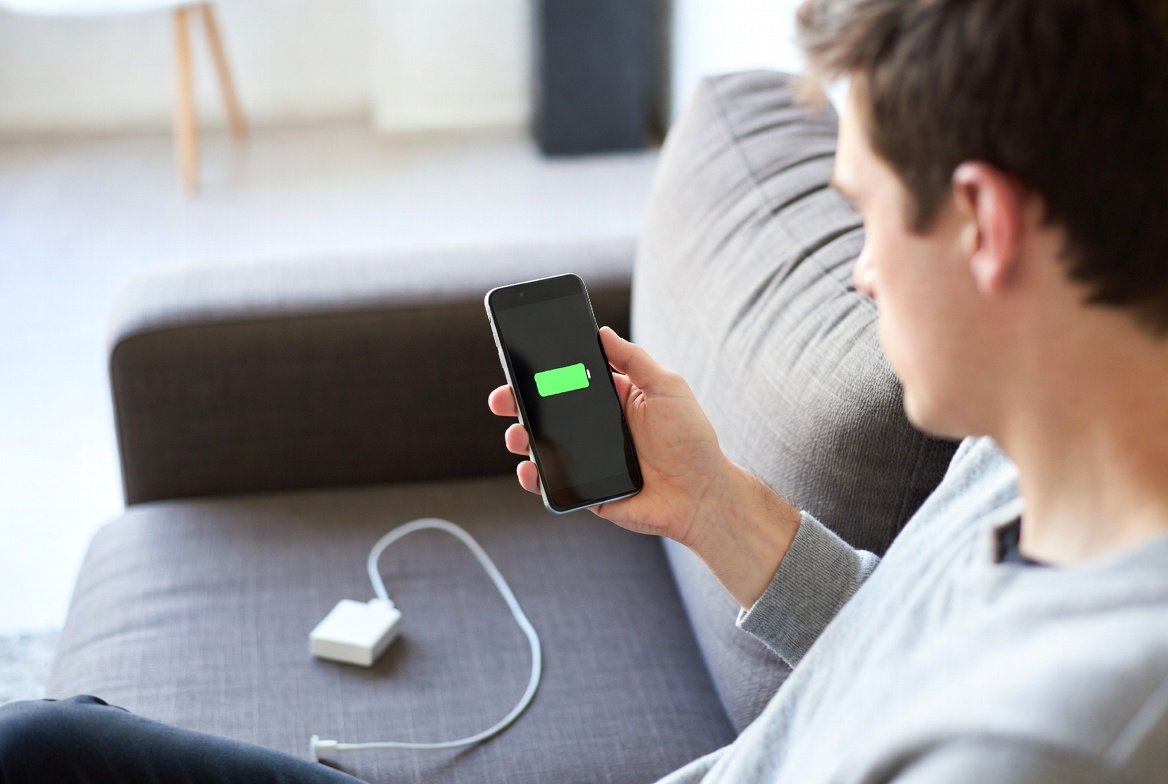
Smartphones assist us in leading work, family and normal lives. Still, there are many apps you may be using every day that silently drain more than their fair share of battery power. They run background processes, refresh content, and access location or network data even when not actively used. Over time, this constant activity affects charging cycles and shortens daily battery life. Many people notice their phones needing frequent charging without knowing the cause.It can improve performance and take some of the daily charging stress off your shoulders to know which apps will use more power than others. Even minor tweaks to settings and usage habits can help. This guide explains popular apps that often impact battery performance the most.

Facebook refreshes feeds in the background. It tracks notifications and location data. Auto-play videos also add load. Even with limited use, it remains active and slowly reduces battery levels through frequent background syncing.
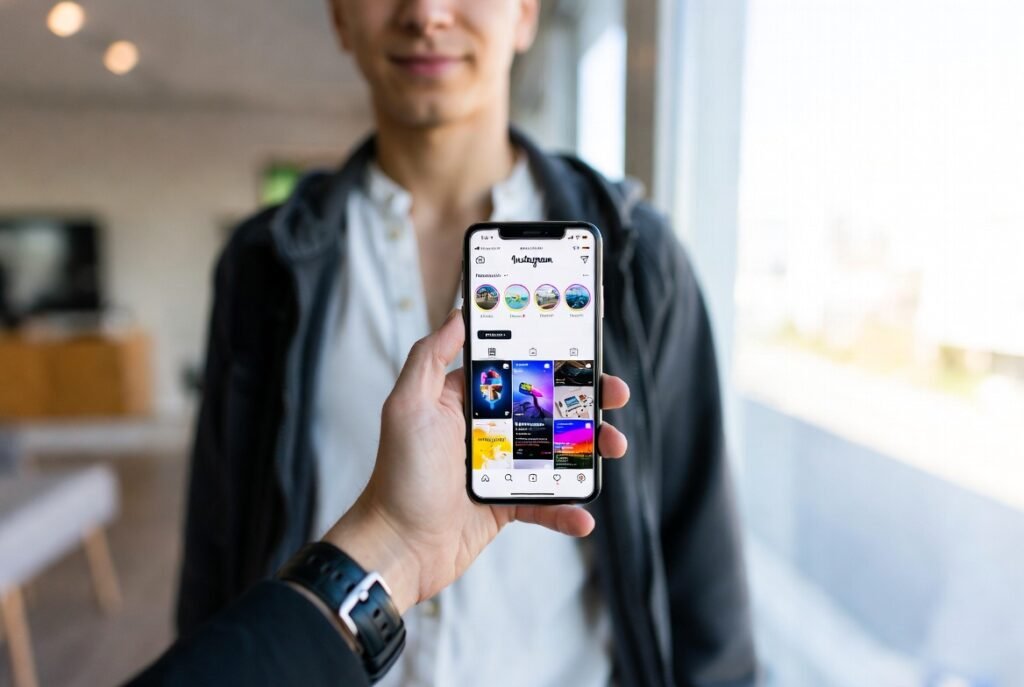
Instagram updates stories and messages regularly. It uses camera, data, and media features often. These processes remain active after closing the app, which results in higher battery use during the day.

WhatsApp keeps data connections active for message delivery. It handles media downloads and backups. Continuous syncing and notification checks cause noticeable battery drain, especially in large group chats.
YouTube

YouTube plays high-resolution video streams. It consumes display brightness and data processing power. Long sessions or background audio playback increase battery usage steadily over time.
Google Maps
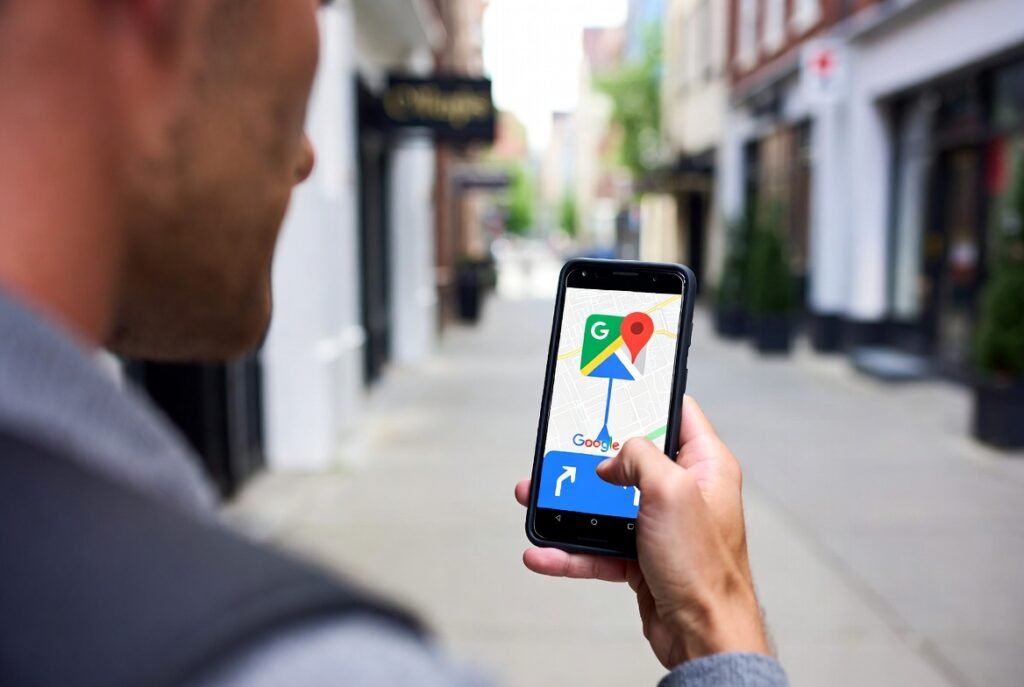
Google Maps uses GPS and network services. It updates routes and traffic data frequently. Real-time navigation places continuous demand on system resources and lowers battery performance quickly.
Snapchat

Snapchat uses camera access and location services. It refreshes content frequently. Filters and live features keep the app active in the background, which contributes to steady power loss.
Zoom

Zoom handles video and audio streaming. It uses a camera, a microphone, and data services at once. Long meetings place sustained pressure on the battery throughout a session.
Gmail

Gmail refreshes emails often. It runs syncing tasks in the background. Frequent message updates slowly reduce battery levels even when the app is not opened.
Spotify

Music and podcasts streaming on Spotify. It also handles downloads and playlist synchronisation. Background playback and wireless connections increase daily battery consumption steadily.
TikTok

TikTok loads continuous video content. It auto-refreshes feeds and uses data services heavily. Long scrolling sessions make battery levels drop faster than usual.
Google Chrome

Chrome opens multiple web pages and tabs. It runs background scripts and sync features. Extended browsing and page refreshing place constant demand on battery power.
