Email scams have changed. They no longer look careless or obvious. Many messages now copy real brands, trusted coworkers, and even familiar writing styles. This makes everyday inbox use feel risky. A single distracted click can expose private data or finances. Staying safe no longer depends on luck. It is a matter of steady habits and scrupulous reading. The aim is not fear but education. Anyone can reduce risk with simple checks and clear rules. The following tips focus on practical thinking, not technical skill. Each one builds a calmer, more controlled way to handle email, even when messages appear convincing or urgent.
Sender Check
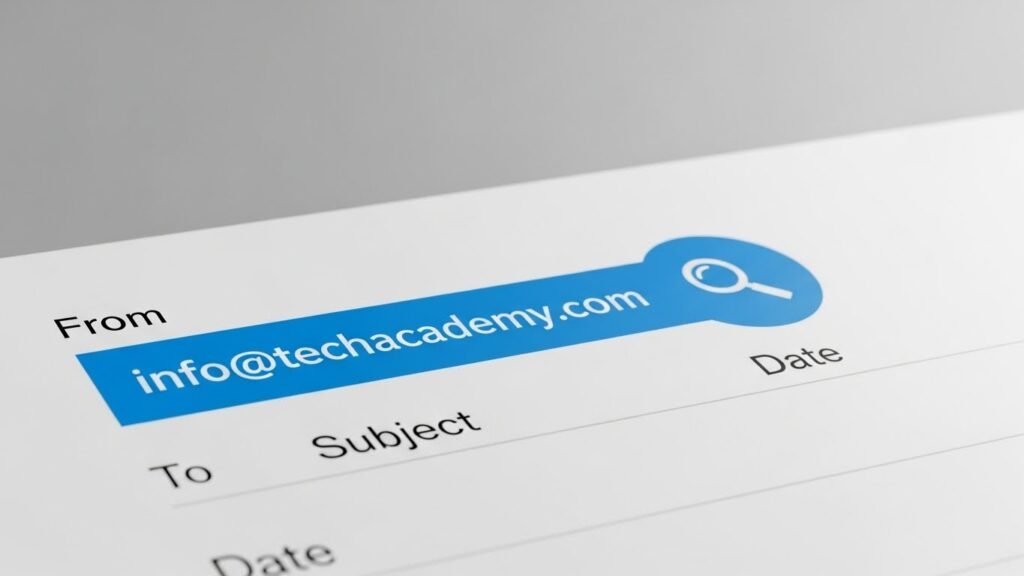
Never avoid checking the sender’s address intently. Scammers commonly impersonate trusted mimic with slight spelling differences. A real organisation uses consistent domains. When something feels slightly off, pause. A short pause prevents long-term problems later.
Subject Line Awareness
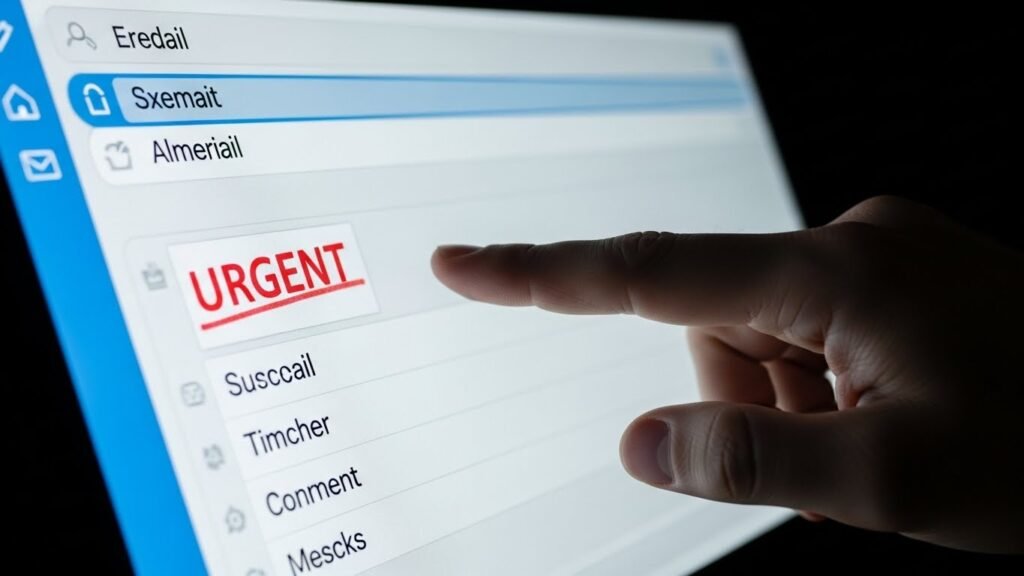
Urgent subject lines pressure quick action. Messages demanding immediate replies often bypass logic. Real organisations usually explain calmly. Consider urgency as a sign to pause and not go faster. Calm reading protects better than fast reactions.
Link Inspection
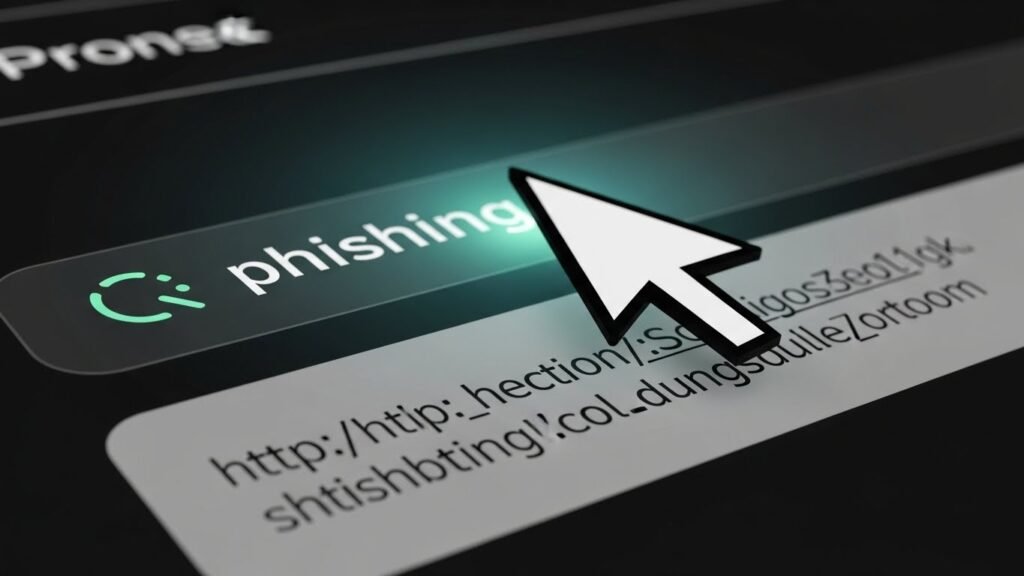
Hover over links before clicking. A safe link clearly matches the sender’s website. Shortened or strange links deserve caution. If unsure, visit the site directly using a browser. This avoids hidden redirections.
Attachment Discipline
Unexpected attachments deserve scepticism. Even familiar names can be misused. Files may contain harmful code. If an attachment was not discussed earlier, confirm first. A quick confirmation prevents device and data damage.
Language Consistency
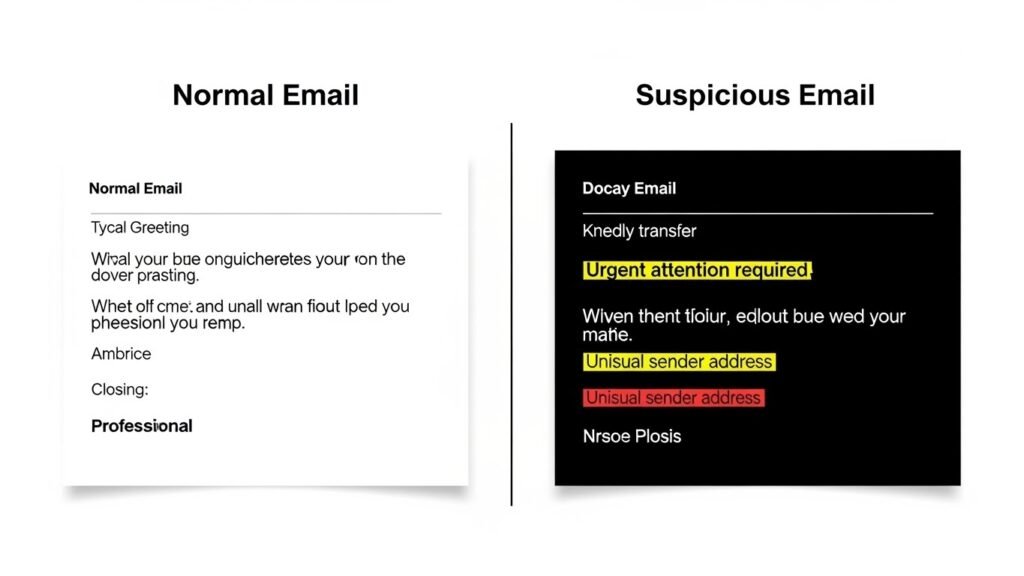
Scam emails often sound polite but unnatural. Watch for odd phrasing or inconsistent tone. Trusted contacts usually follow a familiar style. Sudden changes in language patterns should raise concern and prompt verification.
Request Verification
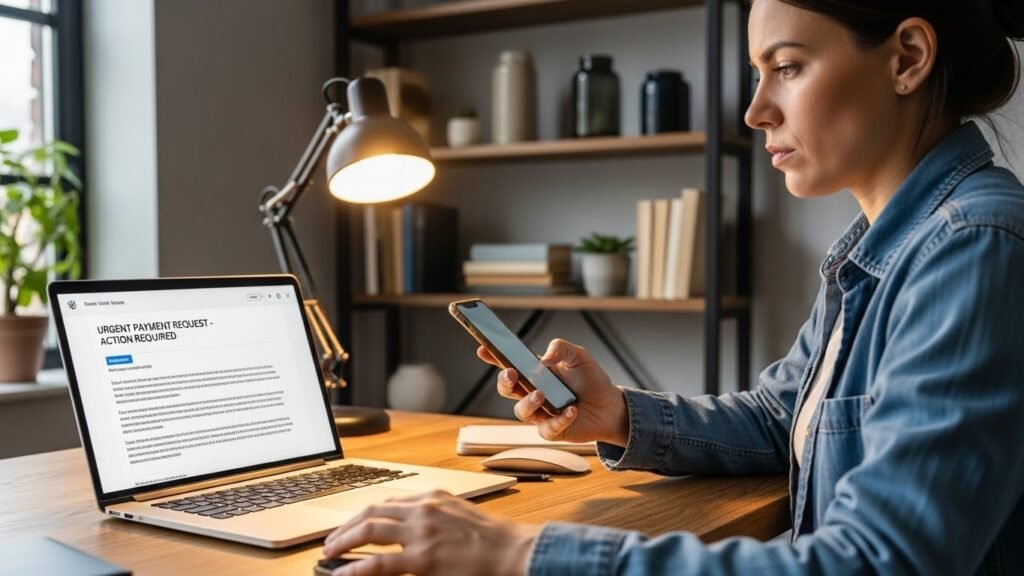
Be wary of emails that request passwords, code or payment information. Reputable organisations seldom ask for sensitive information by email. If in doubt, you should reach out to the organisation using official contact points from their website.
Visual Details
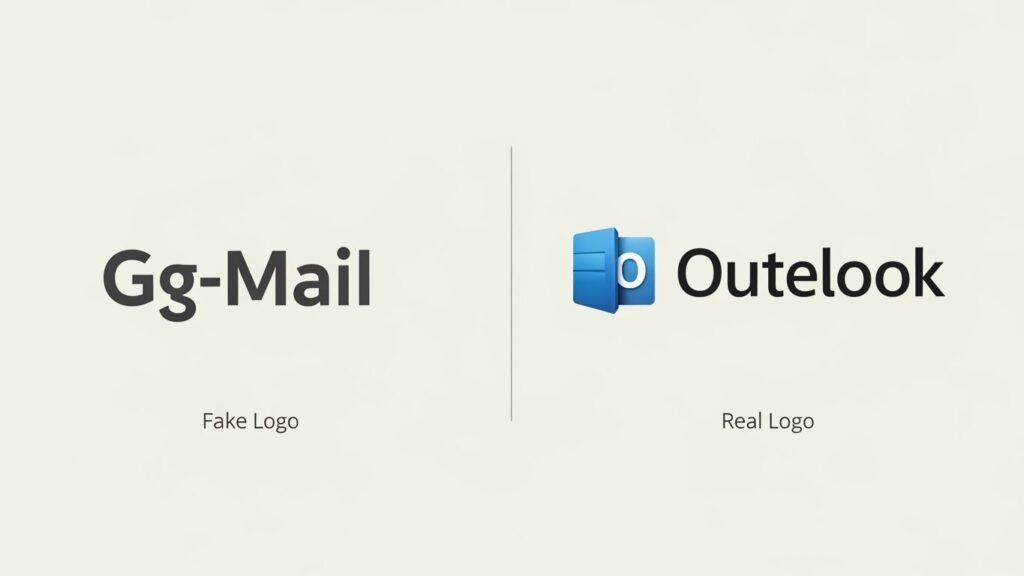
Logos and layouts can be copied. Do not trust appearance alone. Check spacing, image quality, and formatting. Small visual errors often reveal imitation. Authentic messages usually maintain clean and consistent design standards.
Device Separation
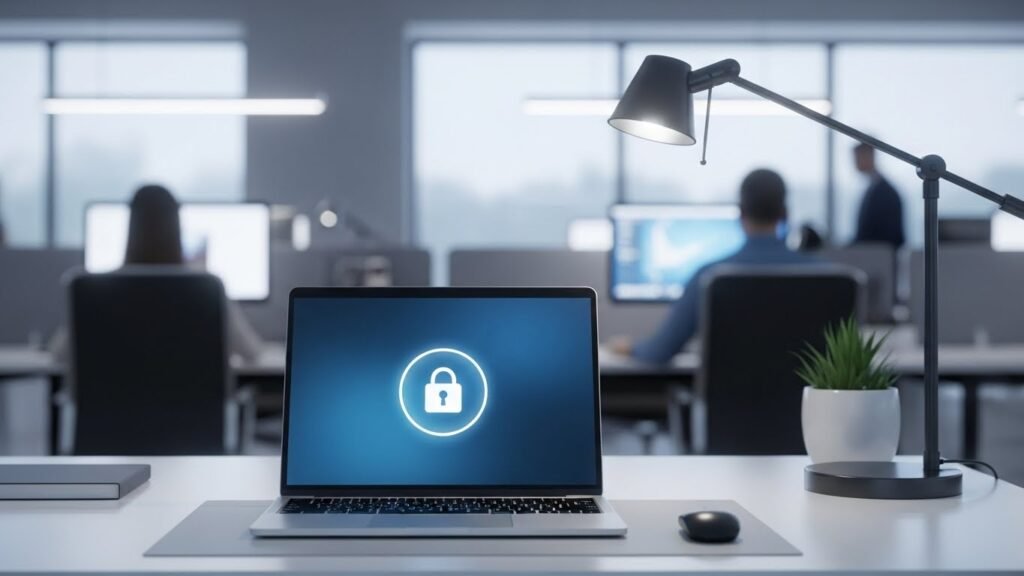
Avoid opening sensitive emails on shared or public devices. Personal inbox access should remain private. This limits exposure and reduces mistakes. A controlled environment supports clearer judgment and safer decision-making.
Routine Updates
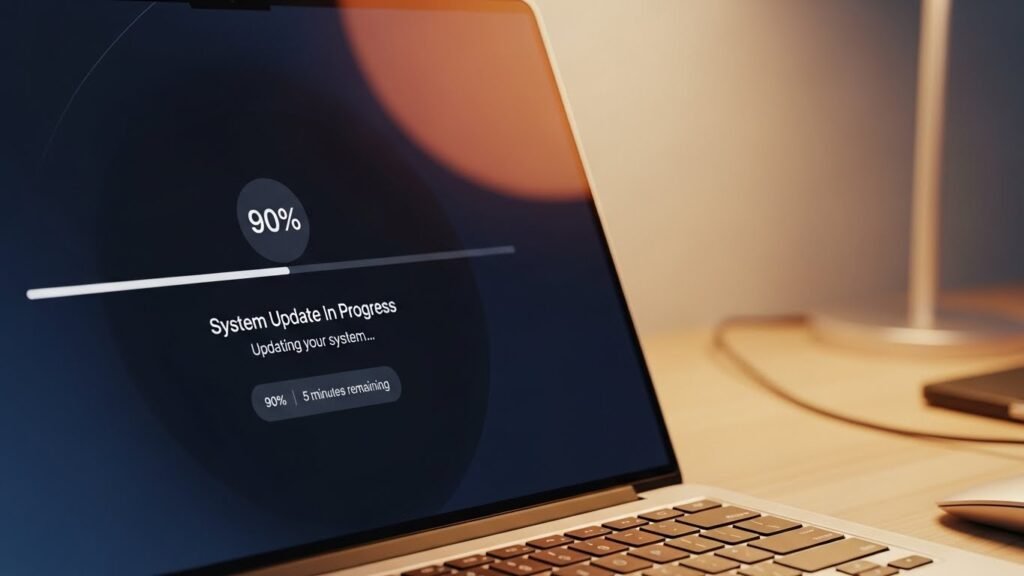
Keep email software and devices updated. Security improvements fix known weaknesses. Updates work quietly but effectively. They reduce opportunities for attackers and support other safety habits already in place.
Report and Remove
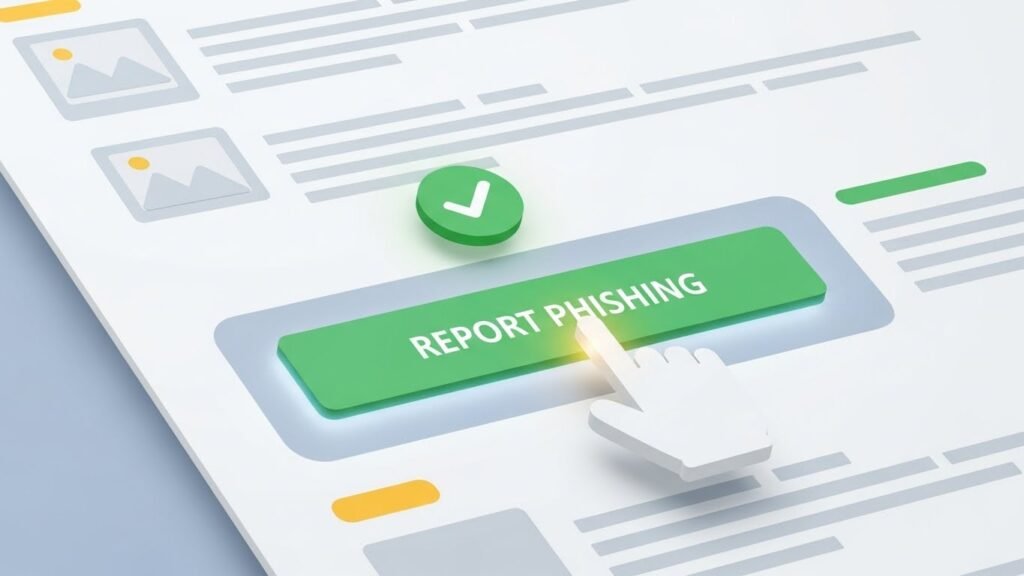
Use built-in reporting tools for suspicious emails. Reporting helps improve filters for everyone. After reporting, delete the message. Keeping scam emails increases the risk of accidental interaction later.
Habit Building
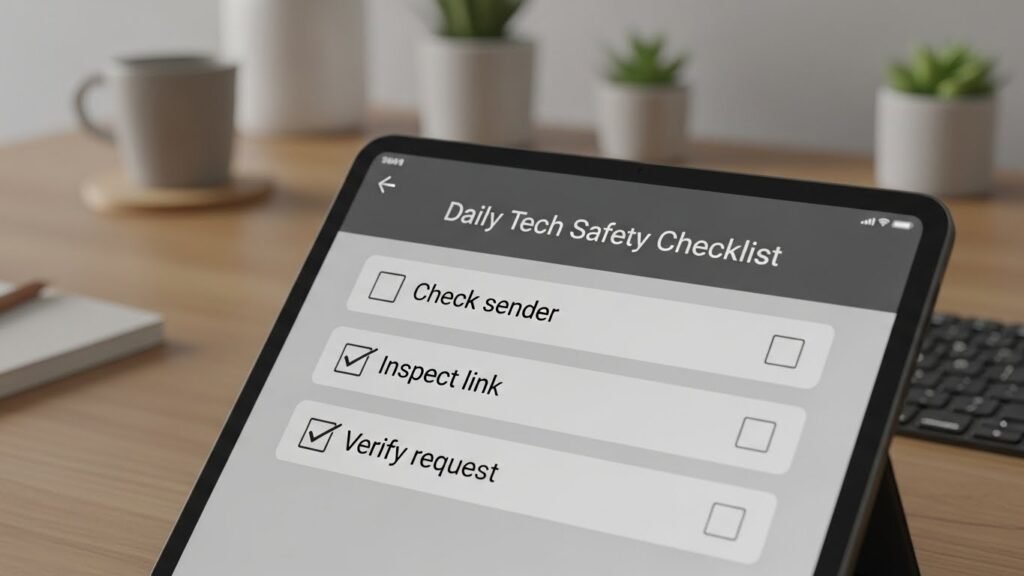
Safety comes from repetition. Apply the same checks daily, even when busy. Consistent habits reduce emotional reactions. Over time, careful email handling becomes automatic and less stressful.
