
Realising you have lost an iPhone can be unnerving. It contains contacts, photos and messages as well as access to a wide range of daily services. A logical, composed response can contain damage and keep personal information safe. Moving fast is important to lock down accounts, stem abuse and maximise the potential for recovery. Apple has tools for this that help people at times like these. Safety is also intertwined with mobile networks and banks. This guide covers simple steps that you can take after losing or having your iPhone stolen. Every move revolves around power, safety and knowledge. When you do these things in the right order, you take a lot of stress out of the situation and avoid making additional problems for yourself.
Use Find My iPhone
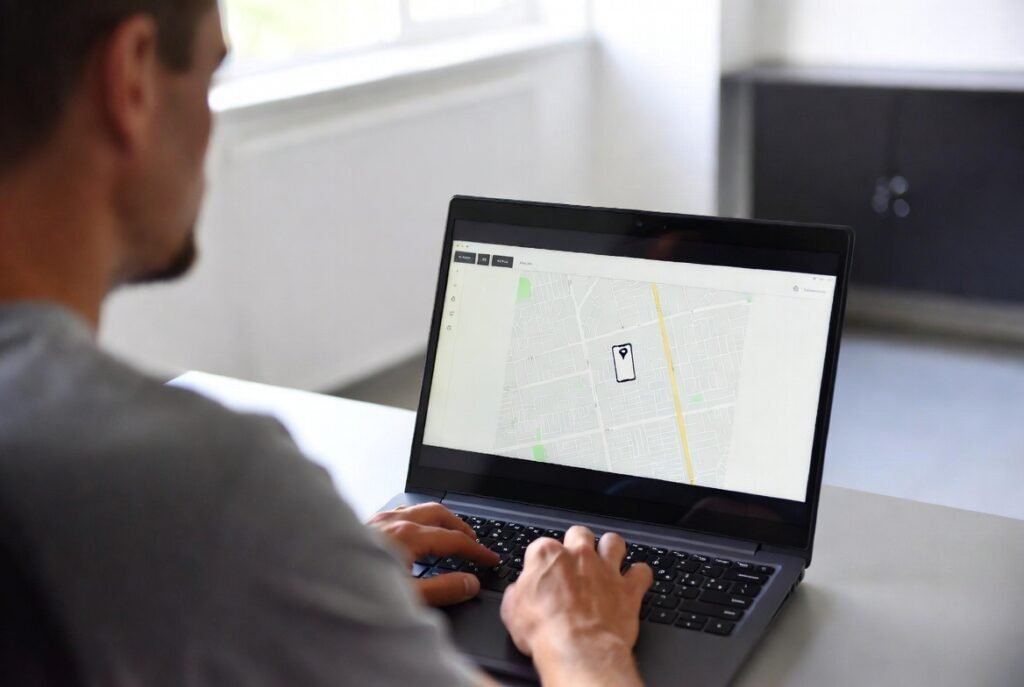
Open Find My on another Apple device or go to icloud.com/find in a browser. It will show you the lost phone with its location on a map. Play a sound if nearby. This is the step that will tell you if your device is lost or stolen.
Mark the Device as Lost
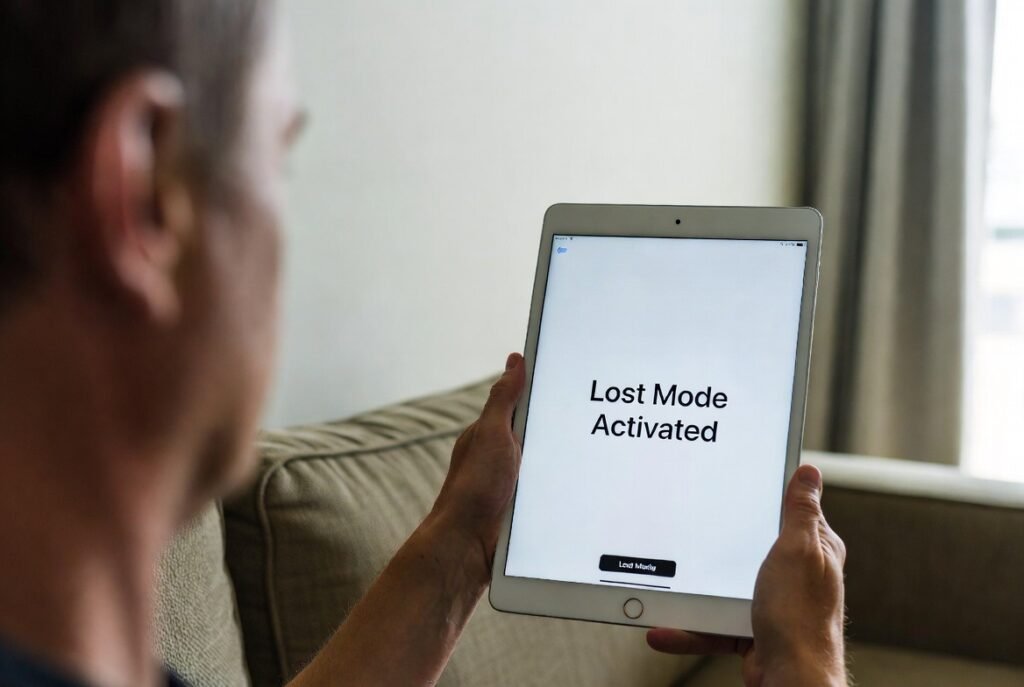
Enable Lost Mode in Find My. This puts a passcode lock on the iPhone. You can display a personalised message on the screen. It also turns off Apple Pay and monitors GPS location.
Change Apple ID Password

Change your Apple ID password now. And this prevents access to iCloud and any other connected services. It keeps data from syncing and guards personal information in the event that someone attempts to sign in.
Inform Your Mobile Network

Contact your mobile service provider. Tell them to disable the SIM/eSIM. This stops calls, messages, and data usage. It also prevents misuse of your phone number.
Report to Local Authorities

File a police report if the phone is stolen. Share the device details and IMEI number. This record may help with recovery. It also supports insurance or service claims later.
Secure Linked Accounts

Review email, banking, and social media accounts. Change passwords where needed. Enable extra verification options. This step limits access to services connected to your iPhone.
Watch for Suspicious Messages
Stay alert for messages claiming to have found your phone. Avoid clicking unknown links. Apple never asks for passwords through messages. Scams often target people after device loss.
Use Remote Erase if Needed

If recovery seems unlikely, erase the iPhone remotely through Find My. This removes personal data. The device remains locked. Activation Lock still prevents reuse by others.
Check Insurance or Protection Plans
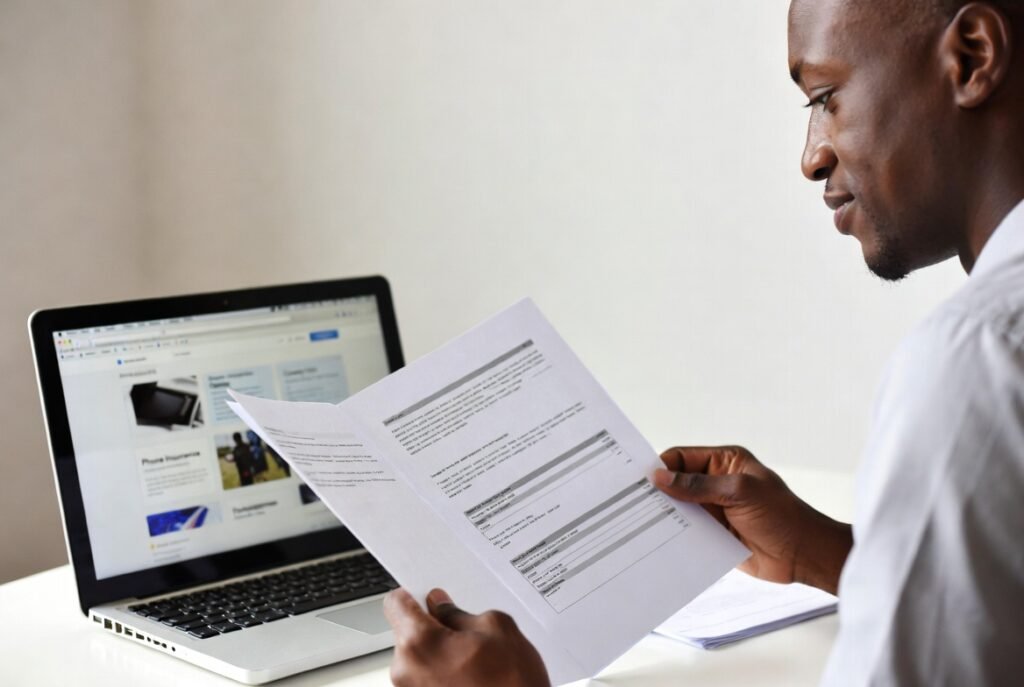
Review any device protection plan you have. Some plans cover loss or theft. Follow the claim steps carefully. Save reports and confirmation emails for your records.
Track Replacement and Restore Data
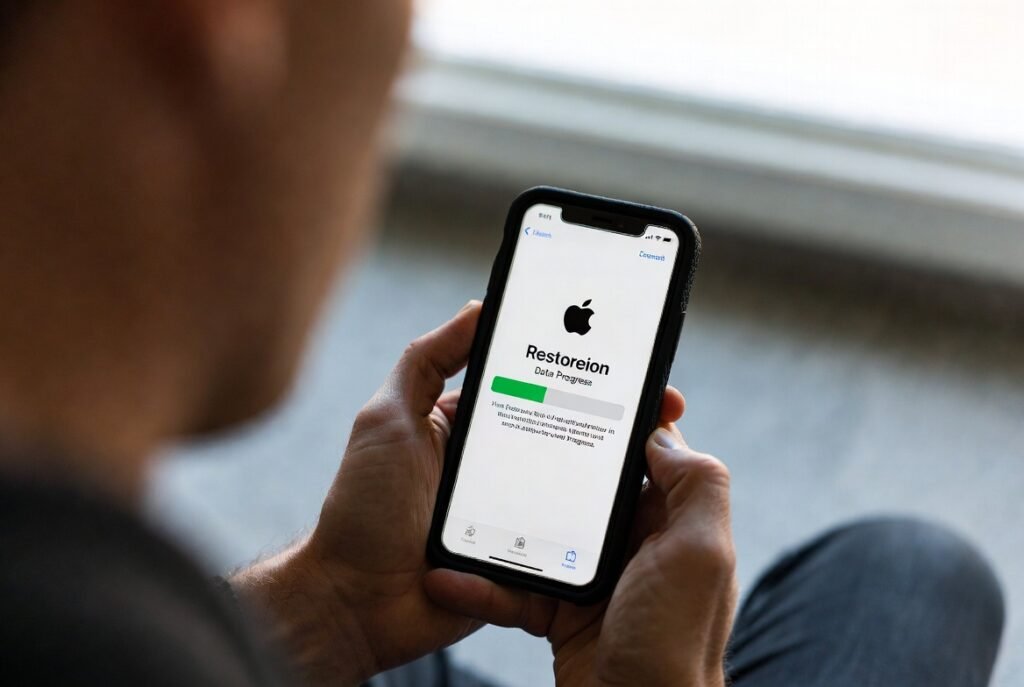
Restore data from an iCloud backup when you have a new device. Contacts, photos, and settings return easily. This helps resume daily routines with minimal disruption.
Review Security Settings Later
After the situation settles, review your security setup. Use strong passcodes. Keep Find My active. Regular reviews improve readiness if a similar issue happens again.
