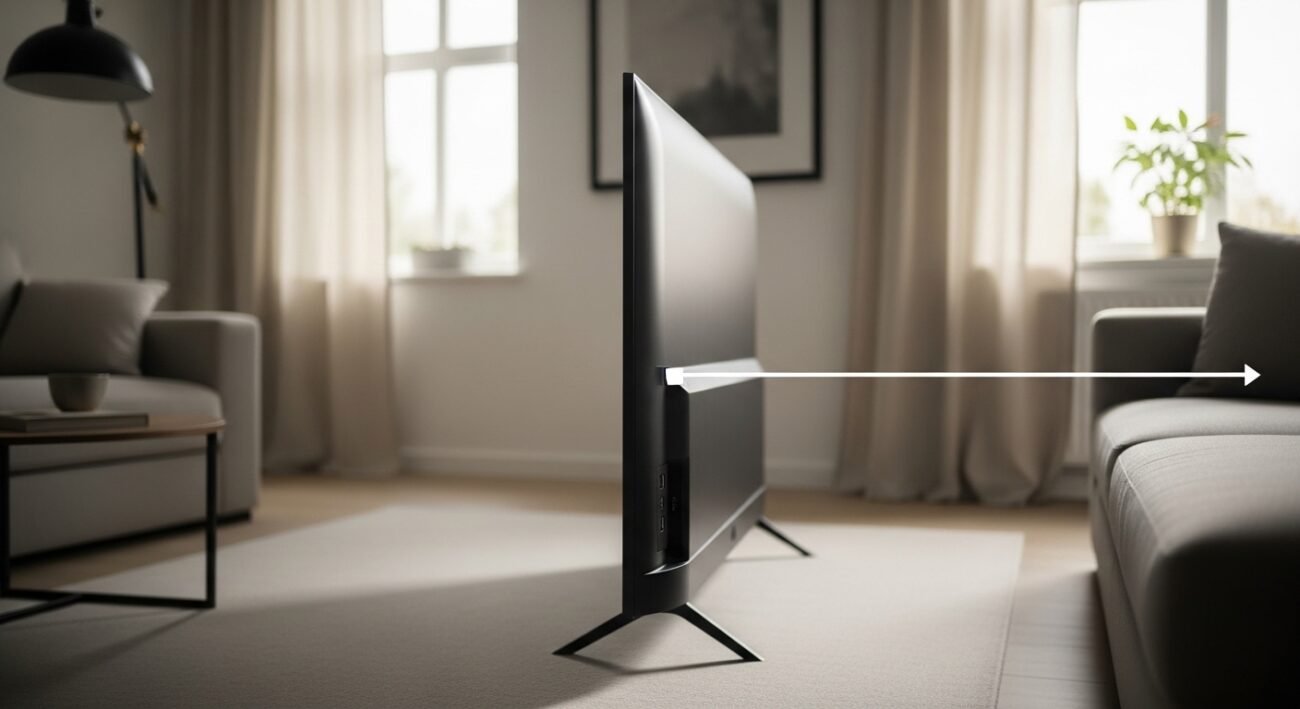
That tiny slot on your television? Most folks walk right past it, thinking it does almost nothing. Yet hidden inside that little opening lives a handful of handy tricks most never try. Instead of just plugging in a flash drive now and then, imagine charging gadgets while you watch. Picture loading videos straight from a thumb drive without extra boxes cluttering the shelf. Suddenly, flipping through menus feels smoother, cleaner, easier. Surprise jumps out when you least expect – like using it to run firmware updates silently overnight. It hums along, doing quiet work nobody notices until they need it. Turn attention toward it once, and routines shift without drama.
Play media files straight from a USB drive
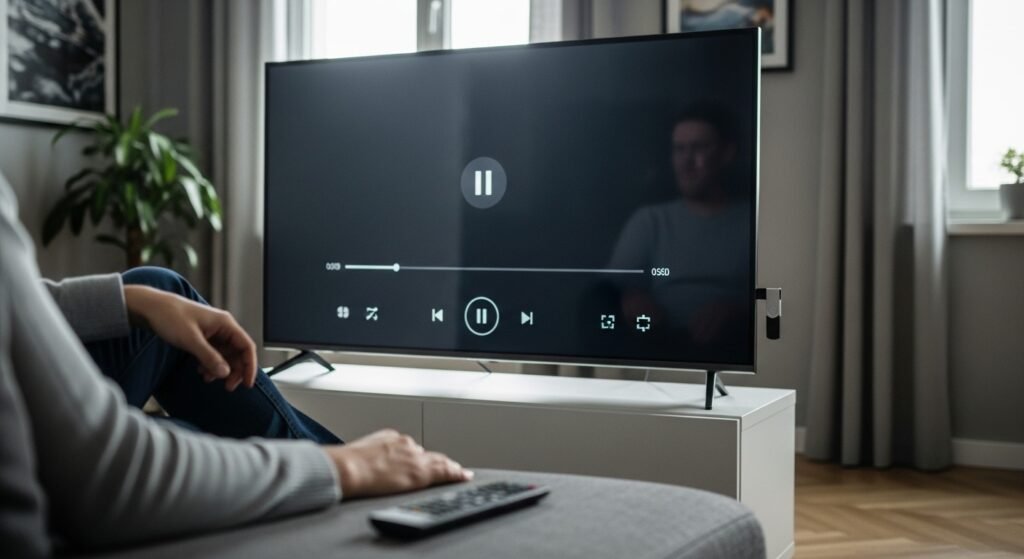
A basic thing you can do? Run videos, tunes, or pictures straight from a USB stick. Without extra gear or internet, it just works. Content sits there, ready – no logins, no waits. Pull up files fast when connection fails.
Power a Streaming Device
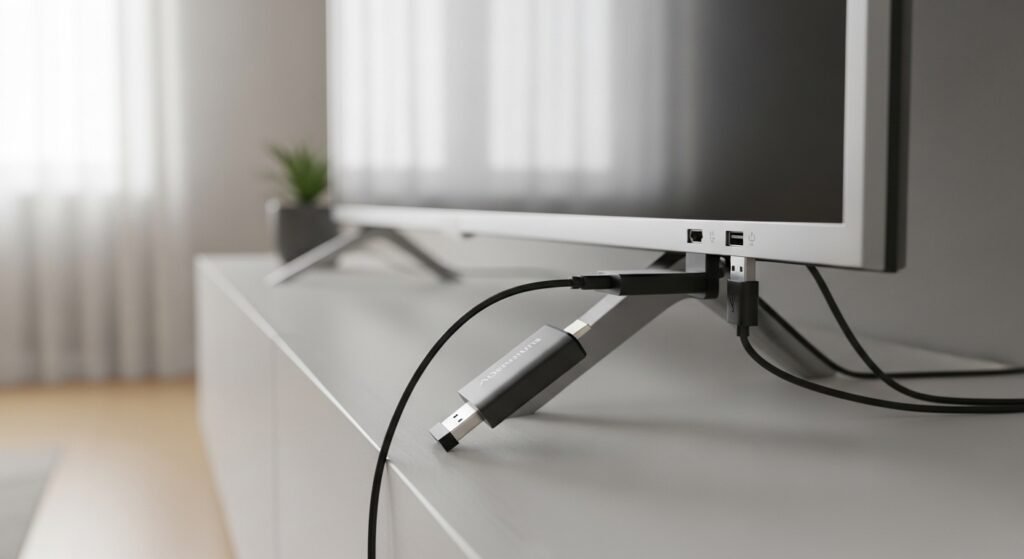
A small port on the side handles charging for gadgets such as the Amazon Fire TV Stick. Because of that, extra plugs aren’t required nearby. Things look tidier when everything blends into one spot.
Charge Small Devices
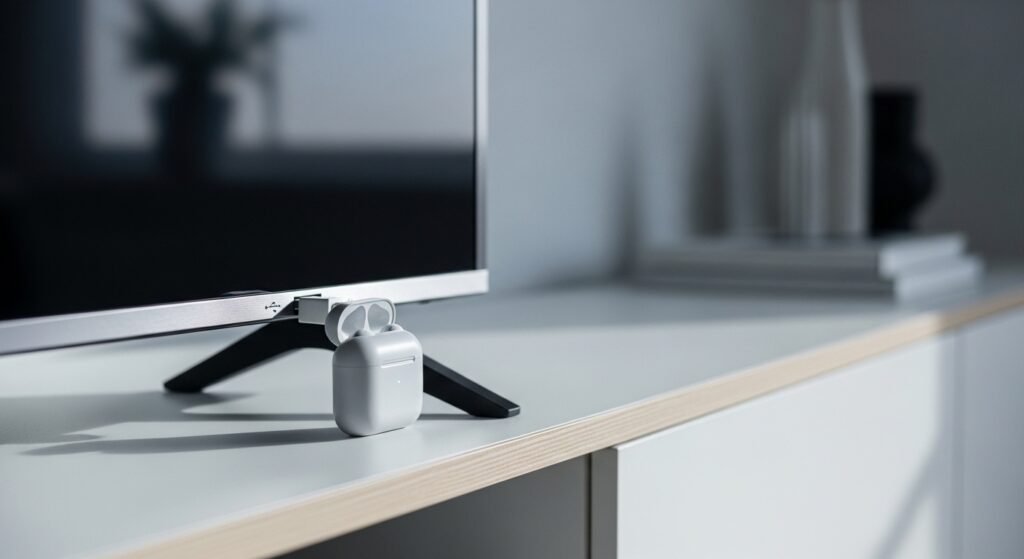
Plugged into the TV’s USB slot, tiny devices like earbuds or clickers draw power without fuss. Not lightning quick compared to mains charging, sure – yet handy when you need just enough juice. Turns out, one more thing the screen can quietly handle.
Connect keyboard or mouse
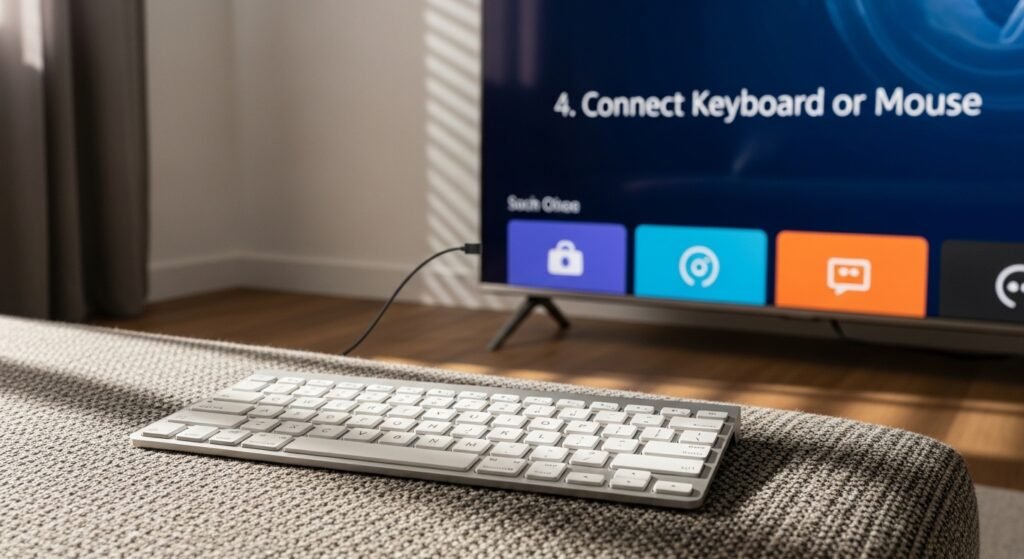
A few televisions let you plug in a keyboard or mouse using a USB port. Because of that, moving around menus feels smoother. Typing things out gets less frustrating too. The whole experience works better this way.
See Pictures on Larger Display
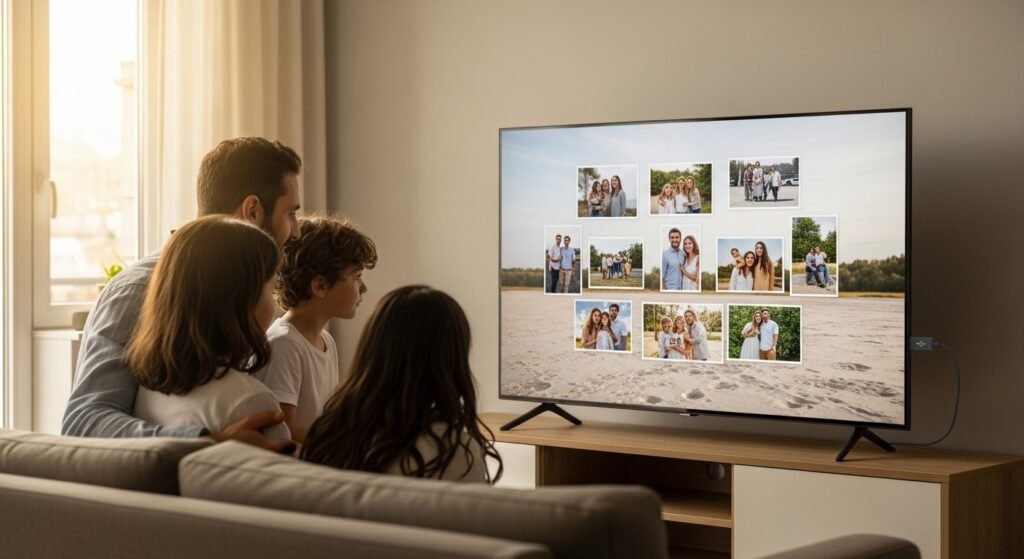
A photo-filled USB stick connects straight to the screen, opening up full-size images. When people gather around, those pictures become moments everyone can see together. Bigger visuals make details clearer than phone or tablet views ever do.
Update TV software by hand
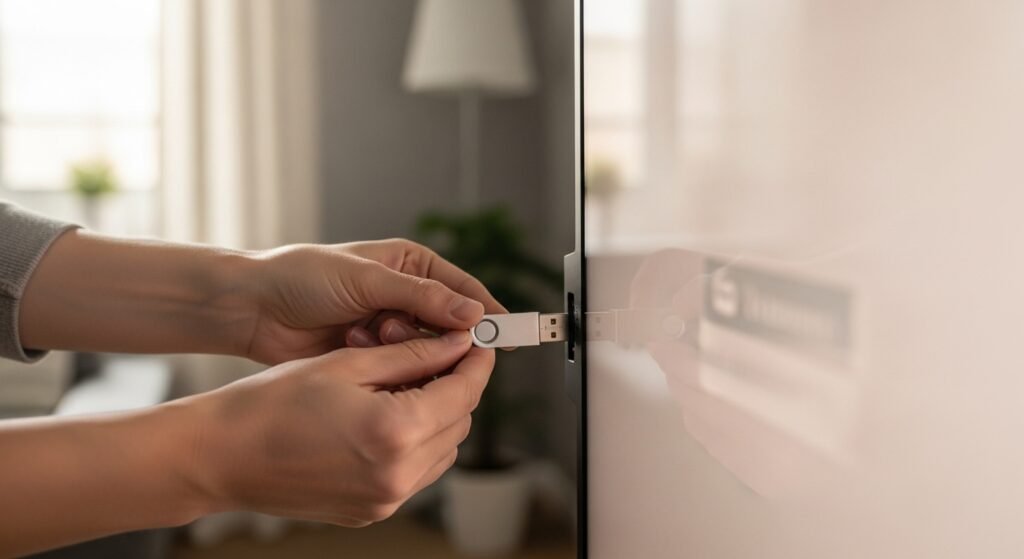
A flash drive might carry new software if the television allows it. When web connections fail, this method keeps things running smoothly. Staying current becomes possible without online access.
Record Live TV on supported models
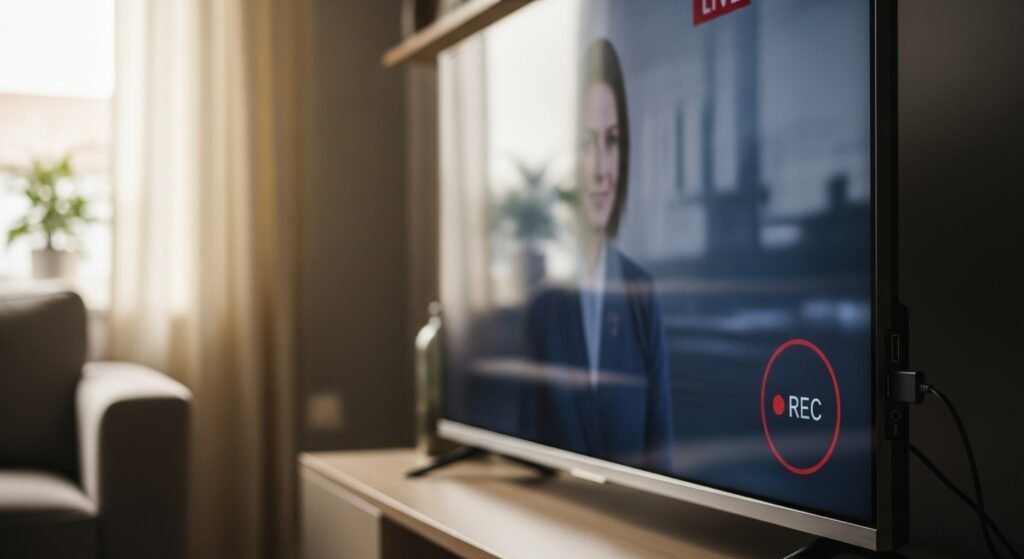
A few televisions can save what’s on right now straight to a USB stick. Because of that, viewing doesn’t have to happen live. No need for another gadget – recording happens inside the TV itself.
Power LED Lights and Accessories
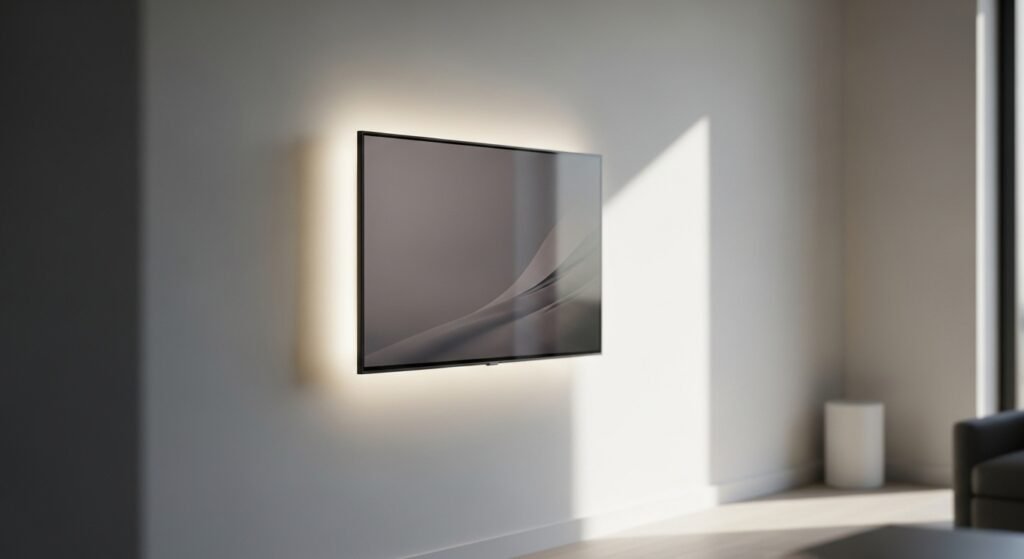
A small light band plugs into the USB port of your television. Lights glow behind the screen when it runs off that power source. These glows spread softly around the wall space nearby. Darker rooms feel more balanced because of the gentle brightness.
Use It for Firmware Recovery
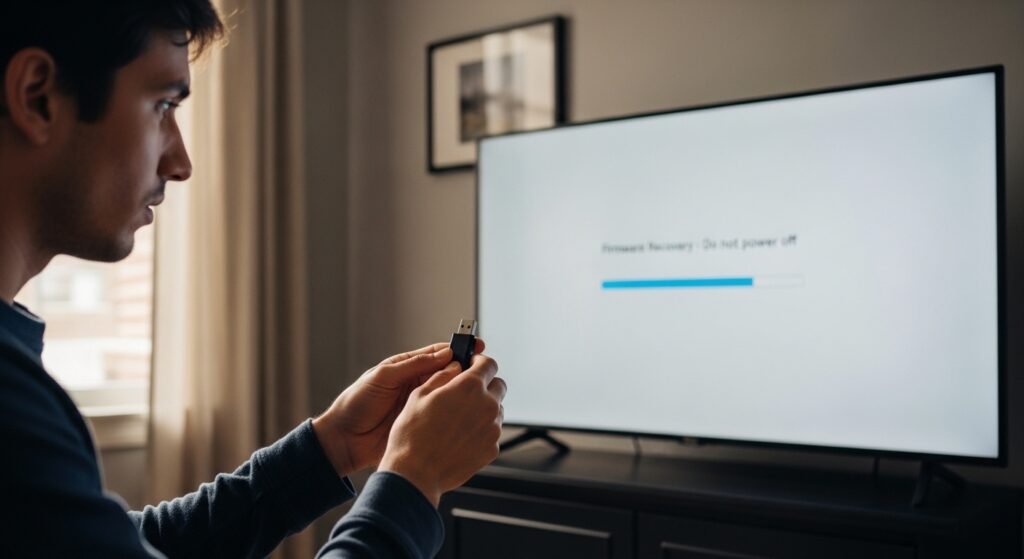
A single USB port might revive your TV when glitches strike. When software stumbles, plugging in a drive with updated code can clear errors. That quiet slot becomes handy during hiccups.
