
Hidden inside modern phones are tools most people never find, tucked away where only careful tapping leads. Take the iPhone – its real power sits just beyond the usual screens, waiting. A shortcut here, a tweak there, suddenly things move smoother. Little changes add up when you stumble on voice controls or screen adjustments meant to help, not impress. Each discovery reshapes the routine, quietly turning taps into glances, steps into gestures. Not magic, just design buried deep, working better once seen.
Back Tap Triggers Shortcuts
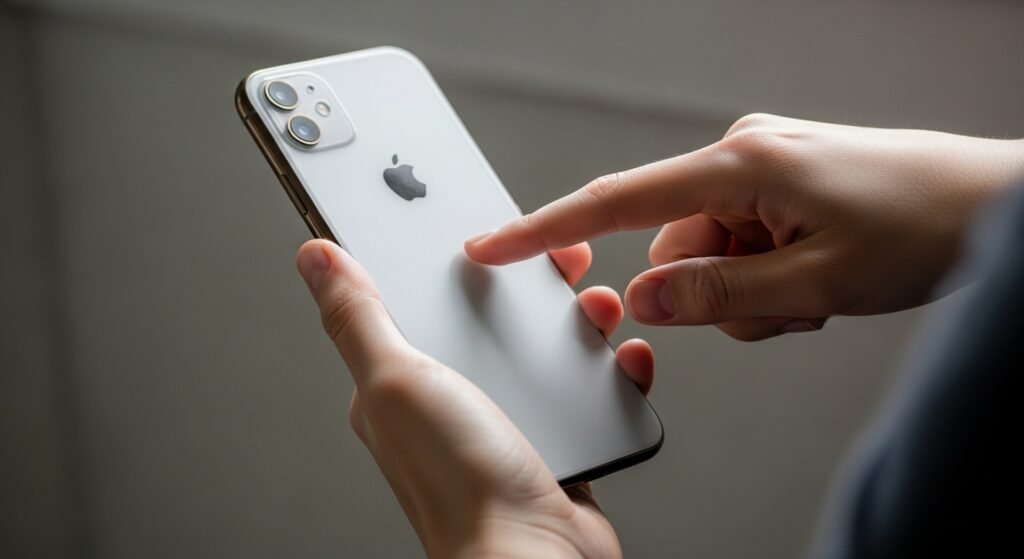
Tap the back of your device to make things happen. Set it up so that doing this grabs a screenshot, launches an app, or kicks off a shortcut. With it turned on, reaching familiar tools feels smooth and nearly thoughtless.
Hidden Trackpad Inside Keyboard
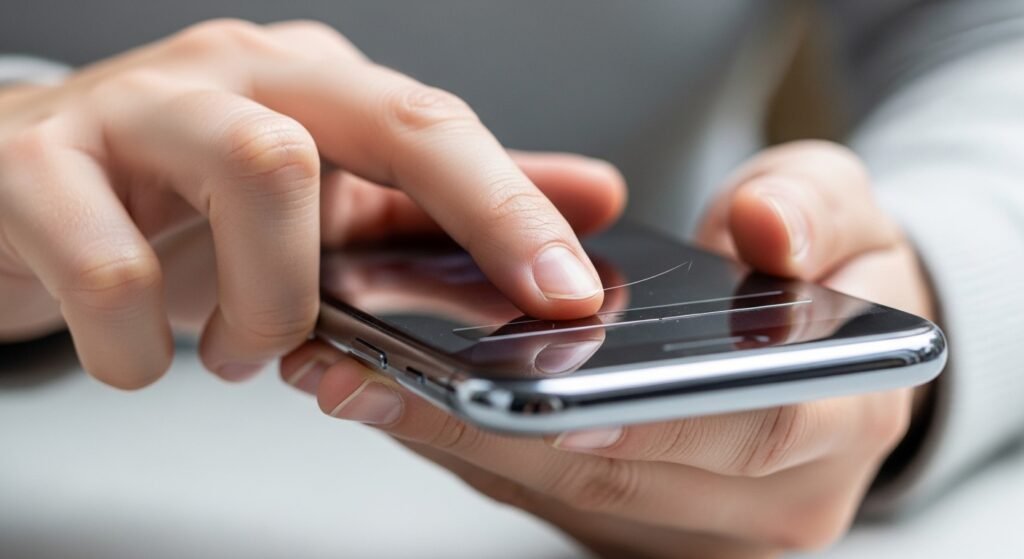
Hold down the spacebar to turn the keyboard into a touch-sensitive surface. That way, sliding your finger moves the cursor with more control during typing. When fixing errors or adjusting lengthy texts, this feature helps save time. Moving letters one by one becomes smoother when precision matters most.
Live Text Ready to Copy
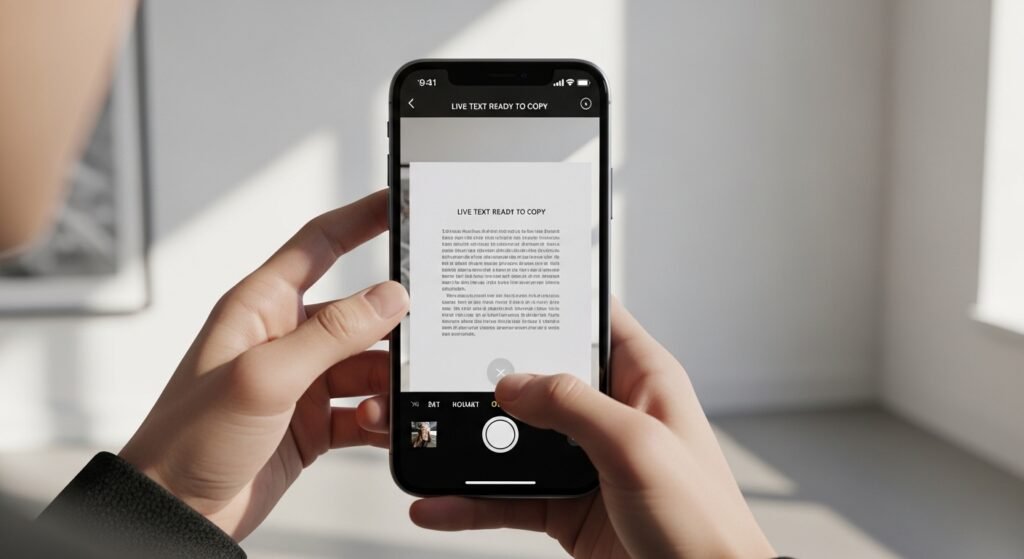
Grabbing words from pictures or live camera shots just got simpler. Whether it is a street sign, printed paper, or messy handwriting, the tool pulls out the text. Information moves quicker now, without extra steps. Speed meets ease in everyday moments.
Focus Modes Improve Control
When work takes over, the phone learns to quiet down. Not just during tasks but also at night, alerts shift shape. Because focus matters most when life moves fast, interruptions fade into background noise. Even while unwinding, the device stays one step behind thoughts. Fewer pings mean clearer thinking – simple as that.
Built-in Document Scanner
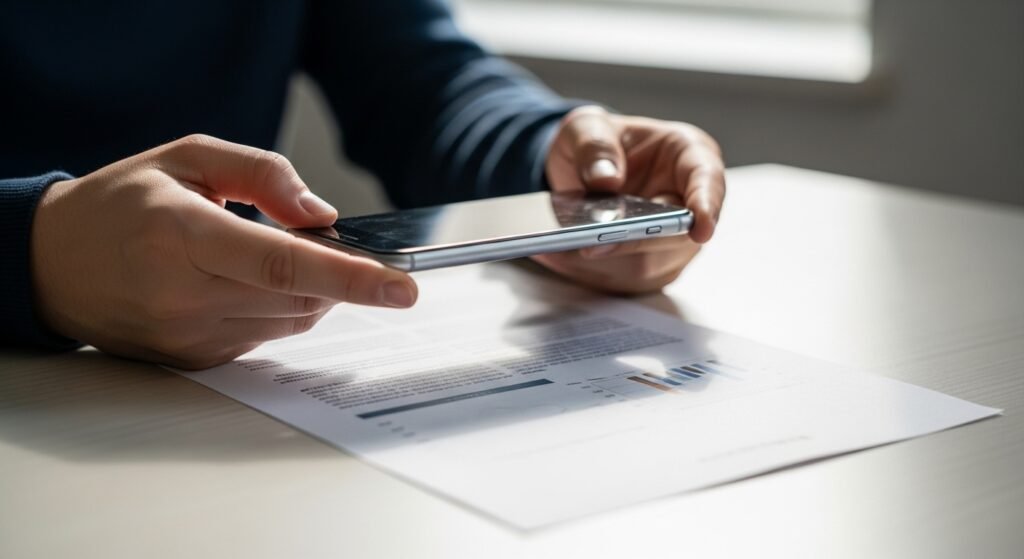
A little camera tucked inside the Notes app takes snapshots of papers. After snapping, it trims borders on its own while sharpening blurry spots. No extra tools are needed since everything happens right there.
Custom Vibration Patterns
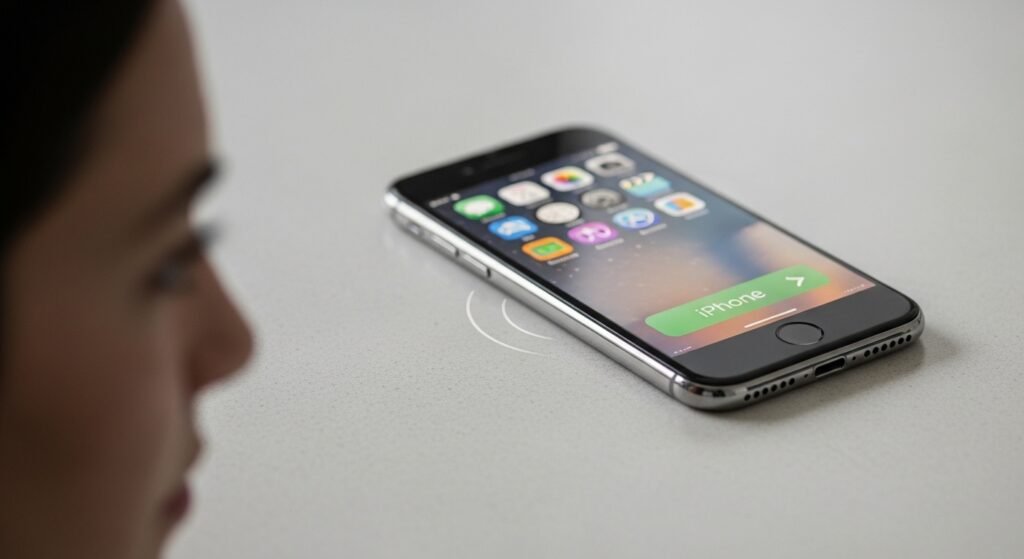
A tap, a pause, then two quick shakes – someone special is calling. Feel it before you see it, each person mapped to their own rhythm. Small tweaks, big difference when the phone stays face down.
Sound Recognition Alerts
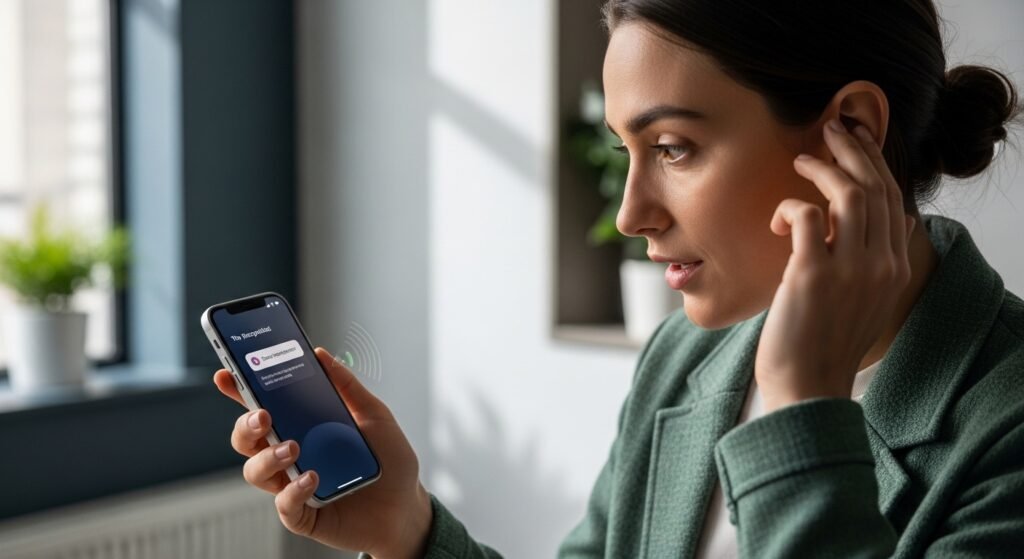
A beep, a shout, a knock – sudden noises catch attention through instant notifications. When alarms ring or babies cry, the device responds without delay. Helpful becomes real when someone who needs it most gets the message fast.
Private Picture Folder
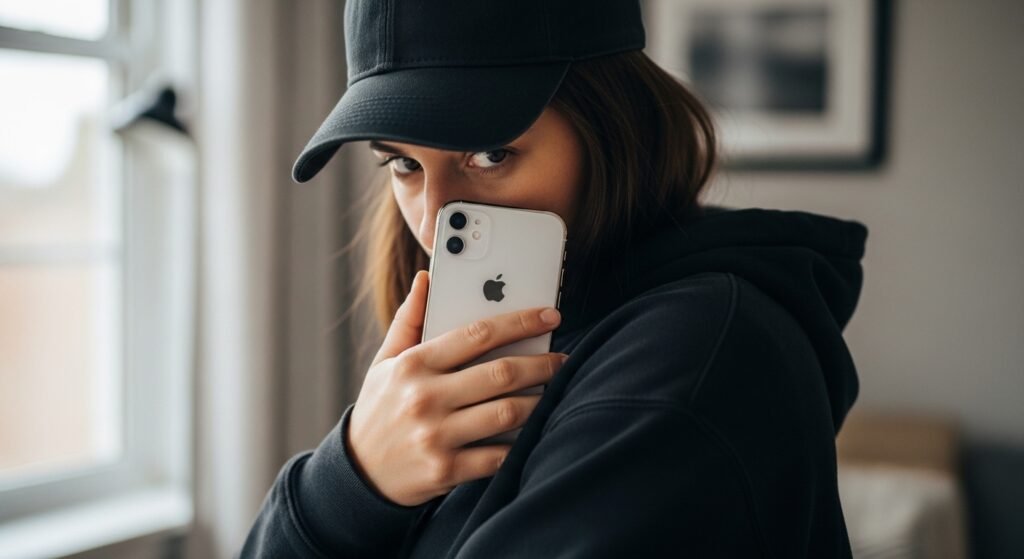
Slipping sensitive pictures into a concealed album keeps them away from the regular photo grid. Hidden there, they won’t show up during casual browsing. Control shifts back to you, quietly. No outside tools required – everything works within the system itself.
One-Handed Keyboard Mode
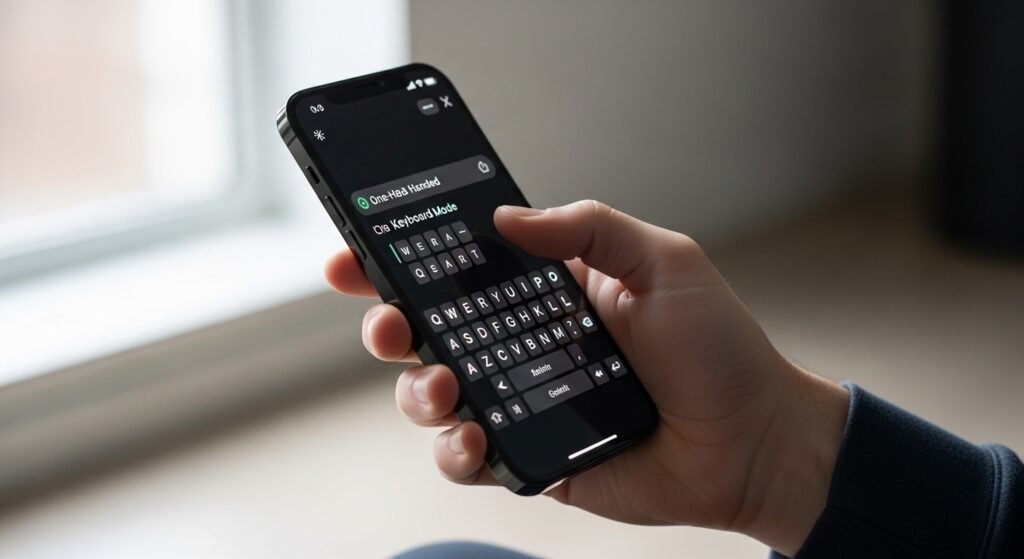
One-handed typing gets simpler when the layout moves sideways. Especially on big screens, that shift makes a difference. Comfort grows, so does how smoothly things work each day.
Background sounds for focus

Raindrops patter softly through the speaker, filling the room with steady rhythm. One by one, distractions fade when that hush of white noise settles in. Comfort builds slowly, shaped by sound rather than screens. Apps stay closed – everything needed already lives inside. Focus sharpens, not because it must, but because the air feels lighter.
