Most people simply plug their router in, set it, and forget about it. What’s wrong with this is that router settings by default are usually very weak, outdated, and can be easily accessed by attackers. A few changes that don’t require technical skills can immensely increase the security of your home network. Here are the router security settings I changed and the reasons why you should consider doing it as well.
Default admin username changed
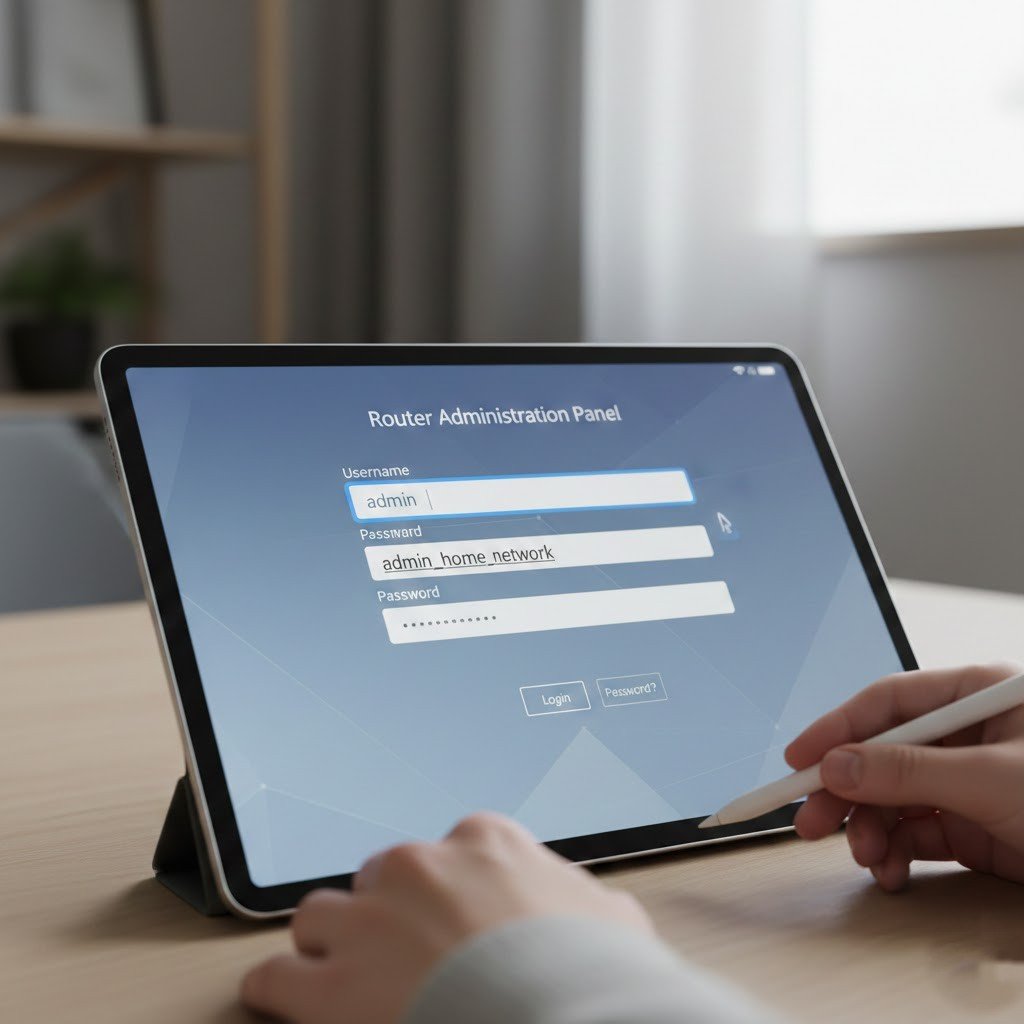
Default usernames are very simple to figure out. Changing it doesn’t let the attackers have an easy way, which is why it is an important layer of protection.
Admin password updated
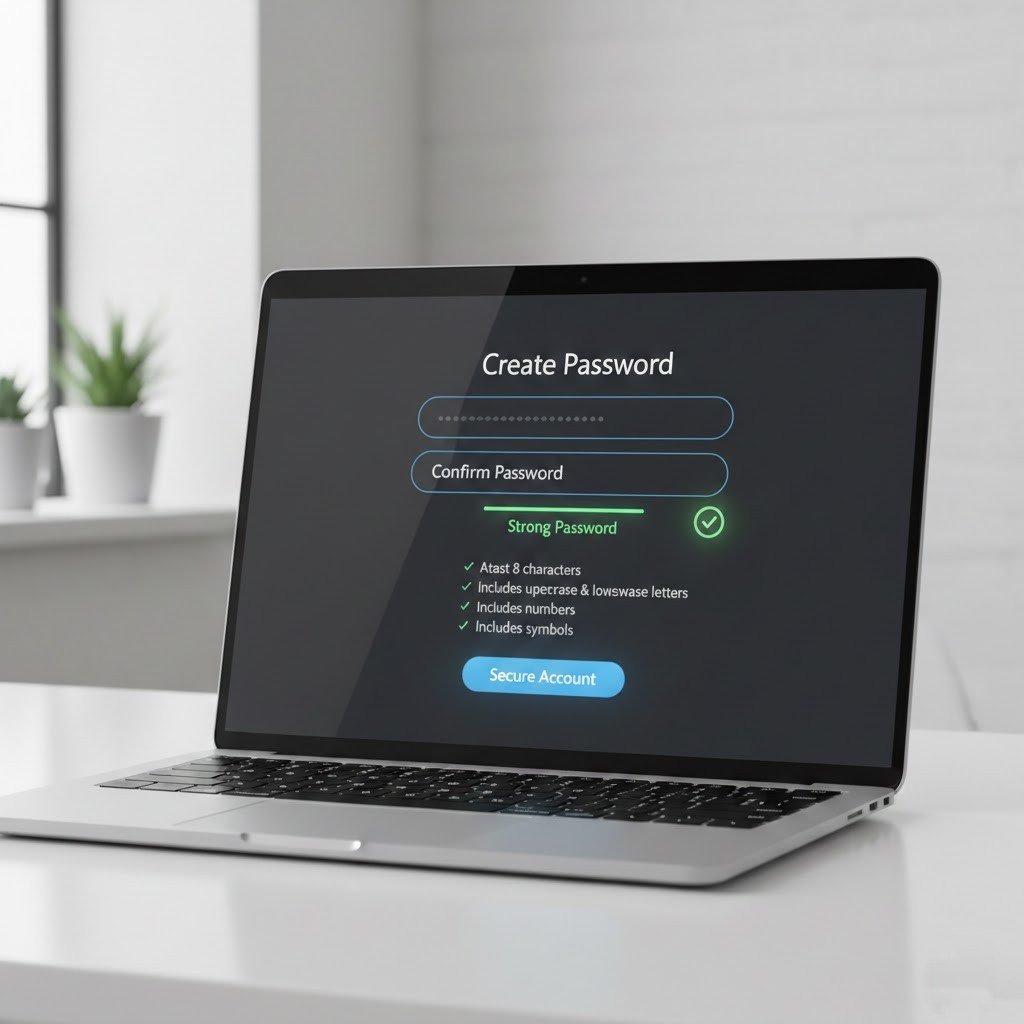
A strong password protects the system from unverified access. Do not use simple or reused passwords again and again.
Wpa3 or wpa2 encryption enabled
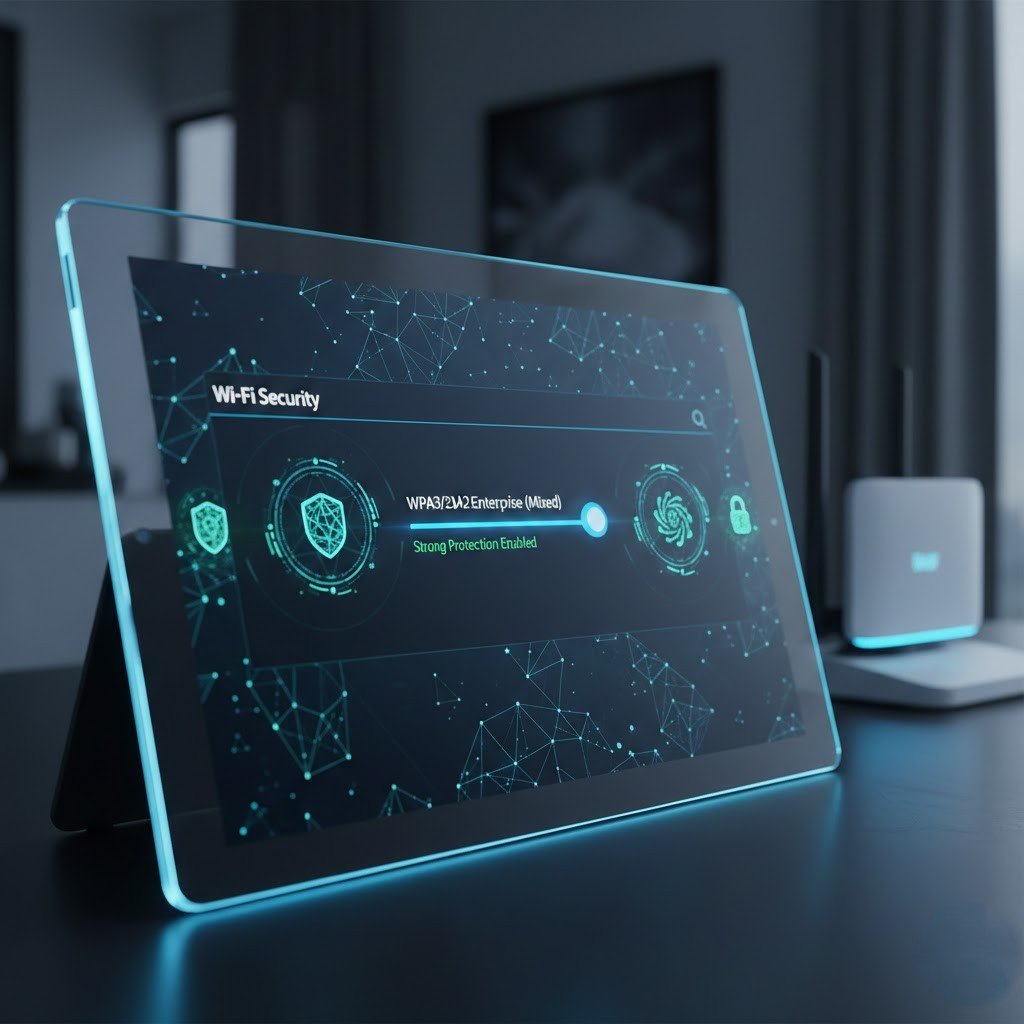
The most current encryption method is what should be used in order to have a secure Wi-Fi connection. The older the security type is, the easier it is to break.
Wps turned off
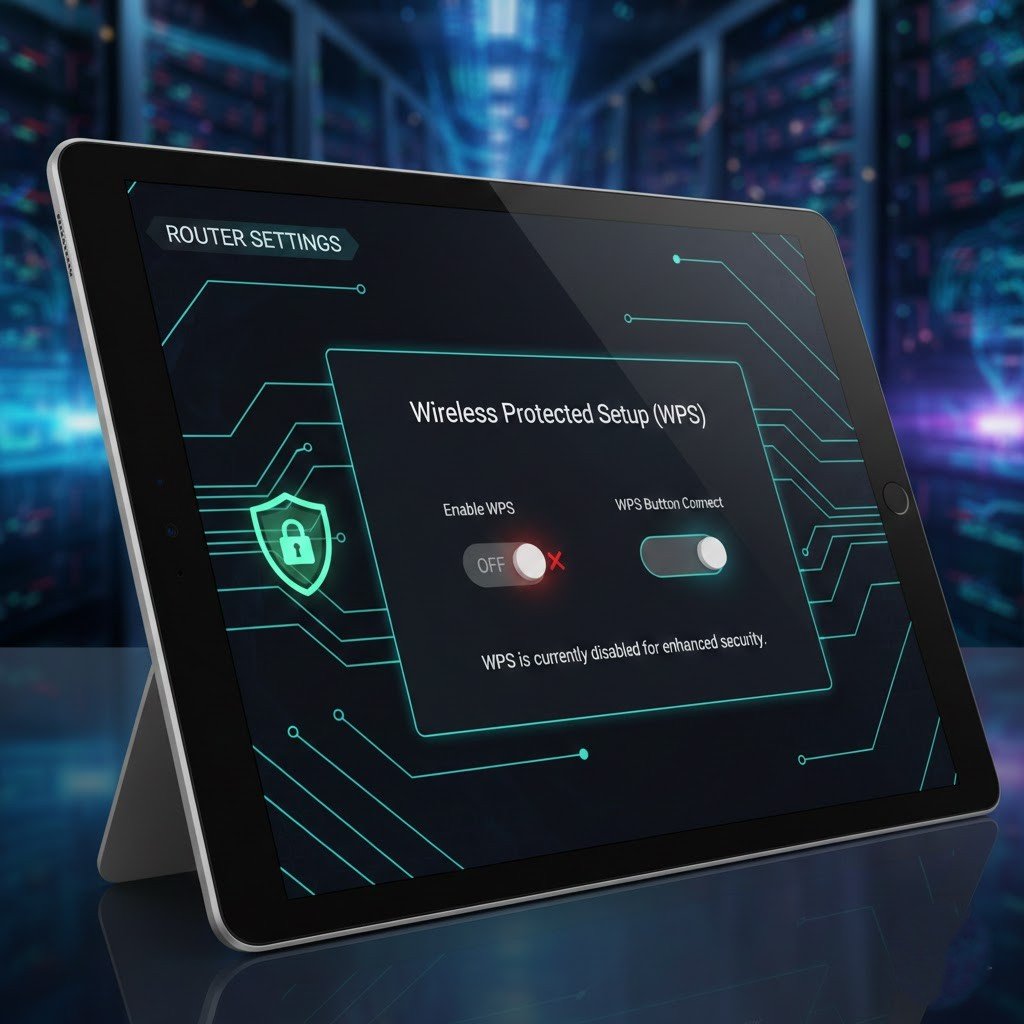
Although WPS is very easy to use, many security experts consider it a major vulnerability in your network. Turning off WPS means attackers can’t use one of the most common ways of access.
Router firmware updated

An update to the firmware is a step towards better security. When the router is always updated, it is protected from known vulnerabilities.
Network name (ssid) changed
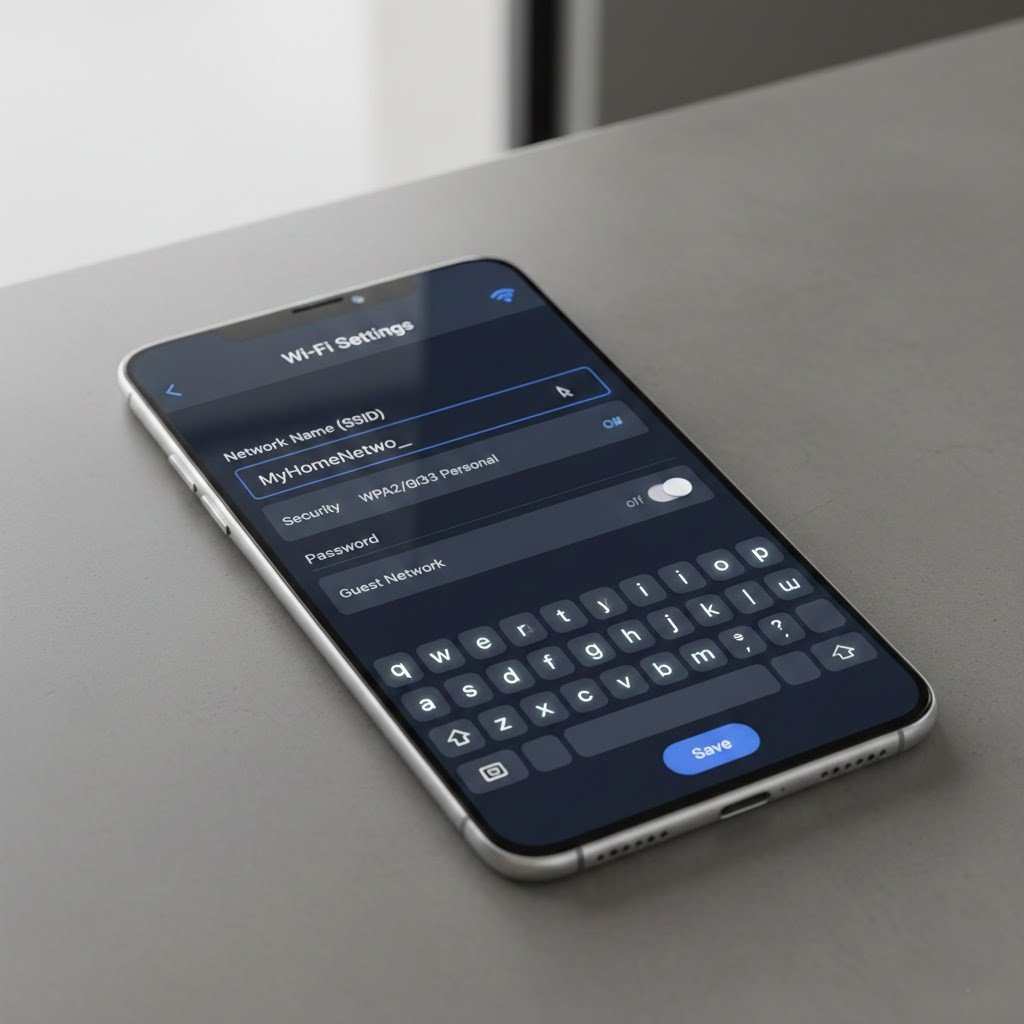
The purpose of custom SSIDs is primarily to uniquely identify your network to the users. At the same time, though, it indirectly helps keep your router disabled; users are not able to target your device reliably.
Firewall enabled

The main role of firewalls is to prevent attacks. Till now, most home routers come “disabled” in their firewall default setting, and hence the users entirely rely on their ISP for protection.
UPnP turned off
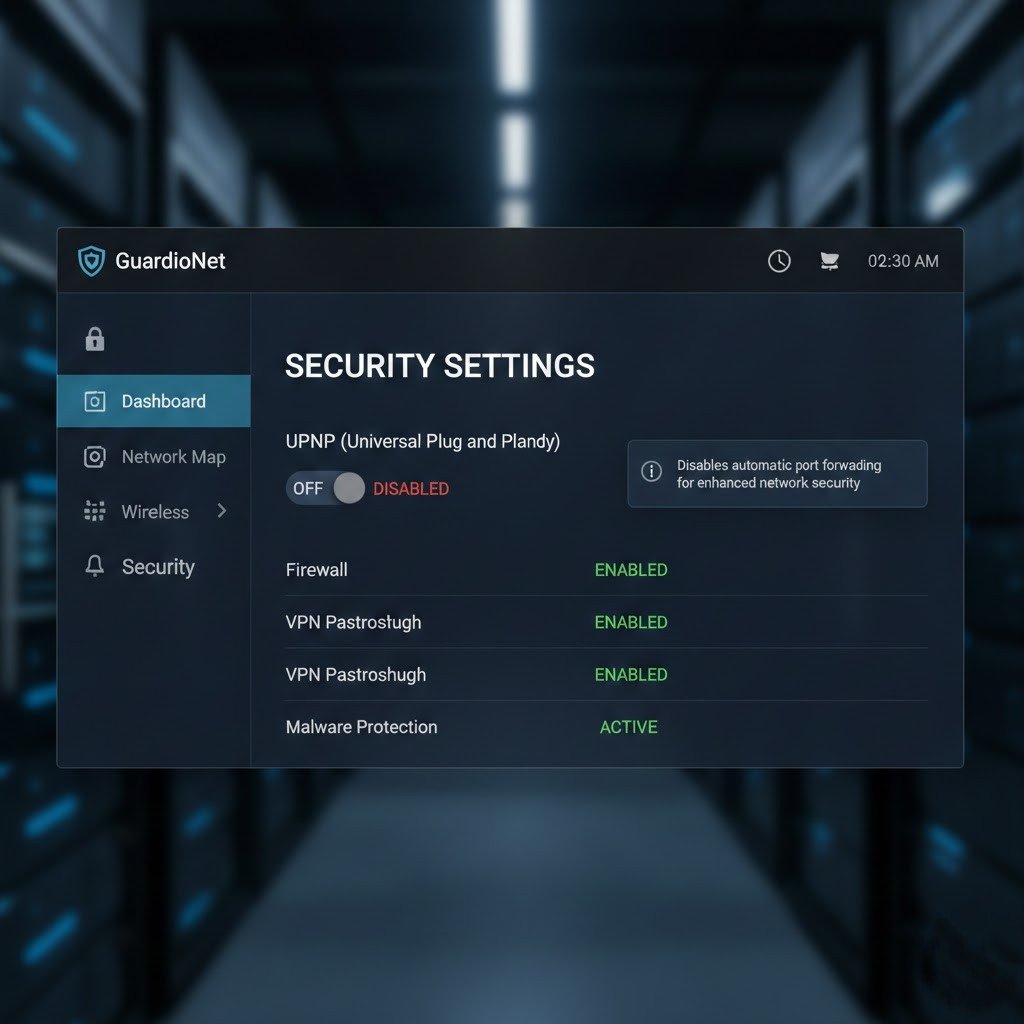
As an option that allows users to automatically open ports, UPnP is surely risky and quite unsafe. Therefore, turning it off definitely raises a device’s security level.
Guest network created
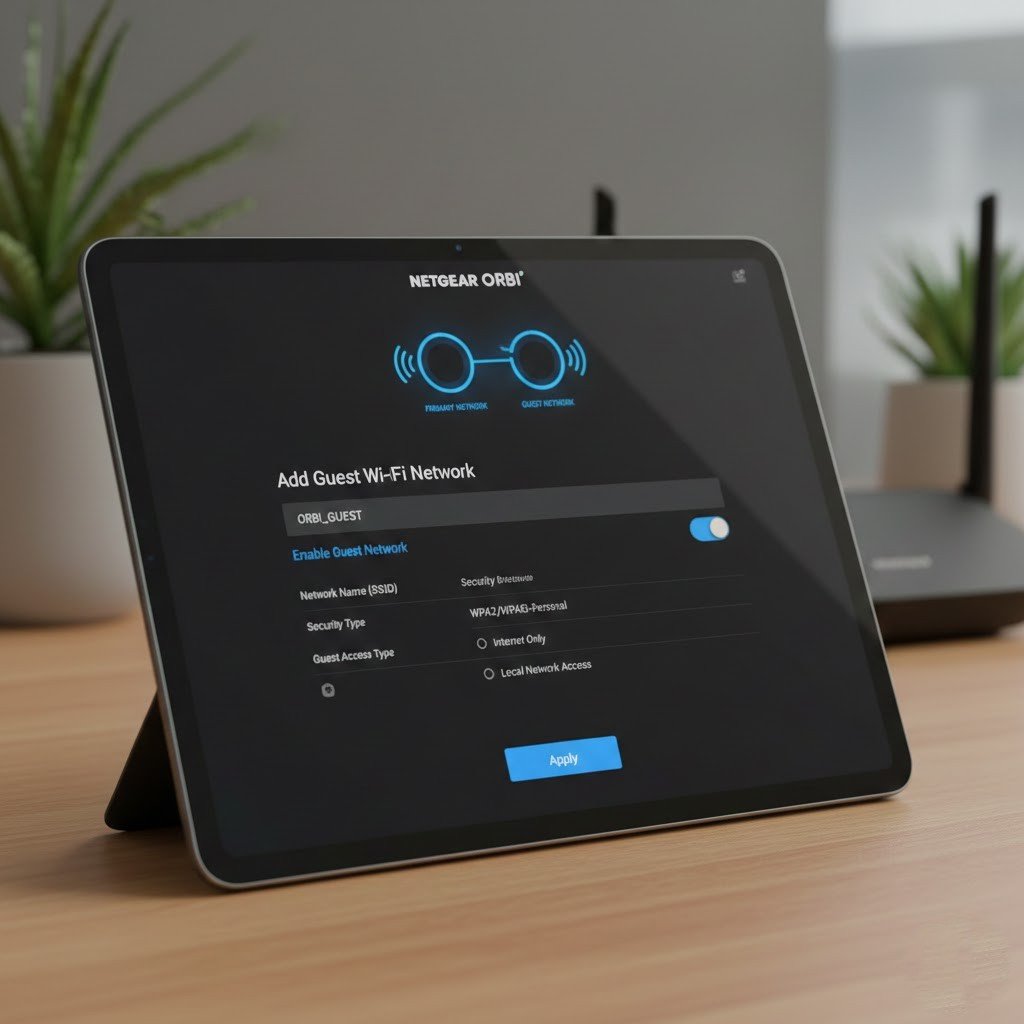
By using a guest network, visitors can be allowed to use the Internet access on your main devices without having the chance to see data stored in the home network.
Good wi-fi passwords set
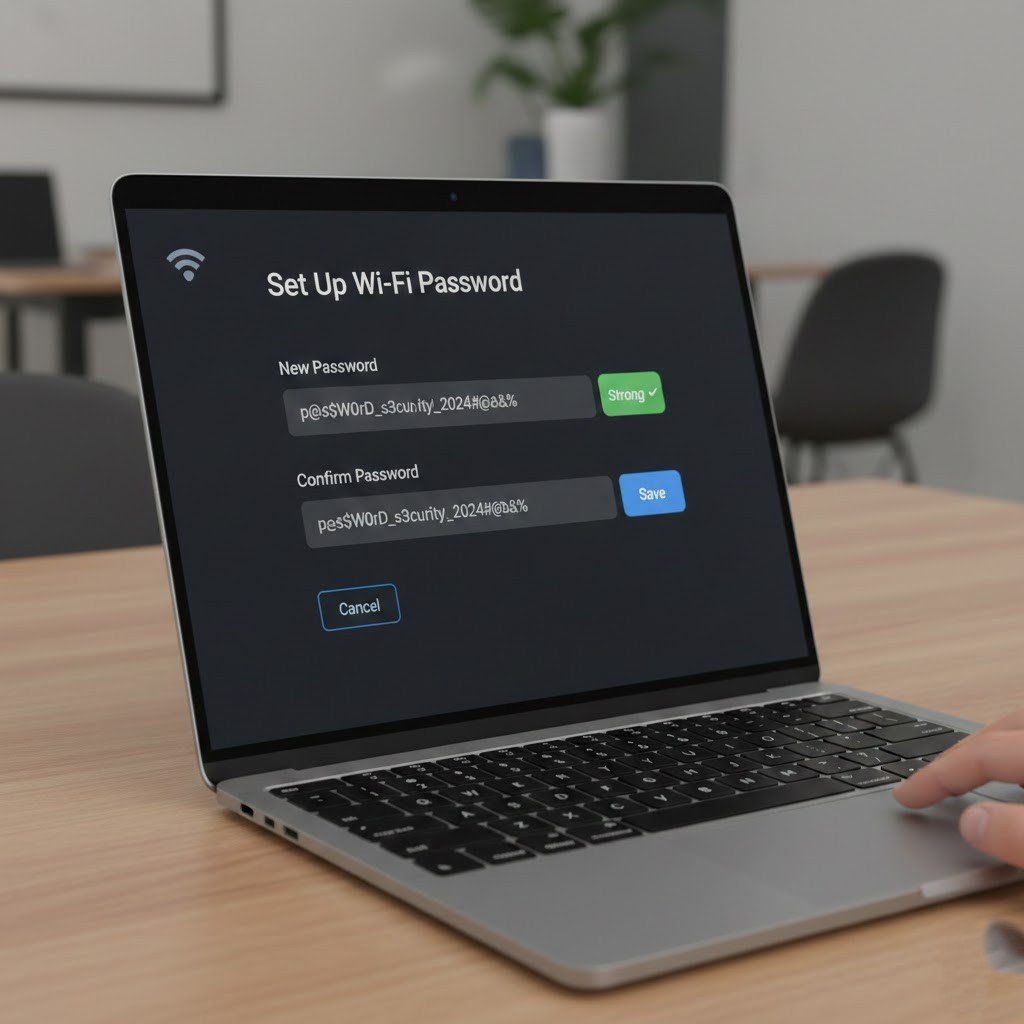
Very long and mixed passwords are criteria that will make brute-force attempts very hard. Besides, using your personal data as a password is never a good idea.
Unnecessary services disabled
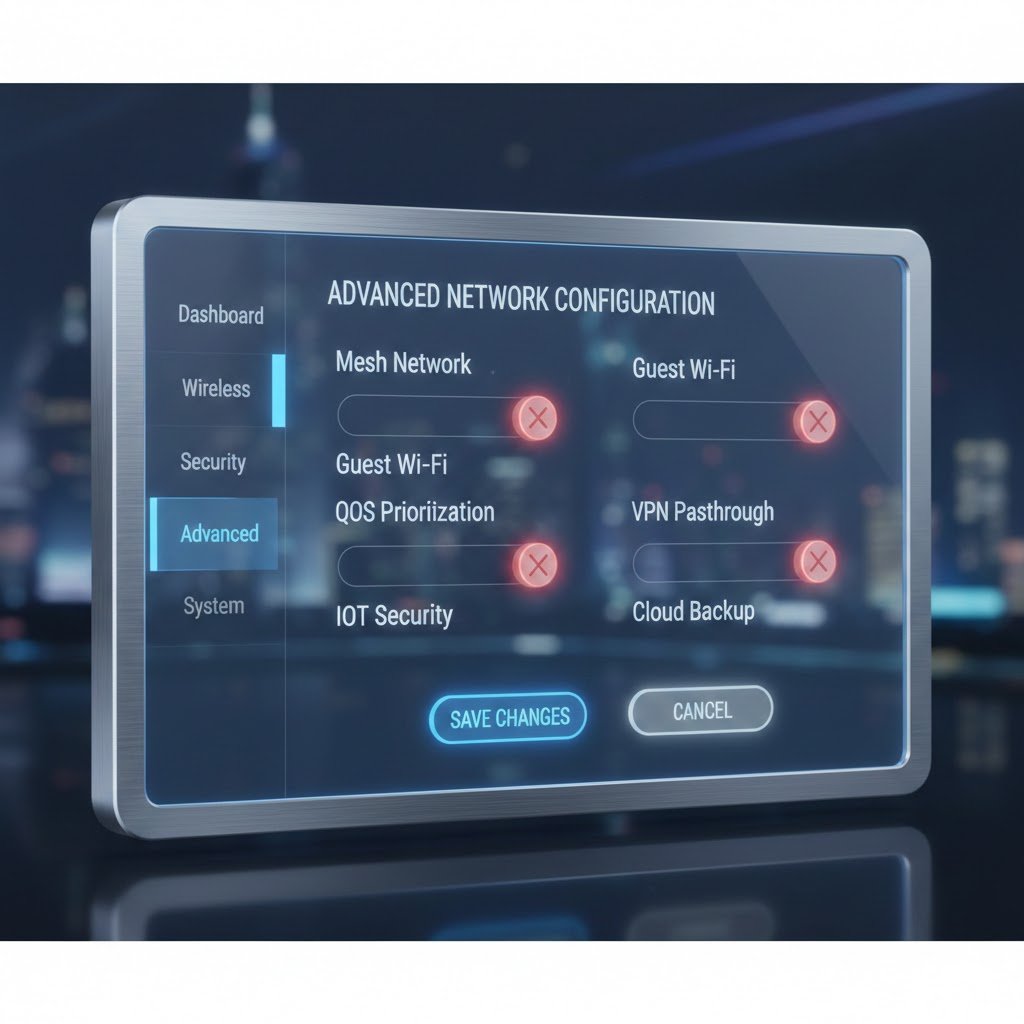
The presence of additional services in your device means that there are more ways for attackers to get in. By simply switching off the ones that you are not using, you drastically reduce the points where you can be attacked.
Device access limited
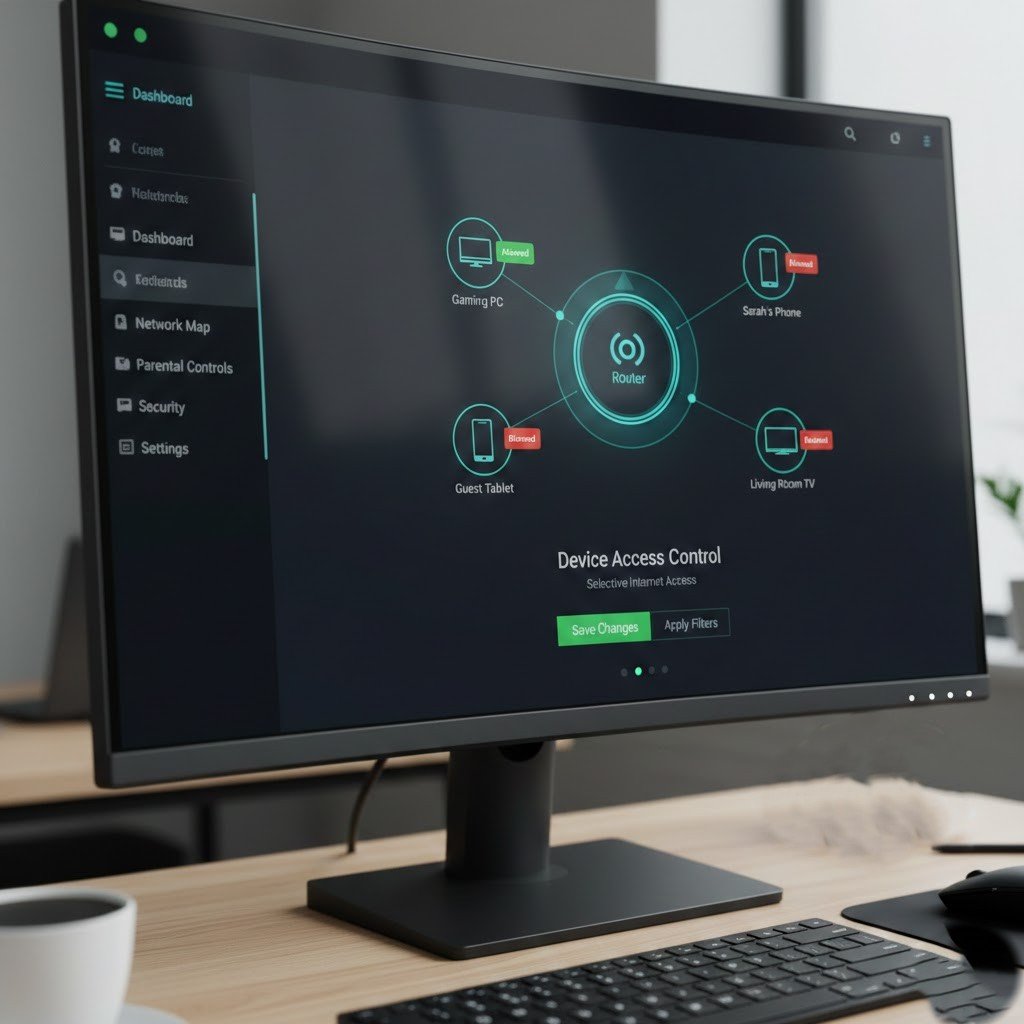
Several routers give users the possibility to limit the access of certain devices. This is how they manage to prevent the occurrence of unknown devices gaining access to the network.
Automatic updates enabled
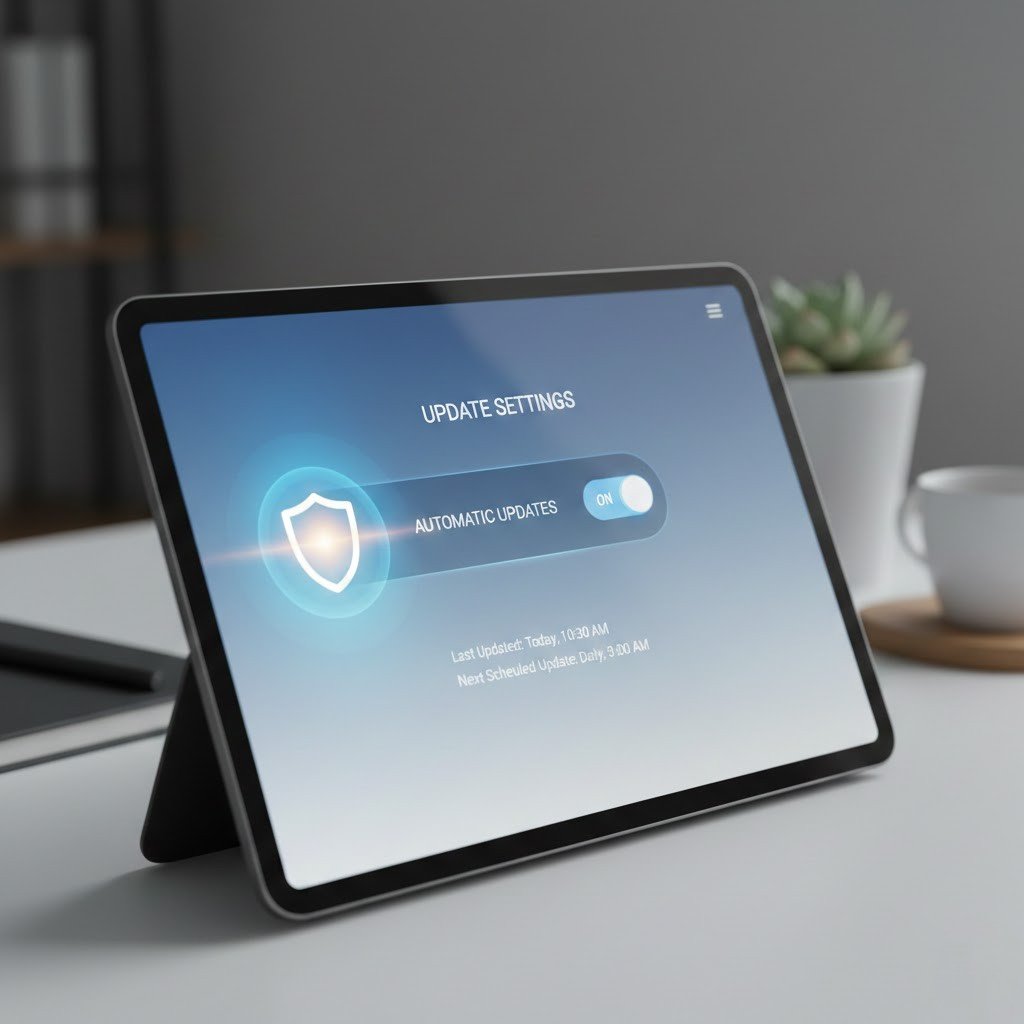
Users who have their devices in auto-update mode are sure that their safety is always taken care of. There is no need for manual checks, and you won’t have to remember them.
Regularly checking connected devices
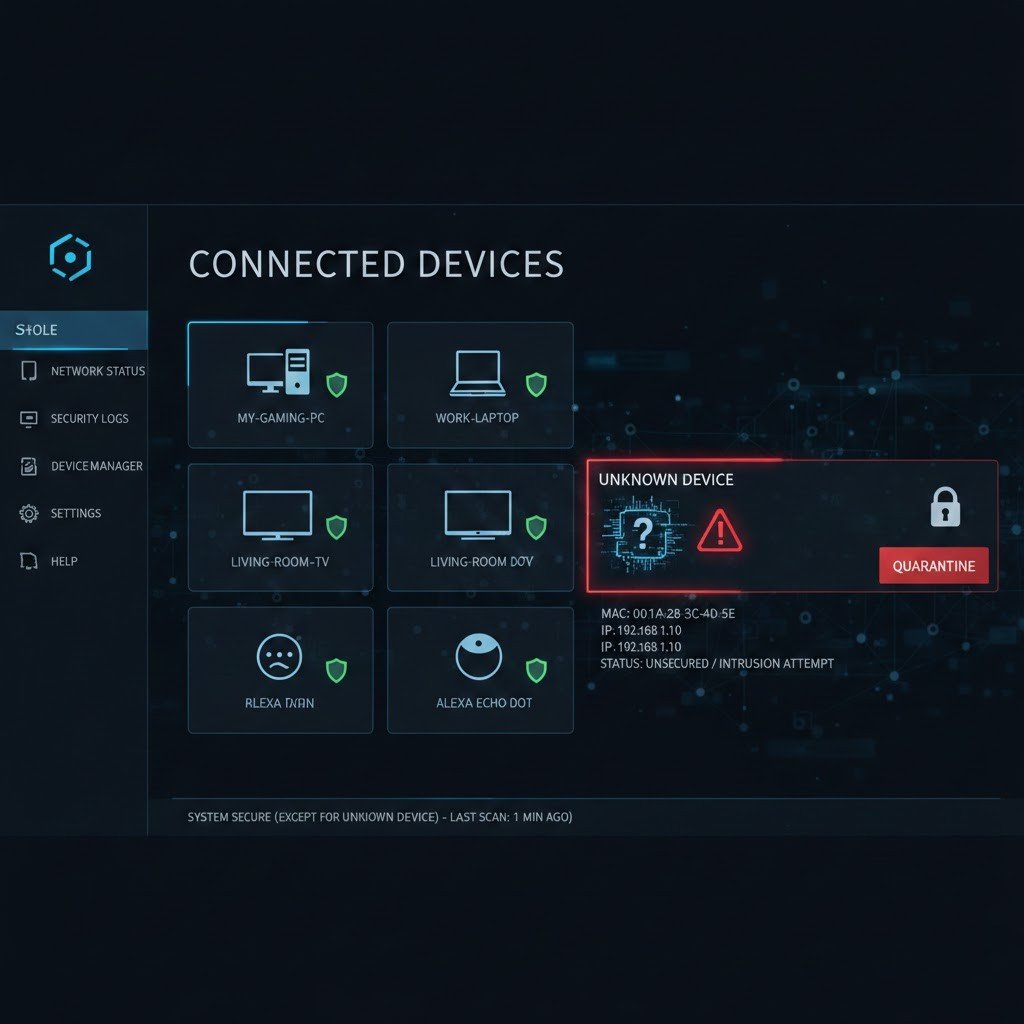
Knowing perfectly what devices are connected to your network is one of the best ways to catch the intruders in time. If you see something unfamiliar, get rid of it straight away!
