
Smartphones simplify life, but simultaneously, they amass a consistent flow of location and usage information. This tracking occurs mostly in the background, in settings that users do not pay much attention to and apps that they downloaded long ago. Although no technology is completely invisible, considerate decisions can drastically decrease the amount of information that will leave your phone. The privacy concept of today is less about the melodrama and more about how you behave. You can manage it through customising access, by choosing to block others from your background and via privacy-focused tools. The next parts are about the sort of practical steps that may be woven into day-to-day living. They all minimise exposure by not breaking any important features and making your phone an inconvenience.
Review App Permissions

Read through application permissions. Eliminate location, microphone and camera access where it is not necessary. Several applications can operate with restricted privileges and do not require frequent access to confidential information.
Turn Off Location History
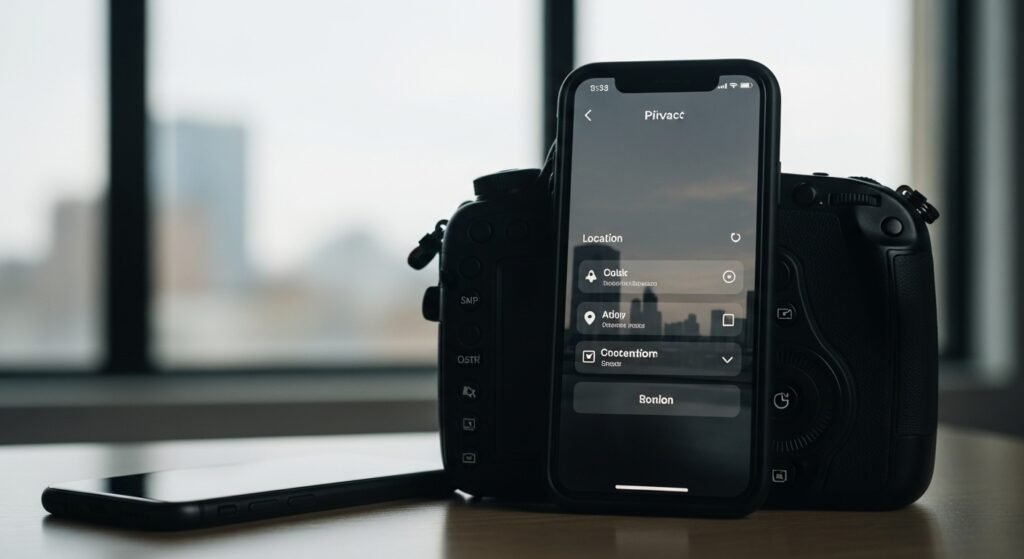
Turn off location history on your phone system-wide. This does not allow long-term movement logs to be stored. Use location services when required, like in navigation or ride services.
Use Location Access Sparingly
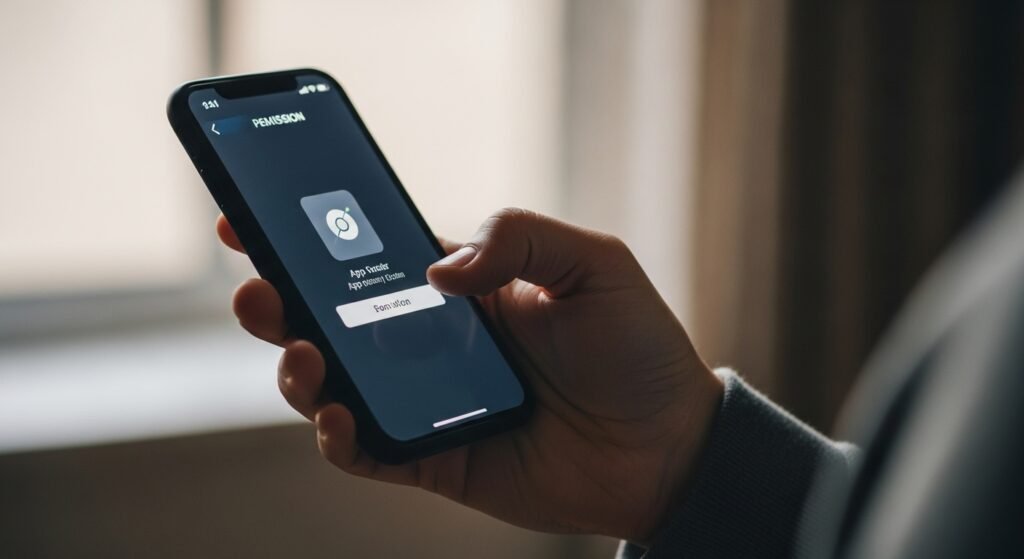
Location permissions should be set to on-only use when using the app instead of always. This restricts the tracking of the background and passive data collection when the phone is not being used or is in the pocket.
Limit Ad Personalisation
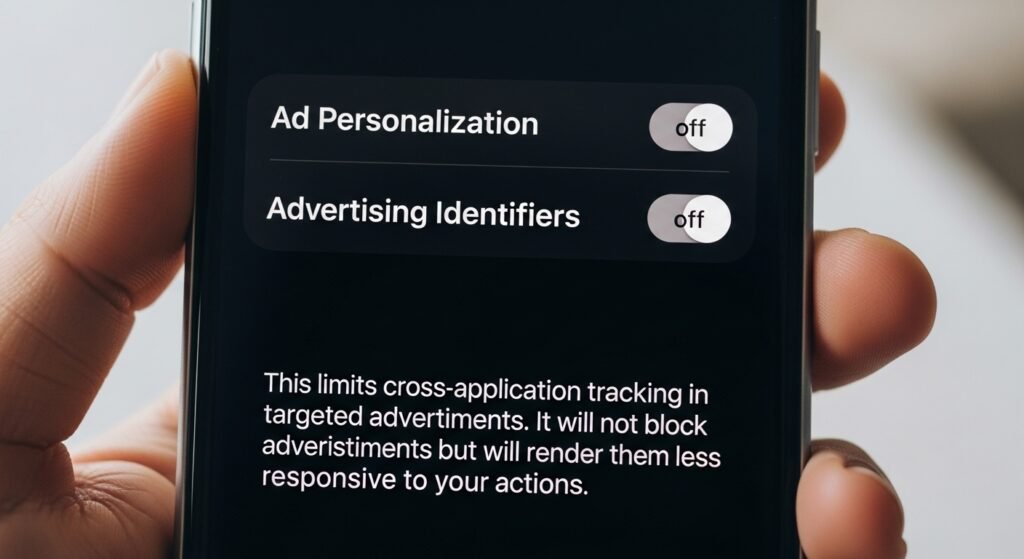
Switch off the ad personalisation and advertising identifiers. This limits cross-application tracking in targeted advertisements. It will not block advertisements but will render them less responsive to your actions.
Keep Bluetooth Controlled

Turn off Bluetooth when it is not in use. There are tracking methods which are based on Bluetooth beacons. Being off-by-default allows avoiding silent proximity tracking in the field and in other crowded areas.
Choose Privacy-Focused Browsers
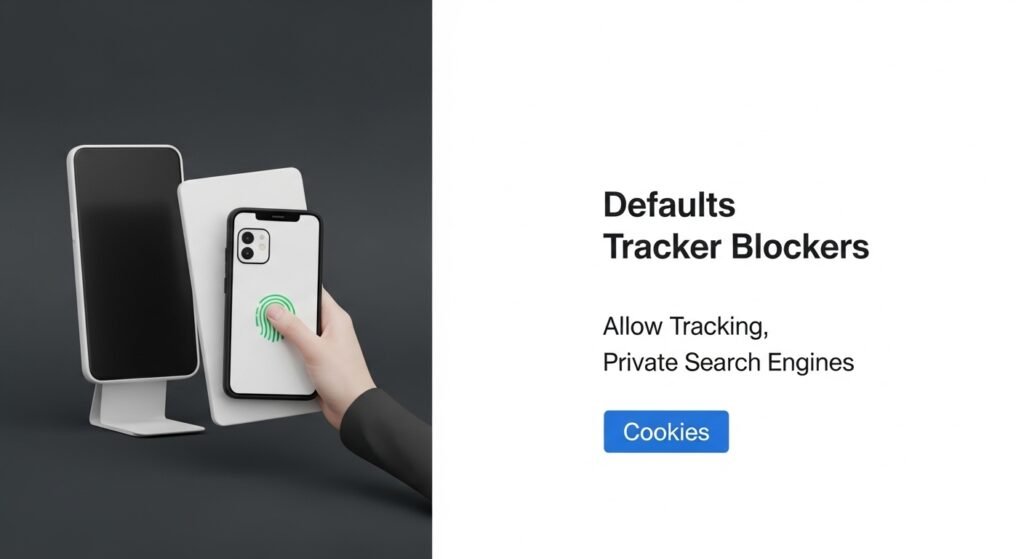
Use browsers with default tracker blockers. Allow tracking, security and private search engines. Apps are not always the most revealing tools, and browsing history can be used to obtain much more information than apps do with the use of cookies and fingerprinting methods.
Avoid Public Wi-Fi Networks

Wi-Fi in the open can reveal the identifiers of the devices and their traffic. Instead, use mobile data or trusted networks. In case of the need to use public Wi-Fi, do not log in to important accounts.
Use a Reliable VPN

A decent VPN would conceal your IP address from both websites and network providers. This minimises location inference and intersession tracking. Select services that have explicit privacy and little data retention.
Keep Software Updated
Always install operating system and application updates. Security holes and tracking loopholes are usually closed by updates. The old software is capable of leaking data without the user noticing.
Disable Background App Refresh

Disabling background refresh on unnecessary applications. This prevents apps from communicating with servers when they are not in use, hence minimising the number of unseen transfers of data during the day.
Be Selective With Apps

Install only the apps which you actually need. A small number of apps translates to fewer data collectors. Review, check and permissions before installation. Uninstall those apps you are not using or are not confident in.
