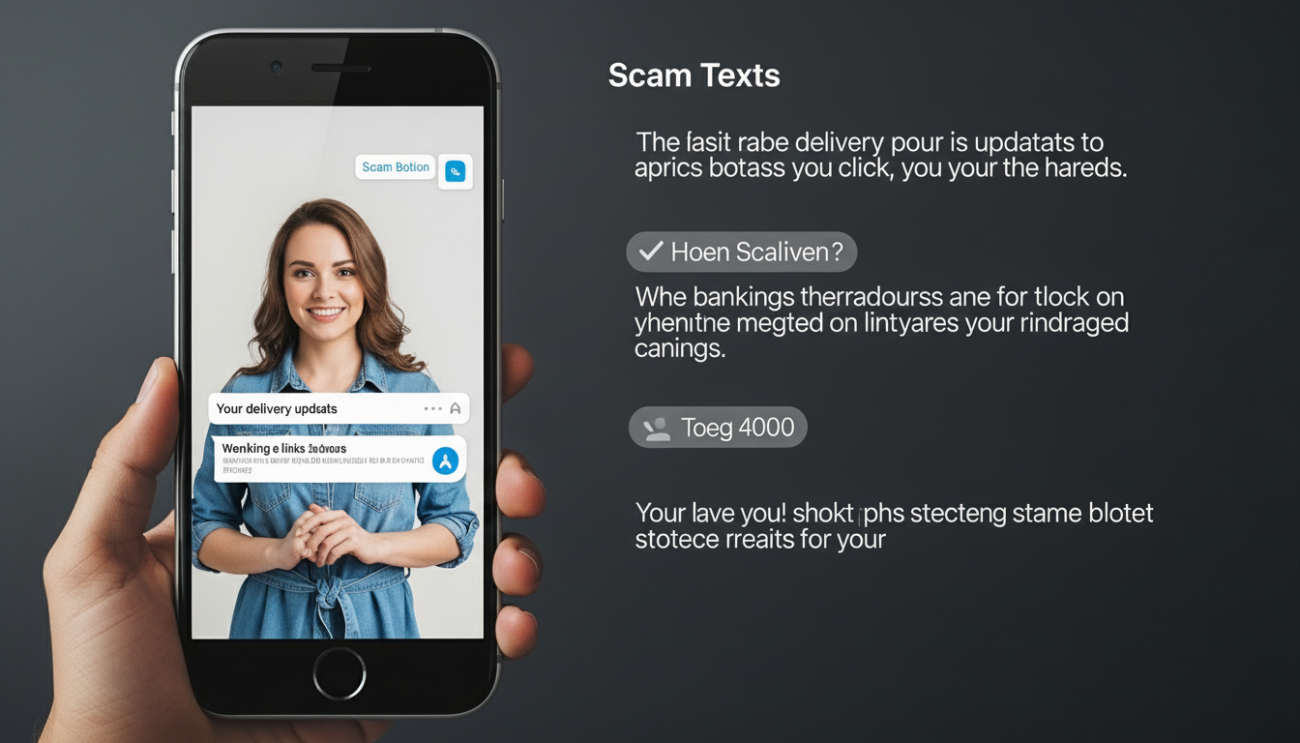
Scam texts have become more convincing, more frequent, and harder to ignore. From fake delivery updates to banking alerts, these messages aim to trick you into clicking links or sharing personal details. What many people don’t realize is that your smartphone already has built-in tools designed to block or filter these threats but some of them aren’t turned on by default. With a few simple adjustments, you can significantly reduce unwanted messages and protect your data without installing anything complicated. Here are practical steps you can take right now to strengthen your phone’s defenses and stay ahead of scammers.
Turn On Spam Filter
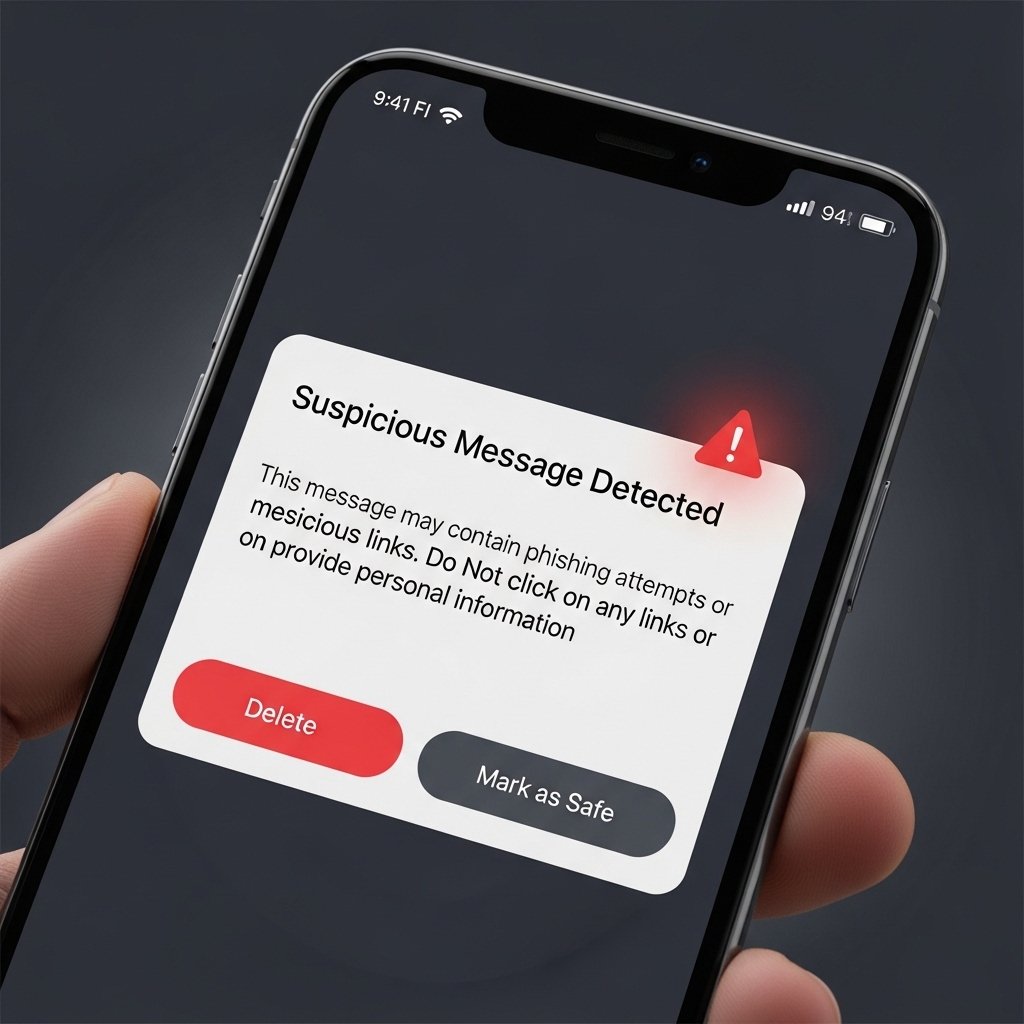
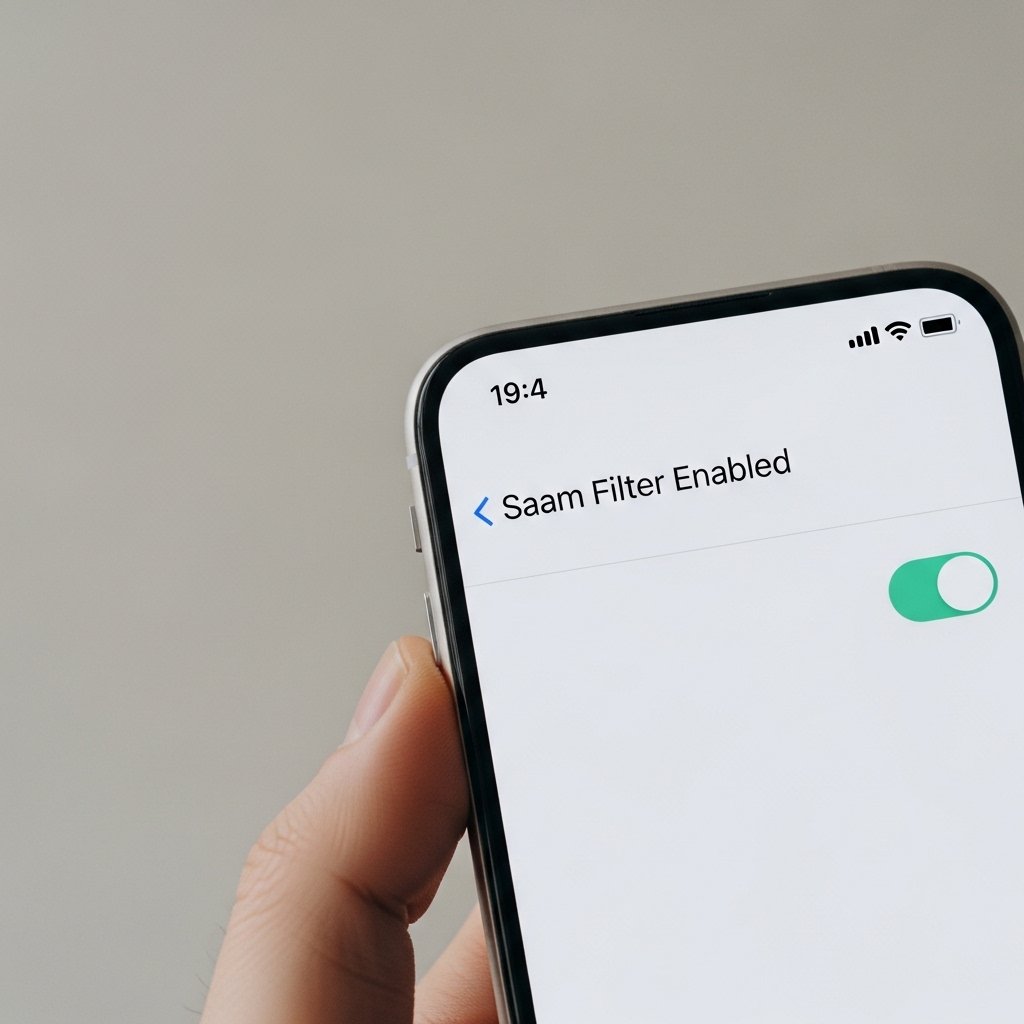
Most smartphones include a built-in spam filter that identifies suspicious messages automatically. Check your messaging app settings and enable spam protection to block known scam numbers before they reach your inbox.
Enable Unknown Sender Filtering
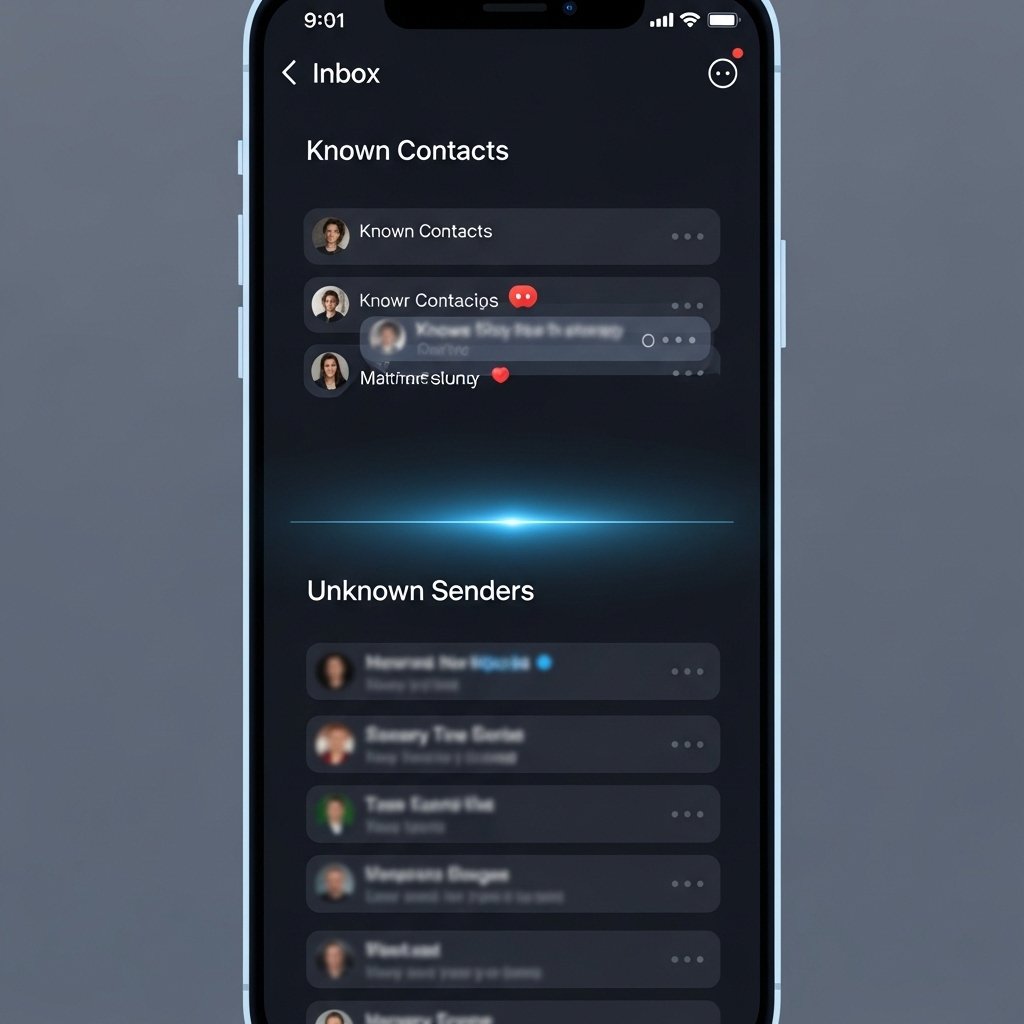
Your phone can separate messages from unknown numbers into a different folder. Activating this feature helps you avoid accidentally opening or responding to suspicious texts from unfamiliar senders.
Use Silence Unknown Callers Feature
Although designed for calls, this setting complements text protection. It ensures only known contacts alert you, reducing distractions and helping you focus on messages that truly matter.
Report Spam Messages

Whenever you receive a scam text, use the “report spam” option. This helps your device learn and strengthens filters, making it harder for similar messages to reach you in the future.
Avoid Clicking Suspicious Links

Even if a message looks official, avoid tapping links unless you’re certain of the sender. Scammers often mimic trusted sources to trick users into sharing sensitive information.
Block Numbers Immediately

If a message seems suspicious, block the number right away. This prevents further contact and reduces the risk of ongoing attempts from the same sender.
Keep Your Software Updated

Regular updates often include security improvements. Keeping your phone’s operating system updated ensures you have the latest protections against evolving scam techniques.
Use a Trusted Messaging App

Some messaging apps offer advanced spam detection and verification features. Switching to or enabling these can provide an extra layer of protection without much effort.
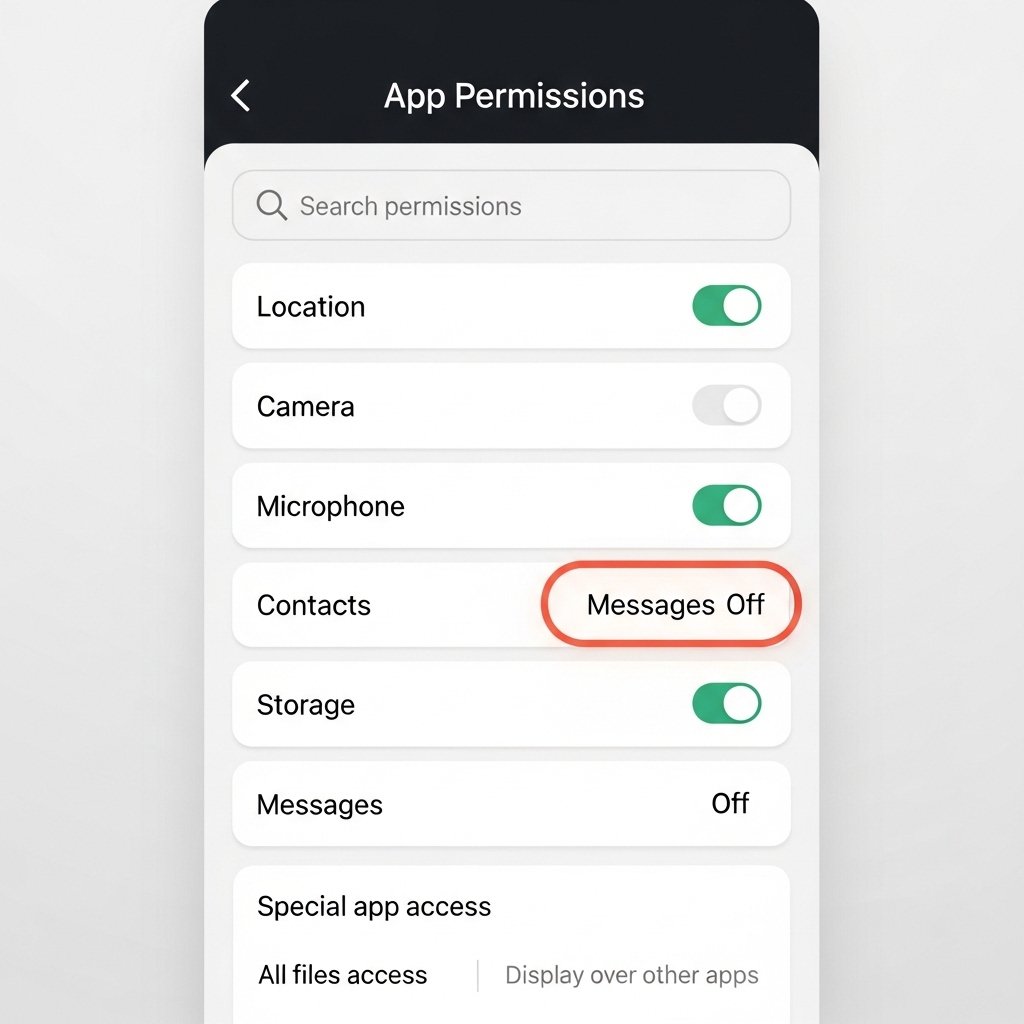
Check Permissions Carefully
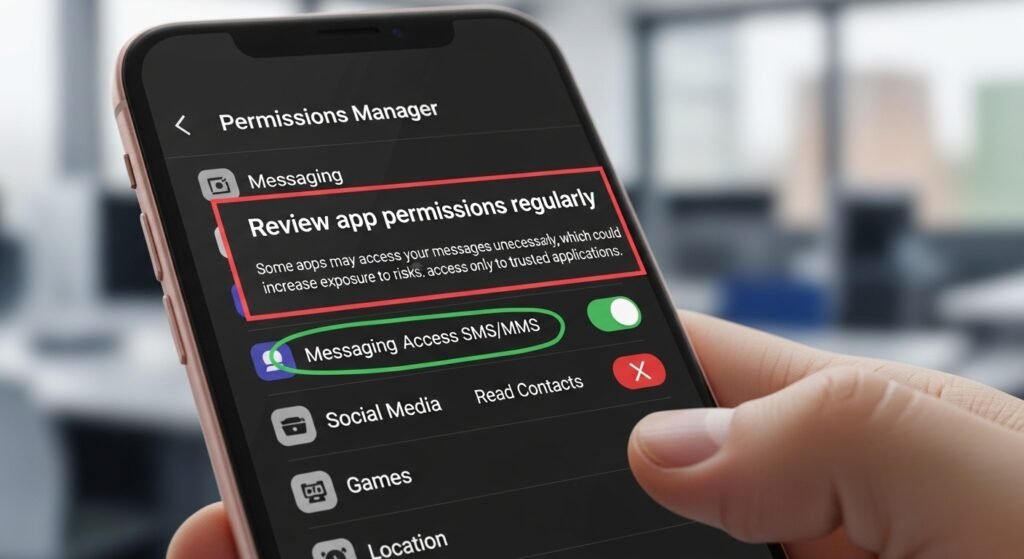
Review app permissions regularly. Some apps may access your messages unnecessarily, which could increase exposure to risks. Limit access only to trusted applications.
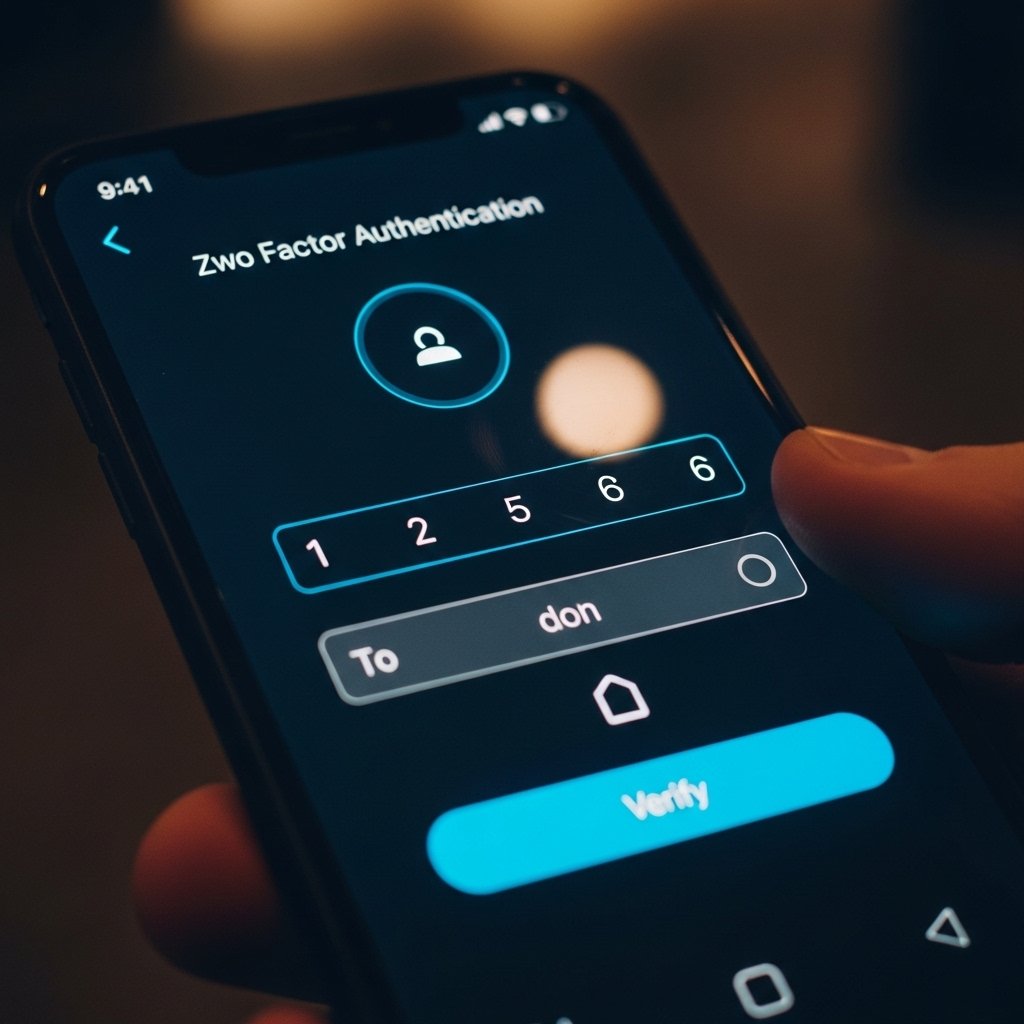
Enable Two-Factor Authentication
Adding an extra verification step to your accounts ensures that even if scammers get your details, they can’t easily access your accounts without the second authentication step.
Stay Informed About Common Scams
Awareness is one of your strongest defenses. Keeping up with common scam tactics helps you recognize warning signs quickly and avoid falling for new variations of fraudulent messages.
