Today’s modern Android phone has internal sensors for just about everything. Most of them operate quietly, behind the scenes. They include guidance, motion tracking, screen control and safety controls. Most people use only very basic functions like call, browse and message. This means several useful tools remain unnoticed. These sensors can improve daily convenience. They can also assist with device care and environmental awareness. Their presence does not require special skills. Simple settings can activate them. Learning about these built-in tools helps users gain better control. And it makes for snappier behaviour from phones in their environment. These little-known features make your phone even more powerful.
Barometer Sensor

This sensor measures air pressure around the device. It supports altitude tracking during travel. It also improves location accuracy when GPS signals weaken. Many weather and navigation apps use this sensor quietly in the background.
Step Counter Sensor

The step counter tracks daily movement without opening fitness apps. It records walking patterns accurately. The data helps health tools monitor activity. This sensor consumes low power while providing continuous movement records.
Geomagnetic Rotation Sensor

This sensor tracks phone orientation in relation to Earth’s magnetic field. It improves compass accuracy. It also supports map direction and augmented navigation displays used by modern location-based applications.
Proximity Sensor

The proximity sensor detects nearby objects. It turns off the screen during calls. This prevents accidental touches. And it helps in conserving battery, as it cuts down unnecessary screen usage during phone calls.
Ambient Light Sensor
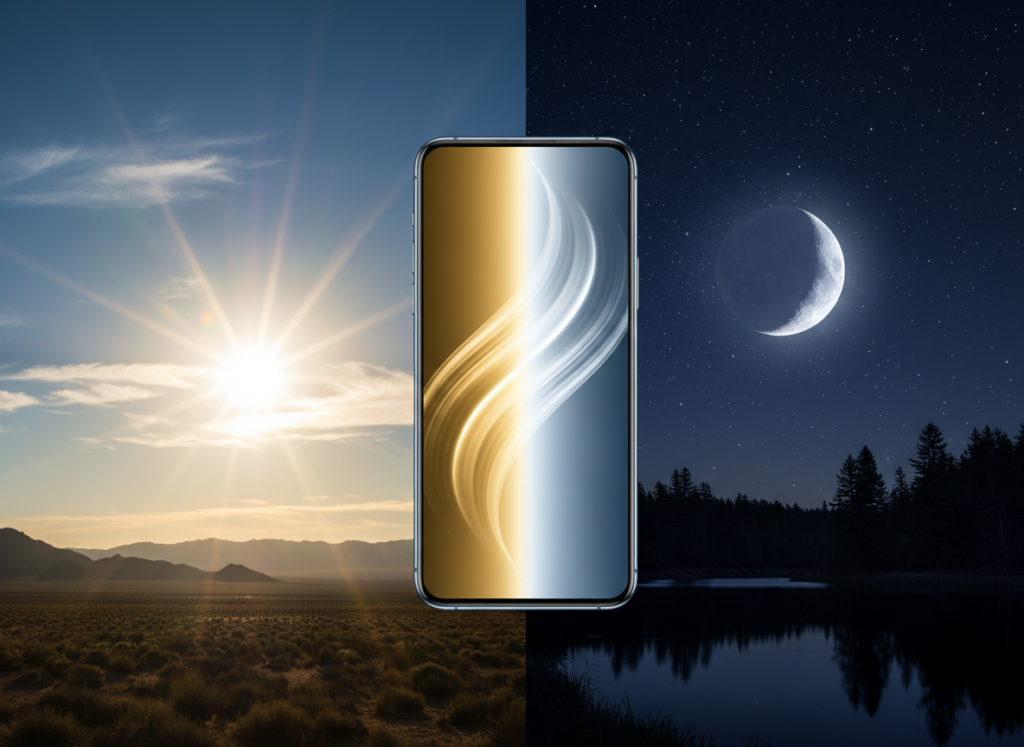
This sensor allows the screen to be brighter or darker according to the light outside. It improves screen clarity in bright areas. It also reduces eye strain in low-light rooms by softening display brightness levels.
Hall Effect Sensor
This sensor detects magnetic fields around the phone. It supports flip cover functions. The screen is automatically switched on or off when the compatible cover is opened or closed.
Gravity Sensor

The gravity sensor detects vertical and horizontal movement. It helps screen rotation work smoothly. It also supports motion-based gaming and camera stabilisation features found in several applications.
Linear Acceleration Sensor

This sensor measures movement speed without gravity influence. It improves fitness tracking accuracy. It also supports motion recognition for navigation, games, and camera features.
Relative Humidity Sensor
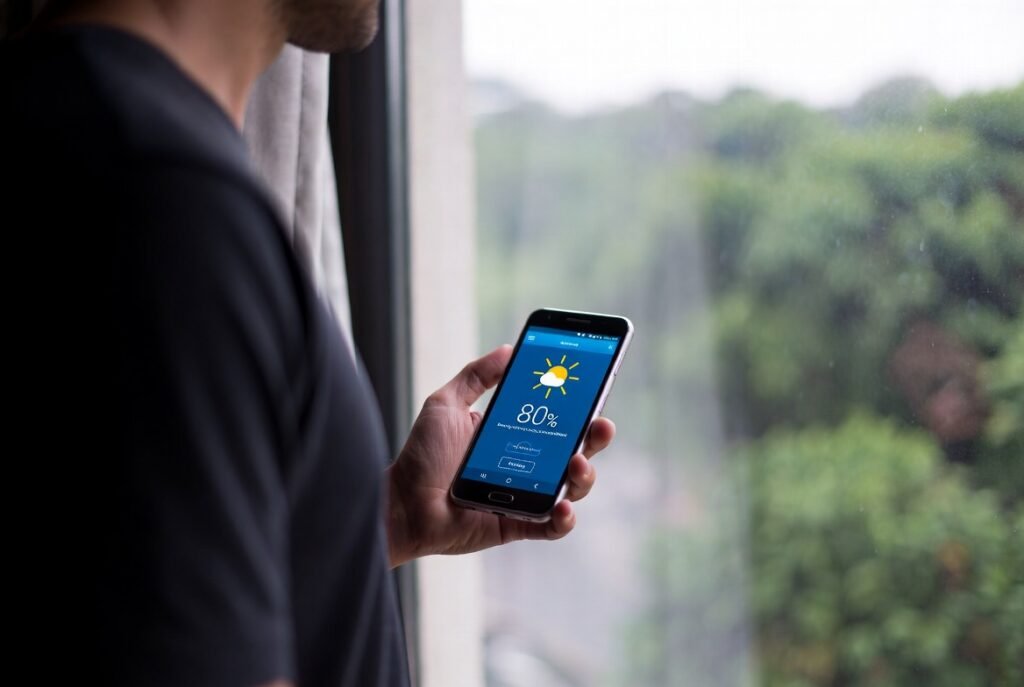
Some phones include this sensor to measure moisture levels in the air. It helps weather applications provide local humidity readings. It also supports indoor environment monitoring tools.
Temperature Sensor
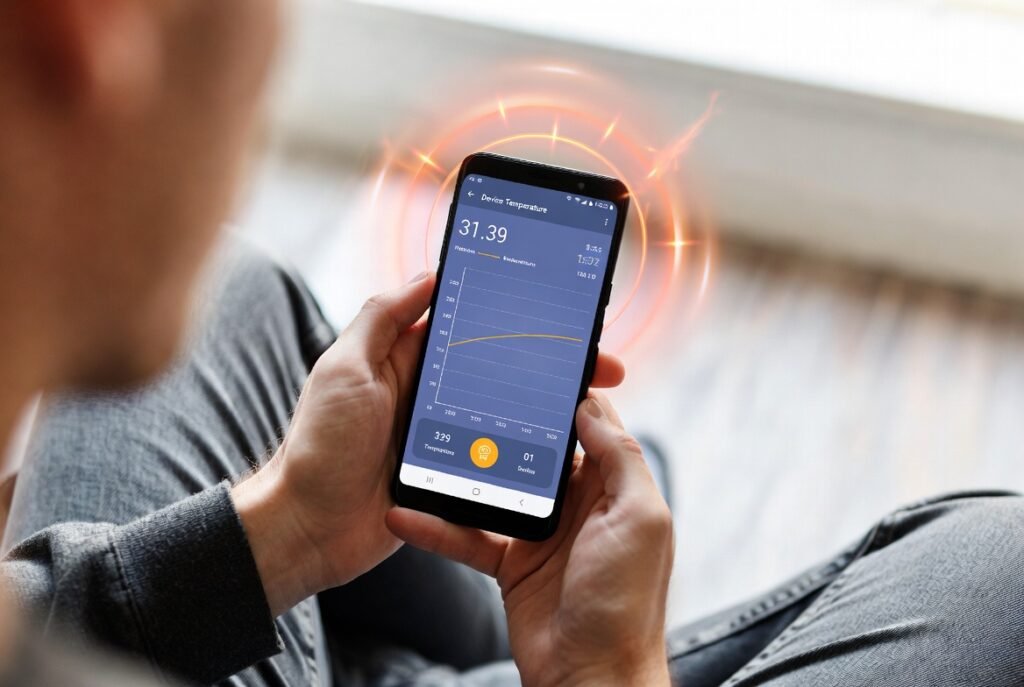
This sensor measures internal device heat. It protects hardware by controlling performance levels. It also prevents the device from overheating during long usage, like watching videos or playing games.
Significant Motion Sensor
This sensor detects major movement changes. It wakes up certain apps only when movement occurs. This reduces battery drain while still allowing important tracking functions to stay active.
