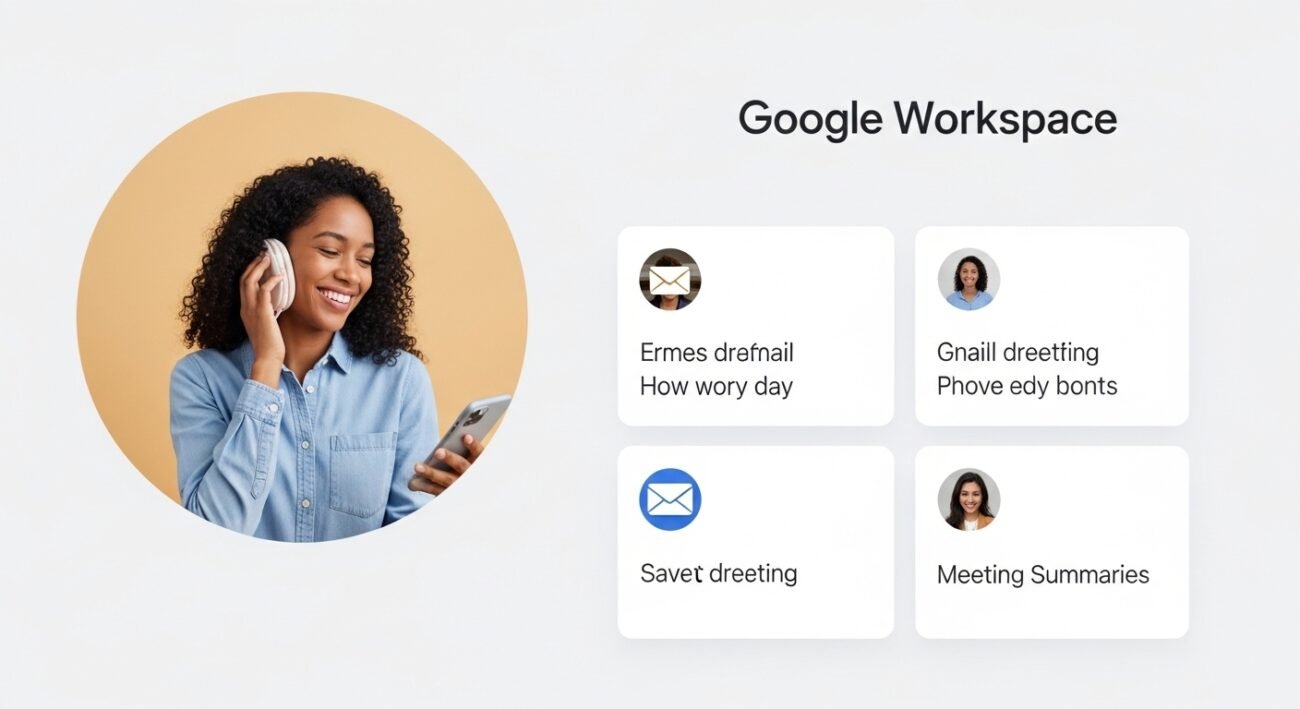
The latest updates from Google Workspace bring a wave of practical AI features designed to improve how people work every day. Instead of flashy additions, these tools focus on saving time, reducing manual effort, and helping users stay organized. From smarter email drafting to better meeting summaries, the enhancements feel purposeful and easy to adopt. As workplaces continue to evolve, these AI-powered upgrades quietly support efficiency without overwhelming users. The result is a more streamlined digital workspace that helps professionals focus on meaningful tasks while routine work is handled intelligently in the background.
Smart Email Drafting

AI-assisted writing in Gmail suggests complete responses based on context, helping users reply faster while maintaining a professional tone. It reduces typing effort and ensures clarity, especially during busy workdays filled with communication.
Context-Aware Document Writing
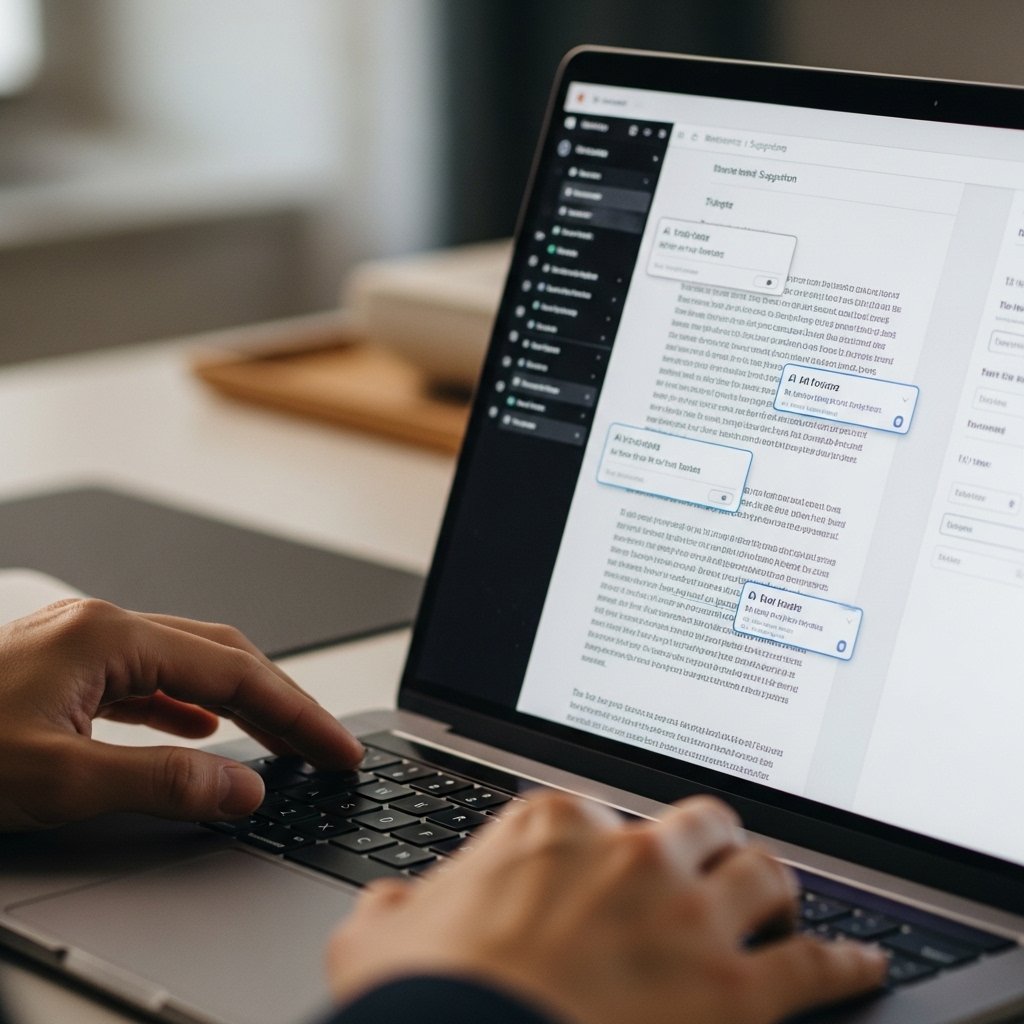
Within Docs, AI tools understand the subject and generate structured content ideas. This makes drafting reports or summaries easier, especially when starting from scratch or organizing scattered information into a cohesive format.
Efficient Meeting Summaries

AI can now capture key points from meetings in Meet, offering concise summaries. This helps users revisit discussions quickly without reviewing entire recordings, saving valuable time and improving follow-up actions.
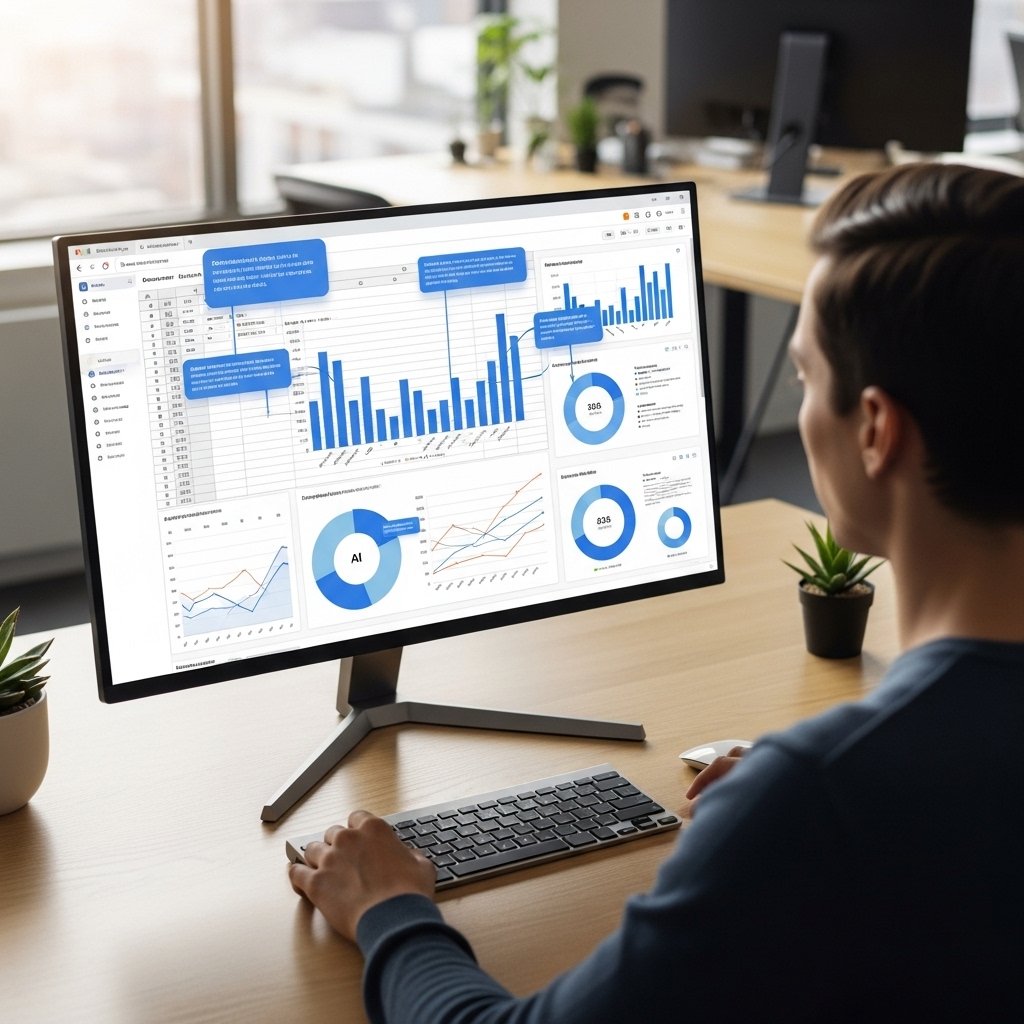
Spreadsheet Insights Simplified
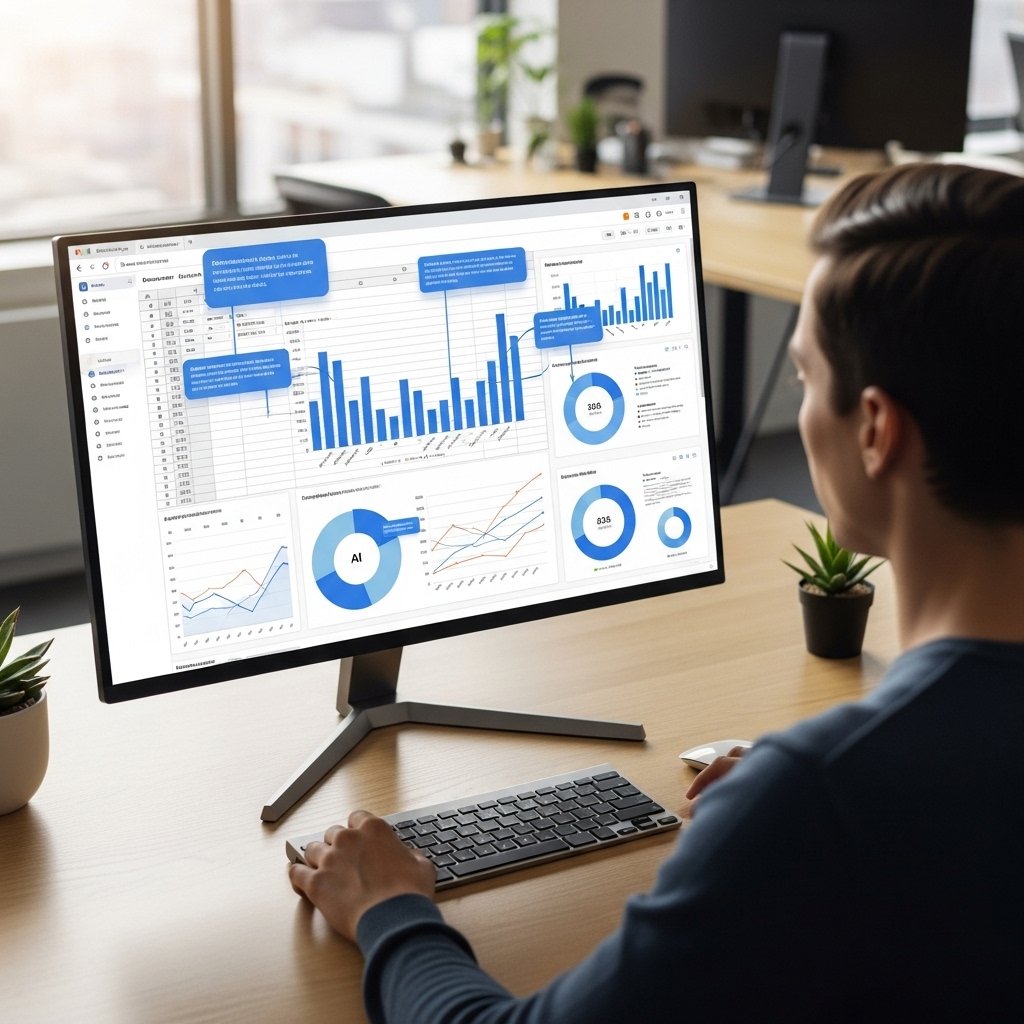
In Sheets, AI highlights trends and suggests insights automatically. Users no longer need advanced formulas to interpret data, making decision-making quicker and more accessible for everyday business tasks.
Smarter Task Organization
AI assists in organizing tasks across Workspace tools, helping prioritize important work. It reduces the chances of missing deadlines and keeps projects moving steadily without constant manual tracking.
Improved Collaboration Tools

Real-time suggestions enhance collaboration by refining shared documents. Team members can edit and improve content together more efficiently, ensuring consistency and reducing back-and-forth revisions.
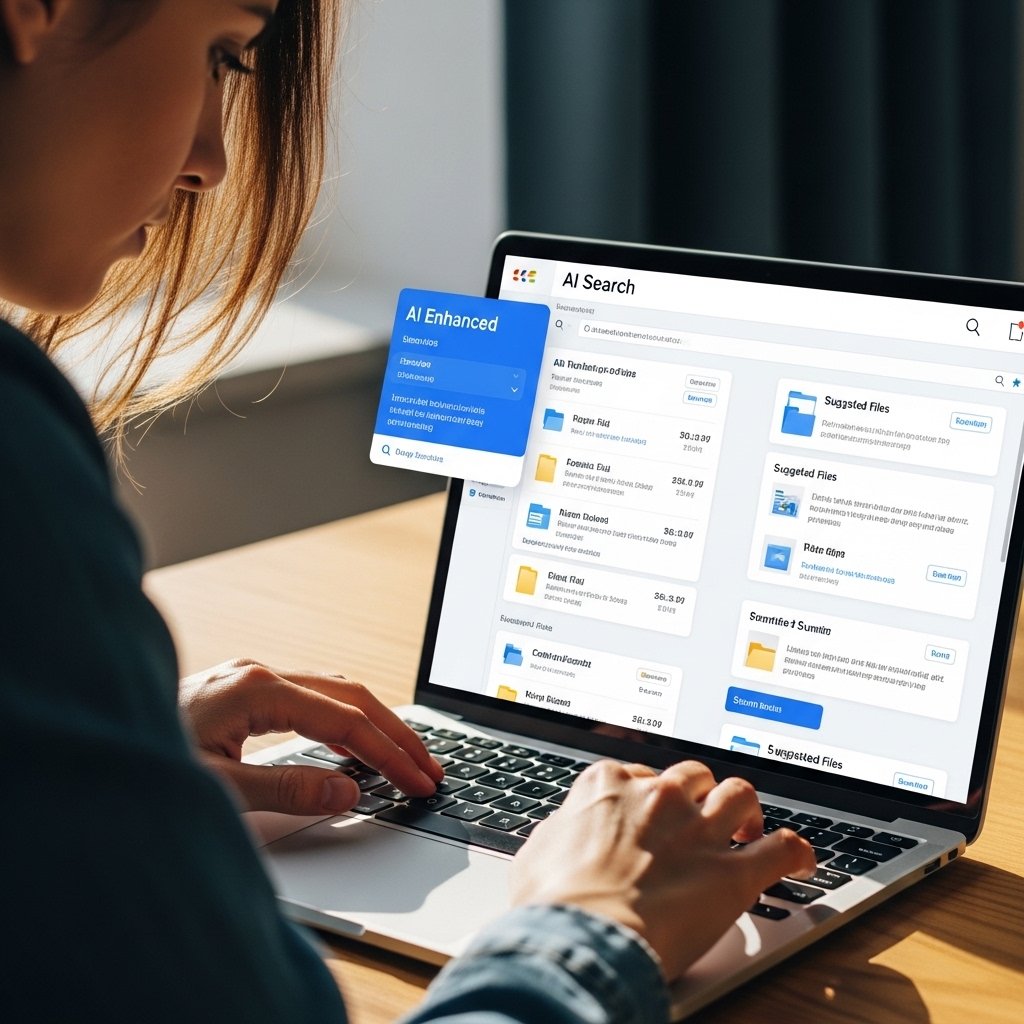
Enhanced Search Capabilities

AI-powered search delivers more relevant results across emails, files, and chats. It understands intent better, helping users find what they need quickly without digging through multiple folders.
Presentation Assistance
Slides now benefit from AI suggestions that improve structure and design. Users can create clear, visually balanced presentations without spending too much time adjusting layouts or formatting details.
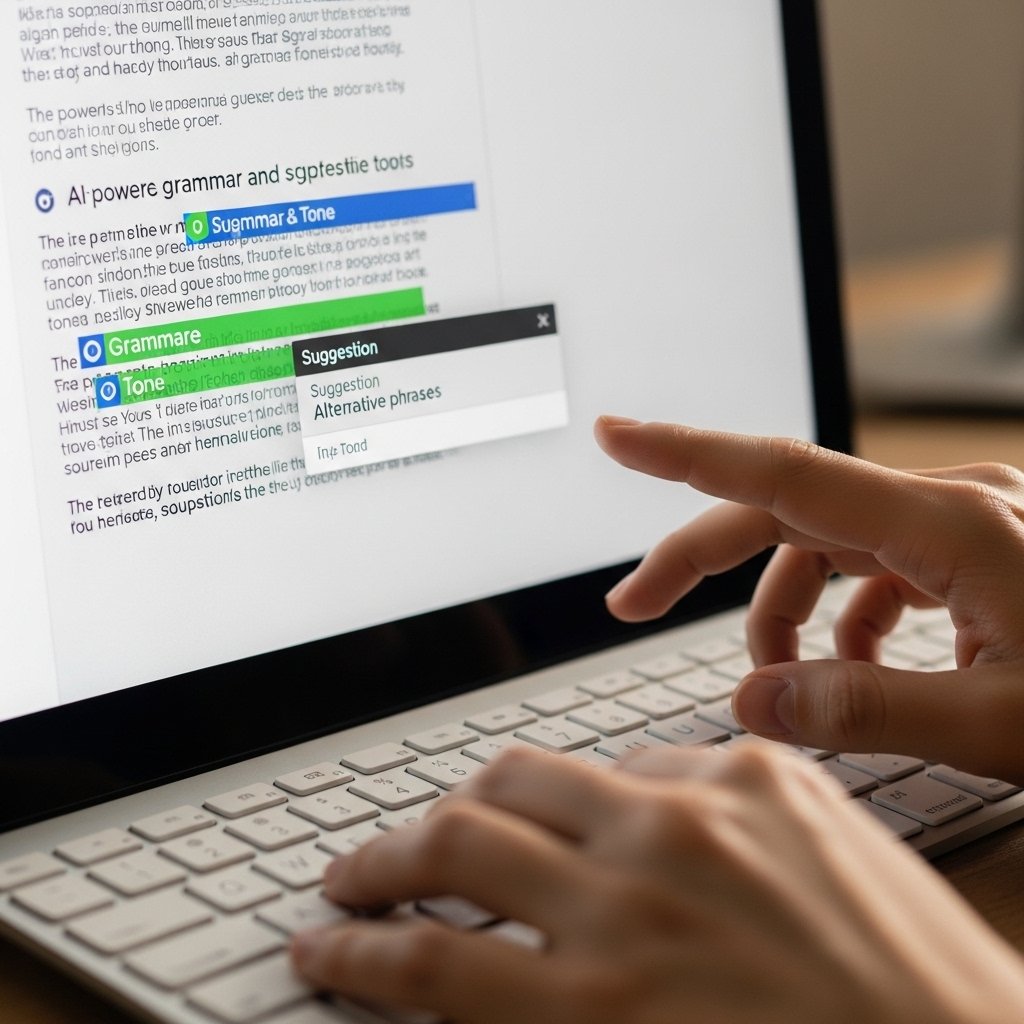
Language and Tone Refinement

AI tools help refine tone and grammar across Workspace applications. This ensures communication remains professional and clear, particularly useful when drafting formal emails or important documents.
Time-Saving Automation
Routine actions such as scheduling, formatting, and data entry are streamlined with AI. This allows users to focus more on strategic work rather than repetitive administrative tasks.
Consistent Workflow Integration

All AI features work seamlessly across Workspace tools, creating a smooth workflow. Users can switch between apps without disruption, maintaining productivity throughout the day with minimal effort.
