A retired laptop is usually buried in a drawer. It feels slow, but it’s not worthless. With a little ingenuity, it can fulfil beneficial purposes in the home or the workplace. Repurposing is cost-saving and cuts down on electronic waste. It also gives you tools that support daily routines. You do not need advanced technical skills. Most ideas require no more than simple setup steps. The shooting projects cater to utility, comfort and years of service. Each option offers steady value rather than novelty. Before you recycle, consider these thoughtful ways to prolong your laptop’s life.
Home Media Centre
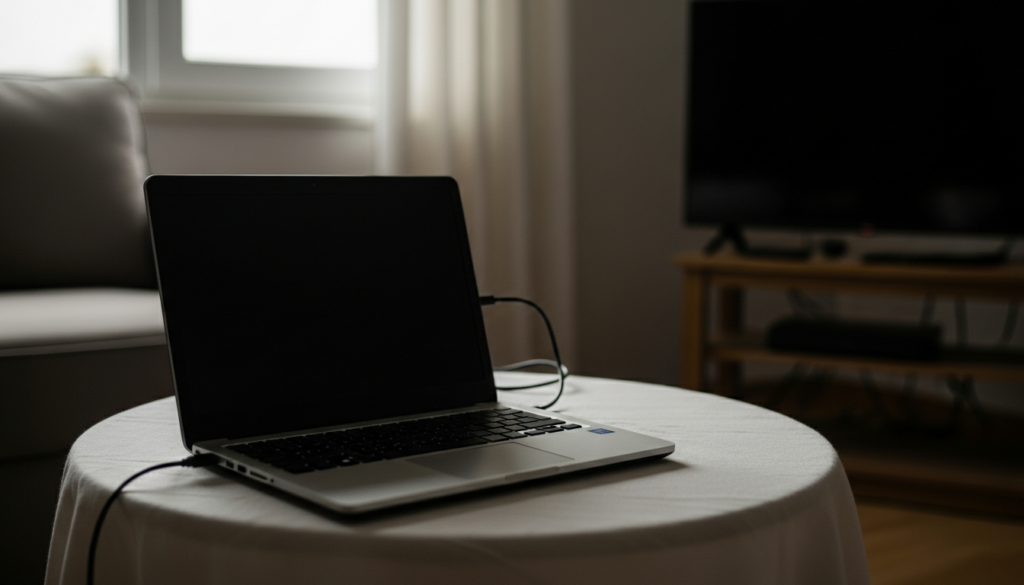
Convert your outdated laptop into a dedicated media centre. Connect it to a television. Store movies, music, and photos locally. Use simple media software. It becomes a quiet entertainment hub, free from daily distractions.
Personal Writing Station
Use the laptop only for writing and reading. Remove unused apps. Keep it offline if possible. This is a quiet corner which may be used to journal, plan or concentrate on work. Fewer alerts help thoughts flow more clearly.
Digital Photo Archive
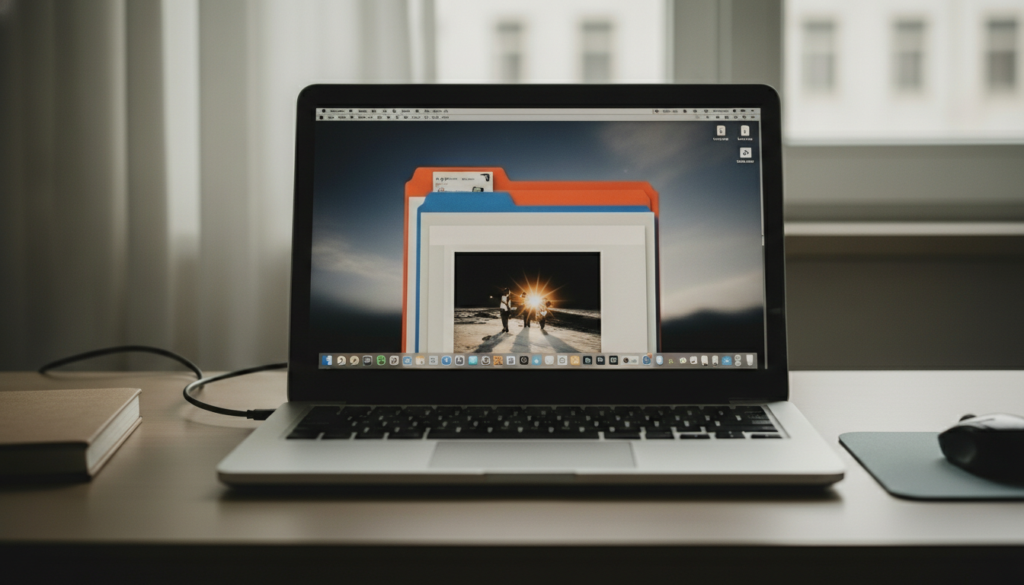
Convert the laptop into a photo archive. Organise family pictures by year and event. Add clear folder names. This keeps memories safe and accessible without relying on cloud storage or external services.
Learning and Skill Practice Device
Dedicate the laptop to learning. Install language tools, tutorials, or offline courses. Keep the setup simple. This distance acts as an anchor to stay on track and avoid the urge to multitask or lose momentum.
Home Office Backup System
Use it as a backup work device. Install basic office software. Sync essential documents regularly. If your main system fails, this laptop offers continuity. It supports calm problem solving during unexpected interruptions.
Children’s Study Computer

Set it up for supervised study. Install educational tools only. Adjust settings for safety and focus. This gives children a clear learning space. It also protects primary household devices from accidental changes.
Smart Home Control Hub
Transform your laptop into a smart device control centre. Keep it plugged in at a fixed spot. Use it to monitor lighting, schedules, and routines. Everything stays visible on one steady screen.
Music and Audio Library
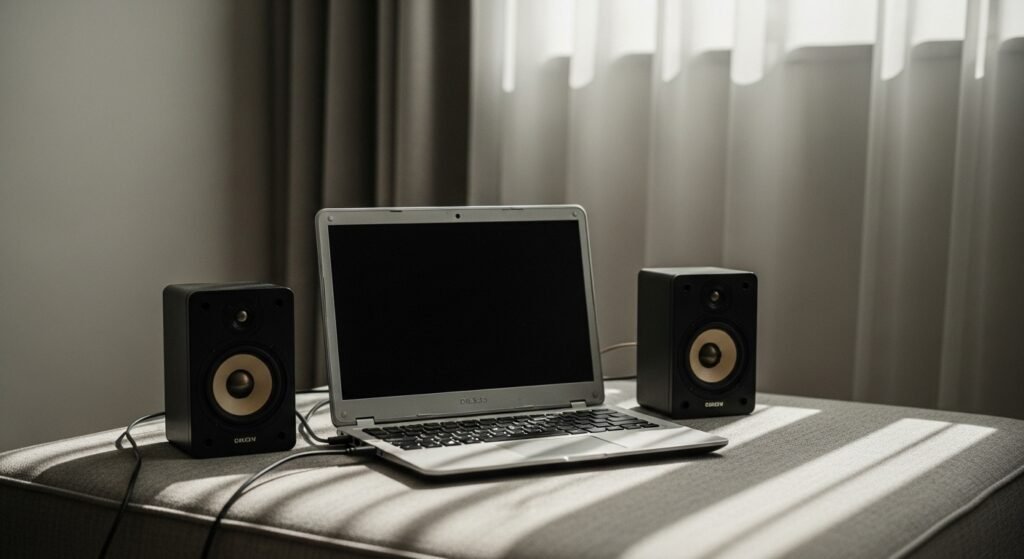
Store your music collection on it. Connect speakers or headphones. Build your own lists for different moods or hours of the day. When the laptop is so quiet, it’s just an audio station with no daily notifications.
Recipe and Kitchen Guide
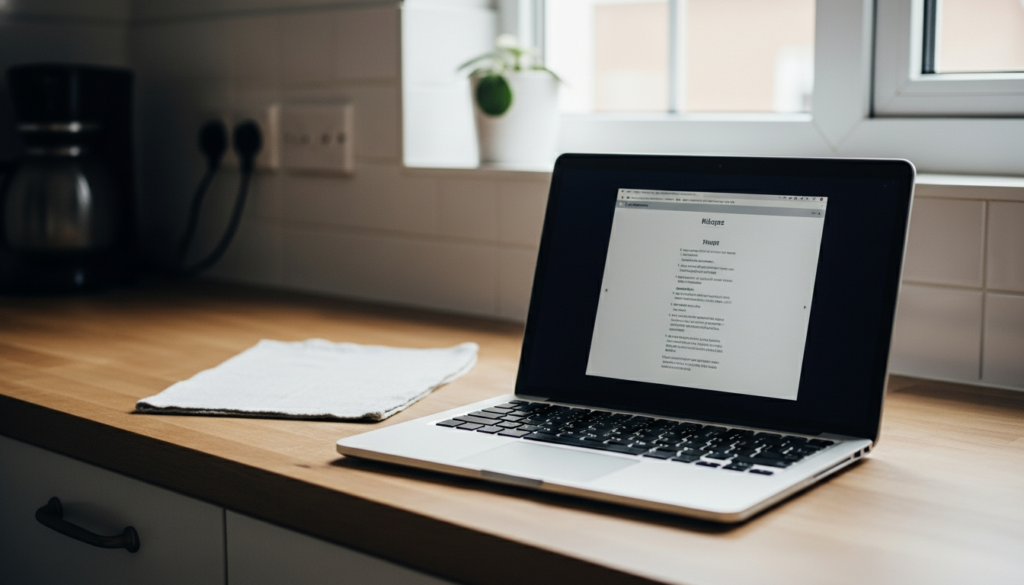
Put it in the kitchen somewhere safe. Organise recipes, meal plans and notes. Display text in a big size for easy reading. This avoids handling phones while cooking and keeps instructions clear and stable.
Travel Planning Companion

Organise travel docs, maps and notes on the laptop. Use it only for planning. This focused use helps track details calmly and prevents important information from getting lost among other files.
Personal Records and Finance Tracker
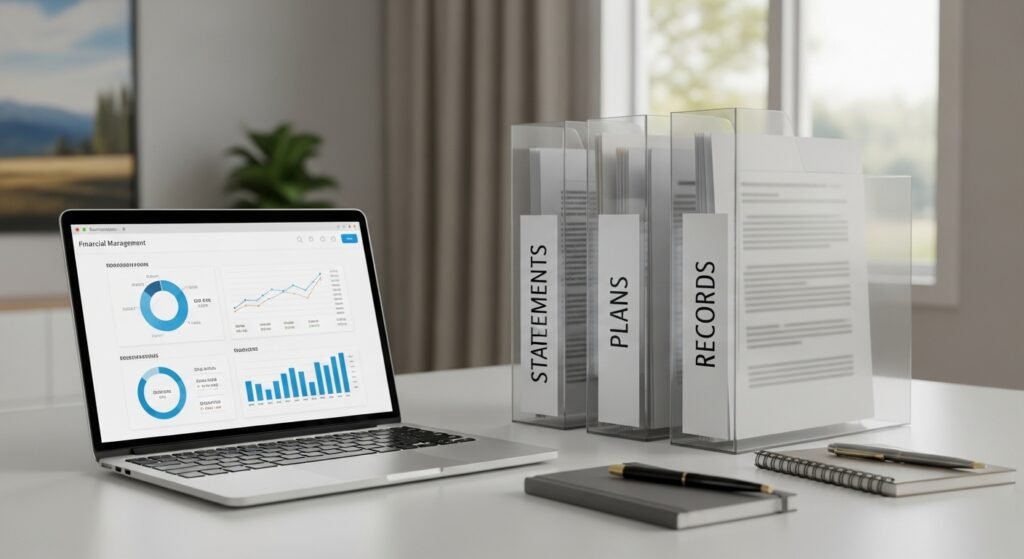
Use it to manage records and budgets. Store statements and plans in clear folders. Work offline when possible. This creates a private, organised system that supports thoughtful and regular reviews.
