
The Android phone can be slow, even a good one, as it ages. Apps take longer to open. Scrolling feels uneven. A few things begin trying the patience. This normally occurs as a result of background activity, storage clutter and unnoticed settings. The positive aspect is that, in most cases, it is possible to overcome the performance problems and not replace the device. A minor change is able to bring about the normal functioning mechanisms and enhance everyday utilisation. It should be efficiency, and not short-cutting. An Android phone can be quicker and more responsive with the right maintenance techniques, particularly if it features some system-level checks. These tips are designed to speed up your connection while staying stable and reliable in the long term.
Restart the Phone Regularly

A reboot will erase volatile memory and terminate background processes. Many phones stay on for weeks. This accumulates petty performance problems. Sometimes it is worthwhile to restart the system after every few days to refresh it and ensure that apps behave in a more predictable manner.
Remove Unused Apps

Apps that are not used consume storage space and end up having background processes. Check the apps that are installed. eliminate unnecessary ones. Fewer applications will lower the load on the system and make the system more responsive in everyday operations.
Clear App Cache Carefully
Cached data may become big over time. The clearing of the cache of often-used apps can help to speed up. Target social, browser, and shopping applications. One should not delete app data on a system unless there is a need.
Update Apps and System Software

The performance of the existing system might not be optimised with outdated apps. Bugs are resolved with regular updates and enhance efficiency. The updates of the system also improve stability and memory. Turn on automatic updates wherever possible.
Reduce Home Screen Widgets

There are too many constantly updating widgets. This has an influence on memory and battery. The home page only contains necessary widgets. A minimalistic design minimises the amount of background noise and streamlines navigation.
Limit Background App Activity

Others are to be used even without being used. Check the background and check the battery. Limit applications that are not required to be accessed frequently. This liberates the processing power to active tasks.
Free Up Storage Space
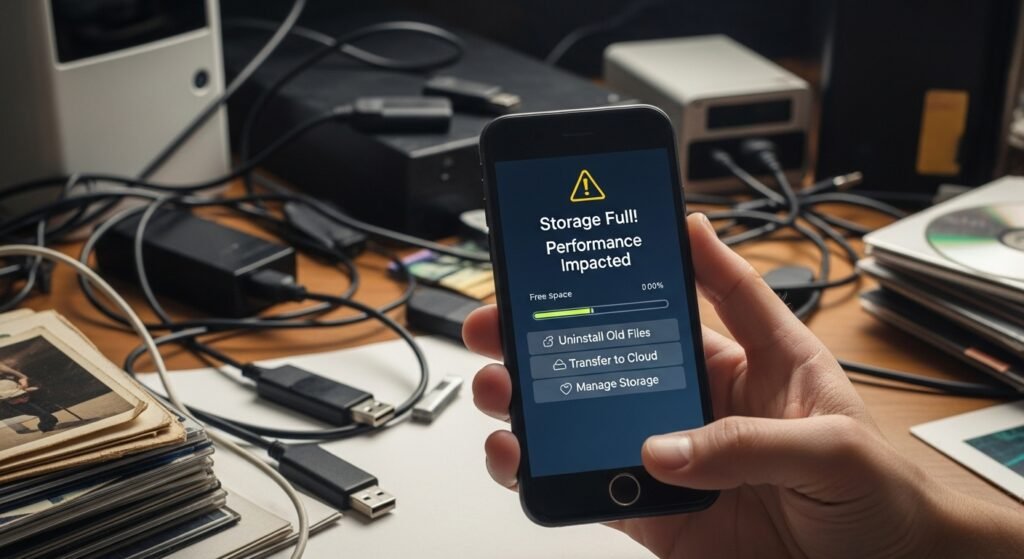
Poor storage is a drag on performance. Uninstall old pictures, videos, and downloads. Transfer valuable files to cloud storage in case of necessity. Objective to maintain enough open space to operate systems.
Turn Off Unused Connectivity Features

When using Wi-Fi, Bluetooth and location services use resources. Turn them off when not needed. This minimises the background scanning and allows the phone to concentrate on the running applications.
Use Lite Versions of Apps

Most famous applications provide a light version. They consume fewer resources, and they load more quickly. They can be used to message, browse, and social network without compromising on the important features.
Reduce Animation Scale

Animations are smooth and process power. Animation size can be reduced by using developer options. Reducing the rate of animation will give the phone a sense that it is fast in switching between apps and moving around the menu.
Perform a Periodic System Check

Check permissions, start-up programs and battery utilisation after every few months. Minor problems go unnoticed. Frequent scans can be used to detect problematic applications in their early stages and achieve a steady performance in the long term.
