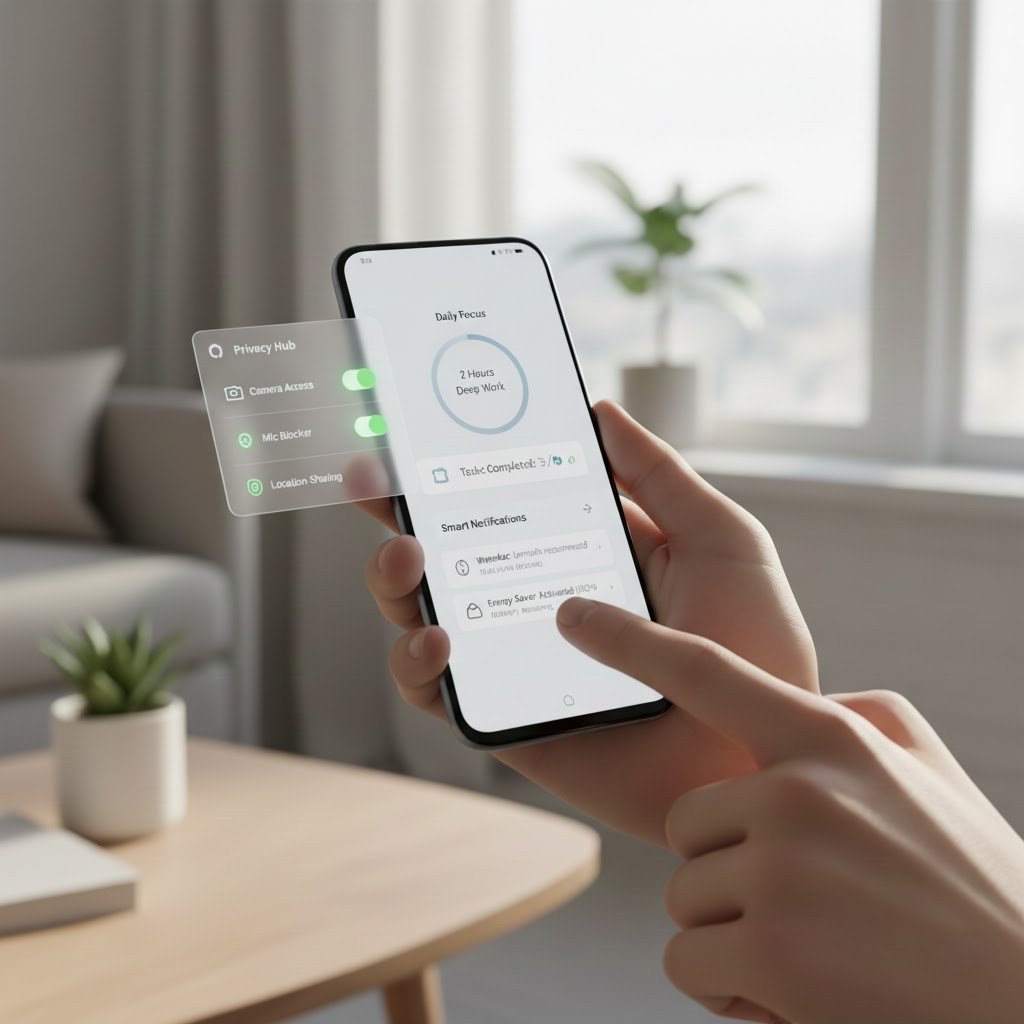
Android phones can feel perfectly familiar, but it’s a little too easy to forget that they also come with built-in features you’ll want to adjust or customise some of those. Updates tend to bring practical features focused on time savings, privacy protection, comfort and convenience with day-to-day experiences getting that little bit easier or more user-friendly. A lot of people are content to use their trusty old Bluetooth headset for calls, while overlooking technologies that could make life substantially easier and more productive. As I delved deeper into Android, I discovered there were actually a lot of helpful features that had been sitting there unnoticed all these years. These options don’t involve any special apps, and you don’t need to know any tech tricks to try them out; they do change the way a phone feels and operates. When they are switched on, the style becomes invisible in everyday life, and your routine tasks are facilitated.
Smart Reply
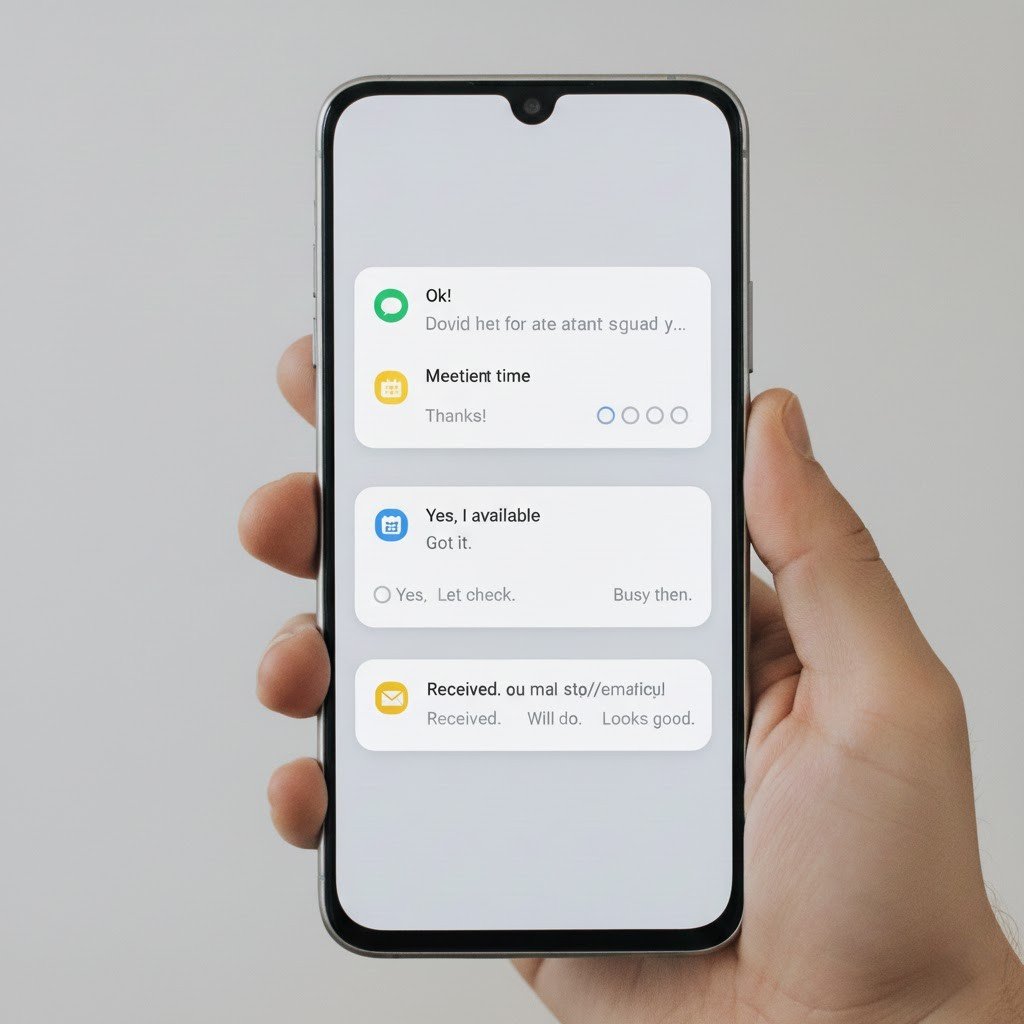
Smart Reply in notifications also recommends short, relevant responses right in your notifications. It also provides expedited responses without opening applications, allowing you to stay focused on other tasks throughout the day and manage messages.
Live Caption
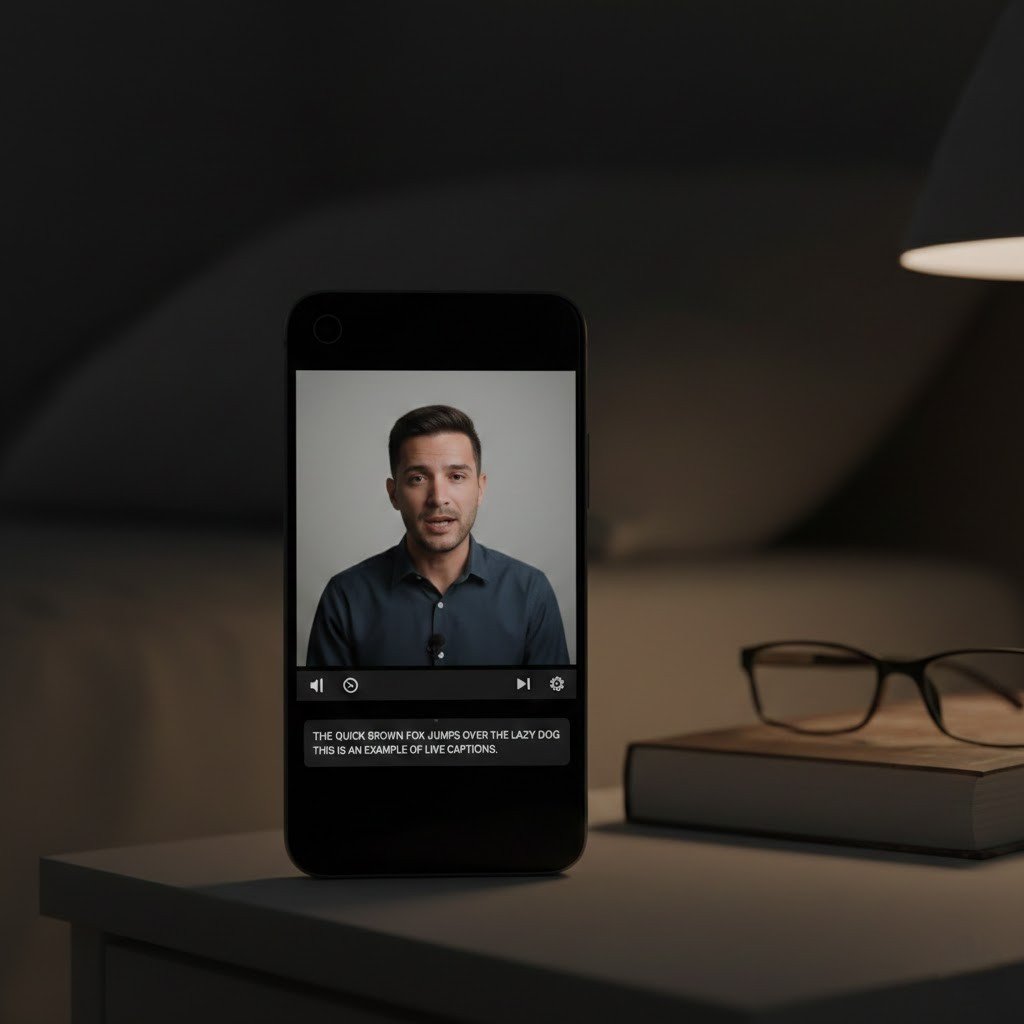
Live Caption captions videos, voice messages and podcasts with text. It enhances accessibility and makes it possible to watch in public places, such as libraries or at night when people are asleep, without the use of headphones or having to adjust the volume.
Digital Wellbeing Dashboard
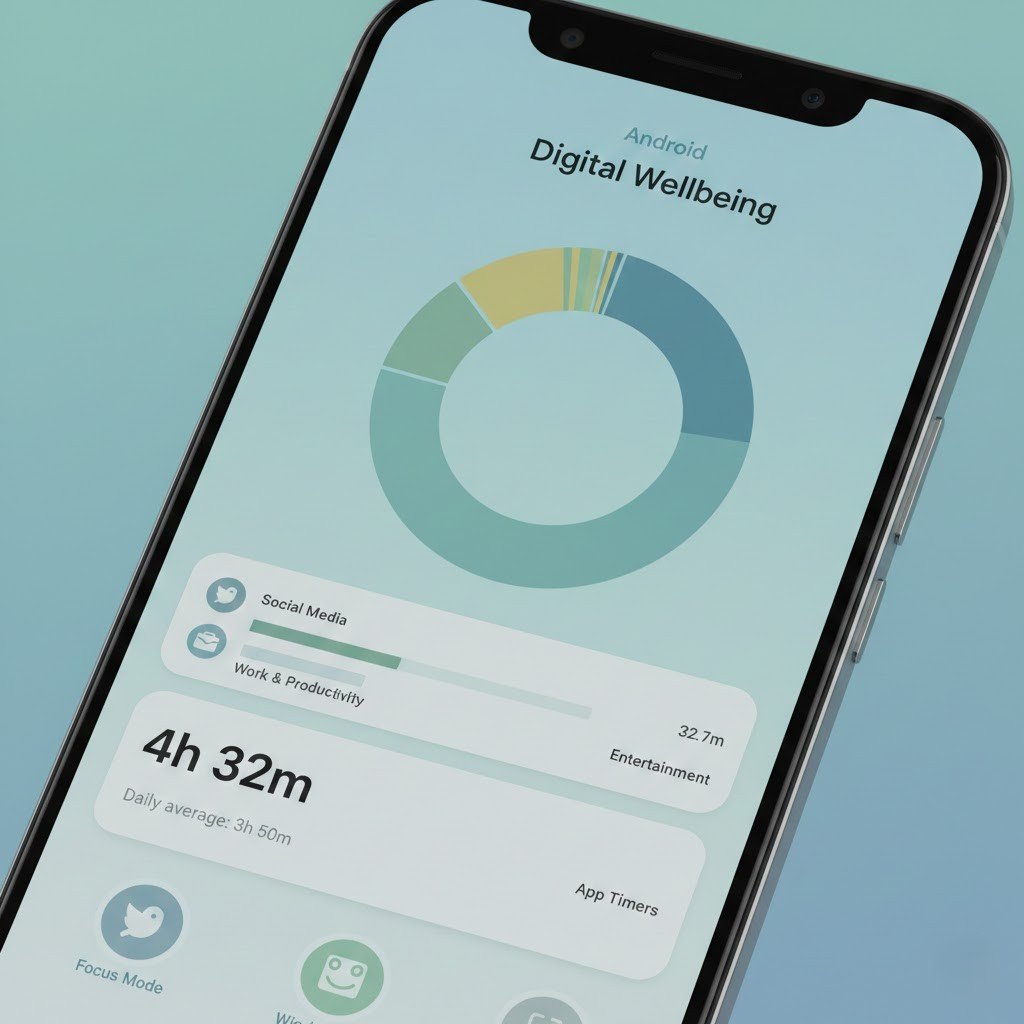
The screen time, app usage and notification frequency are all displayed in the Digital Wellbeing Dashboard. It promotes mindful phone use and assists users in scaling back on daily digital habits by not using any additional tracking tools.
App Pinning
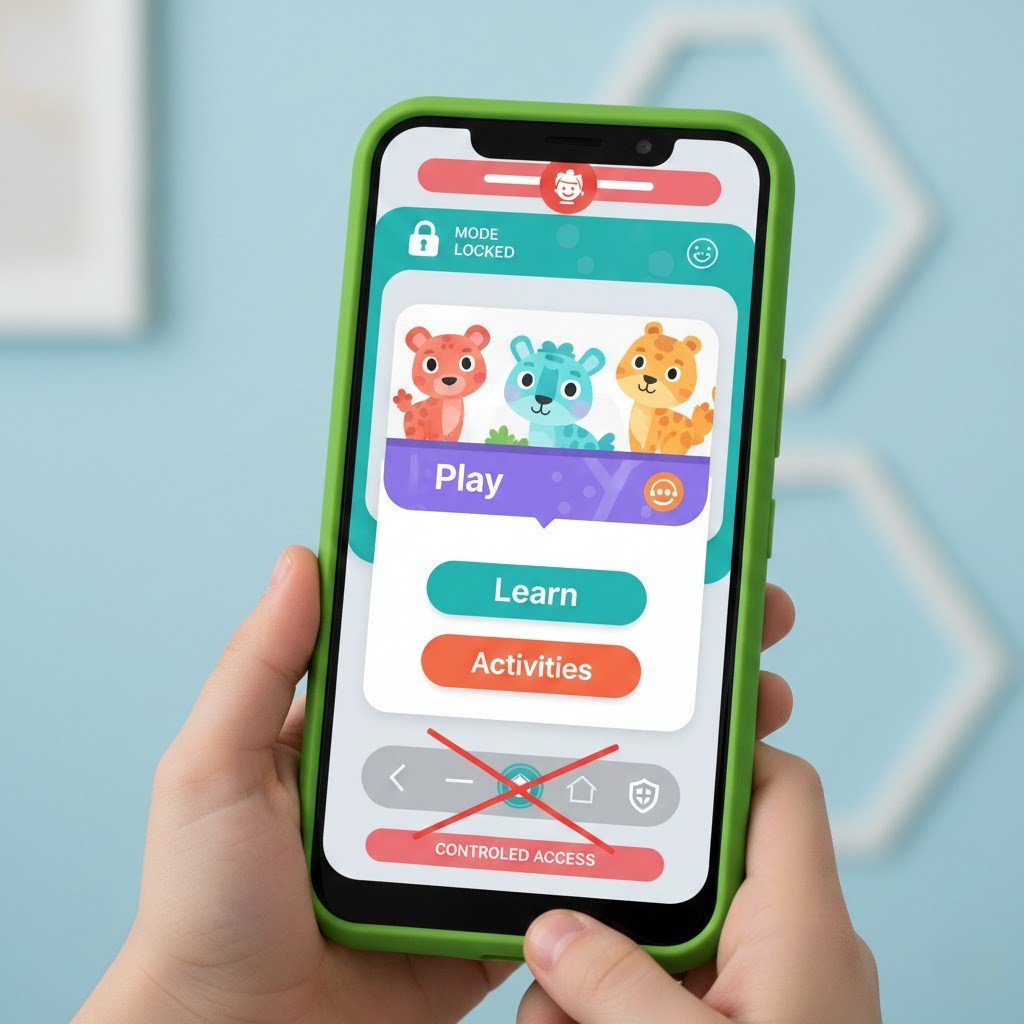
With App Pinning, the phone is restricted to only one app. And with a simple password, again set by the User, it is easy to disable access to other things. Ideal for sharing computers with children or guests.
Nearby Share
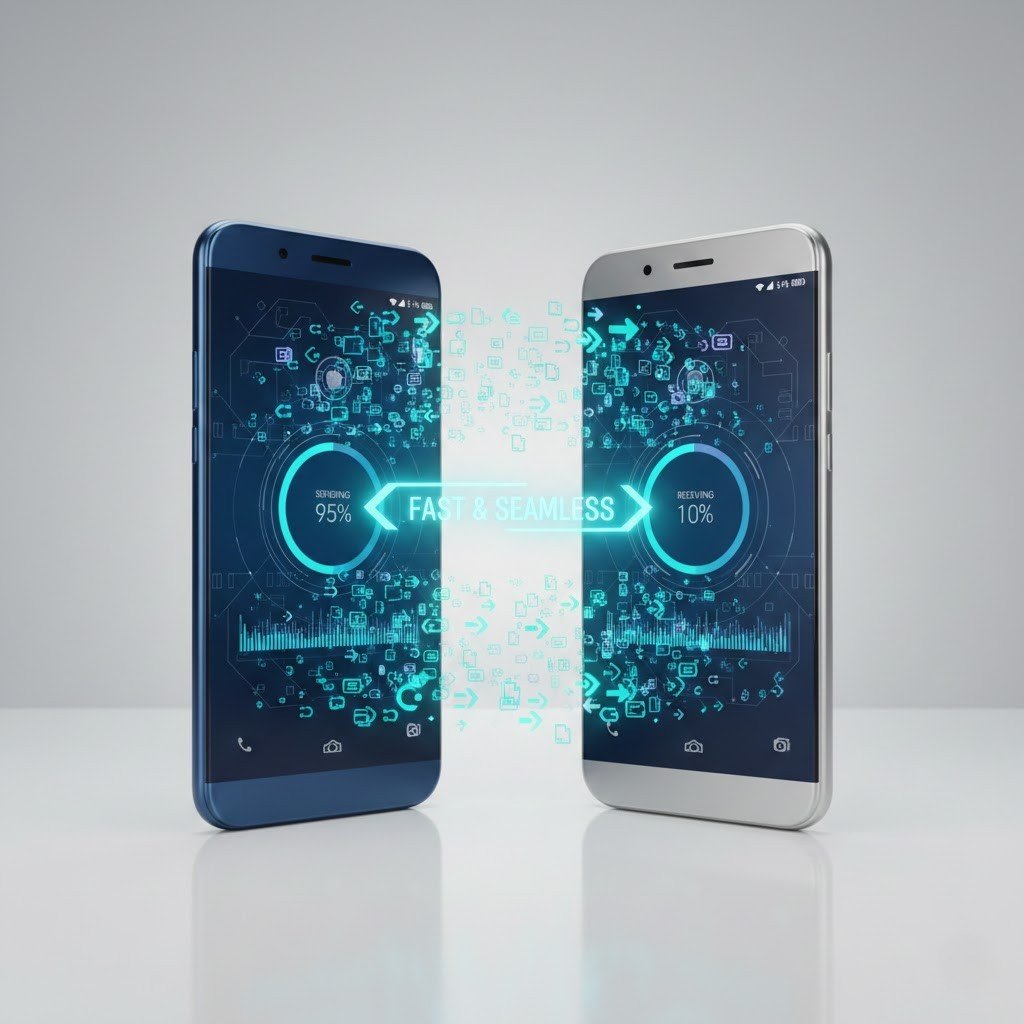
There’s a new way to quickly share files wirelessly between Android devices with Nearby Share. It works without cables or messaging apps, making photo, document, and video transfers faster and more convenient.
One-Handed Mode
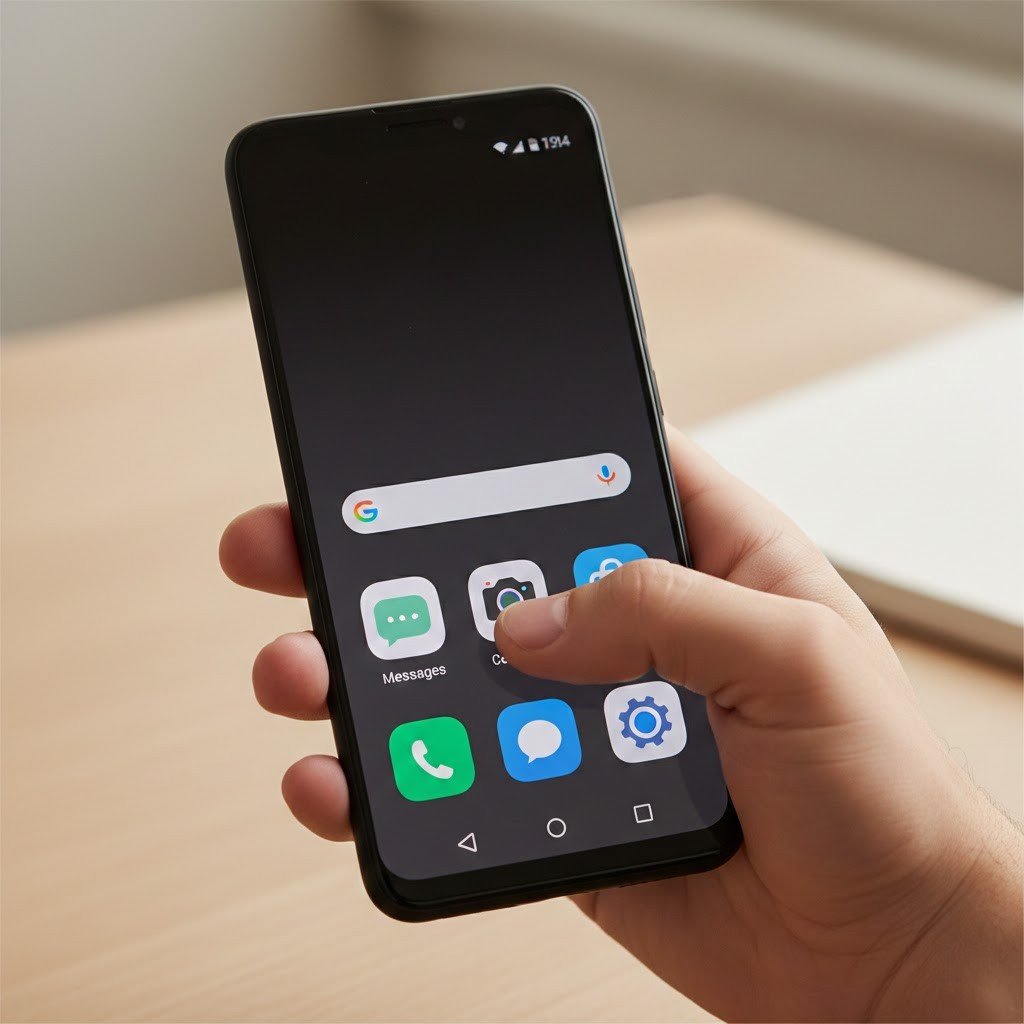
One-Handed Mode reduces the display area to make navigation easier on larger phones. It alleviates hand fatigue by providing an increased range of motion and comfort for use with one hand or two hands.
Focus Mode
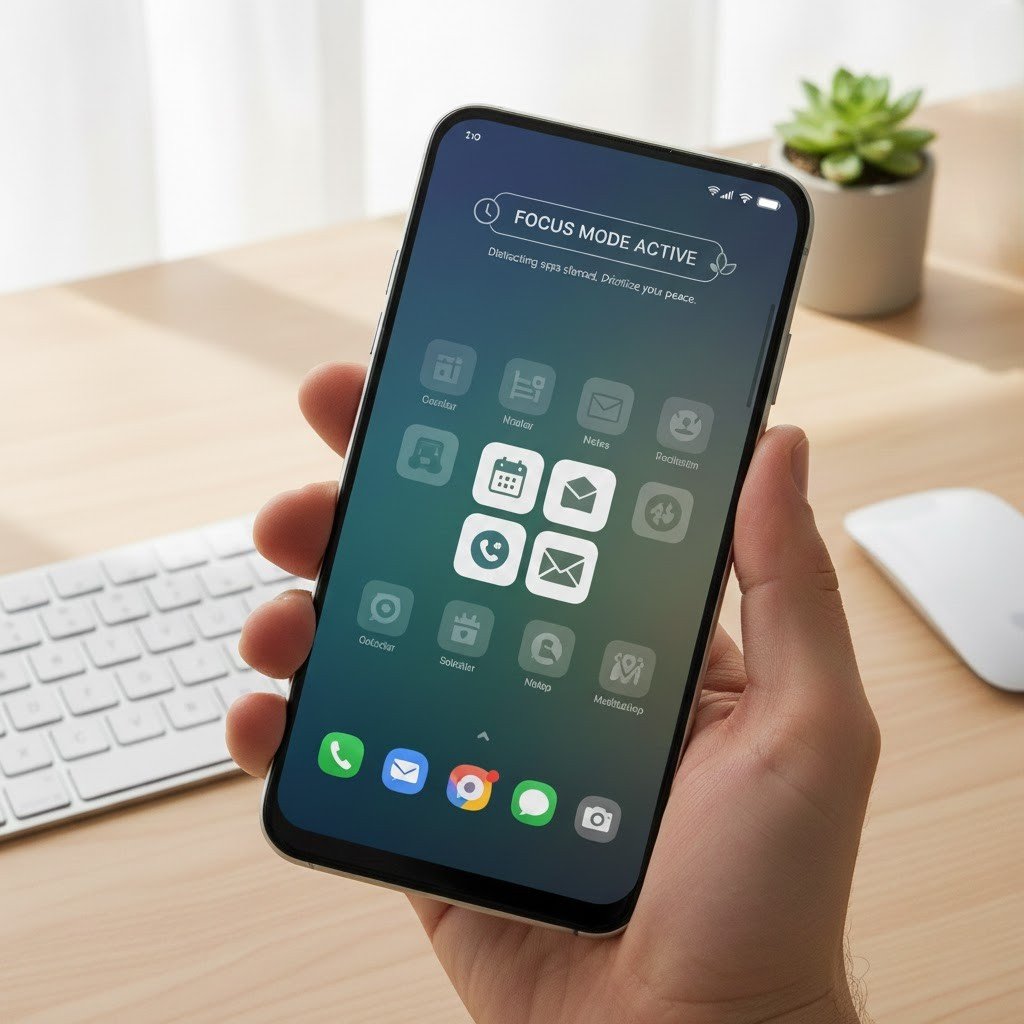
Focus Mode temporarily pauses distracting apps. It supports productivity by allowing only essential tools, helping users stay attentive during work, reading, or quiet personal time.
Screen Recorder
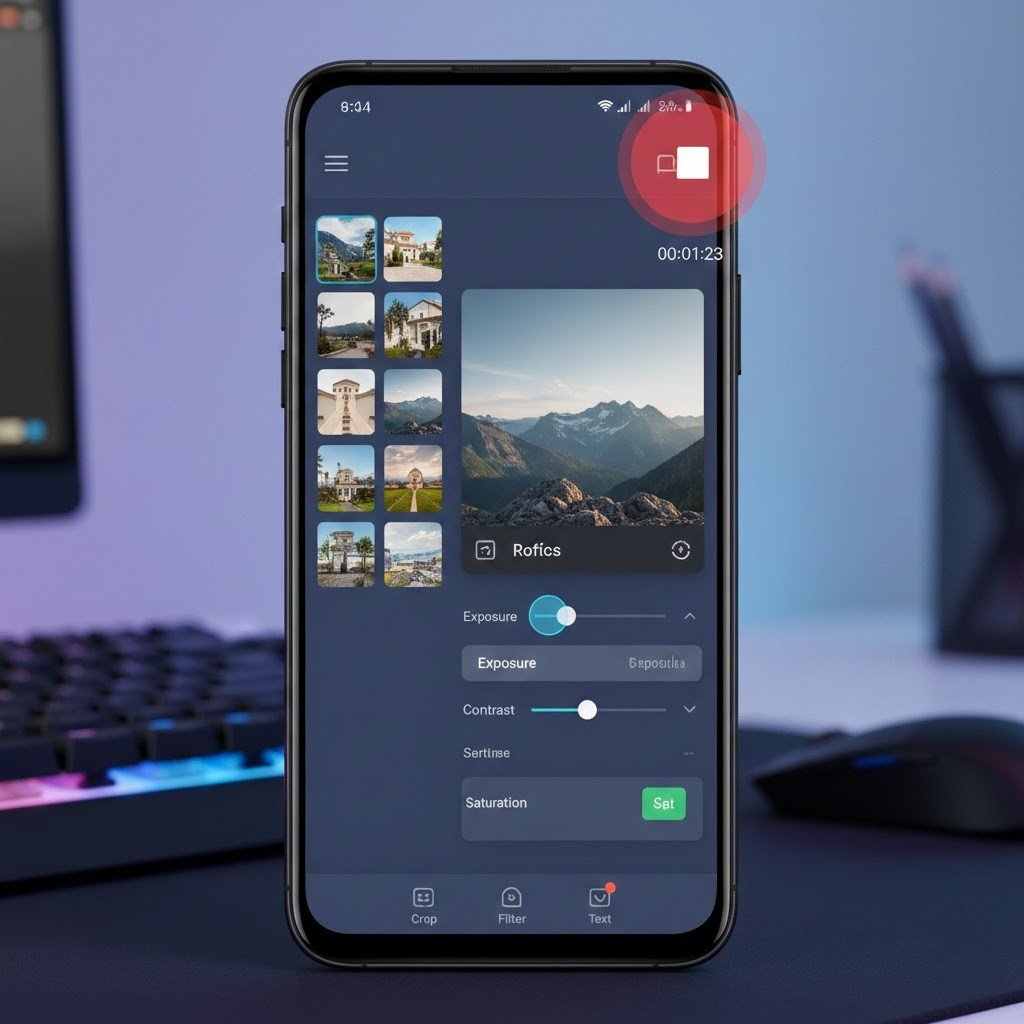
The built-in Screen Recorder captures videos of on-screen actions. It is useful for tutorials, sharing app issues, or recording instructions without installing third-party tools.
Safety Emergency Features
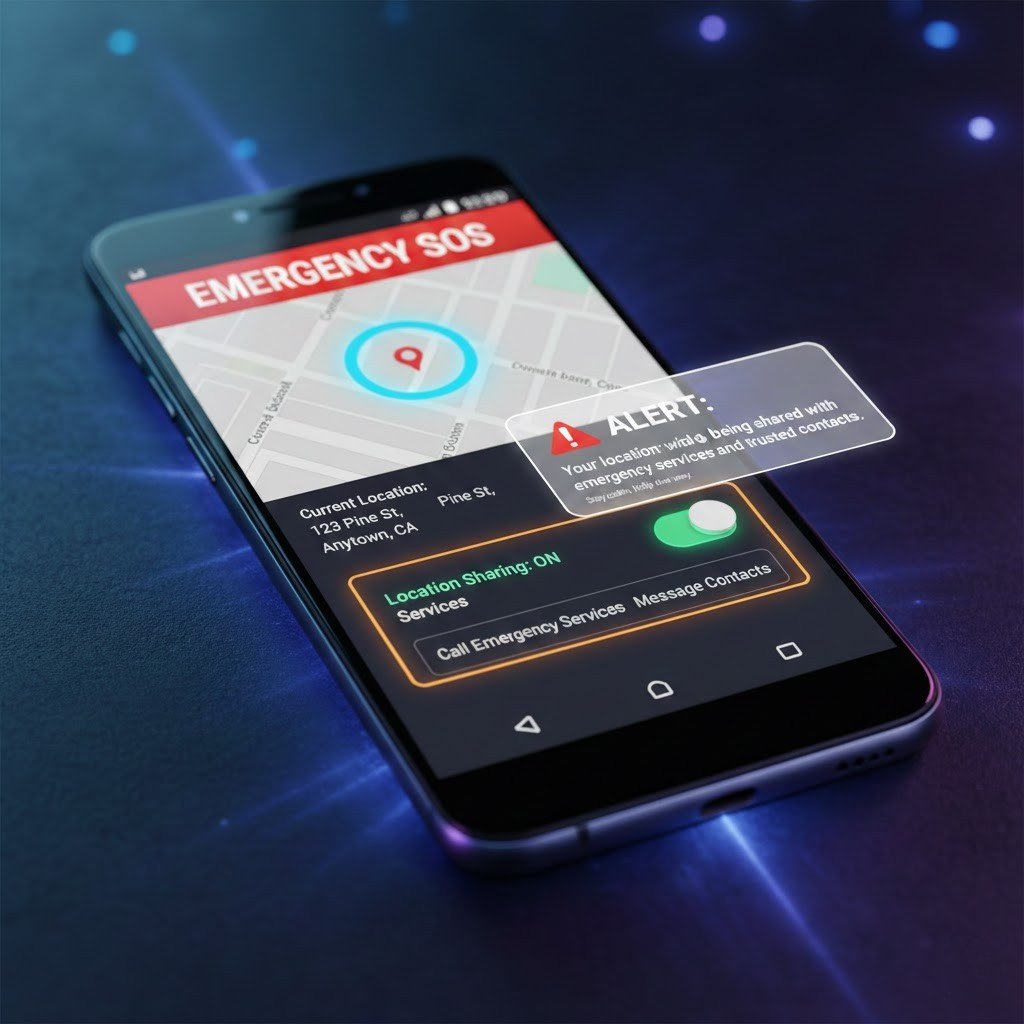
Safety features enable rapid location-sharing and emergency notifications to selected contacts. This functions to give peace of mind and enable users to act if unfortunate events unfold.
Notification History
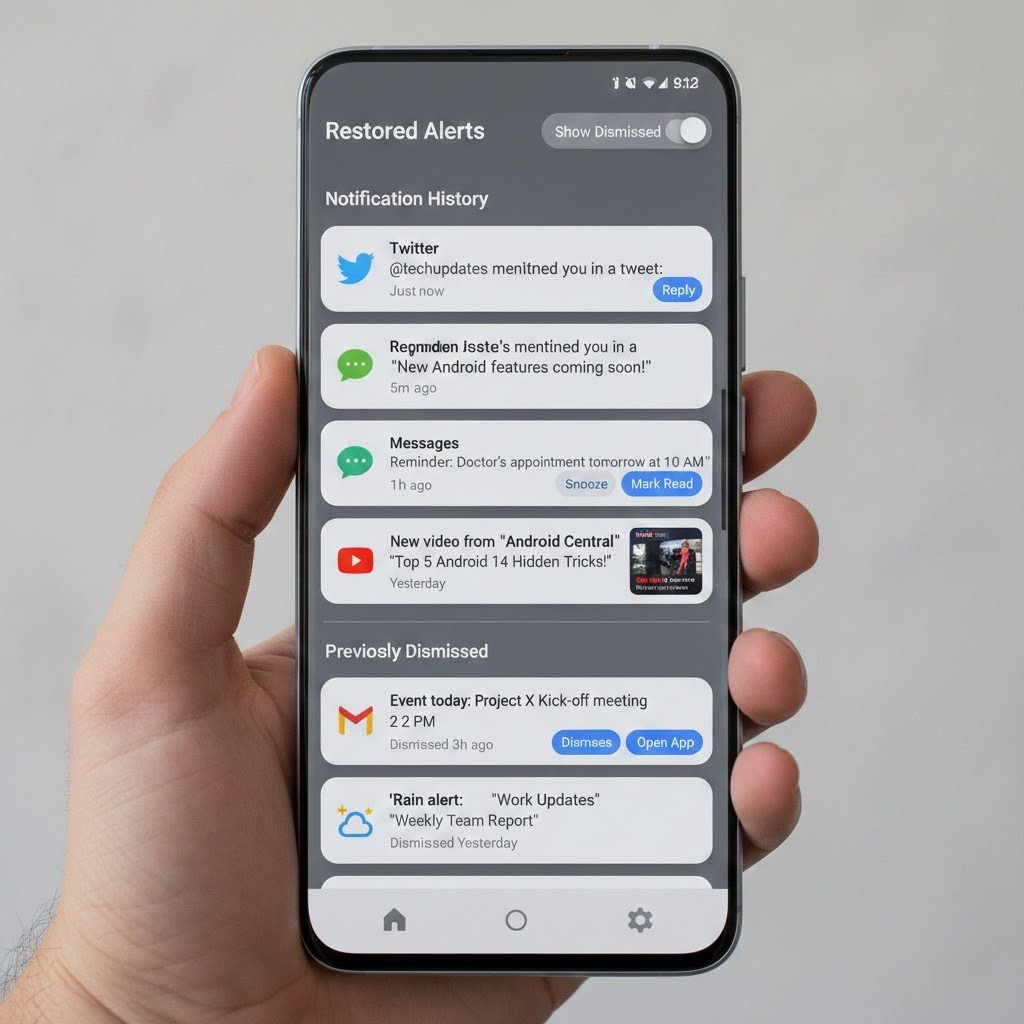
Notification History stores recently dismissed alerts. It makes it easy to retrieve important messages that were accidentally cleared, reducing the chance of missing valuable information.
Built-In Call Screening
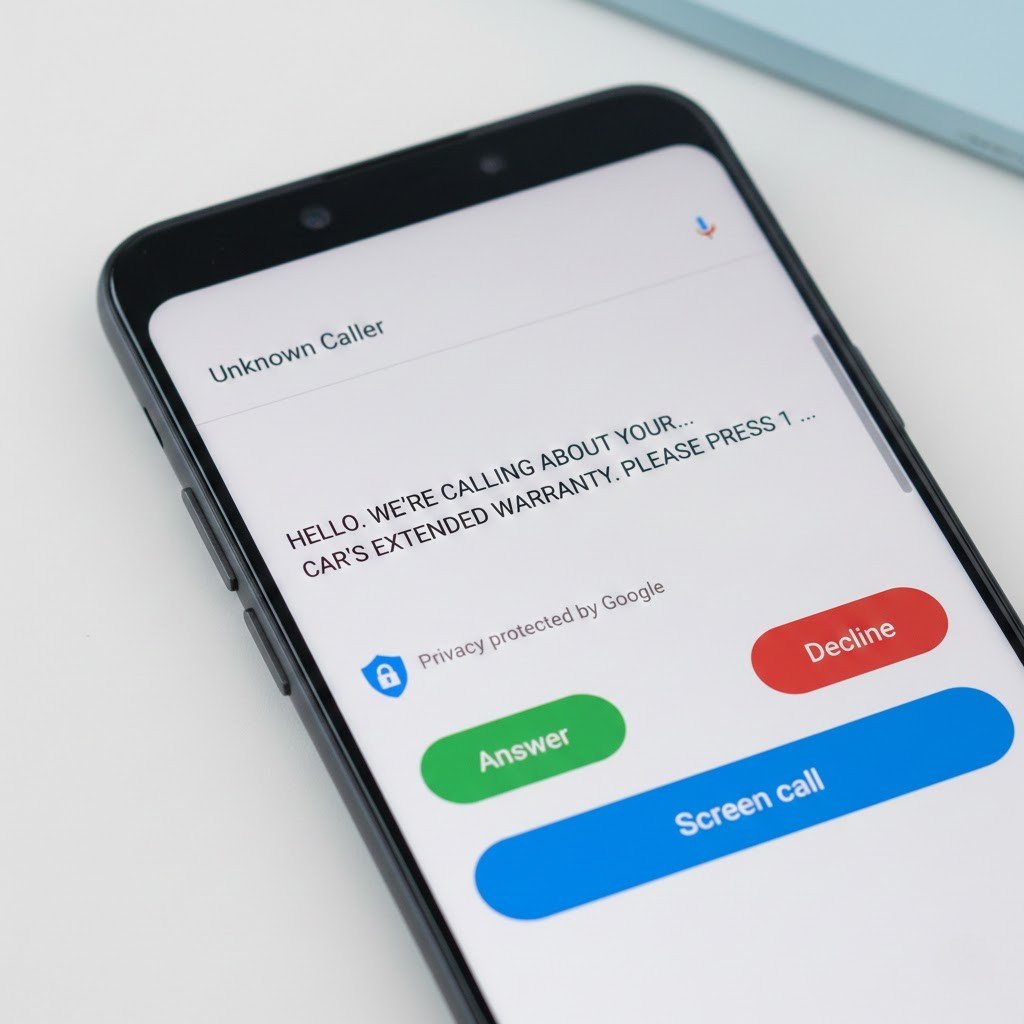
Call Screening filters unknown callers by asking them to identify themselves. It reduces interruptions and provides greater control over incoming calls without blocking important contacts.
