Email feels private, but some settings can quietly share your personal information without you realizing it. Many people turn on helpful features and forget about them later. One very common email setting can forward messages elsewhere and expose sensitive data. Understanding this setting helps you stay safe and in control of your inbox.
Automatic Email Forwarding
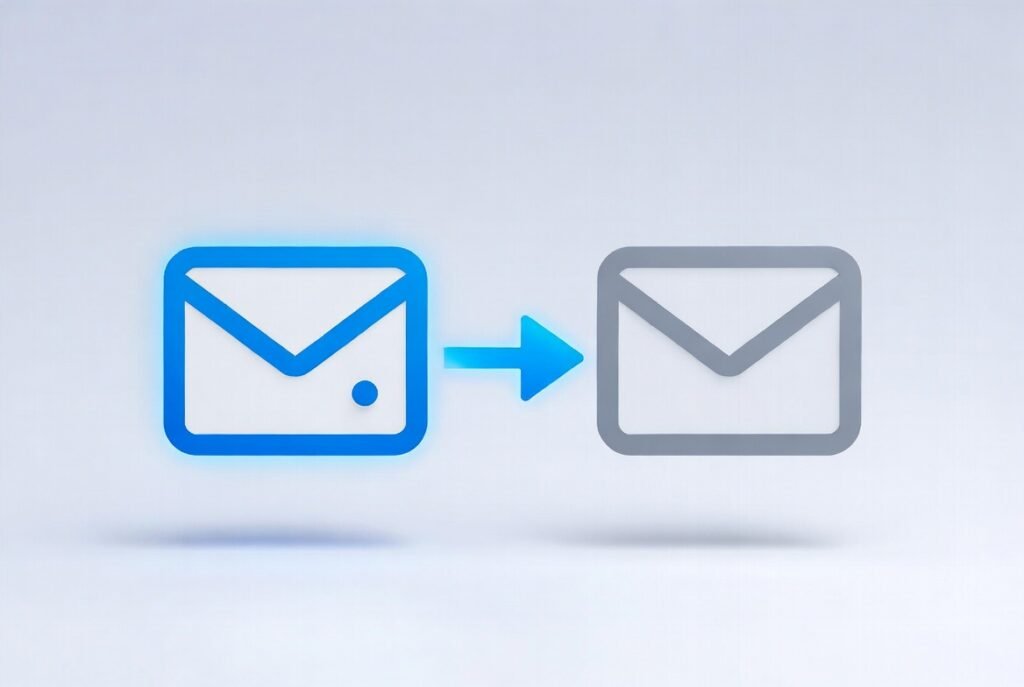
Automatic forwarding sends copies of your emails to another address. People often set it up for work or convenience. Over time, it can be forgotten and continue sending private messages without notice.
Why This Can Be Risky
Forwarded emails may include personal details like passwords, bank alerts or private conversations. If the other inbox is not secure, this information can be seen by someone else without your knowledge.
Old Email Addresses Increase the Risk
Many people forward emails to old accounts they no longer check often. These accounts may have weak security. This makes personal data easier to access if that account is compromised.
Work and Personal Emails Can Mix

Some users forward work emails to personal inboxes. This can expose sensitive work information. It may also break company privacy rules without meaning to.
Forwarding Can Be Set by Accident
Sometimes forwarding is turned on while testing settings or during setup. Because emails still arrive normally, people may not notice that copies are going elsewhere.
Check If Forwarding Is On
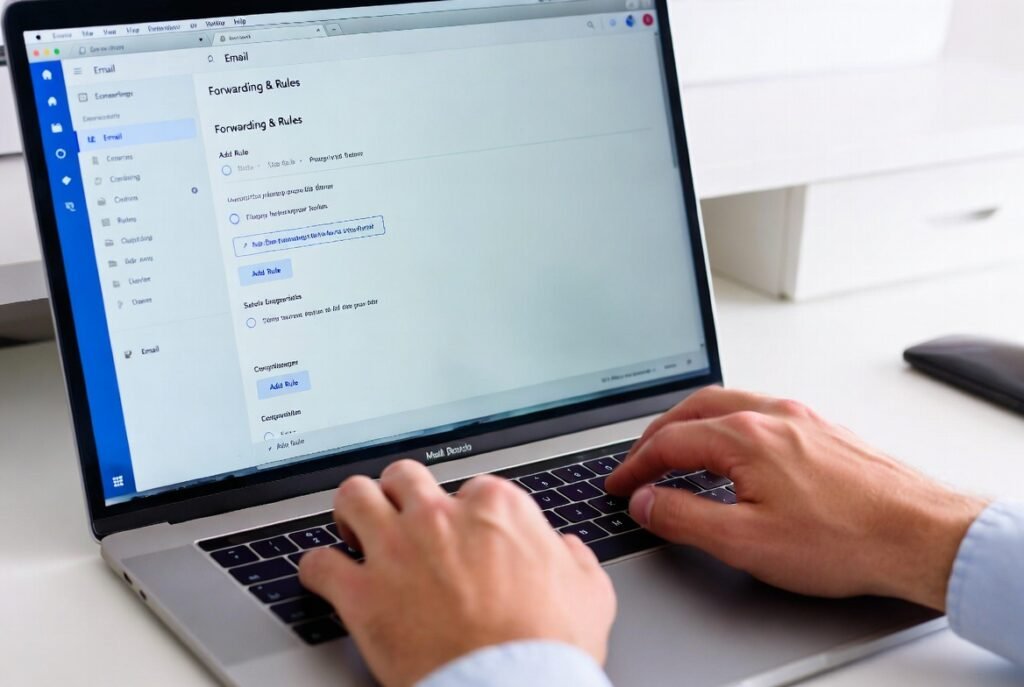
Open your email settings and look for forwarding or rules. Check if any messages are sent automatically to another address. This only takes a few minutes but is very important.
Rules and Filters Matter
Email rules can also move or send messages automatically. Some rules forward emails silently. Reviewing all rules helps make sure nothing unexpected is happening.
Find Forwarding Enabled
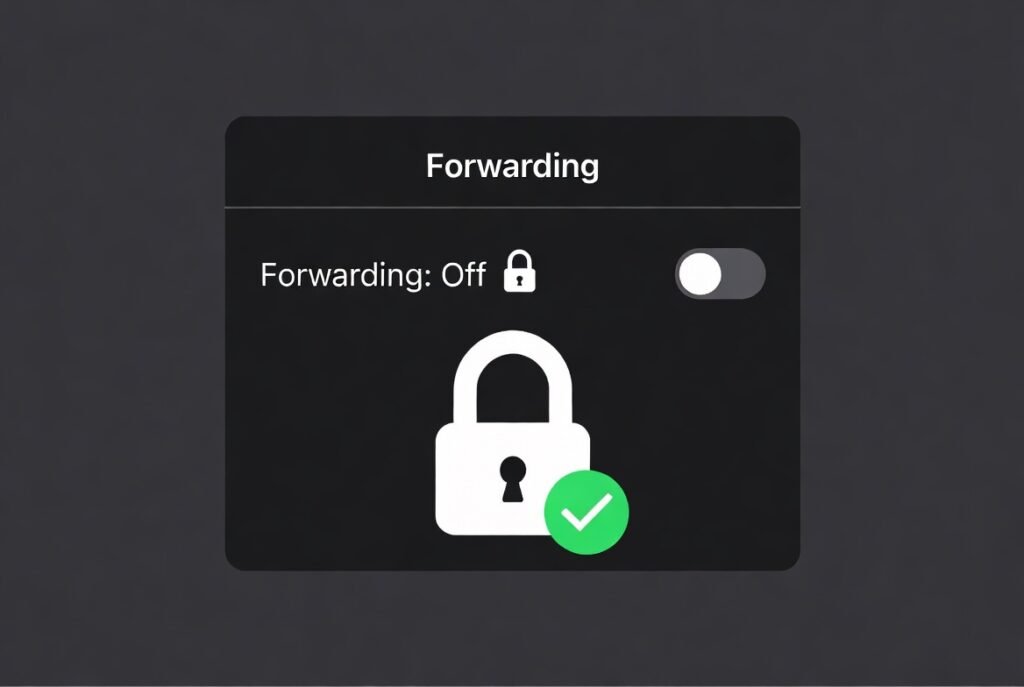
Turn it off unless you truly need it. If you still want forwarding, make sure the other account is secure with a strong password and extra protection.
Change Passwords If Needed
If forwarding was on without your knowledge, consider changing your email password. This adds extra safety and helps protect future messages.
A Small Setting With Big Impact
Email forwarding feels harmless, but it can quietly share sensitive data. Checking this setting once in a while helps protect your privacy and keeps personal information where it belongs.
