
The loss and theft of an iPhone may be overwhelming and worrisome: in particular, it concerns personal data on the gadget. It is necessary to act in time to keep your information safe, not abused, and have a higher chance of recovery. Apple offers a range of services that are prebuilt so that one can react to them.
Find My iPhone immediately
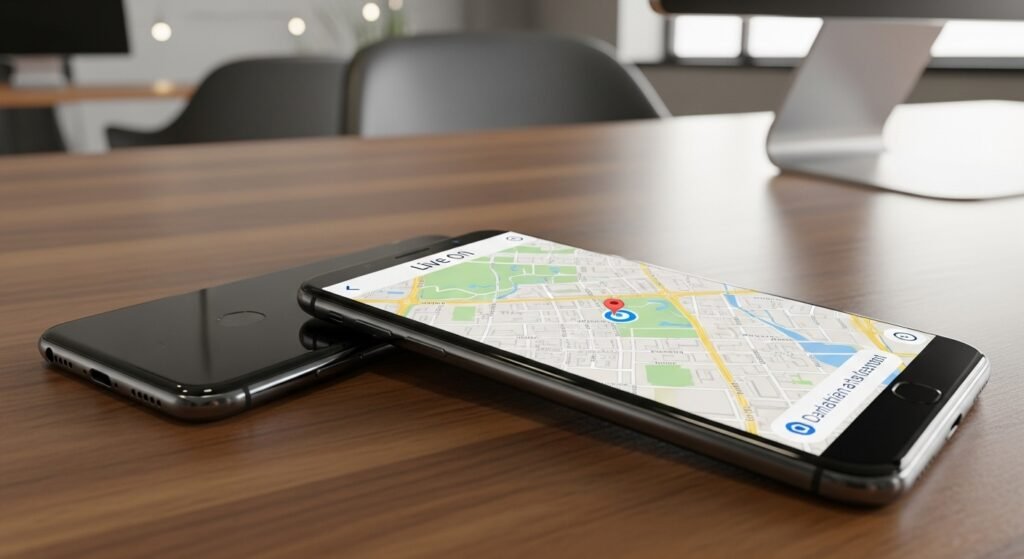
The most significant tool in this case is Find My iPhone. You should enter your Apple ID on a different device and track your phone on the map. This feature displays the last known position and assists in establishing the proximity of the phone, which is either near or distant.
Sound to Find the Device

When the location indicates that the phone is close at hand, then play the sounding option on Find My iPhone. The gadget will ring even when it is in silent mode. This applies well in the event that you lose your phone within your home or office.
The use of secure Linked Accounts and Applications

Your iPhone can be connected to a lot of apps that are related to banking, email or social media accounts. Access such services with another device and update the passwords in case of necessity. Use two-factor authentication where possible. That is minimised by acquiring connected accounts that minimise the chances of identity theft and financial abuse.
Continue Tracking the Location of the Device

Check Find My iPhone regularly to check whether the location is updated. There are occasions when there will be a device that goes out of line and reconnects. The change of locations could be monitored, and this could be used to determine recovery opportunities. Do not try to retrieve the phone by yourself, either, when the place is not safe.
Do Not Reply to Doubtful Messages
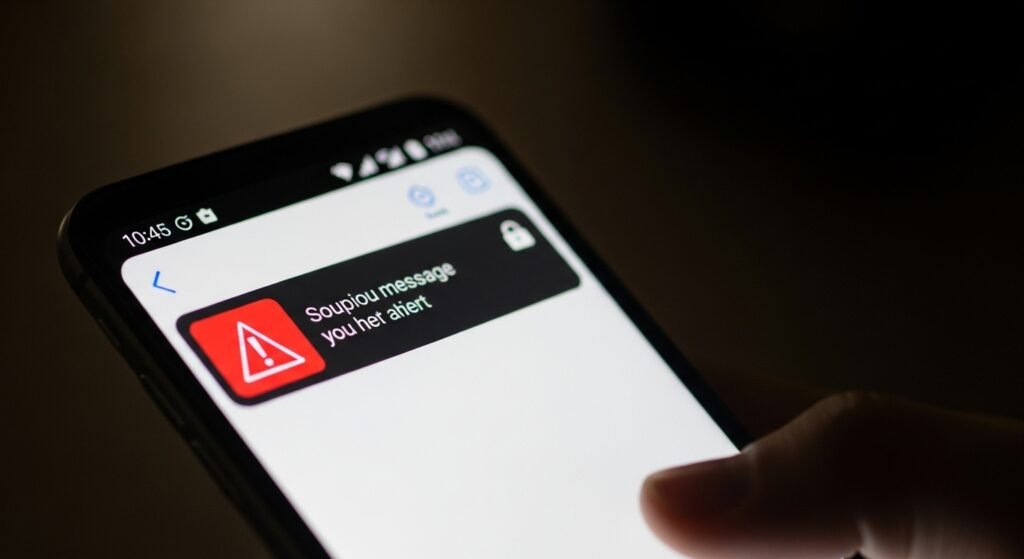
One of the reasons why scammers can write fake messages is that they claim they have located your phone. Such messages usually demand Apple ID information. Do not exchange login and verification codes. Apple is not going to seek such information using messages.
Erase the Device Remotely as required
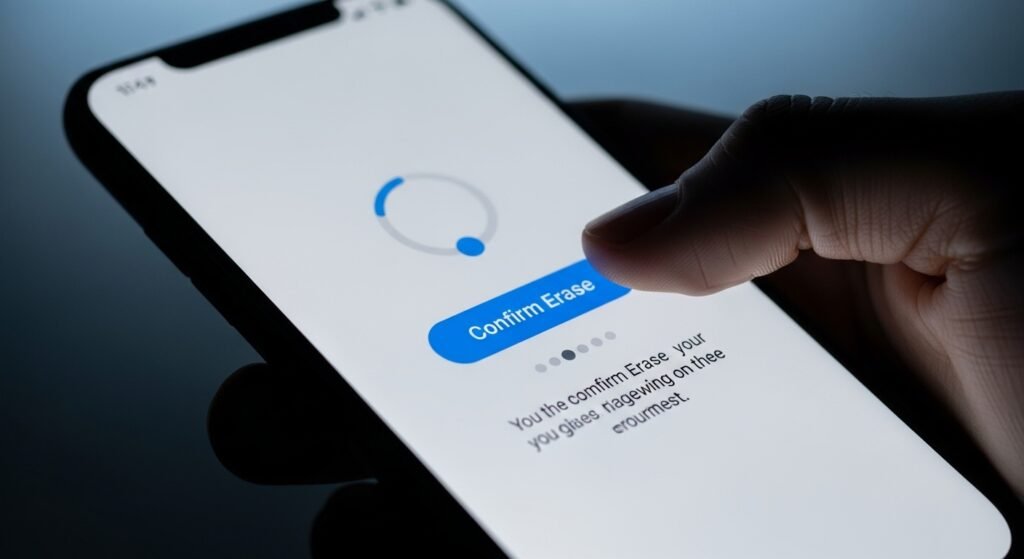
In the Find My iPhone, the option of Erase iPhone should be employed in a case where recovery appears impossible. This erases all personal information on the gadget. It keeps off sensitive information, although one cannot track it later.
Carefully remove the device from the Trusted List

Never withdraw the iPhone without erasing it from your Apple ID account. Removing it before the time of its activation turns Activation Lock off and allows other people to use the device. The maintenance of the connection makes protection alive. Such precaution will secure you as you determine the next move.
Report to Your Contacts where necessary

In case your mobile phone is stolen, send close people to report the loss of your gadget. This can avoid fraud where a person can use your number to commit fraud in your name. Making a plain alert helps to avoid misunderstanding and save people.
Check Insurance/Warranty Coverage

Check your cell phone insurance or buy protection cover. Others have loss or theft protection. Get the necessary documents, like the purchase receipt and the police report. Claiming can be used to get a replacement for the device. Learning what you are covered for is less financial and quicker recovery.
Get Future Properly Defended
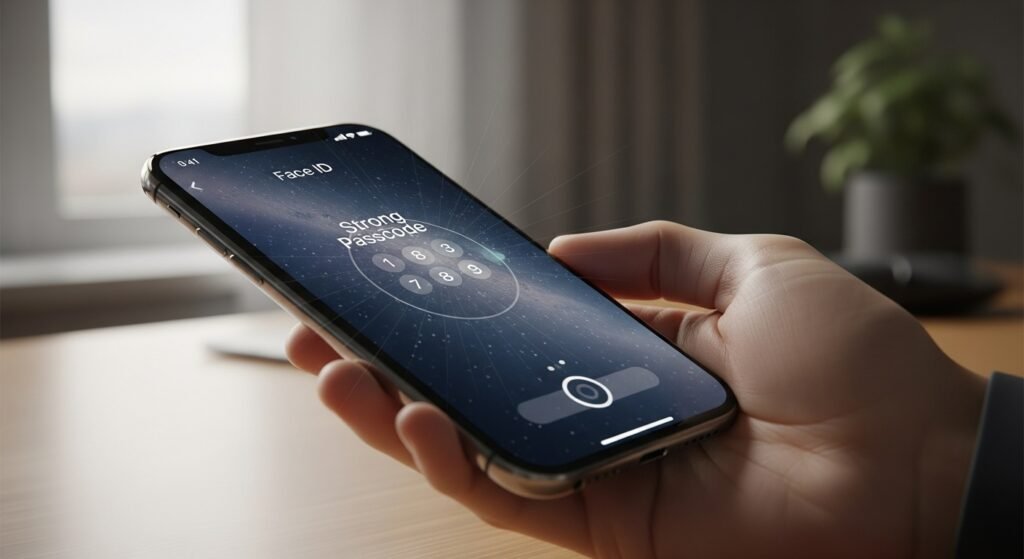
Once the situation is solved, check your security settings. Use difficult passcodes, use Face ID or Touch ID and Find My iPhone should be on. Frequent backups are the guarantee of the safety of data. The experience can teach us to avoid the loss in the future and be more prepared in case of recurrence.
