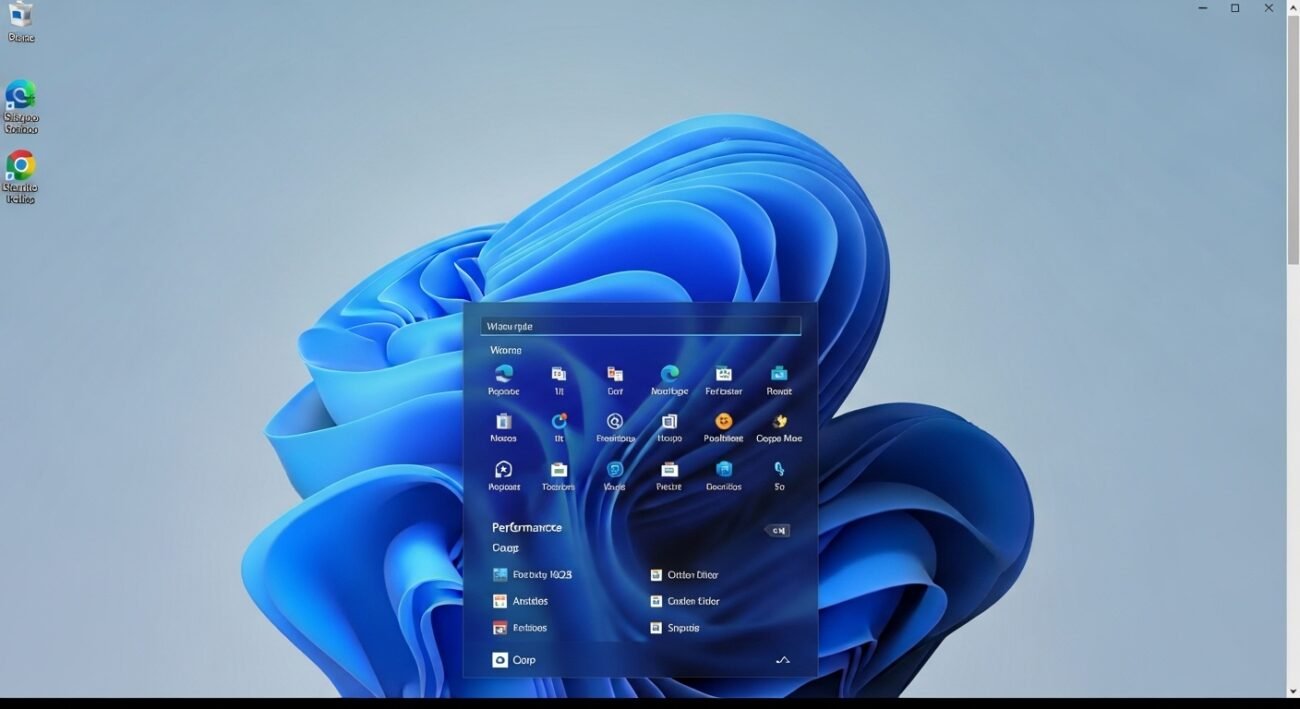
Most folks think wiping browser history erases everything about what they’ve done online. Yet on a Windows machine, bits of web activity hide in spots most never check. Performance tweaks might save these records. Syncing across devices could be another reason – still, each one leaves behind clues someone might find. Knowing exactly where such details pile up – and tossing them out properly – lets you guard your own trail more closely.
Browser Cache and History Files
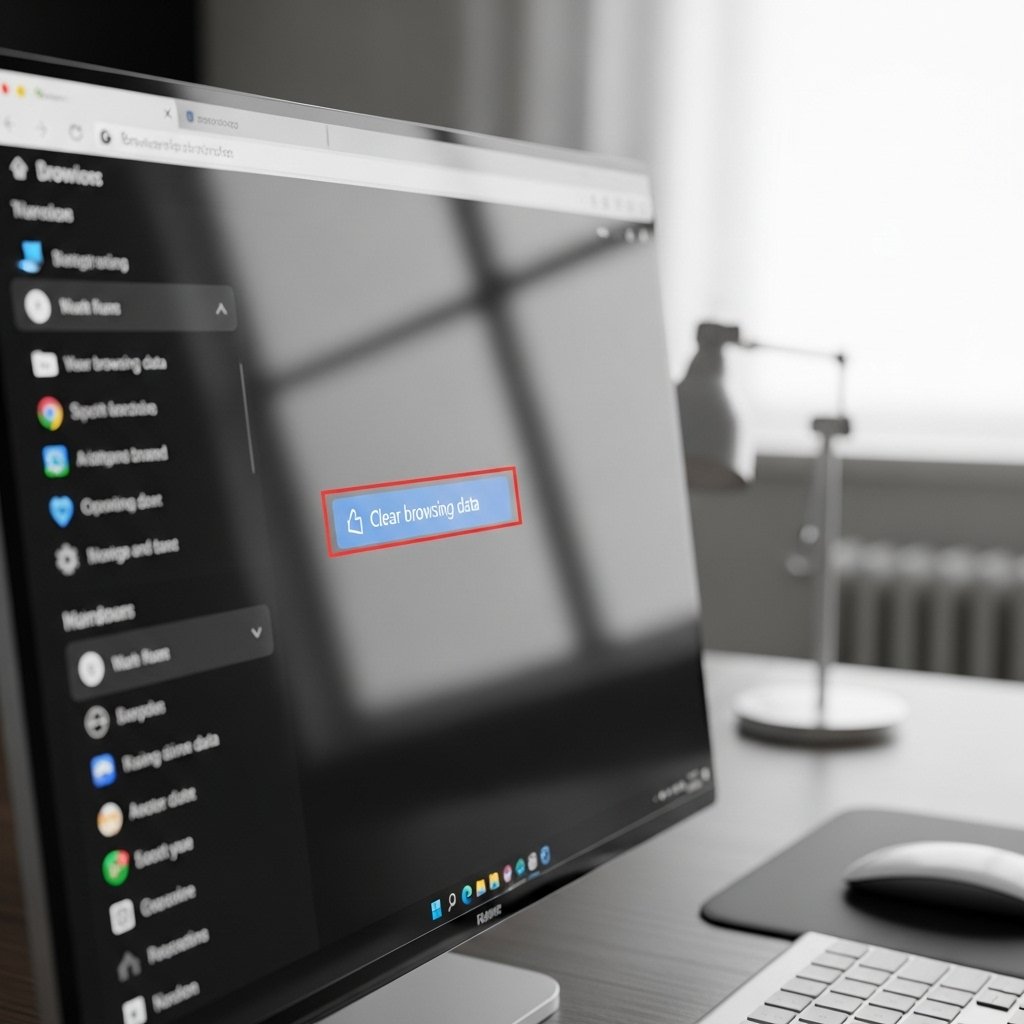
Browsing history piles up – sites you’ve seen, pictures loaded, even hidden bits tucked away. Your web tool keeps these around so things pop quicker next time. Hit the cleanup option under preferences to wipe that trail clean. Every now and then, take a moment. It clears traces others might follow.
DNS Cache Records
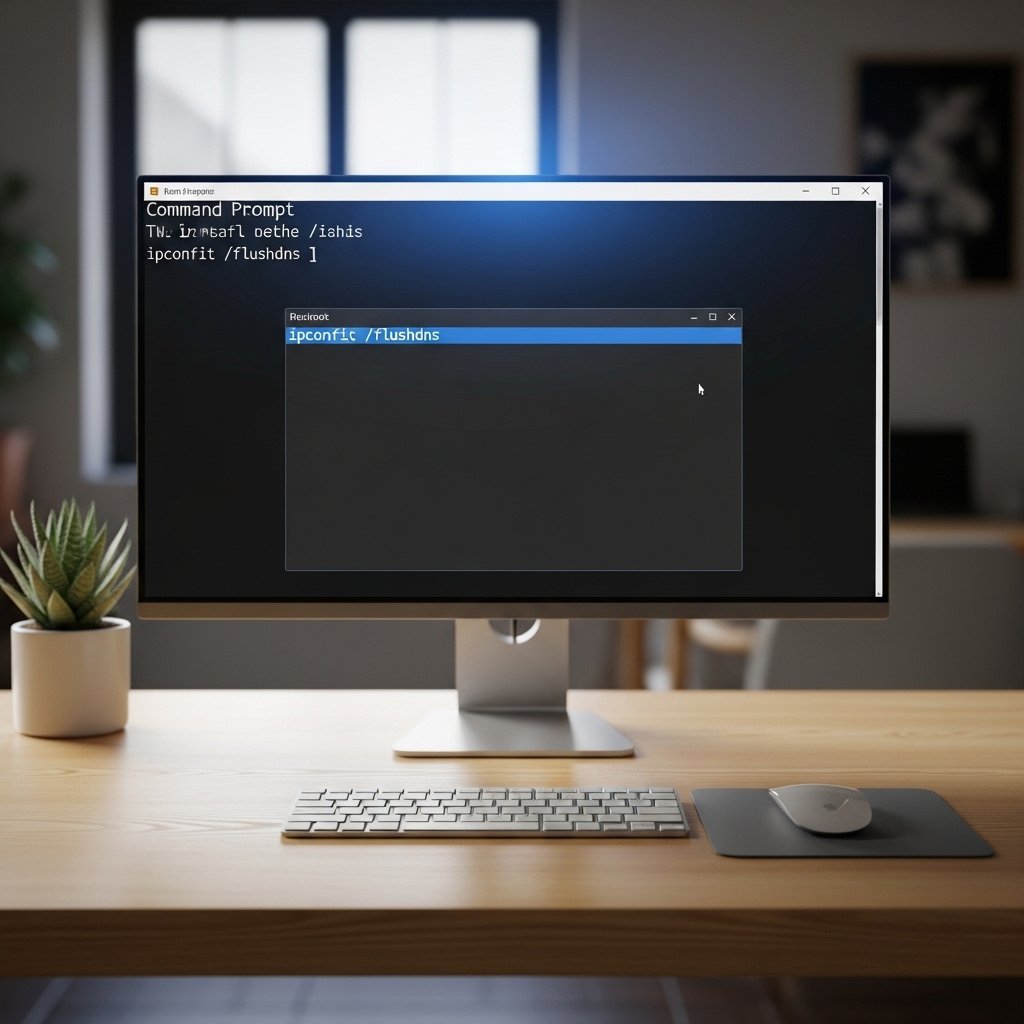
Every so often, Windows saves the addresses you visit inside its DNS memory. To wipe that list clean, open Command Prompt and run a reset instruction. Out goes any leftover signs of sites viewed lately.
Windows Settings Activity History
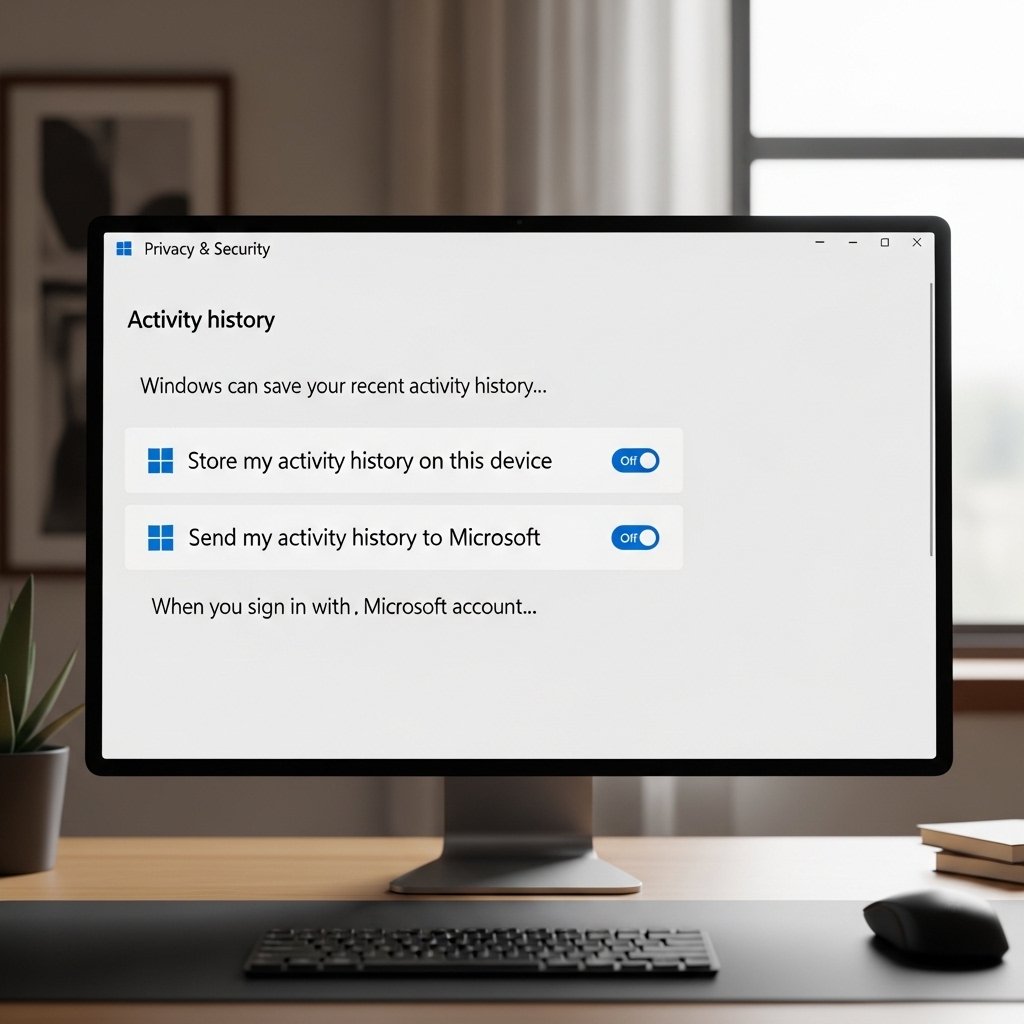
Finding what apps you open often? That data could be saved when settings allow it. Stop it by adjusting controls under Privacy instead. Clear past records there too while changing those options. Tracking slows down once these steps finish.
Temporary Files and System Cache
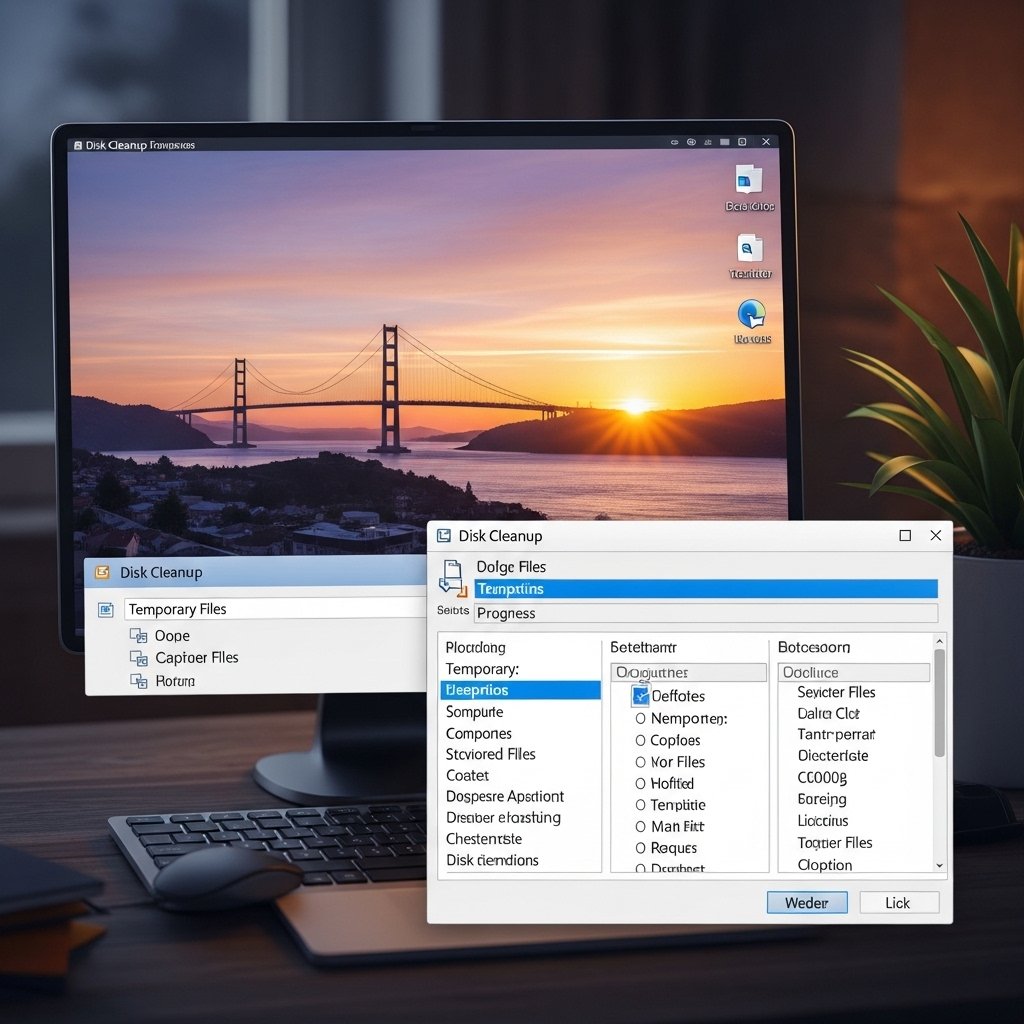
Now here’s a thing – temporary system files often hold bits from your web sessions. Built-in cleanup utilities clear out that clutter, mostly without fuss. Performance gets better after they’re gone, usually noticeable within minutes.
Search Index Data
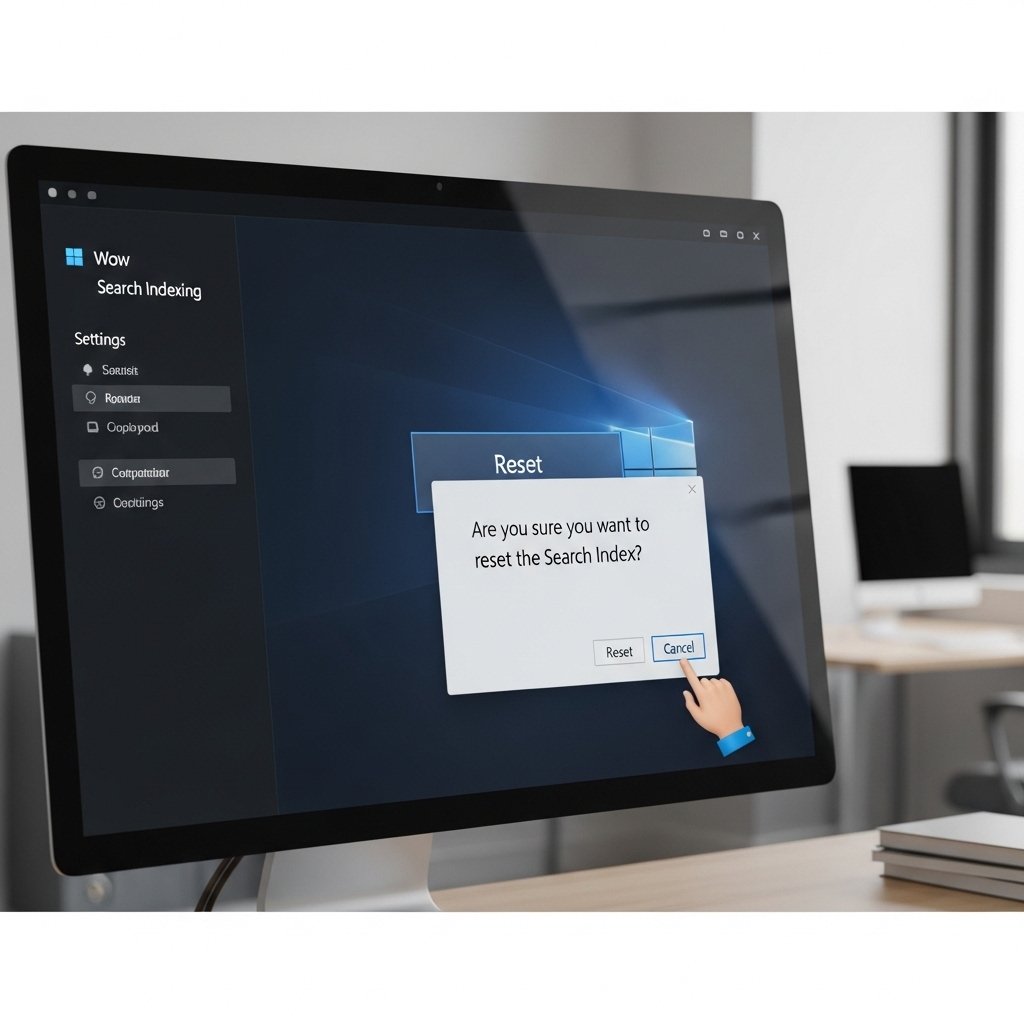
A fresh start for Windows search means old paths get wiped clean. When the system reorganizes its list, bits of past browsing vanish. Old footprints fade as new structure takes place. Traces left behind during searches disappear with a reset.
Microsoft Account Sync Data
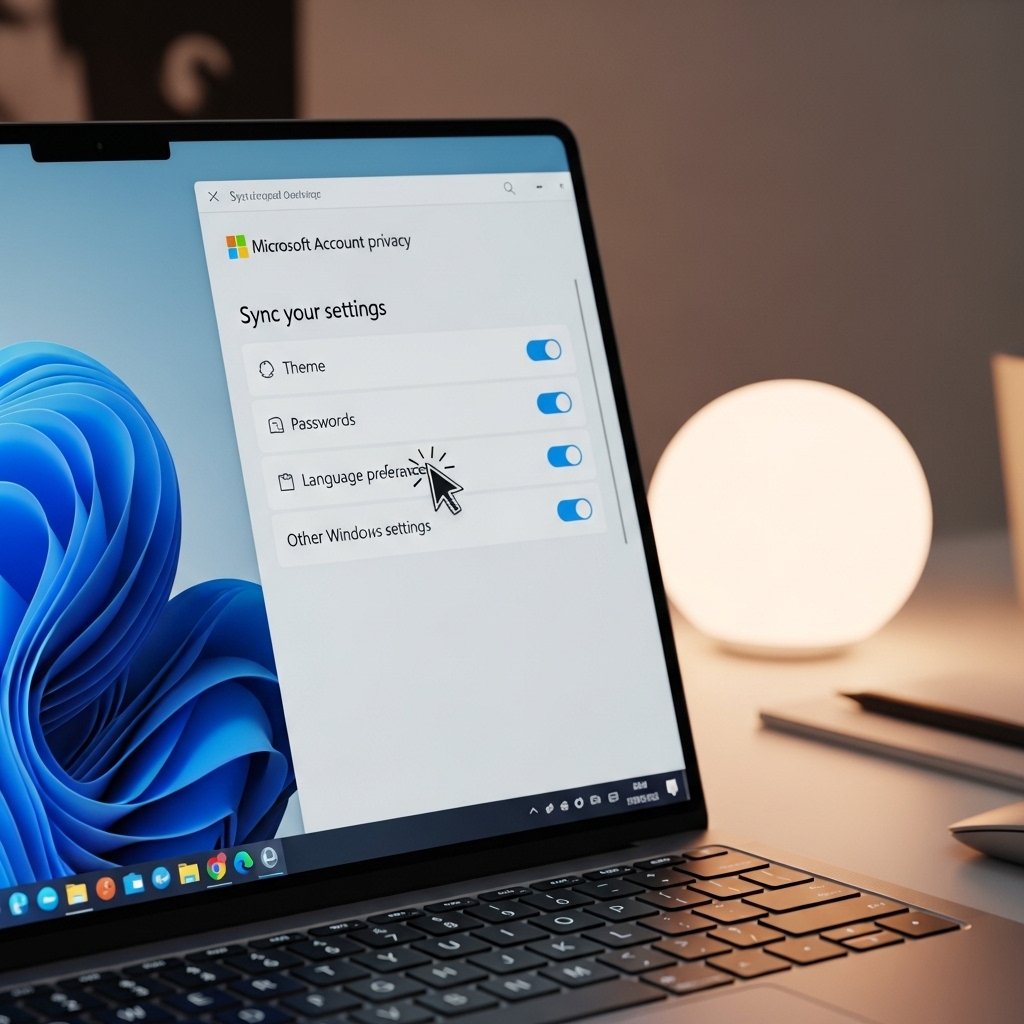
When signing in with a Microsoft account, info like browsing history might move between gadgets. Changing options through the website gives control over what stays or goes. That way everything lines up the same everywhere.
Browser autofill saved data
Browsing habits often show up in saved forms, logins, or past searches. From the browser menu, wiping autofill clears those traces. Security gets a quiet boost when old data vanishes.
Event Viewer Logs
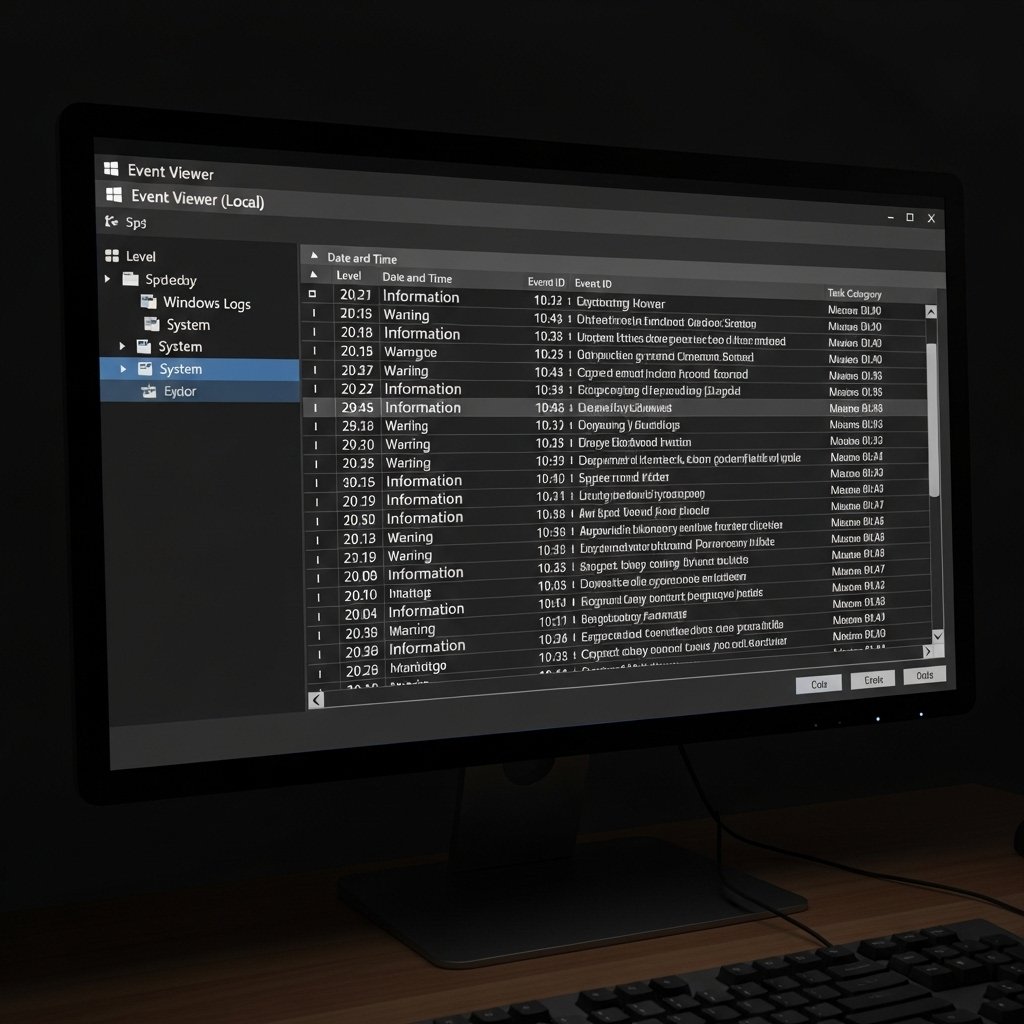
One way to find signs of what a computer has done is checking Windows Event Viewer – it keeps notes on system and app actions. Though it does not log web visits straight up, clues might still show up there. When those logs get wiped, whatever was saved goes away too.
Third Party Apps Store User Data
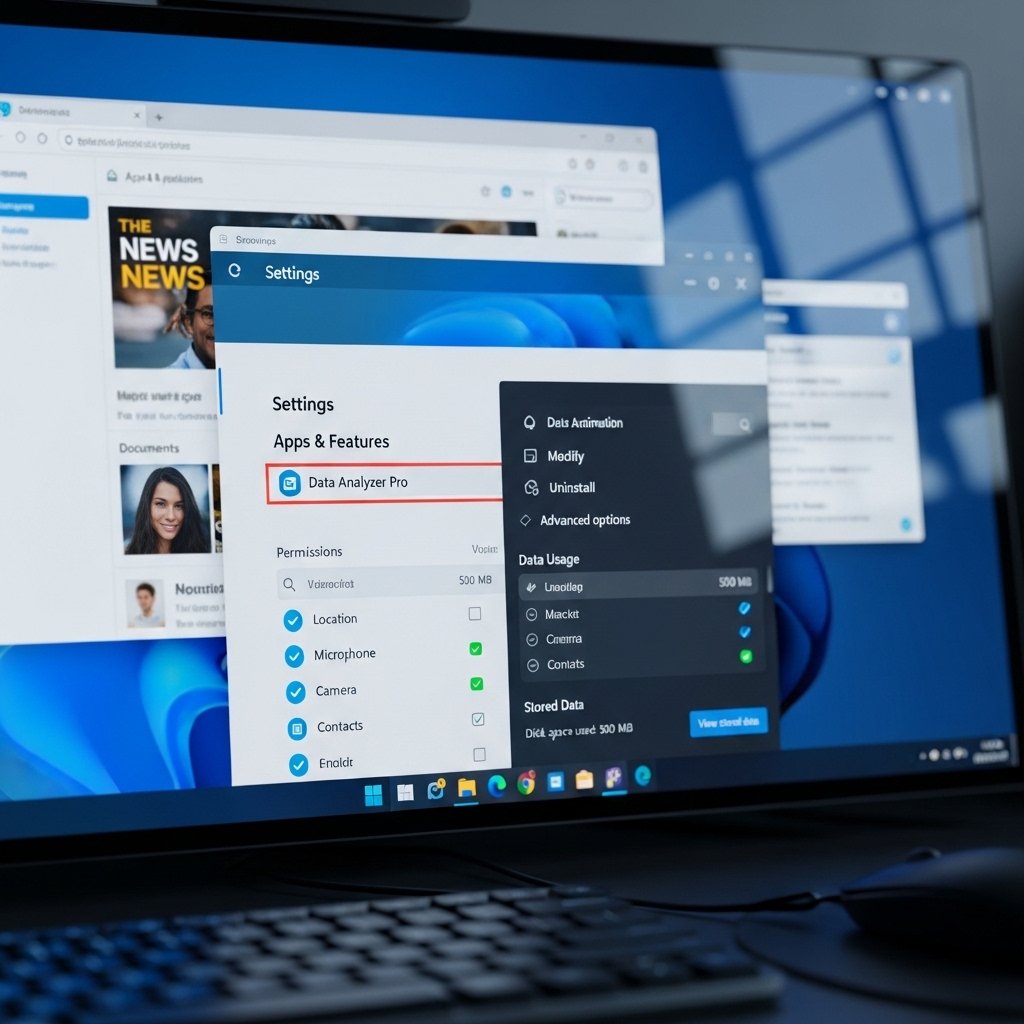
A few programs keep track of your online visits without telling you. To wipe out those records, take a moment to go through and reset what each one holds. People who care about staying private should make this routine.
