
Smartphones hold personal conversations, work emails, photos and the rhythms of day-to-day life. A great deal of people install apps without a second thought about permissions. Over time, some apps gain access far beyond their real purpose. They may track location, read messages, or record activity silently. This does not always mean criminal intent, but it does raise privacy concerns. Older phones often carry forgotten apps that still run in the background. Regular checks are important for digital safety. Understanding which apps deserve attention helps protect personal data. Awareness reduces unnecessary exposure. A careful review today can prevent problems later. Small steps make mobile use more secure and controlled.
Hidden Tracker Apps

Hidden tracker apps often disguise themselves as utilities. They can run quietly and collect location data. Many are installed during phone setup or repairs. Check app lists carefully. Unknown names deserve review and removal.
Unverified Parental Control Apps
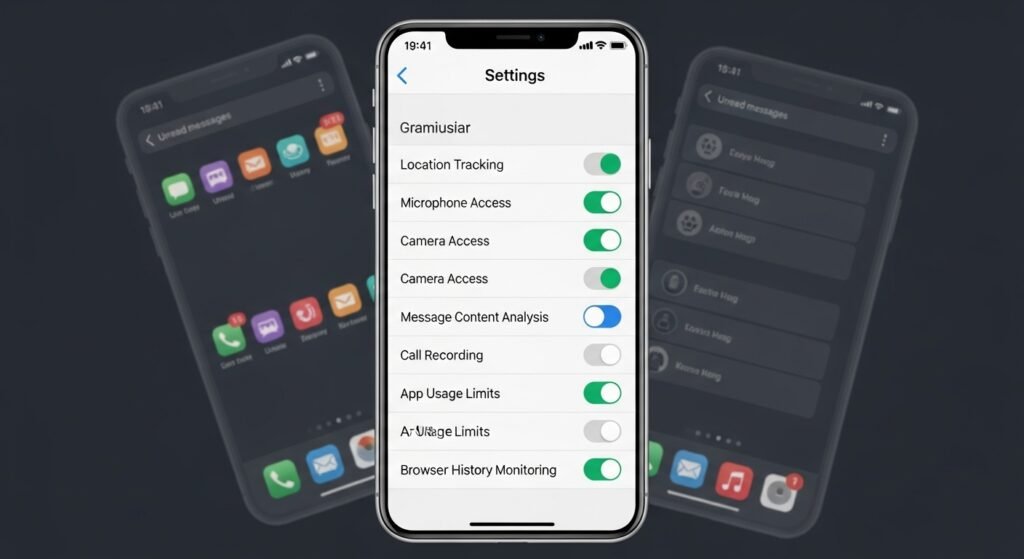
Some parental control apps promise safety but overreach permissions. They may access messages, call logs, and browsing history. When sourced outside trusted stores, risks increase. Only keep apps with clear ownership and transparent privacy policies.
Screen Recording Tools

Screen recording apps can capture on-screen activity continuously. Some run without visible alerts. This exposes messages, banking screens, and emails. If you do not actively use such tools, uninstall them to limit unnecessary data capture.
Keyboard Replacement Apps

Third-party keyboard apps process every word typed. This includes passwords and private messages. Poorly maintained keyboards may store data insecurely. Use default keyboards or well-known providers with strong privacy commitments and regular updates.
File Manager Apps with Excess Permissions
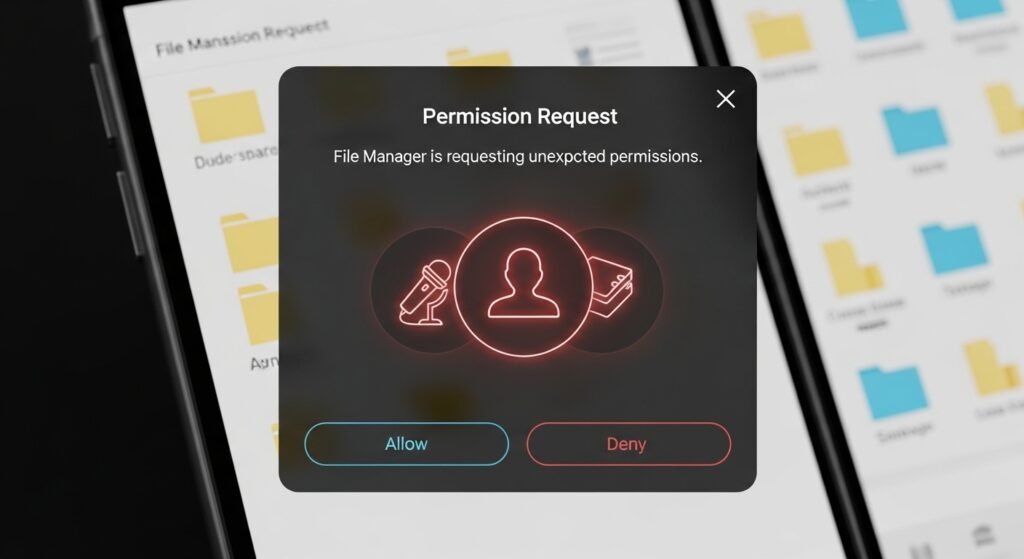
File managers should organise storage, not access contacts or microphones. Excess permissions signal risk. Some collect usage data quietly. Review permission lists carefully. Remove file managers that request access unrelated to their core function.
Free VPN Apps

Free VPN apps often compensate through data collection. Some log browsing activity or share data with partners. This defeats privacy goals. Choose reputable services with clear policies. Remove VPNs that lack transparency or regular security updates.
Remote Access Apps

Remote access apps allow control from another device. They are useful for support, but risky if forgotten. If left active, they permit monitoring. Uninstall any remote access tool no longer required for work or assistance.
Social Media Companion Apps

Companion apps promise analytics or profile insights. Many request broad permissions. They can monitor activity patterns across platforms. Stick to official apps only. Remove add-ons that are not directly provided by the platform.
Flashlight Apps with Network Access

Flashlight apps need minimal permissions. Network access is unnecessary. Some older versions collected location and usage data. Use built-in flashlight features. Delete third-party flashlight apps that request internet or device data access.
App Cloners
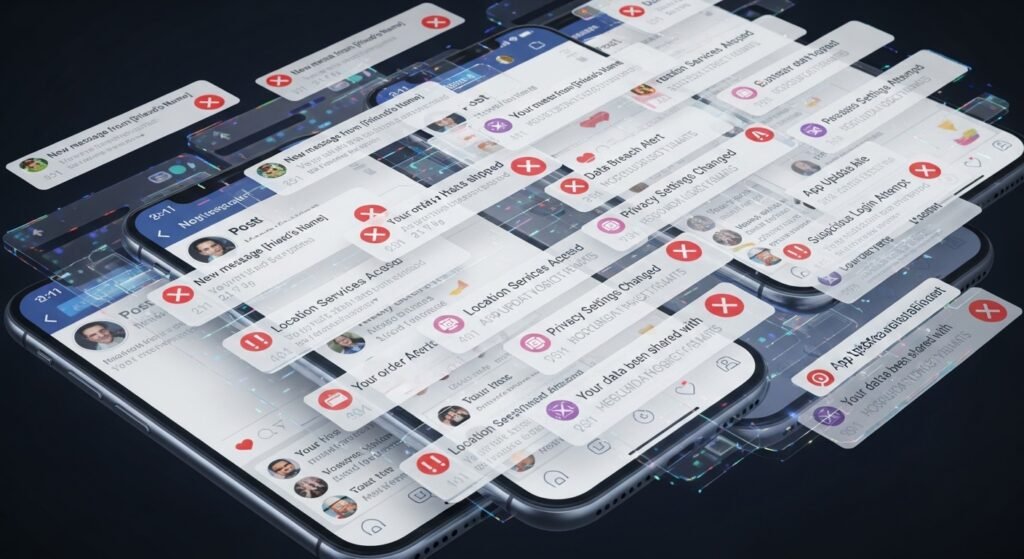
App cloners duplicate applications for multiple accounts. They often access notifications and storage deeply. Poor security practices increase risk. Use system-supported features instead. Remove cloners that lack updates or clear developer information.
Old or Abandoned Apps
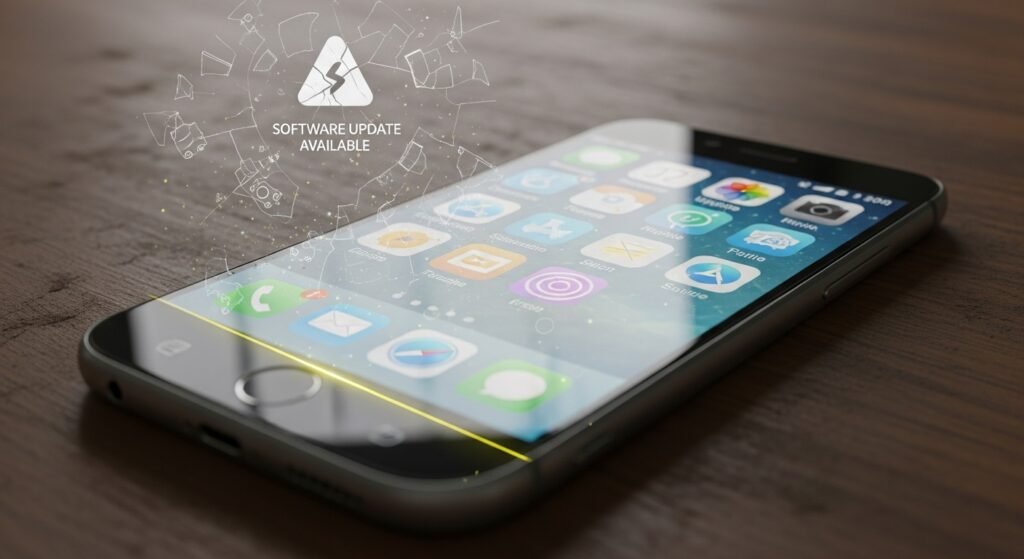
Apps no longer updated may contain security gaps. Developers may stop maintaining privacy standards. These apps still access stored permissions. Review install dates regularly. Remove apps unused for months to reduce silent background activity.
