
Most people type passwords, messages, and private notes every day without much thought. Yet keyboard tracking is a quiet risk in the digital world. It can be a result of malware, unsafe apps or wrongful system configuration. Not to panic, though, just to be aware. Small checks can reveal unusual behaviour early. You do not need advanced technical skills to stay alert. With calm observation and basic habits, you can reduce exposure. This guide explains clear, practical steps to notice warning signs. Each point focuses on simple actions. Together, they keep you in control of what you type and where it goes.
Unusual Device Slowness

Sudden typing delays or system lag can signal hidden background activity. If your device feels slower during simple tasks, especially typing, it deserves attention. Performance drops often appear when unseen programs are running constantly.
Unexpected Pop-Ups
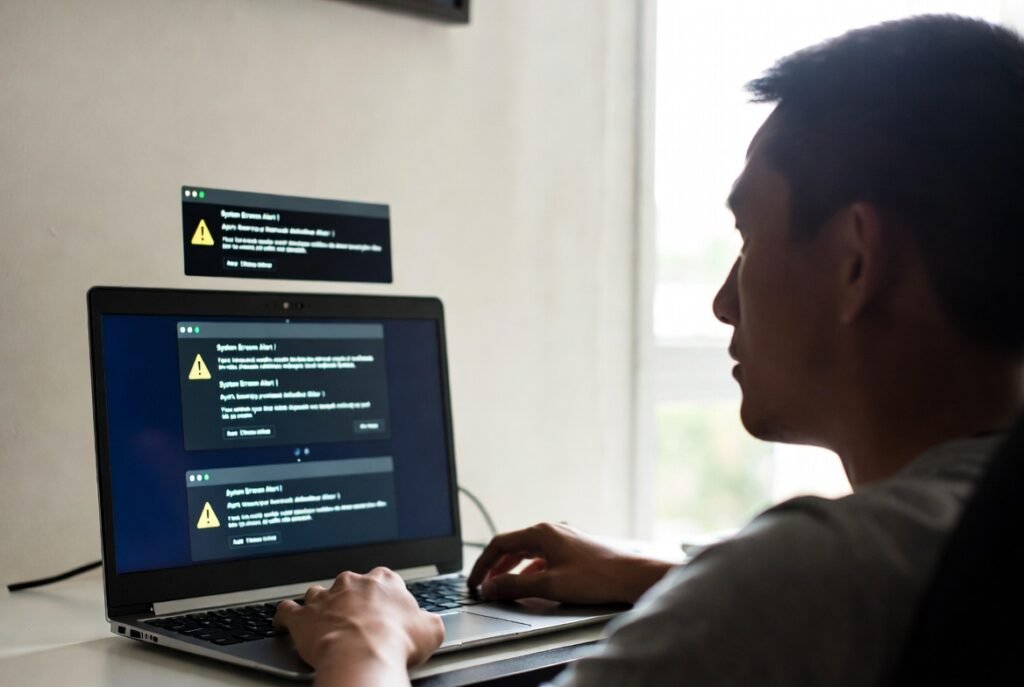
Pop-ups asking for permissions or updates without a clear reason are warning signs. They may appear when typing or opening text fields. Legitimate systems rarely interrupt routine typing without context or explanation.
Unknown Startup Programs

Check which programs start when your device powers on. Tools that load automatically without your approval can monitor activity. A clean startup list should only include software you recognise and actually use.
Changes in Keyboard Behaviour

Keys producing wrong characters or delayed responses can indicate interference. While hardware issues exist, repeated typing irregularities may indicate that software-level monitoring is affecting the normal keyboard input flow.
Unfamiliar Installed Applications

Review installed apps regularly. If you see tools you do not remember adding, take note. Some tracking software hides behind generic names, making periodic reviews important for early detection.
High Background Resource Use

Open system settings and check memory or processor usage. If simple typing coincides with high background activity, something may be working silently. Normal typing should not heavily strain system resources.
Security Software Alerts
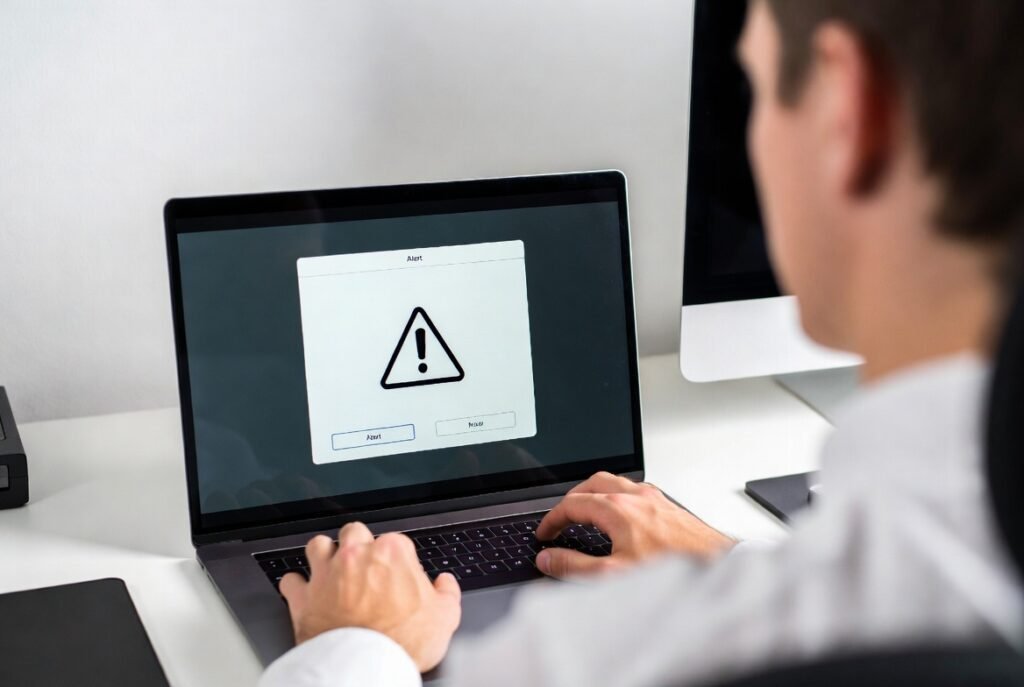
Pay attention to warnings from trusted security tools. Alerts about suspicious input access or behaviour matter. Even low-level notifications can signal attempts to monitor keystrokes indirectly.
Permission Settings Review

Check which apps can access input devices. Some programs request keyboard or accessibility access unnecessarily. Limiting permissions reduces exposure and helps you control which tools can observe typing behaviour.
Browser Extension Audit

Extensions can read typed text on websites. Remove those you no longer use or fully trust. A smaller, well-reviewed extension list lowers the chance of unwanted data collection.
External Device Checks
Public or shared keyboards and USB devices can pose risks. Avoid unfamiliar accessories. Physical devices can record keystrokes without affecting system software, making awareness especially important in shared spaces.
Regular System Updates

Keeping your system updated closes known weaknesses. Updates often fix security gaps that tracking tools exploit. Regular maintenance supports safer typing and reduces silent monitoring risks over time.
