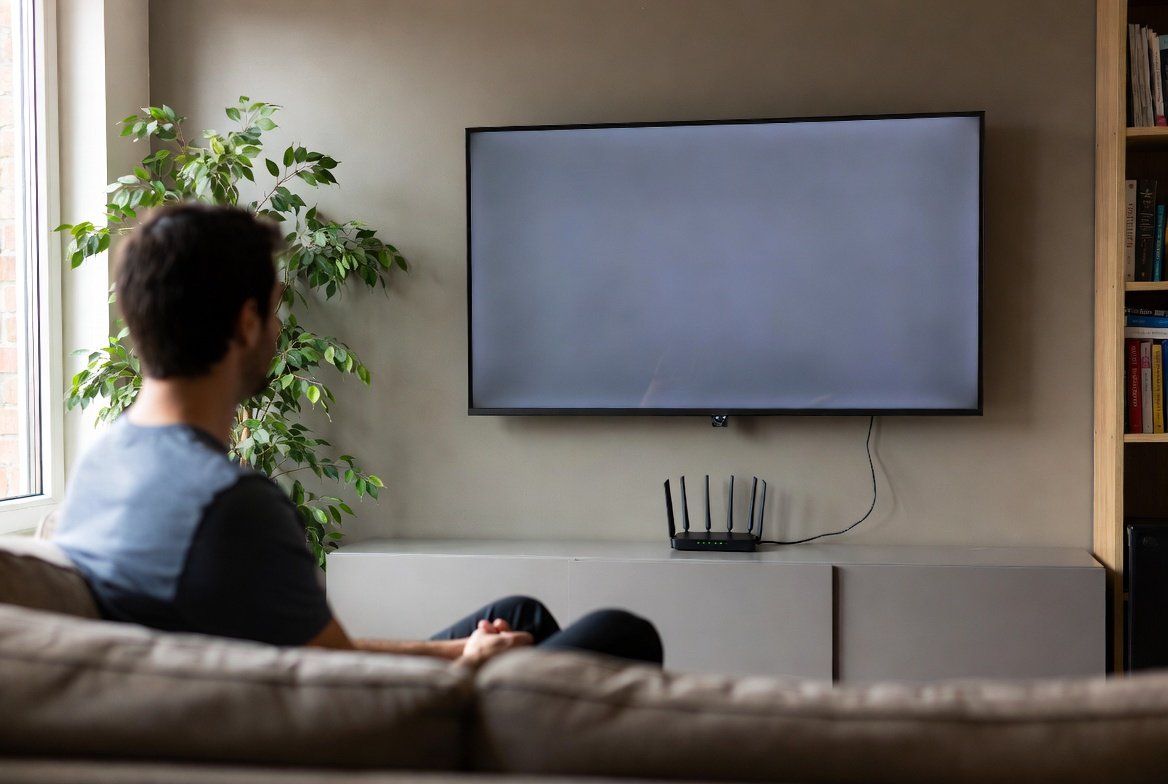
Smart TVs promise convenience. Streaming apps, voice control, and updates feel useful at first. Over time, a constant Wi-Fi connection can quietly create problems. Many users never notice what runs in the background. Data collection, ads, and security gaps often grow with each update. Performance can also change. Some features slow down instead of improving. A television is still meant for viewing, not monitoring habits. Keeping it offline does not remove its core purpose. You can still use external devices for streaming. This simple choice offers more control. It also reduces unnecessary risks inside your home network.
Data Tracking

Smart TVs often track viewing habits. This data may include app usage and watch time. Even menu navigation can be logged. Disconnecting from Wi-Fi limits this silent collection and keeps viewing habits more private.
Targeted Advertising
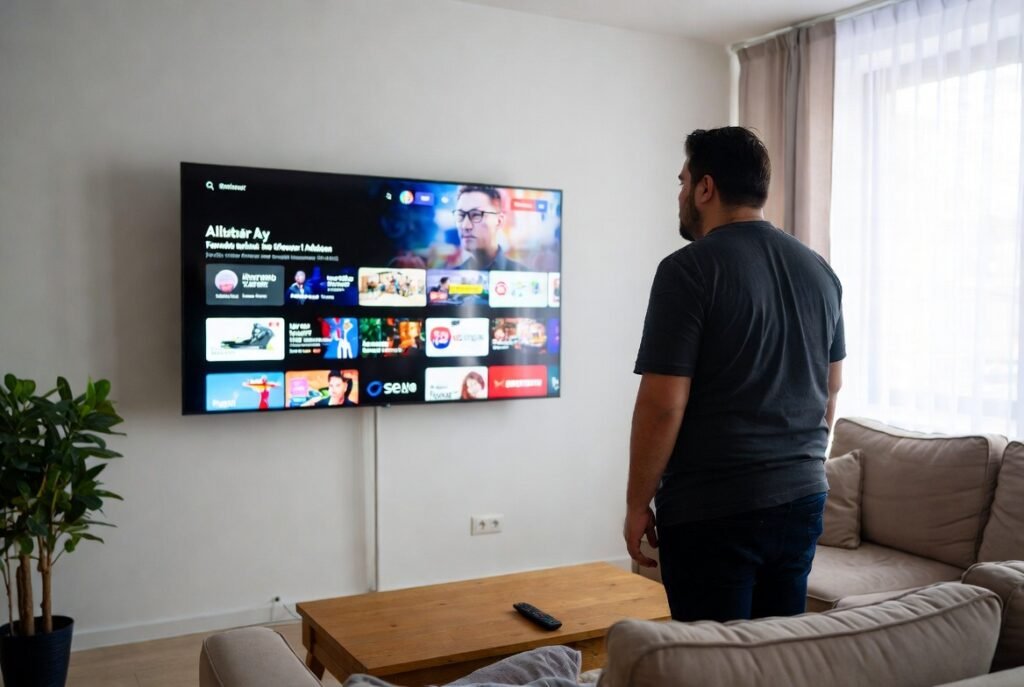
Connected TVs display ads based on user behaviour. These ads appear on home screens and menus. They can feel intrusive. Without internet access, many of these ads stop appearing altogether.
Security Vulnerabilities
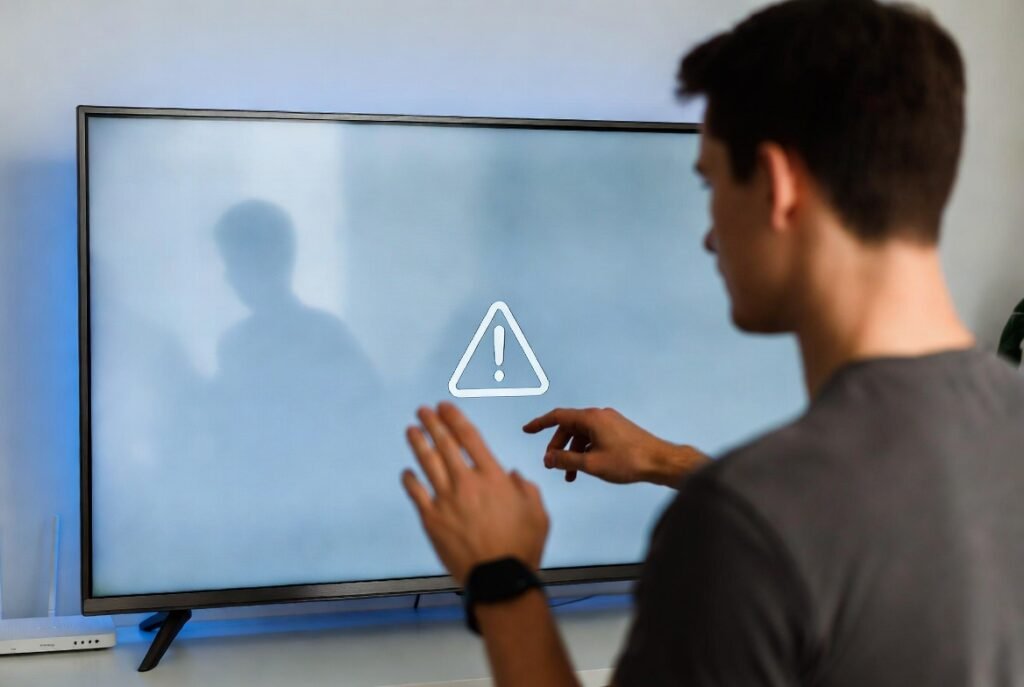
Smart TVs receive fewer security updates than phones or computers. Hackers look for weak devices on home networks. An offline TV reduces exposure to malware and unauthorised access attempts.
Slower Performance
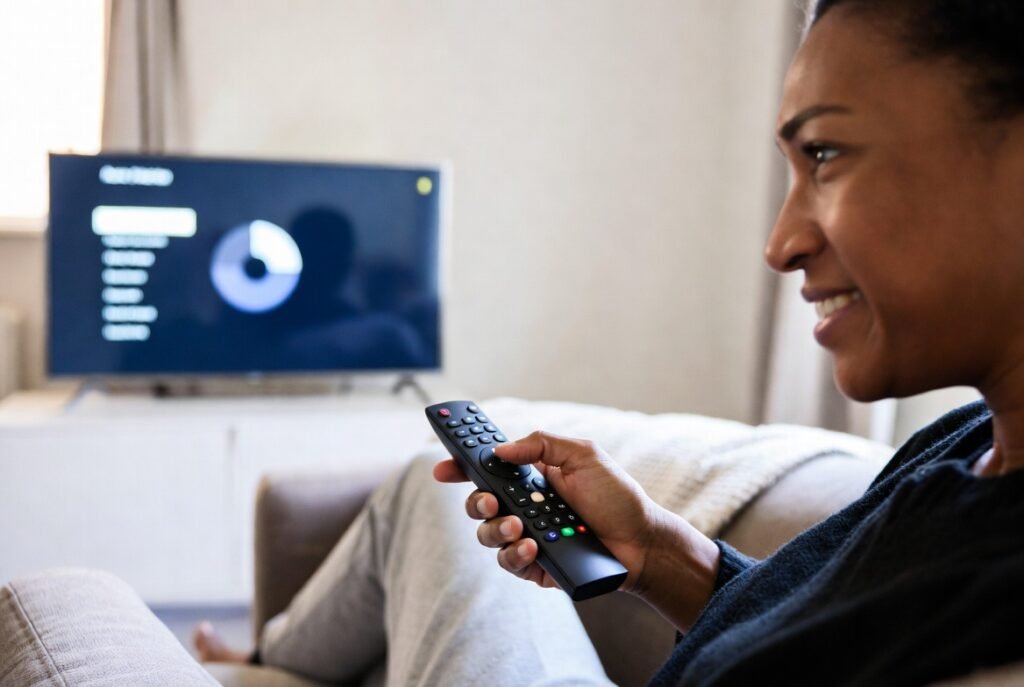
Over time, updates can make smart TVs sluggish. Menus lag, and apps freeze. Background services consume memory. An offline TV focuses only on display, which often feels faster and smoother.
Forced Updates
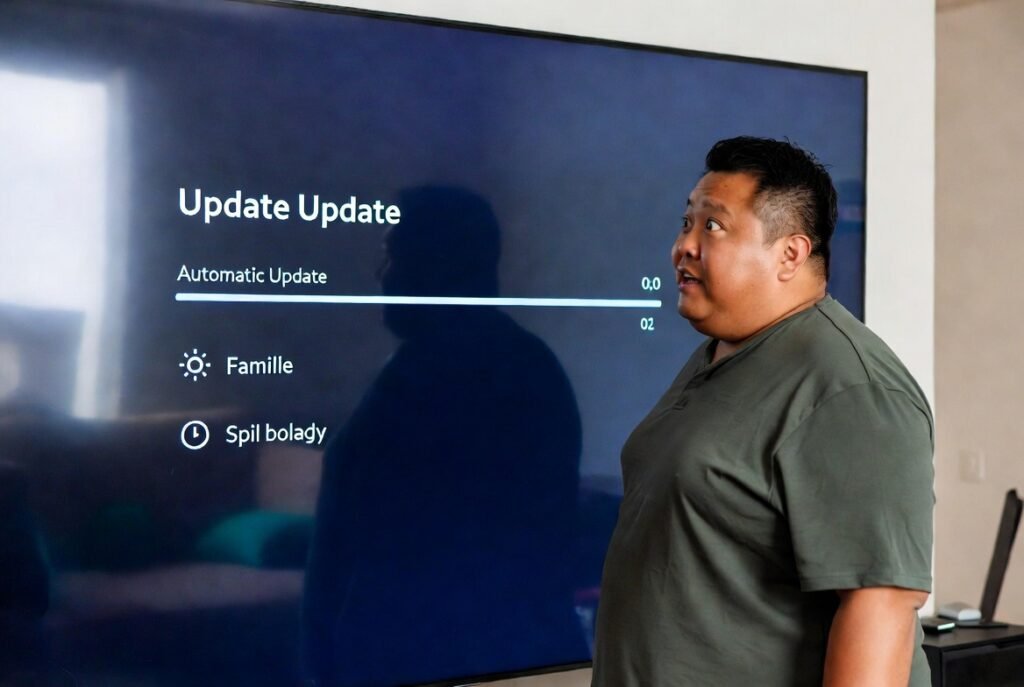
Some updates install automatically. They may change layouts or remove features. Users have little control. Keeping the TV offline prevents unwanted updates and preserves the interface you prefer.
Voice Feature Risks
Many smart TVs include microphones. These support voice commands. They may remain active in standby mode. Disconnecting from Wi-Fi lowers concerns about accidental audio transmission.
App Support Issues
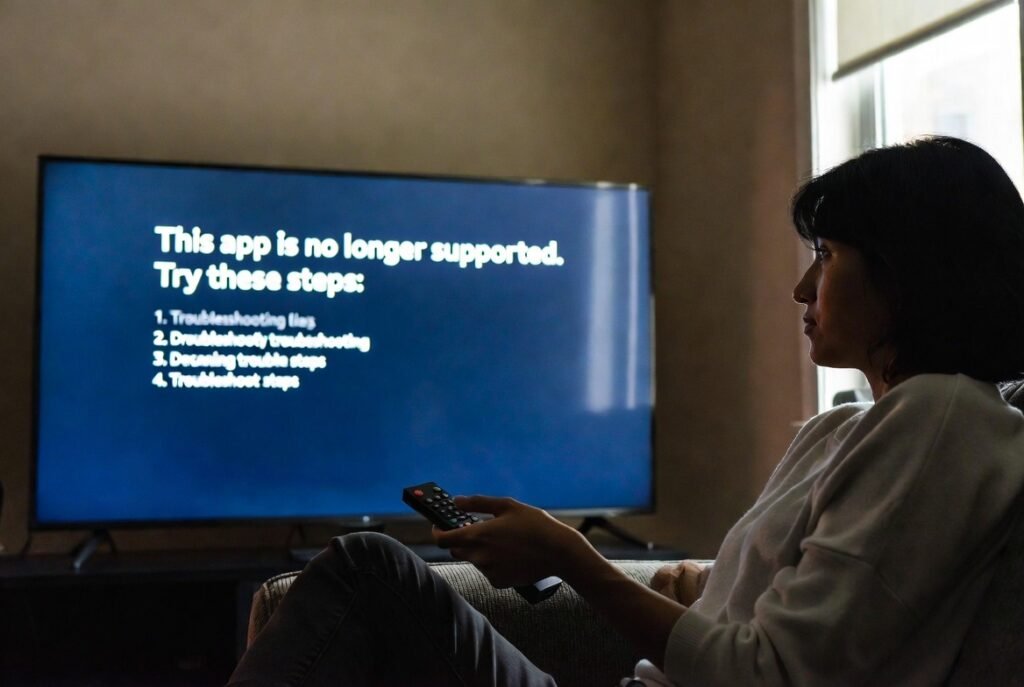
Streaming apps can lose support on older TVs. This causes crashes or errors. External devices update more reliably. Using them instead avoids frustration tied to ageing TV software.
Power Consumption
Connected TVs often stay partially active. Background syncing uses extra power. While small, this adds up over time. An offline TV usually enters a deeper standby state.
Family Privacy

Shared TVs reflect everyone’s habits. Profiles are not always accurate. Recommendations can expose personal interests. Keeping the TV offline avoids mixing viewing data across family members.
Longer Device Life

Smart features age quickly. Screens last much longer. Relying less on built-in software reduces wear on internal processors. This can help the television remain useful for more years.
Simple Alternatives
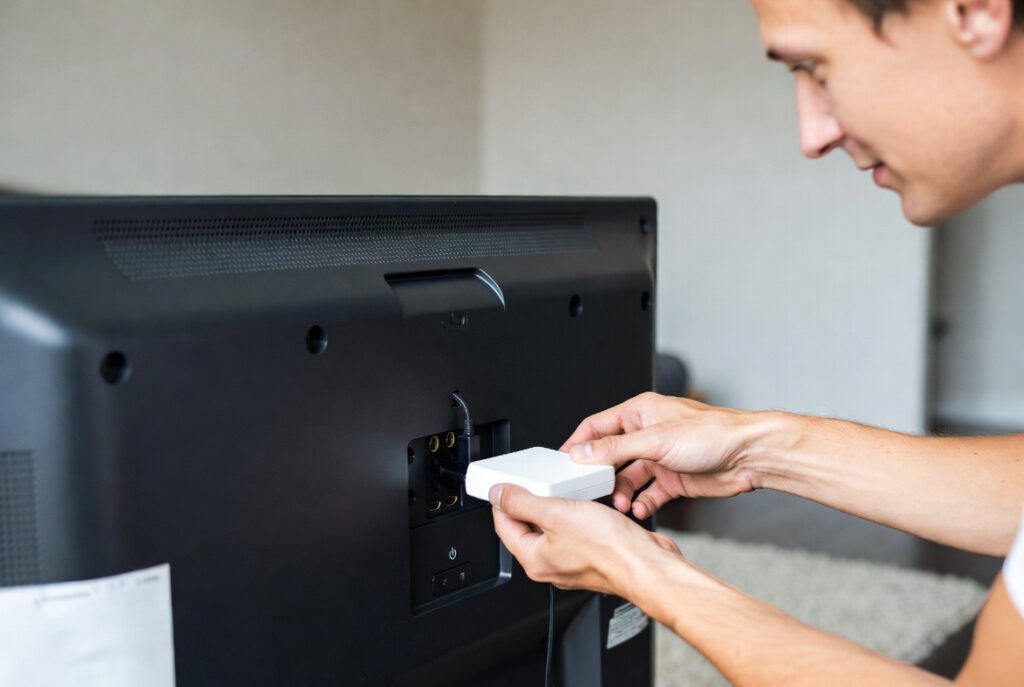
Streaming sticks and set-top boxes are affordable. They offer better updates and controls. You can disconnect the TV and still stream easily. This setup balances convenience with control.
