
The cameras on smartphones have been enhanced silently over the years. Most of the people have a high-powered camera and do not actually utilise it. The good photographs are not regarding costly equipment. They are based on attention, timing and small habits. Filters are less important than light, balance and patience. Even ordinary shots can be enhanced with the help of a couple of changes. These are tips that are concerned with clarity and control. They fit ordinary moments, travelling, and memories of the family. There is no technical background requirement. It is not about perfection but gradual betterment. Through practice, it is possible to obtain a sharp, natural shot with a phone camera that seems to be peaceful, clear and meaningful.
Clean the Lens

Dust and fingerprints are deposited on a phone lens daily. Wipe it off with each shot. A clear lens should add to the sharpness, contrast and colour fidelity, especially in sunlight or indoors.
Use Natural Light

The natural light produces balanced and soft images. Turn the subject towards a window or an open area. Avoid harsh overhead lights. There are no intense shadows because of early morning light and late afternoon light, which makes the light warm.
Hold the Phone Steady

Minor movements diminish clarity. When shooting, use both hands. Arms are kept near the body. In fact, one should pause and hit the shutter button for better results in low light.
Tap to Focus
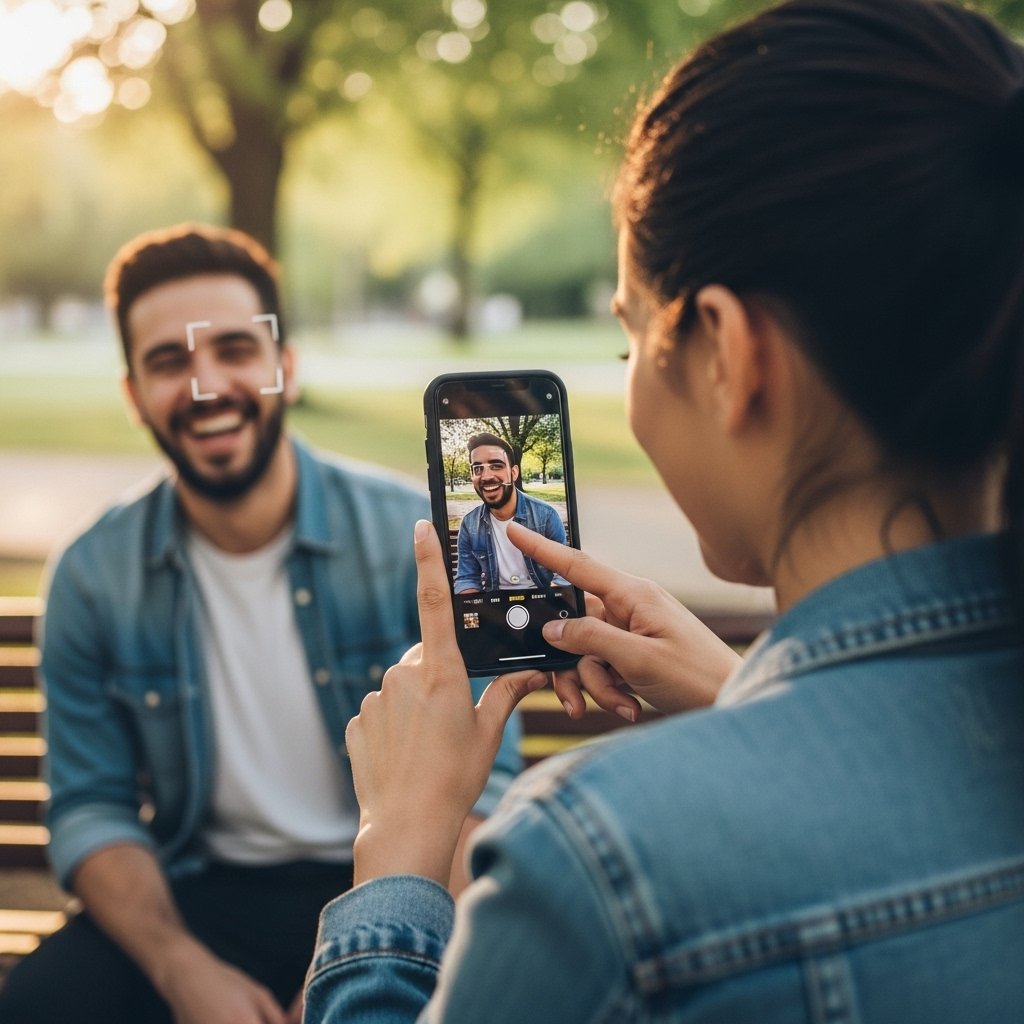
Single-tapping the screen focuses and exposes. Select the primary subject, then work on the photo. The step enhances detail and will avoid blurry faces or faded backgrounds.
Avoid Digital Zoom
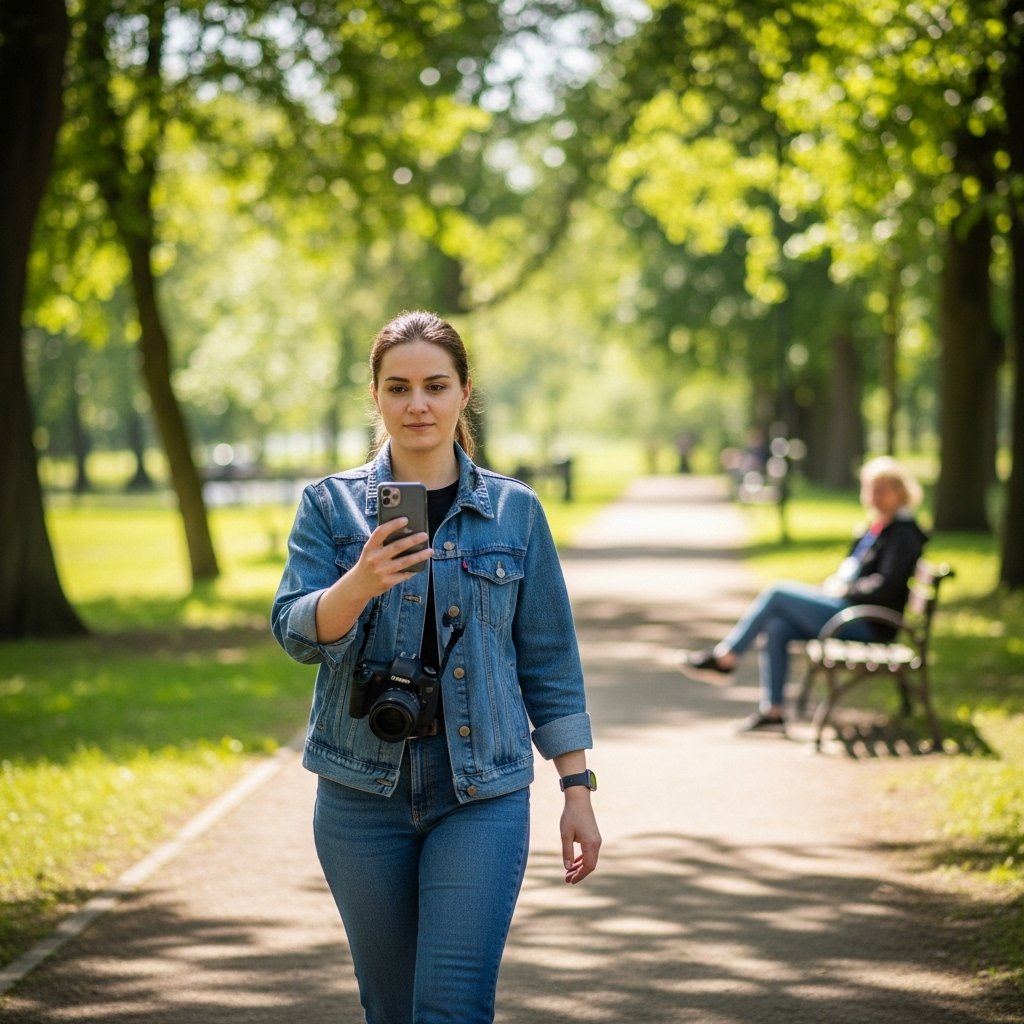
Online Zoom lowers the quality of the image. Get nearer to the topic instead. In case distance is a problem, just take a photo and crop it later with enhanced clarity and detail preservation.
Follow the Rule of Thirds
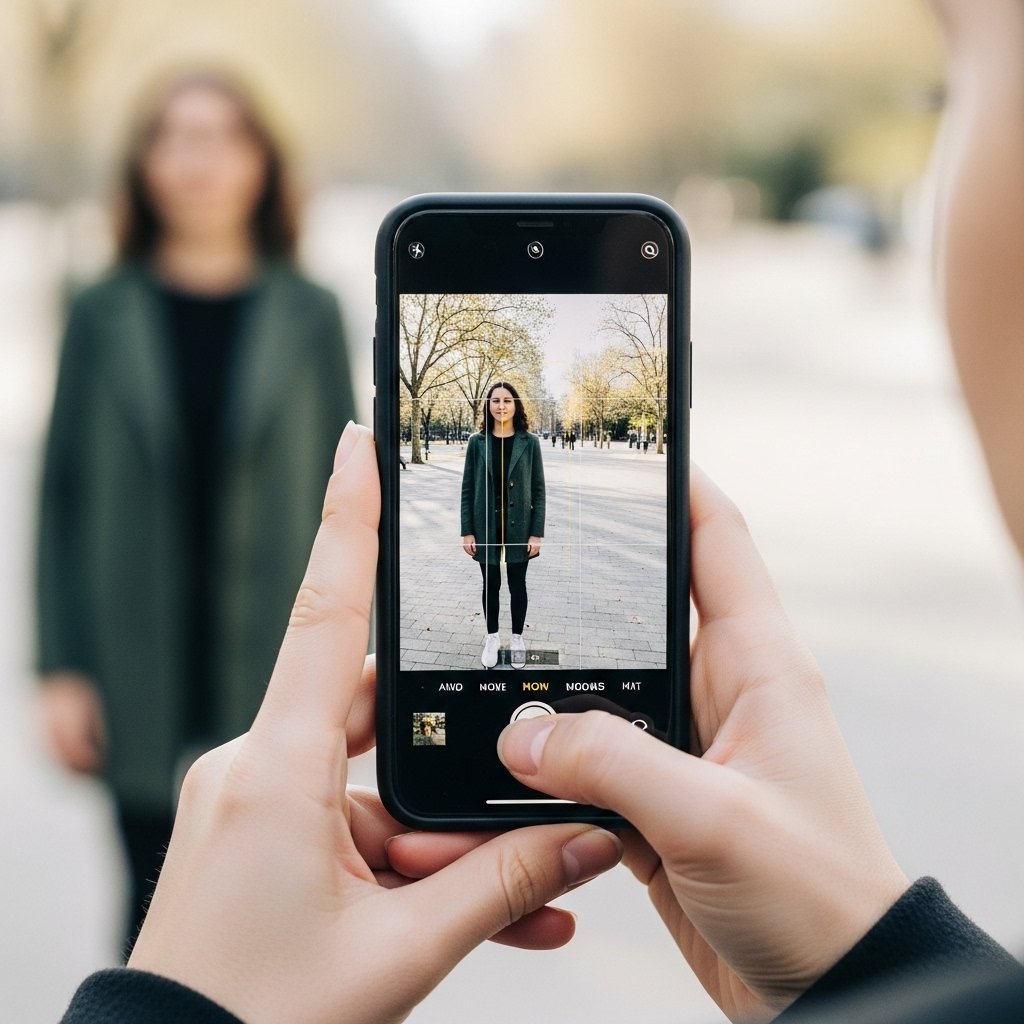
Use the grid setting of the camera. Put the subject matter slightly off. This brings a sense of balance and visual appeal without setting the image in a cluttered and rigid appearance.
Watch the Background
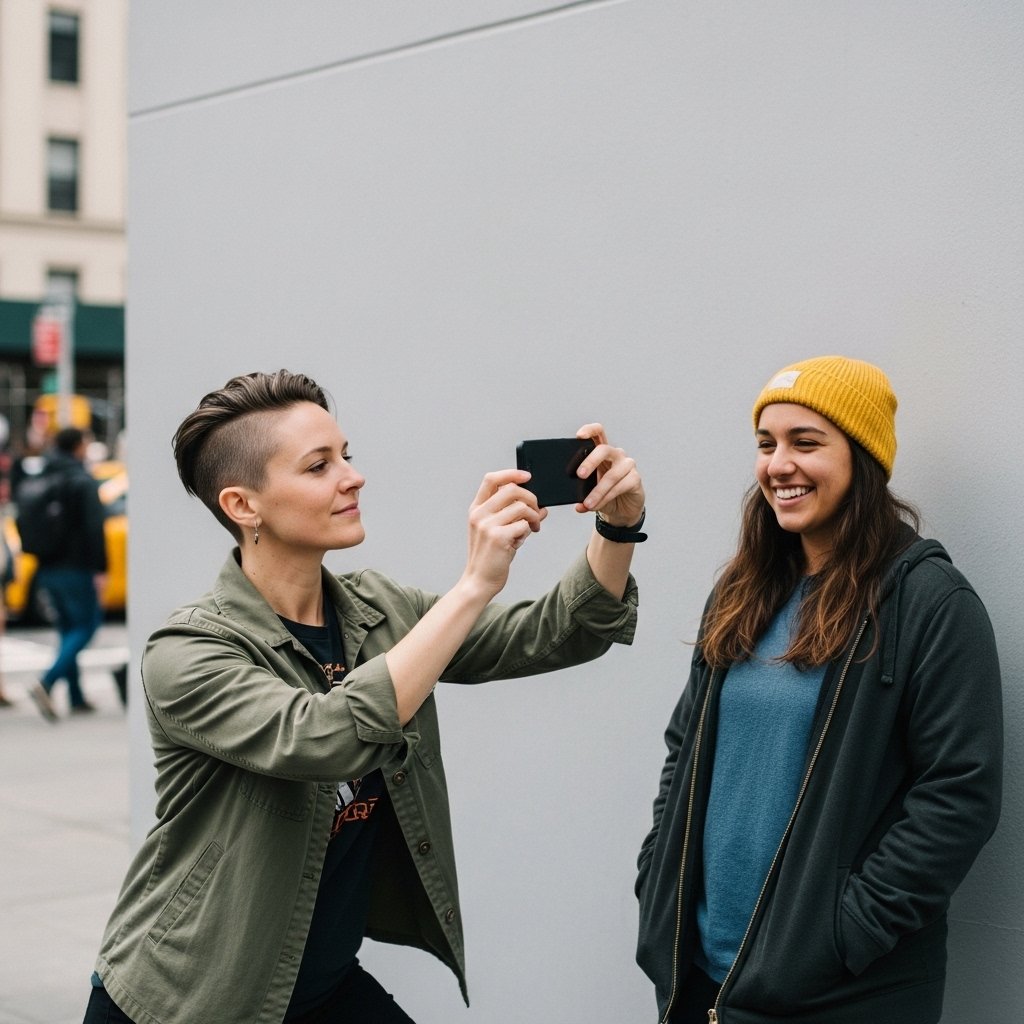
The subject is distracted by a crowded background. Look at the frame edges prior to firing. Single colored backgrounds make the focus subject stand out and be more deliberate.
Use Portrait Mode Carefully
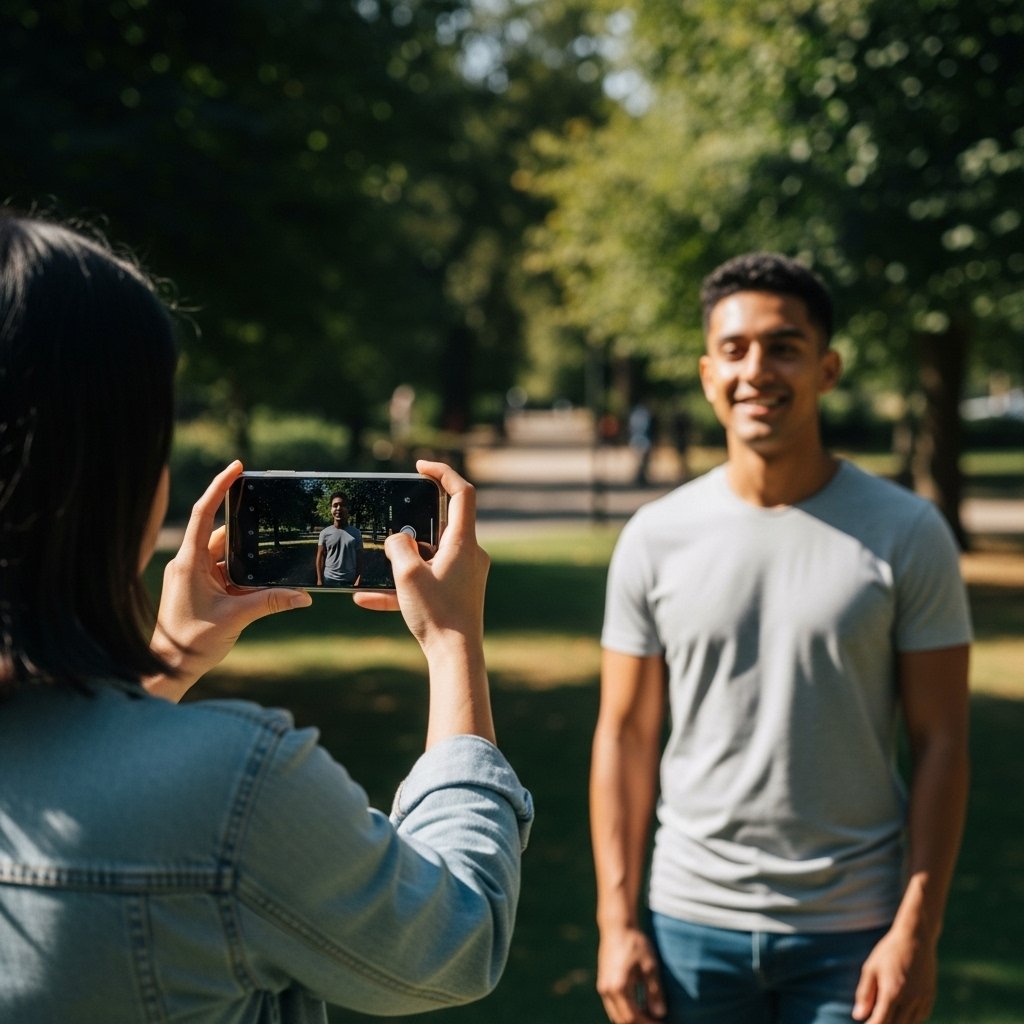
Portrait mode is the best under bright light. Separate the subject and the background. This assists in edge detection and in providing a natural depth effect.
Adjust Exposure Manually
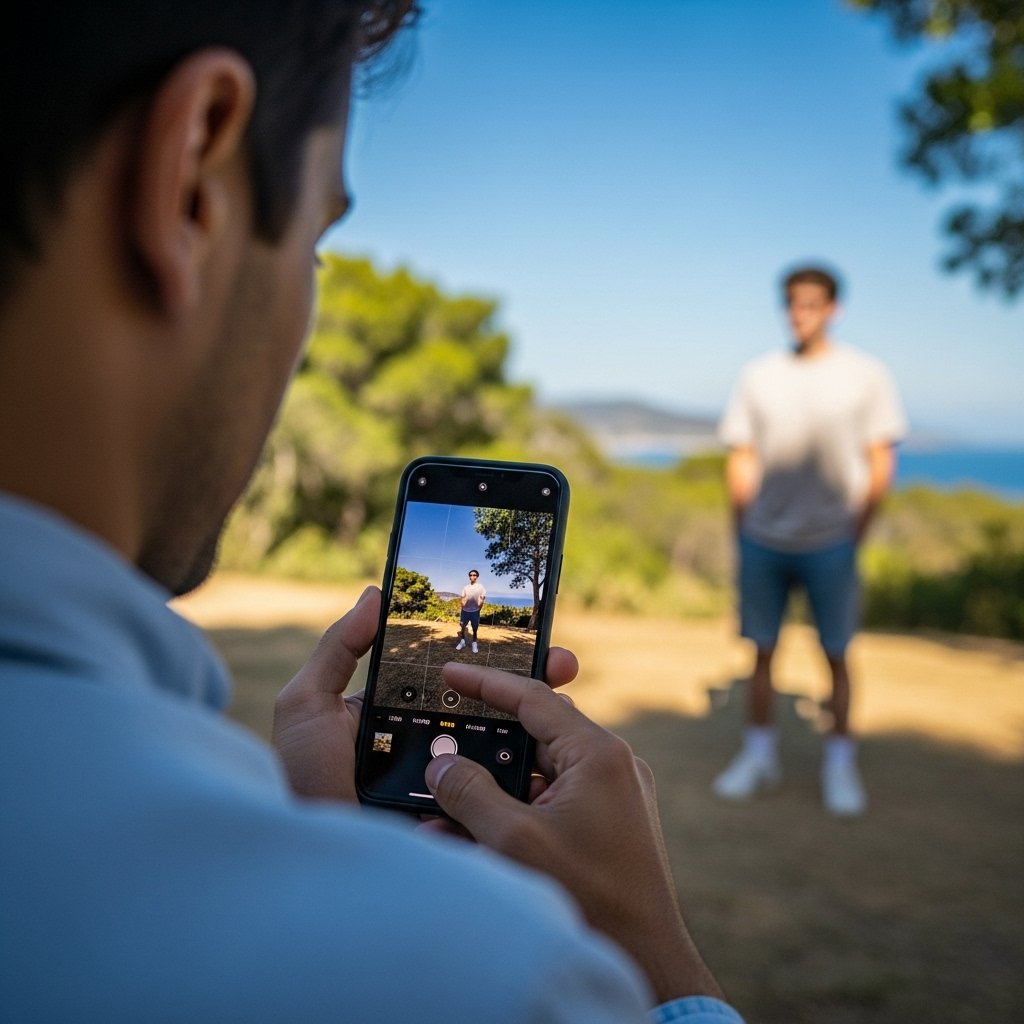
The exposure can be adjusted in most phones. Adjust the brightness control small setting. This saves highlights and prevents overbright spots, particularly in outdoor scenes.
Keep the Camera Updated

The updates to the software enhance the performance of the cameras. They contain bugs and improve image processing. Frequent updates can guarantee constant results and improved low-light performance.
Take Fewer, Thoughtful Shots
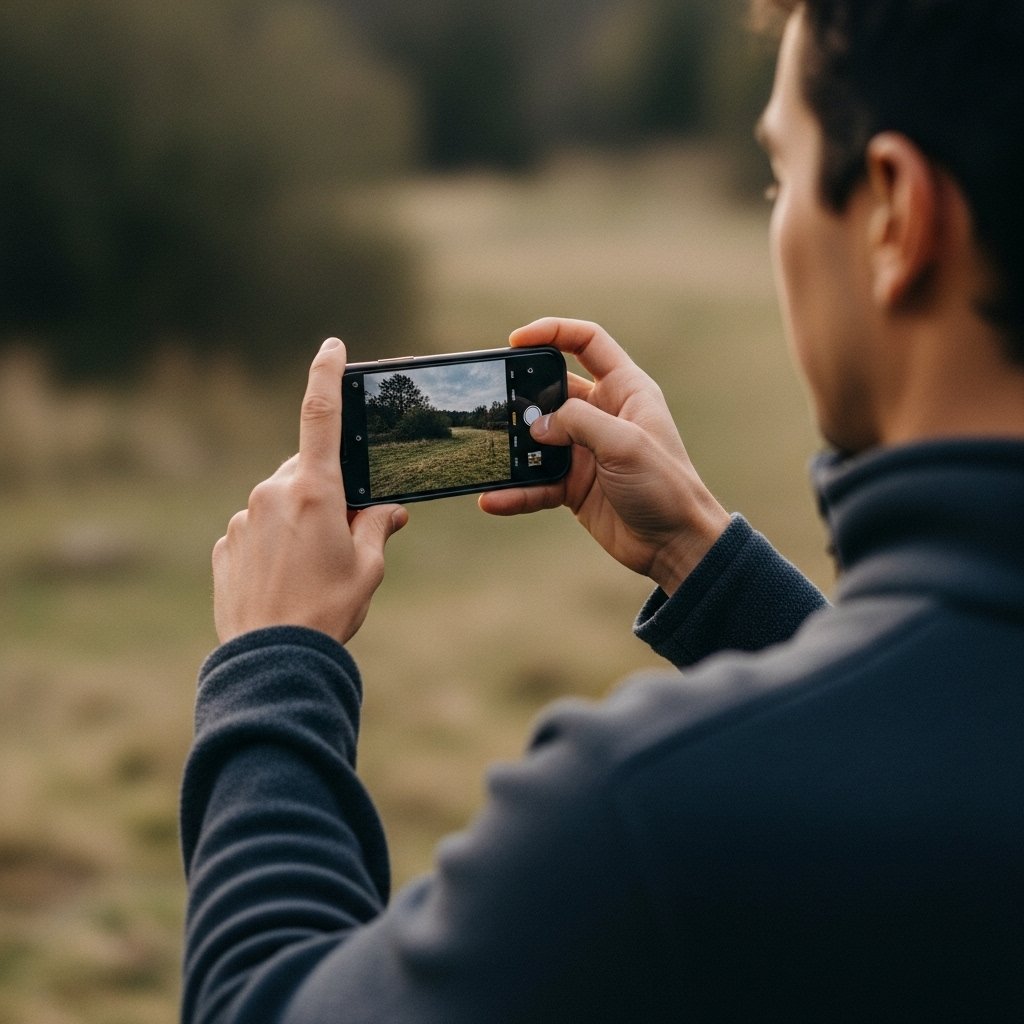
Do not shoot quickly, but without a break. Take time to frame each photo. Reduced and considered shots result in superior composition and less heavy editing in the future.
