
The internet supports daily communication, learning, and work tasks. It helps people manage documents, find services, and stay informed. Many routines now depend on simple online actions such as email, searches, and digital forms. Understanding basic concepts improves safety, speed, and confidence. It also reduces mistakes that cause delays or data loss. A few clear habits can protect personal information and improve device performance. The points below explain essential internet basics in simple language. They focus on safe use, clear navigation, and responsible sharing. Each section covers one practical habit that supports steady online routines and reliable digital access.
Browser Basics

A browser opens websites and online tools. Keep it updated for security and performance. Use bookmarks to save trusted pages. Close unused tabs to reduce device load. Clear the cache occasionally to fix display issues and improve loading speed.
Search Skills

Use specific words to get better results. Add location or year for accuracy. Read page titles before opening links. Avoid unknown sources. Compare at least two results before trusting important information for learning, payments, or official forms.
Email Etiquette
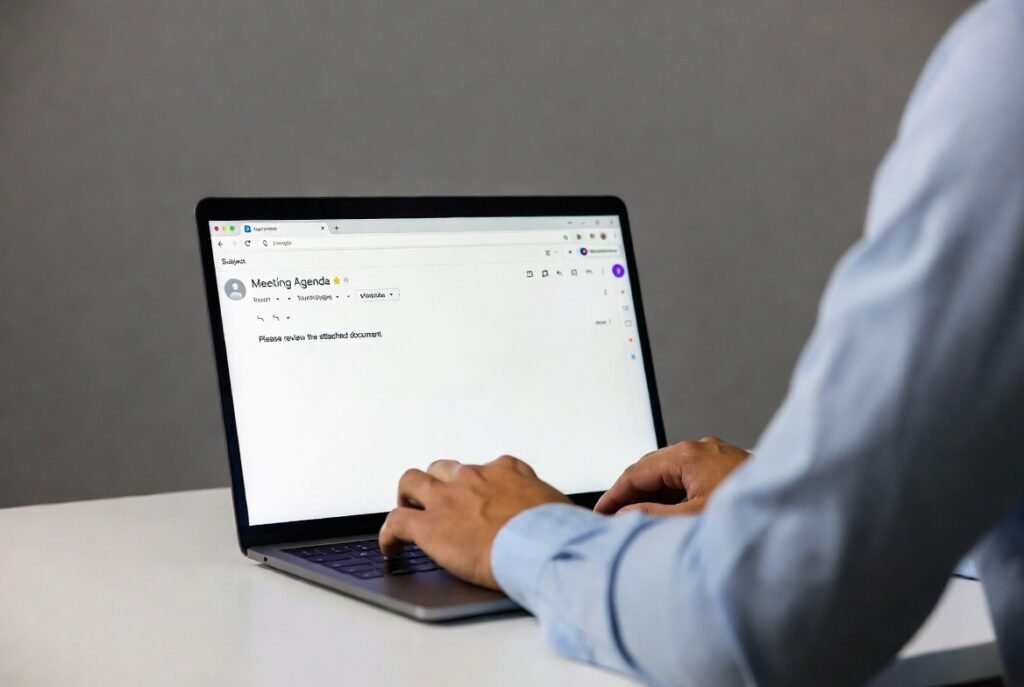
Write clear subjects and short messages. Avoid sharing personal numbers in open threads. Check sender addresses carefully. Do not open unknown attachments. Organise messages into folders to keep records easy to find.
Password Protection
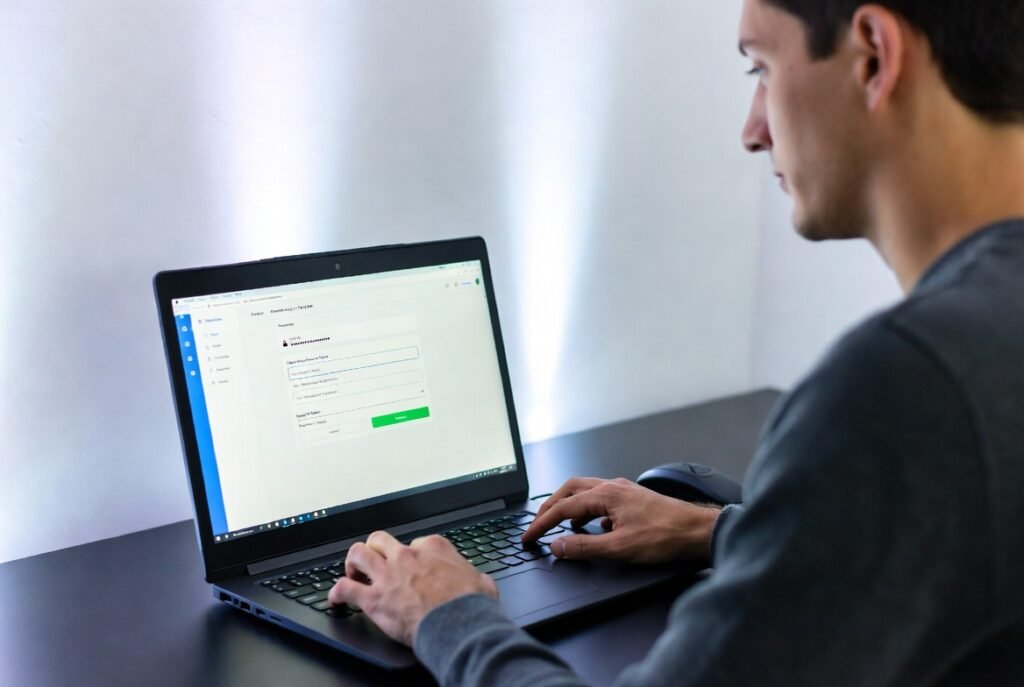
Use a different password for each of your accounts. Throw in some letters, numbers and quirky symbols to make them extra secure. Avoid personal names. Change passwords periodically. Store them in a secure manager. Never share passwords through messages or public devices.
Two-Step Verification
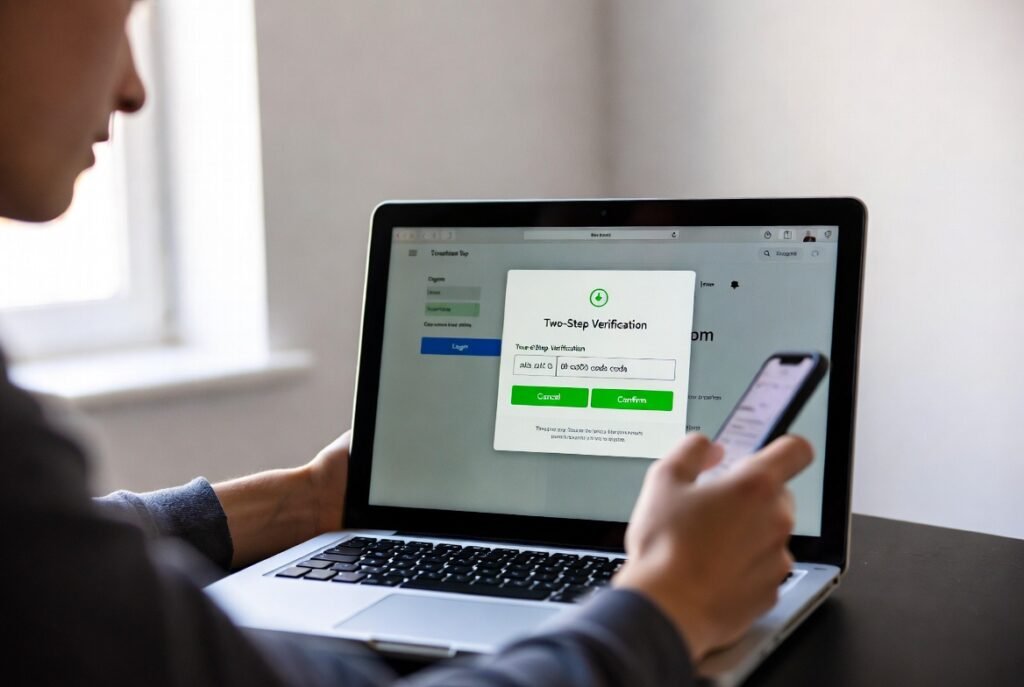
Turn on two-step verification whenever it’s an option, it adds an extra layer of protection to your accounts. This step protects accounts even if a password is exposed. Keep your backup codes in a safe place so you can log into your accounts if you switch devices or have an emergency.
Safe Downloads
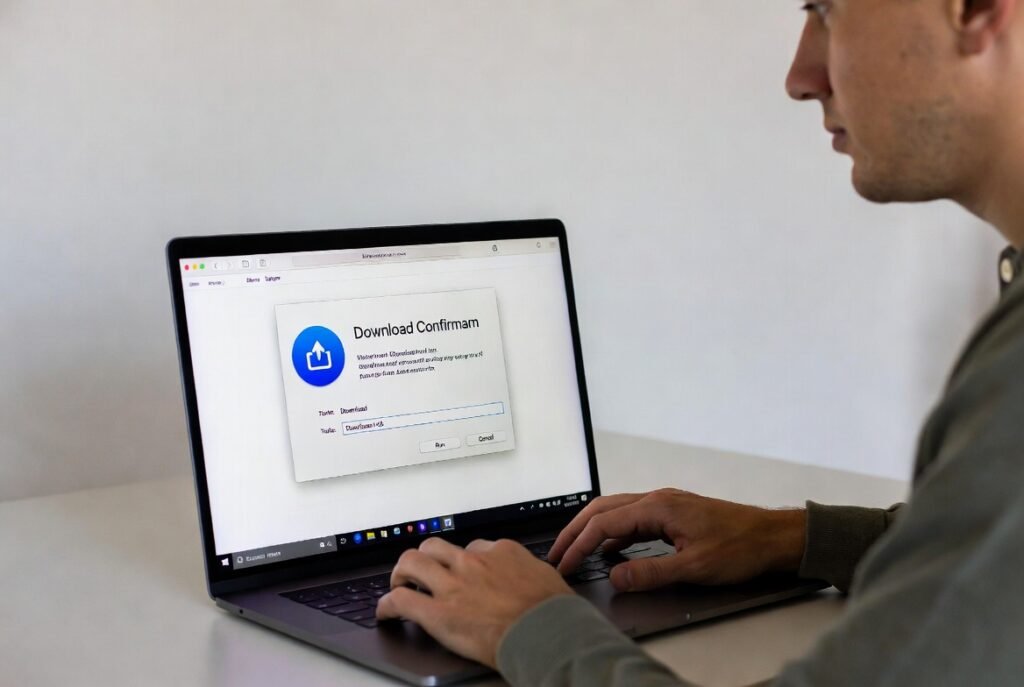
Download files only from trusted sites. Read file names carefully. Avoid unknown extensions. Scan files with security tools. Remove unused files to save space and reduce risks on shared devices.
Privacy Settings
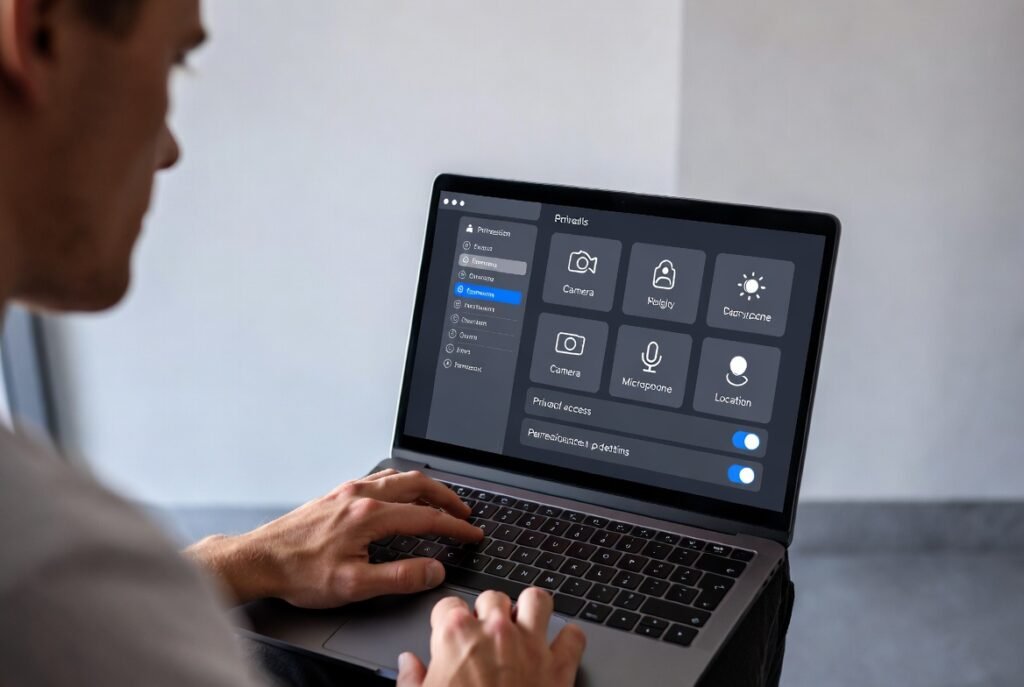
Review privacy controls on apps and websites. Limit public visibility of profiles. Allow only necessary permissions. Turn off location sharing when not needed. These steps reduce unwanted access and protect personal details.
Cloud Storage

Cloud storage keeps files online. It supports backups and sharing. Name folders clearly. Use sharing permissions carefully. Keep a local copy of important documents for access during network issues.
Public Wi-Fi Care
Avoid signing into important accounts on public networks. Use secure websites with visible security indicators. Log out after sessions. Turn off file sharing. Forget the network after use to prevent automatic connections.
Updates and Maintenance

Install system and app updates promptly. Updates fix bugs and security gaps. Restart devices occasionally. Remove unused apps. Keep enough storage space free to maintain smooth performance and reduce errors.
Digital Footprint Awareness

Every online action leaves a record. Share only what you are comfortable keeping long term. Review old posts and accounts. Close unused profiles. Maintain consistent information across platforms for clarity and trust.
