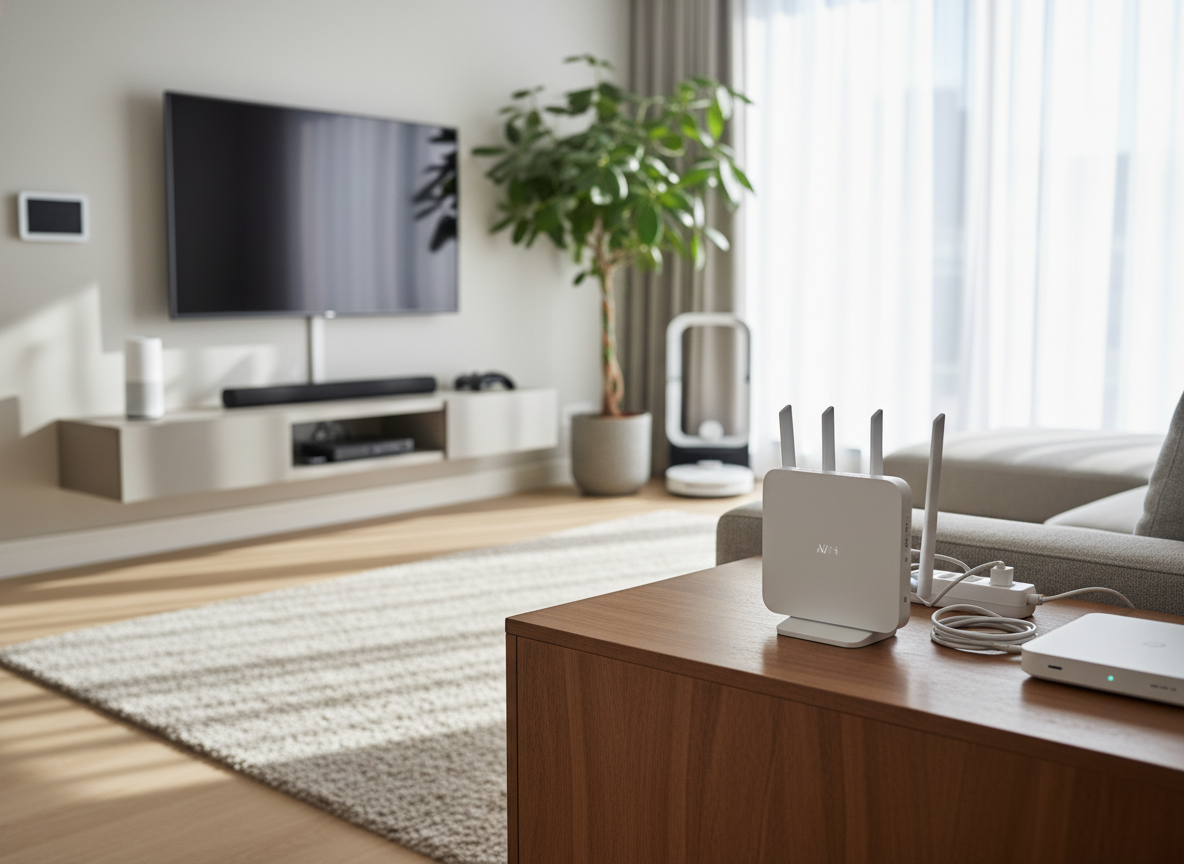
A router is a Wi-Fi router that is the hub to which all phones, computers, televisions, and smart devices within a home connect. Whereas individuals are preoccupied with selecting a quick internet arrangement or updating their router, only a small number of individuals think about the impact on the immediate environment on the performance of wireless networks. Electronic devices nearby may also affect the signal of the router silently, resulting in low speed, unsteady connections and constant buffering. This is not always due to interruption by the service provider. Most of the time, it is due to the proximity of simple household devices to the router. By clearing the area around your router, you enable the signals to move around and ensure a steady network performance by the router, all over your home.
Microwave Ovens
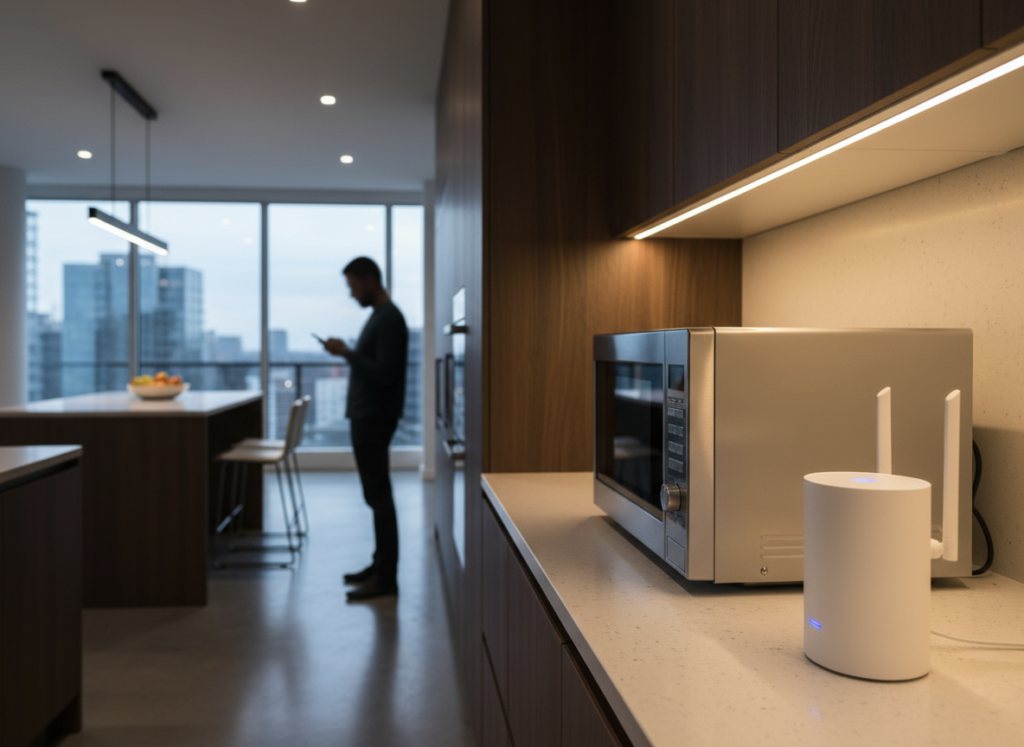
The frequency range of most of the Wi-Fi routers is similar to the electromagnetic wave that microwave ovens emit. By being close, they can disrupt the operation of wireless signals, leading to reduced speeds in browsing, slow loading of video and temporary inability to connect among connected devices.
Cordless Phones
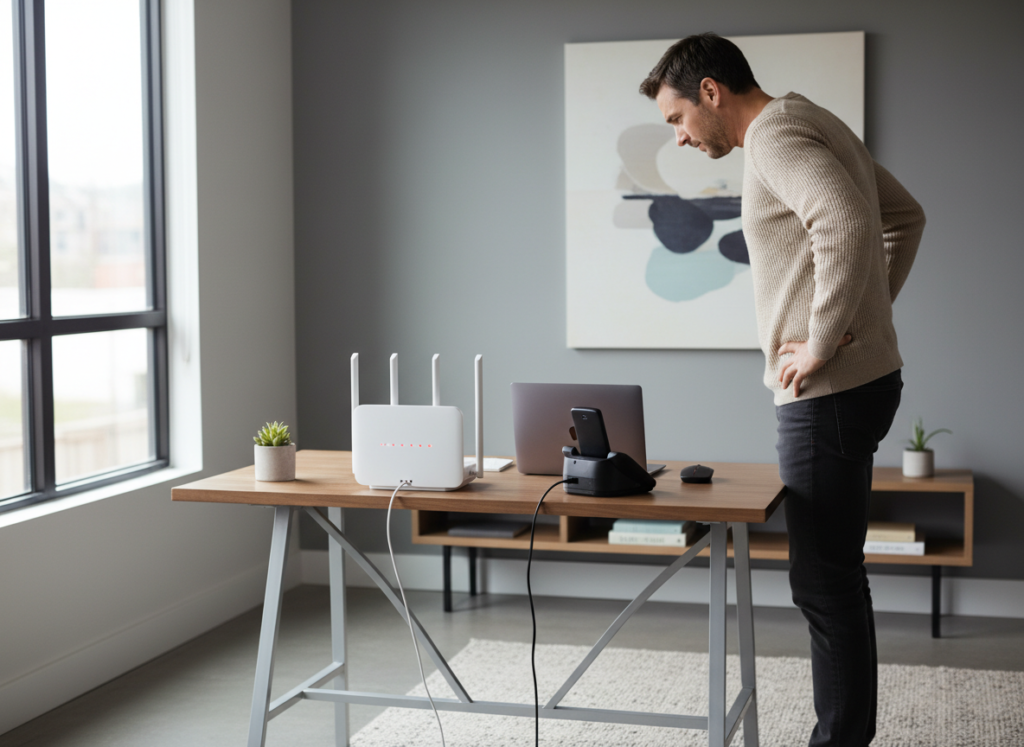
Frequency bands of cordless phones usually overlap with Wi-Fi signals. Having them physically next to the router can result in subpar coverage and call disconnections. Physical distance will ensure there is less signal overlapping and enhance the stability of connections.
Bluetooth Speakers
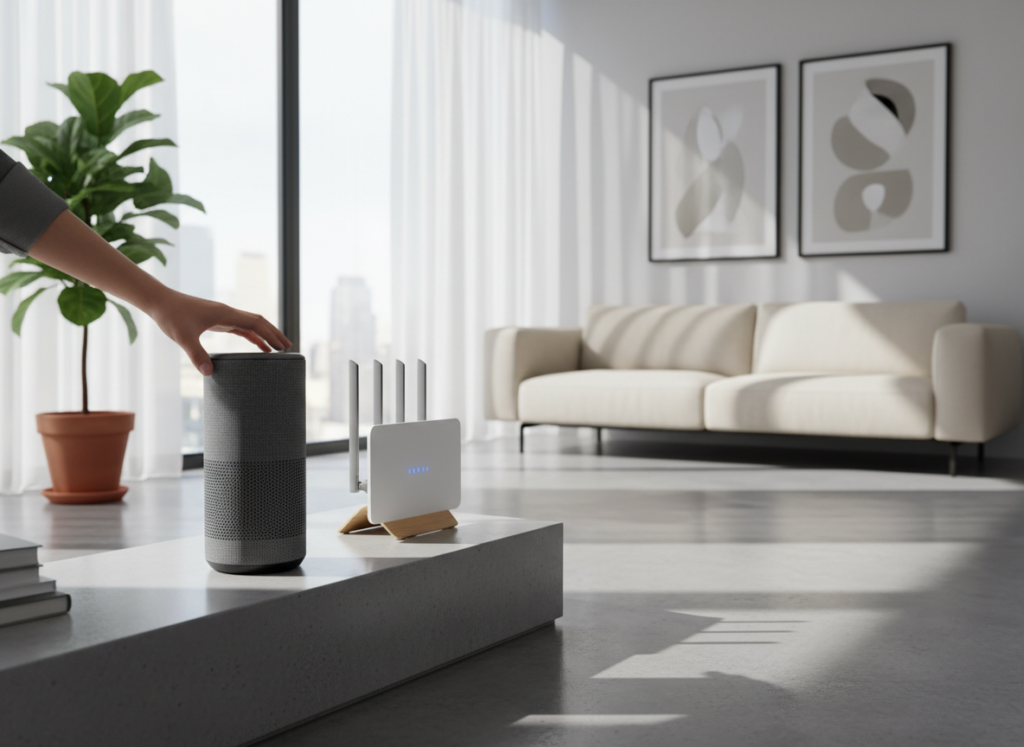
Bluetooth speakers release low-range wireless signals, which may cause slight interference even when they are installed close to routers. Although not very noticeable, the performance may be weakened slightly in case of prolonged placement, particularly where several wireless devices are in use at the same time.
Television Sets
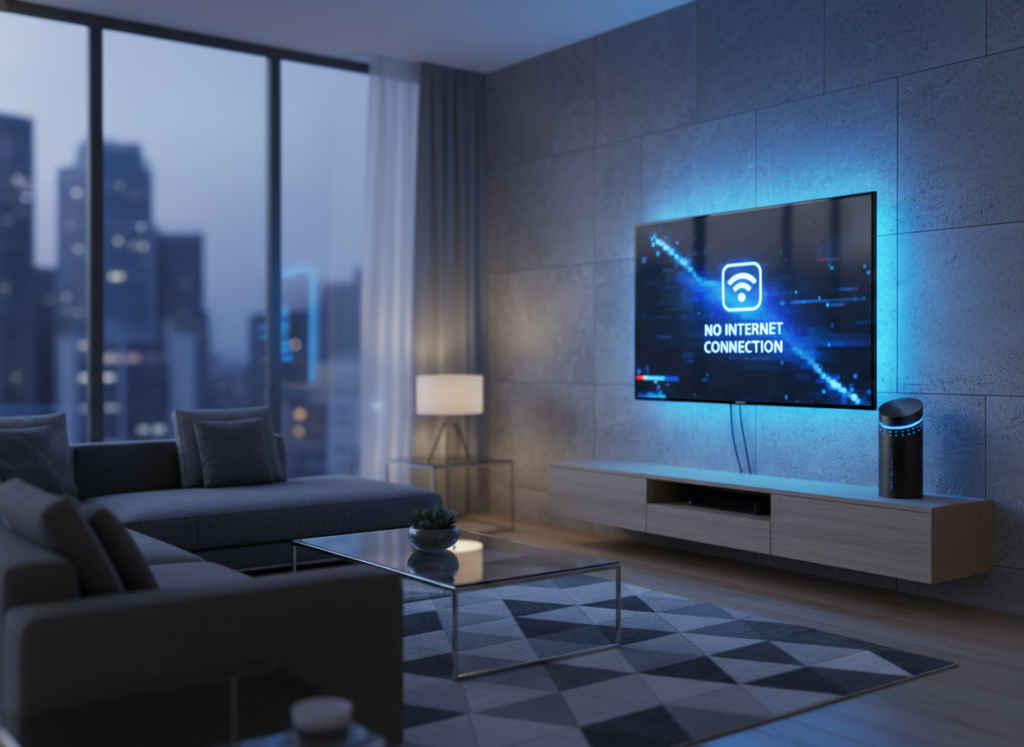
The big television sets have internal electronic parts that give birth to electromagnetic noise. An installation of routers in the back or beside the television set can cause the signal strength to reduce, thus making the other devices connected maintain a low stream speed.
Baby Monitors
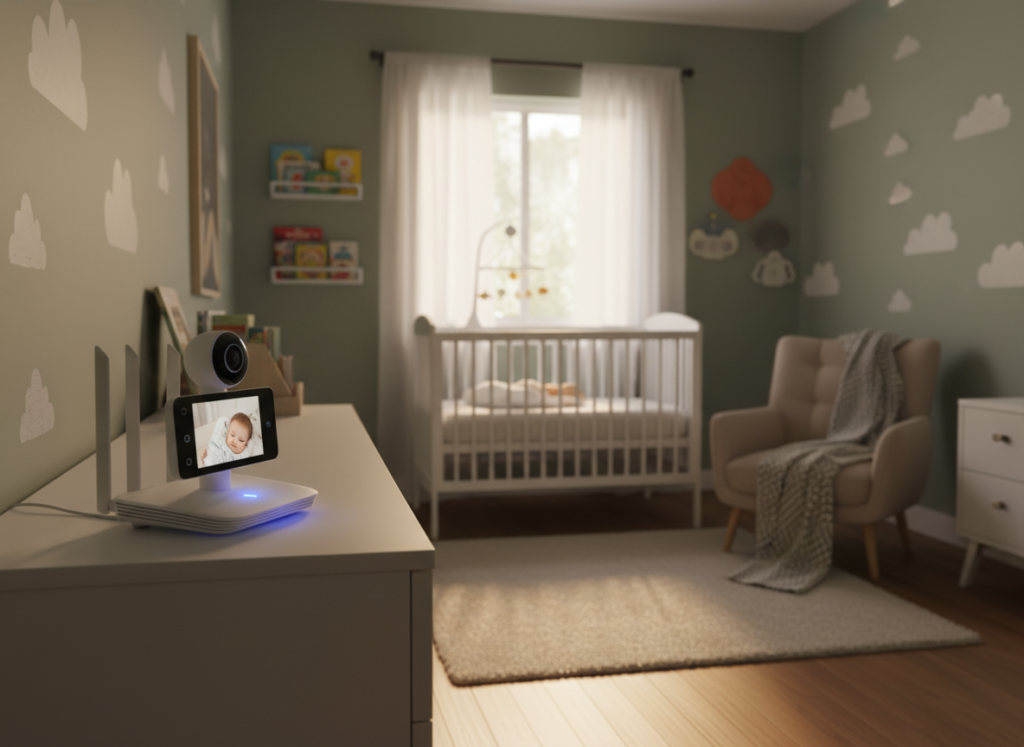
Baby monitors are also wireless and capable of producing continuous electrical signals that may overlap router frequencies. Keeping them near the router can lead to poor signal coverage, which will result in intermittent speeds of internet speeds and slight disconnection in adjoining rooms.
Refrigerators
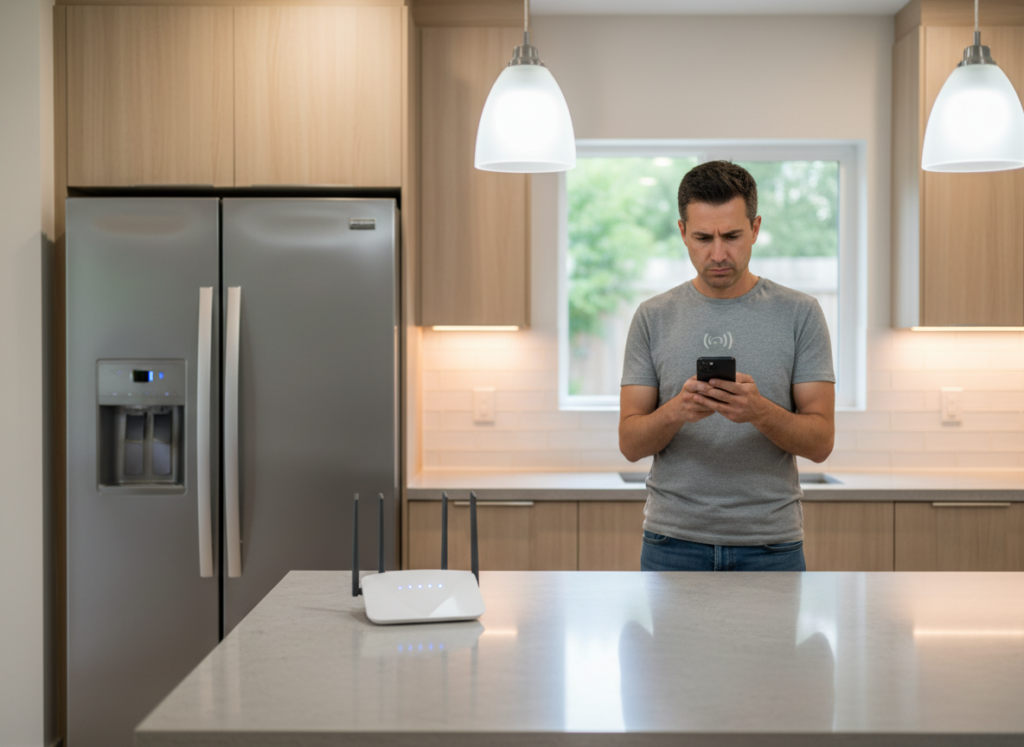
Fridges are huge metallic devices which can deflect or reflect wireless communications. Placing routers next to them can result in uneven coverage, especially in houses with thicker walls or with small open areas.
Smart Home Hubs
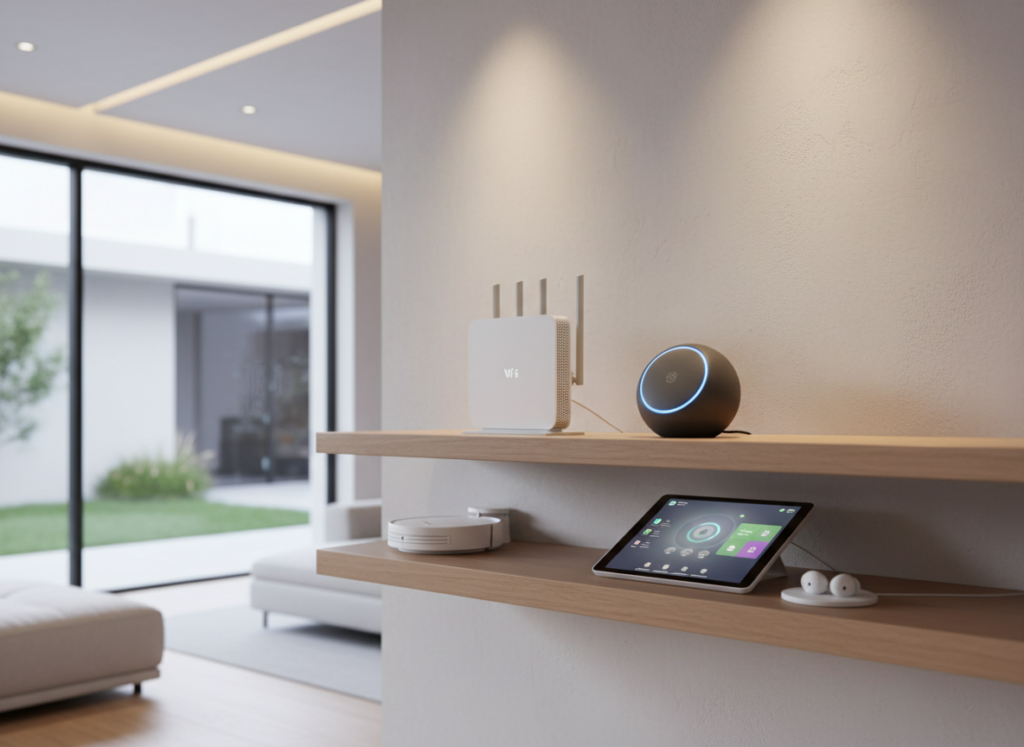
Smart home hubs control a number of wireless connections simultaneously. Having them within easy reach of routers may cause overload of the signal traffic within a small space, which may cause a short-lived slowdown during the busy time.
Desktop Computers
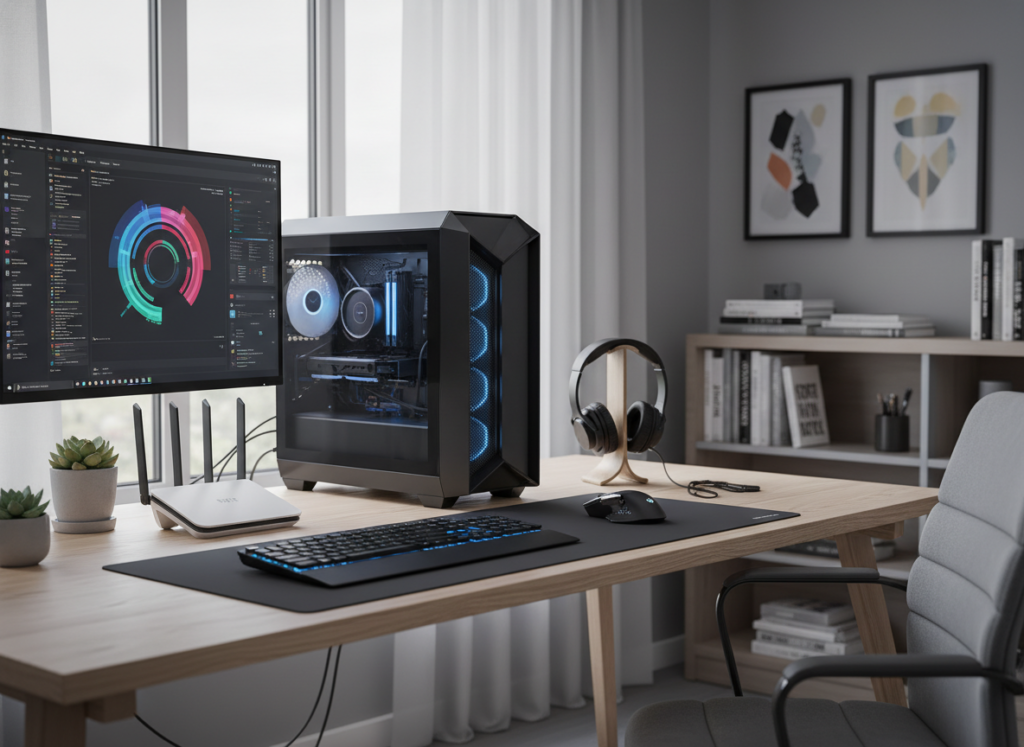
The power supplies of the desktop computers and the internal parts of the desktops produce electrical noise. When they are placed next to routers, transmission of signals may be compromised in a small working space or in a learning room.
Metal Cabinets
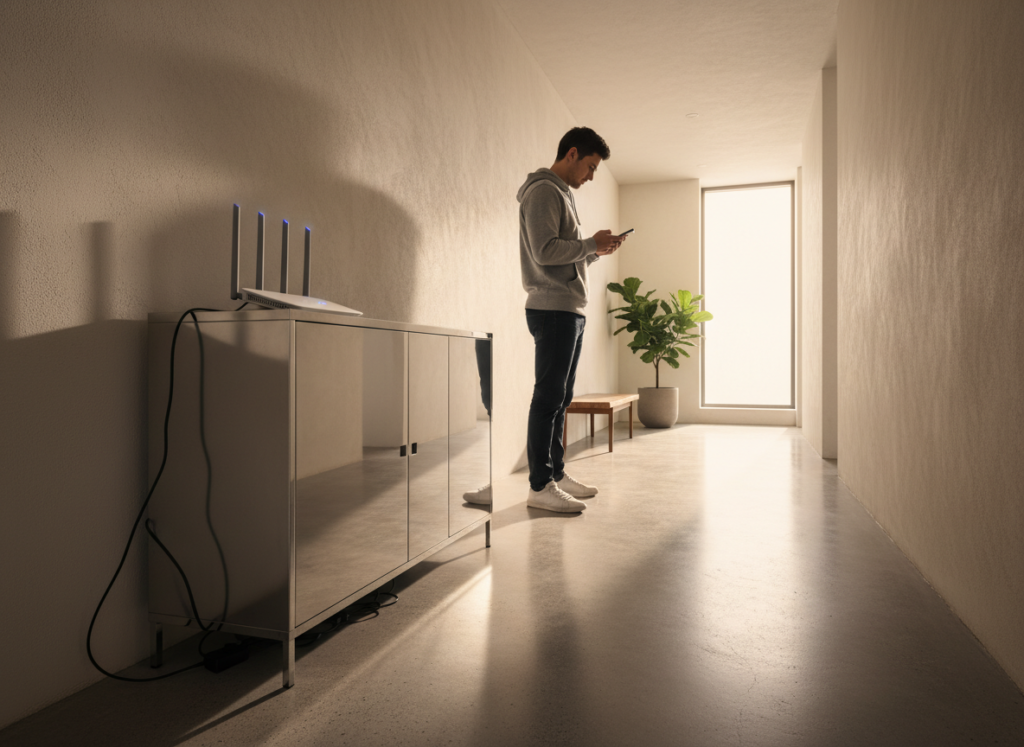
Cabinets made of metal reflect and absorb wireless signals. A router that is placed close to or inside such cabinets might find it limited to a shorter range, which may lead to loss of connectivity to other rooms further away, and the router may not have good browsing performance.
Wireless Printers
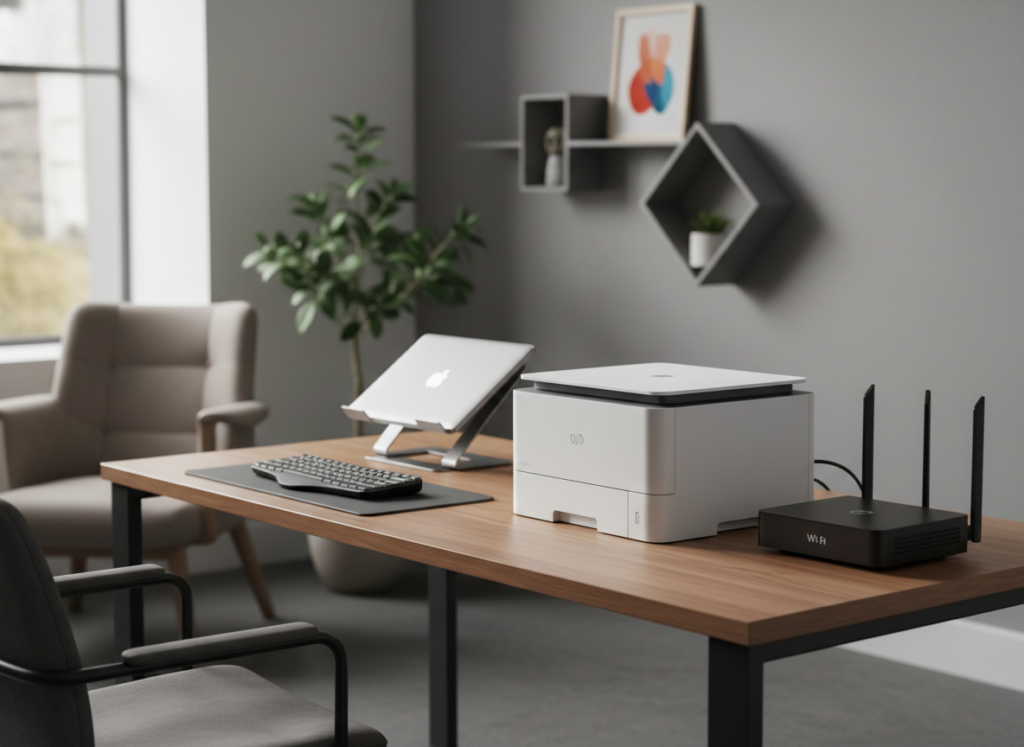
The wireless printers interact with other connected devices. Placed too near routers, their background signal activity can be added to the network congestion, resulting in slower data transfers.
Power Extension Boards
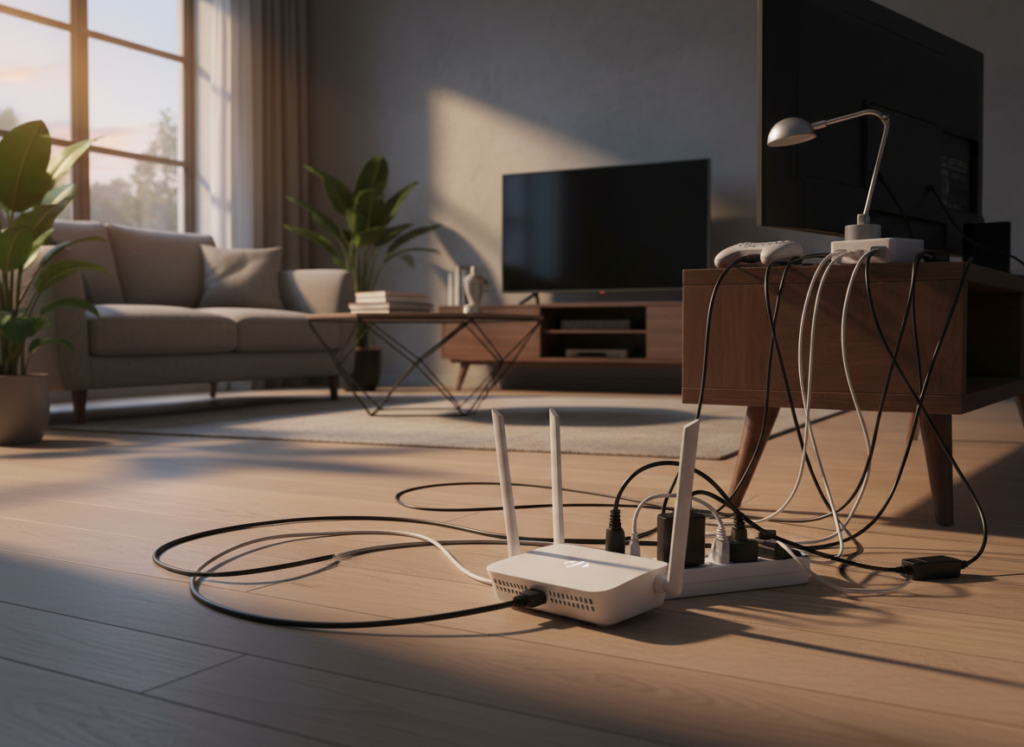
Power extension boards are also loaded with several currents of electricity that may produce interference at lower levels. Plugging the routers on top of these boards can marginally influence stability, especially when lots of appliances are plugged in and operating at the same time.
