
When it comes to the photos then the best part is that they contain the special moments for everyone, but along with it they hold personal information that you don’t want to share. Among this, geotagging is one of these details that captures the actual place where a photo was taken. So, when any photo is posted on the internet, it can reveal all your information like home address, workplace or anything. To know how to overcome this situation, it’s advisable to check out a few steps present ahead.
Know What Geotagging Means
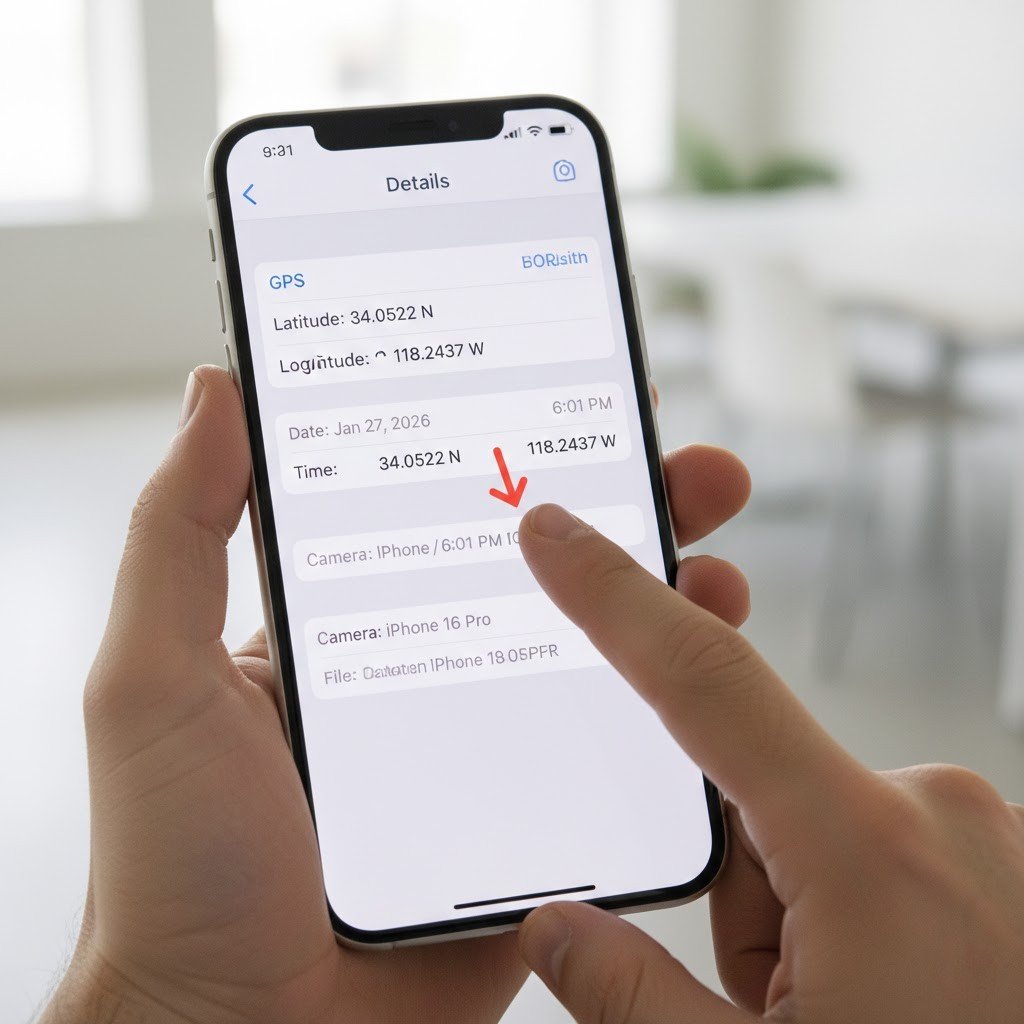
Geotagging is the act of including the location information, e.g. latitude and longitude, in photos. The smartphones and digital cameras, which have the GPS feature activated, store this data automatically. Although it comes in handy when sorting memories, it may lead to sensitive places being uncovered.
Check Data Location Practice Pre-Sharing

Check to see whether any photo has location details before uploading or sending it over. Most gadgets can also access photo details, such as the location where it was taken. It is a fast examiner to ensure that you do not share your location accidentally.
Turn off Location Information on Android phones
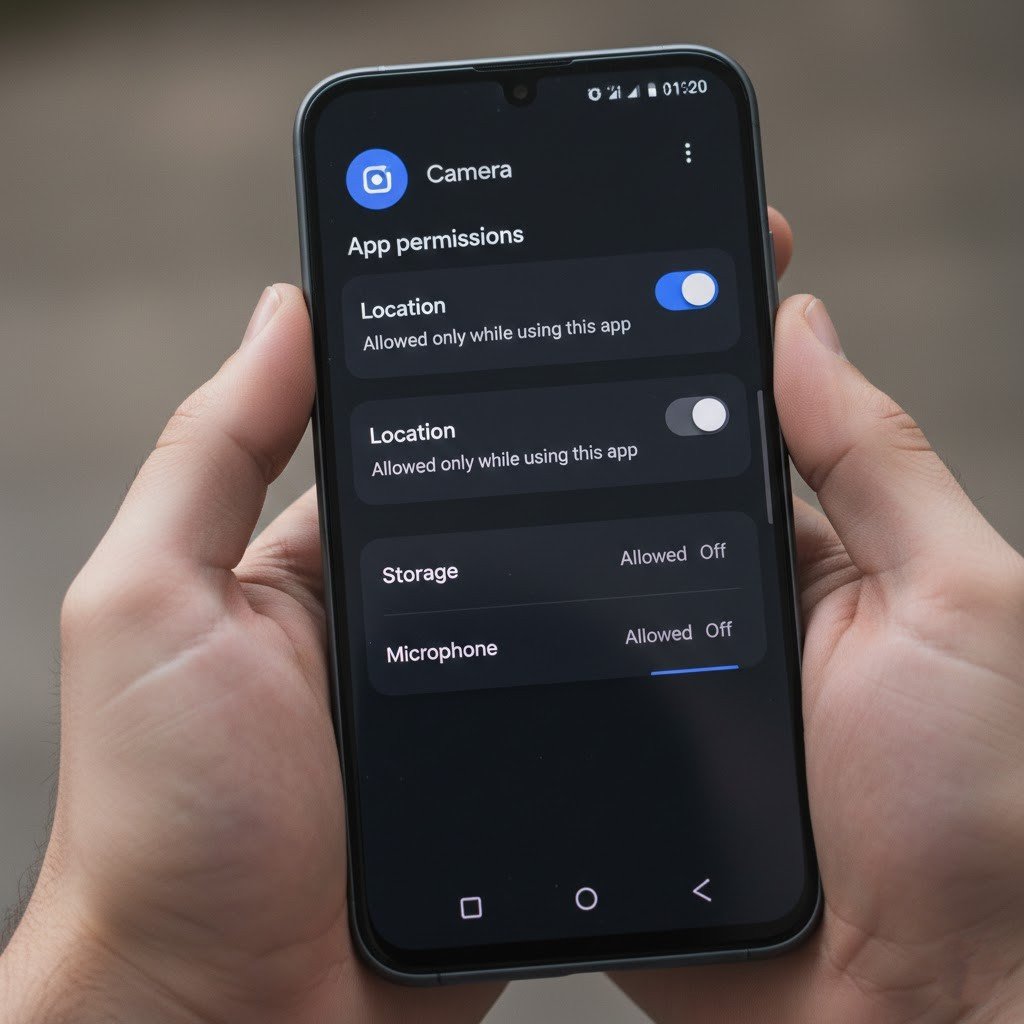
Android cell phones enable one to access their location information and erase it right in a photo. Tap the photo, open the details or settings and delete the location information. The procedures might be slightly different according to the phone brand, though the option is normally located easily.
Switched Off Camera Location

The one method of ensuring privacy is to turn off the location access of your camera app. This makes the geotagging of future photos impossible. You are able to customise this by using your privacy settings or location settings on your phone.
Learn to use Photo Editing Apps to take out Geotags
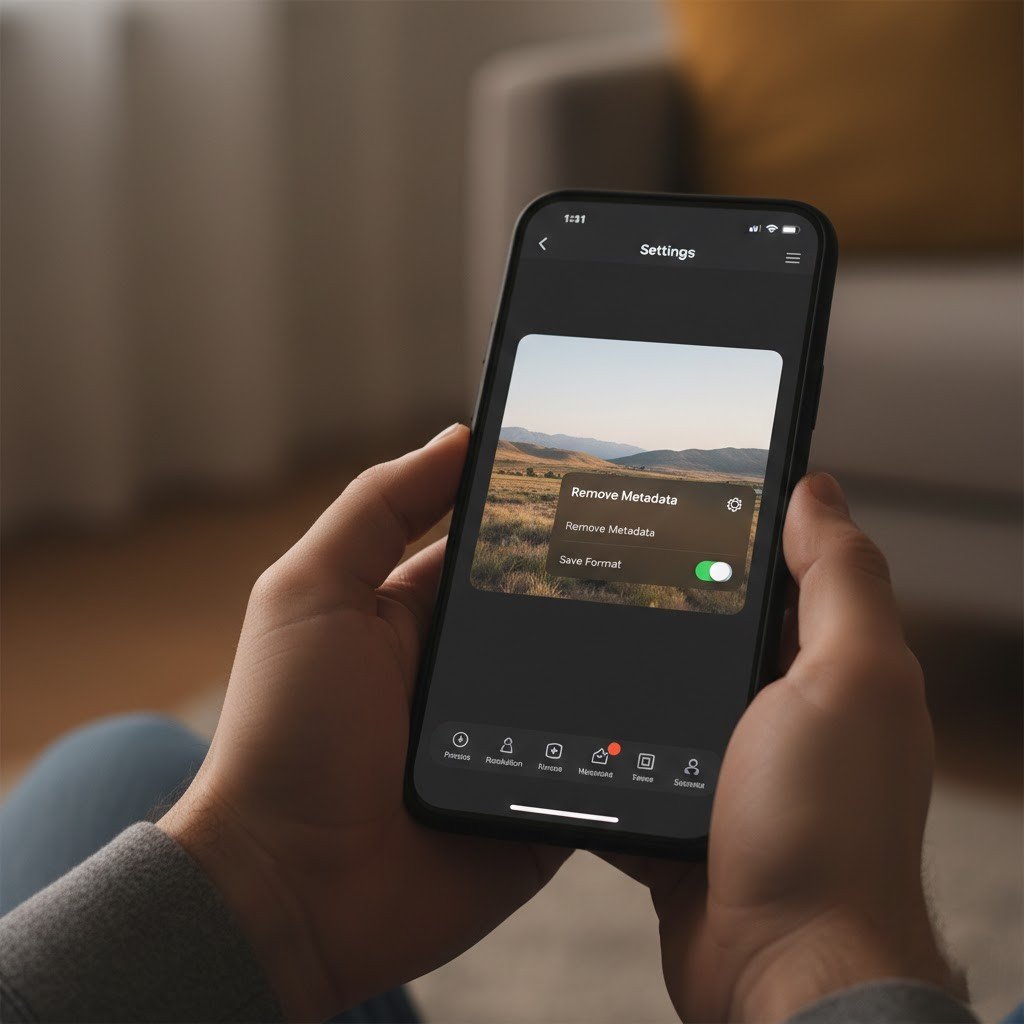
Numerous photo editing applications permit the user to strip data, such as location information. Such applications are applicable in the case of dealing with numerous photos simultaneously. They offer an easy method of cleaning up images prior to uploading them on the internet.
Delete Geotags in Windows Computers
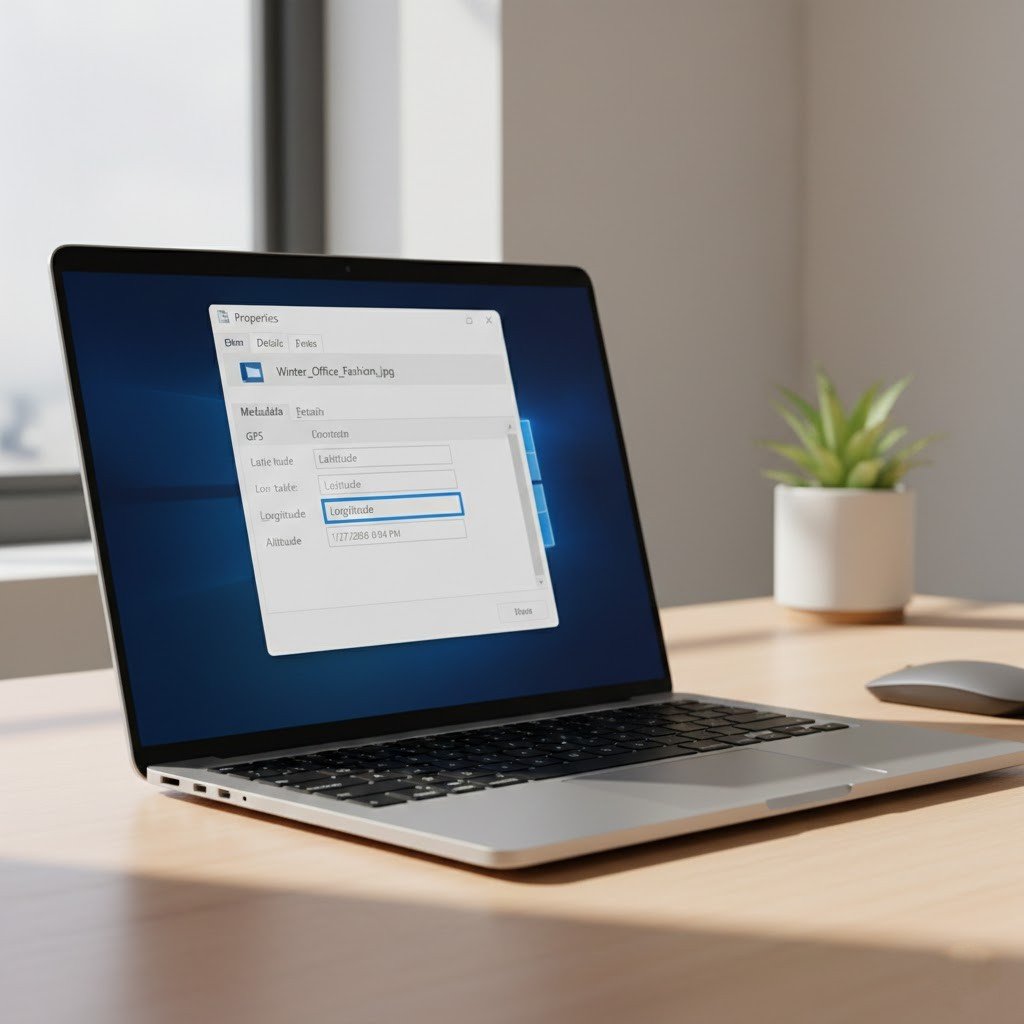
Windows users will be able to delete geotagging by using file properties. The location data can be deleted simply by right-clicking an image and editing its details. This can be applied to photos that are transferred through phones or cameras.
Erase the Geotags on Mac Computers

Location data can be deleted by Mac users with the help of the Photos application or Preview. Both of them enable easy access to photo information. By a couple of clicks, users can remove location information without adjusting the picture.
Take Care when Using Cloud Services

Photo metadata, such as location metadata, can be stored in cloud storage services. When posting pictures on cloud-based platforms, make sure that there is location information. It’s possible to make sharing settings.
Clean Old Photos Regularly

Geotagging information may still exist in old photos in devices or computers. Perusing and scrubbing these pictures aids in safeguarding privacy in the long-term. The risks are minimised by deleting location information on archived pictures in case files are shared in the future.
Train Family Members on Geotagging

Geotagging can be unnoticed by children and older members of the family. Educating them on how to disable or delete location data enhances privacy in families. Knowledge will assist in avoiding unintended disclosure of home addresses or other popular locations as a result of the sharing of photos in the virtual world.
Make Privacy a Regular Habit

Securing your location should not be one time. Review camera settings, photo metadata and sharing habits on a regular basis. Being consistent will aid in keeping personal information in check. Easy measures undertaken on a regular basis can go a long way in minimising privacy risks in the event of photo geotagging.
